
Create your Newsletter
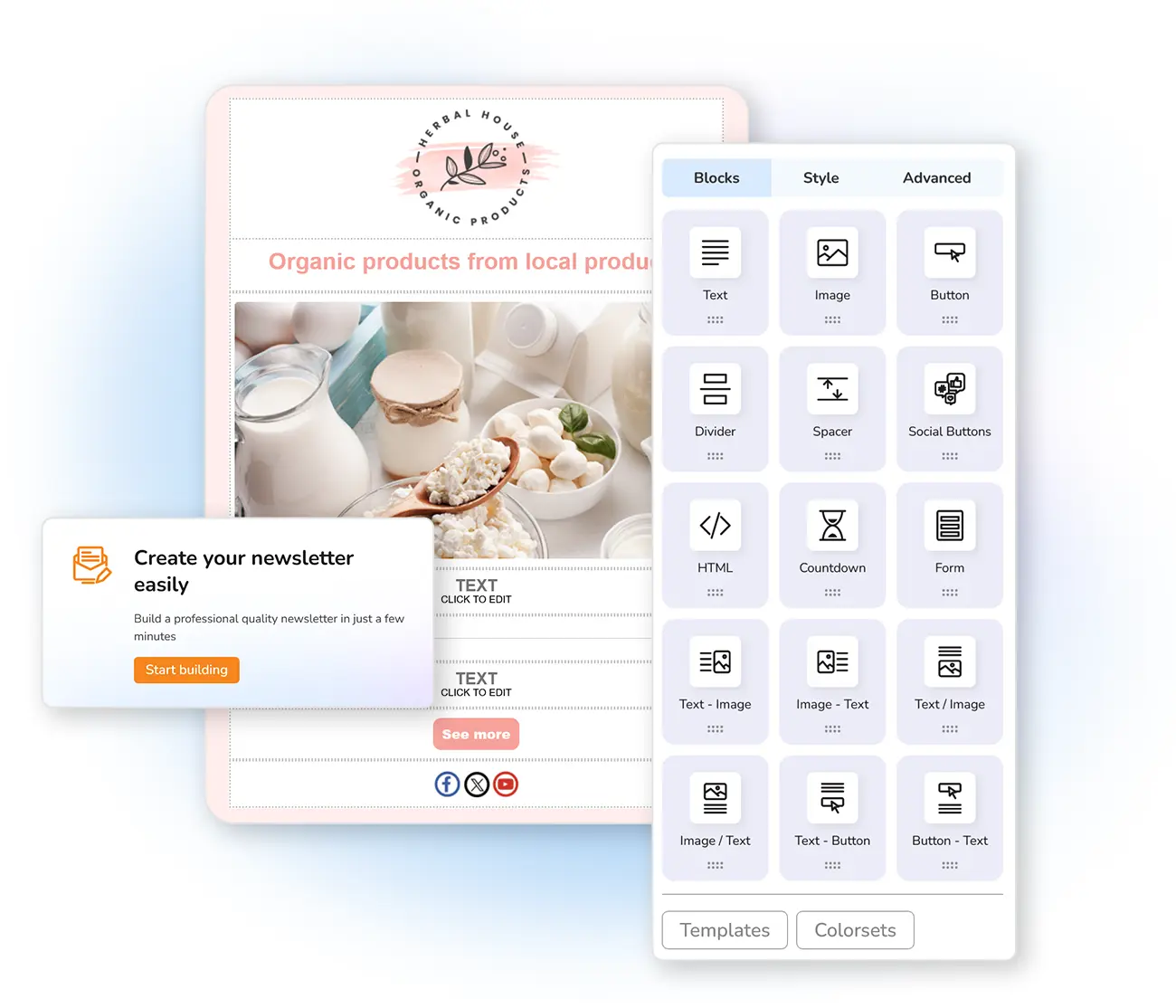
We have developed an application that will allow you to create newsletters easily by choosing blocks of contents.
Watch the videos to see newsletter creator in action! You can also use the " HTML editor or import files with your ready newsletters, or personalize your newsletters thanks to dynamic fields then test it with our anti-spam .
More about creating newsletters ⟶
Newsletter Templates
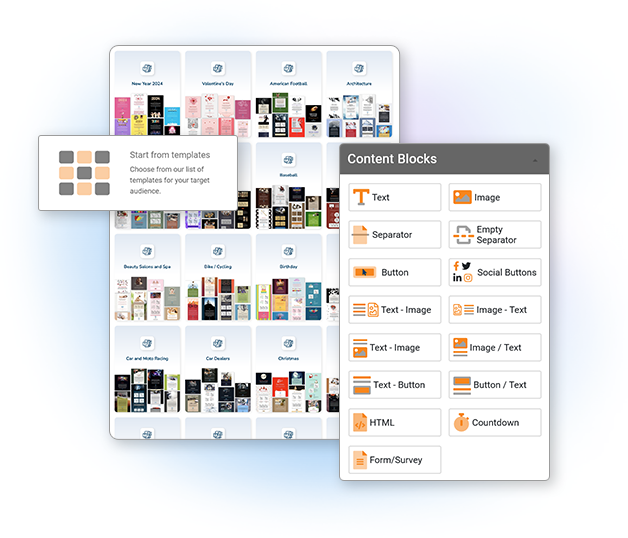
With Mailpro, you can choose to use our newsletter template creator according to your language and your theme ('Happy New Year' for example). The template can then be edited using our newsletter creator which is a suitable tool for people with no coding knowledge. You will also be able to easily create buttons and social media buttons .
View all the templates ⟶
Contacts Management
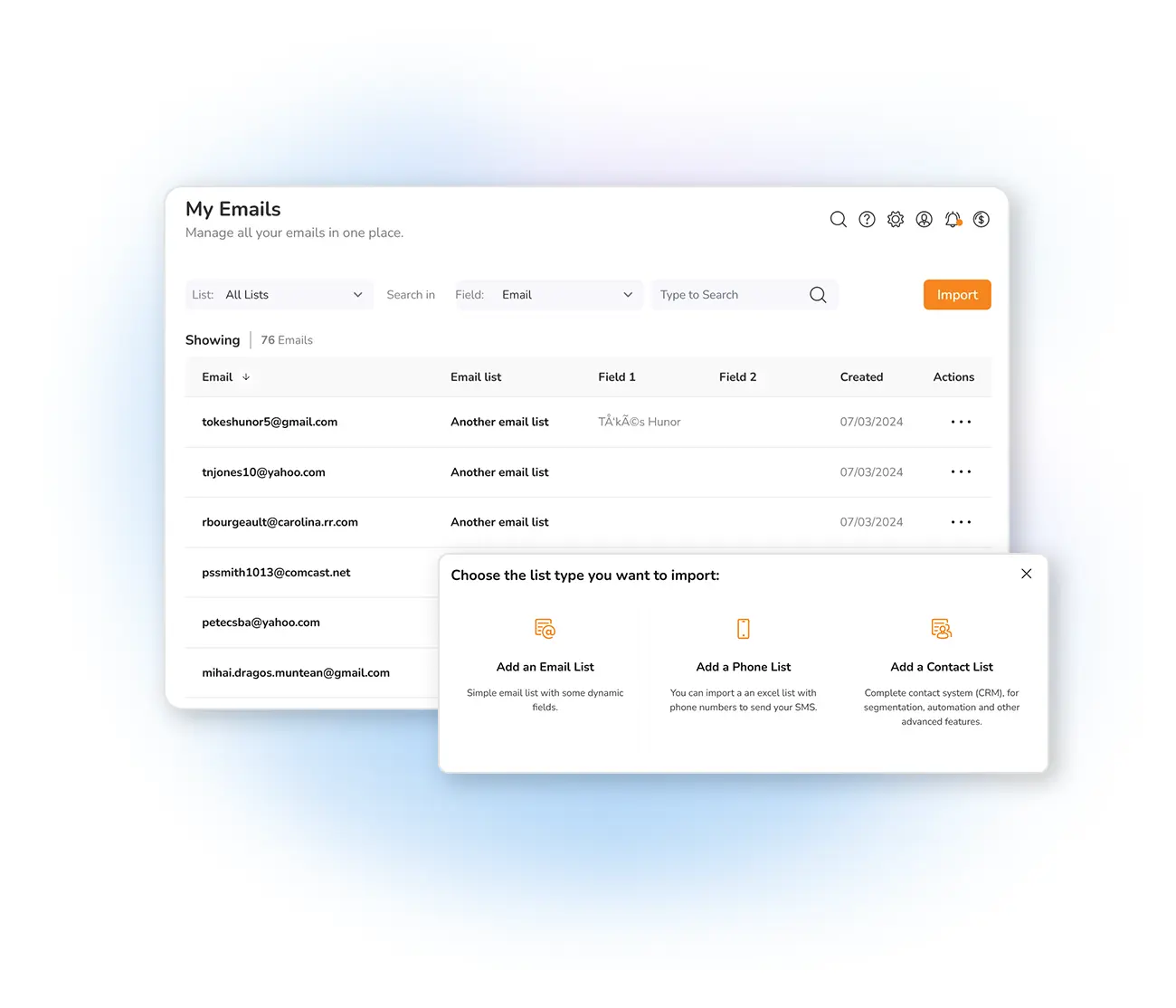
With Mailpro™, manage your notebooks, e-mail addresses simply and effectively:
The Mailpro™ newsletter software integrates the automatically management of unsubscriptions and badmails.
More about managing contacts ⟶
Email Campaigns
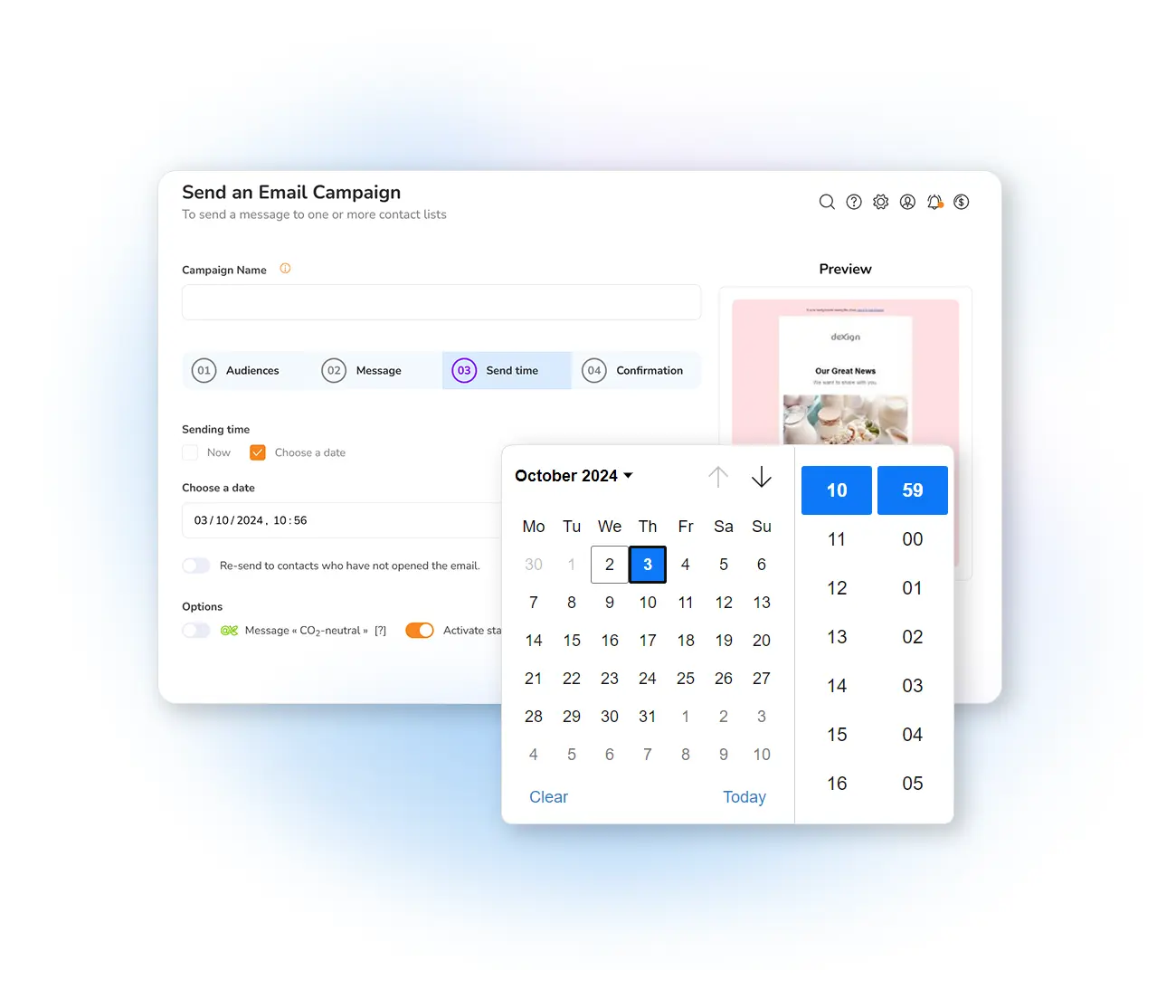
Mailpro is the ideal software that guides you through all the stages of your email campaign.
With Mailpro™, all the process of sending an email campaign is a breeze. Mailpro offers you a series of tools and functionalities that help you send effective email campaigns that convert.
Mailpro™ email marketing platform integrates all you need to send your email campaigns and then track or follow-up its effectiveness.
Learn more about email campaigns ⟶
Email Automation
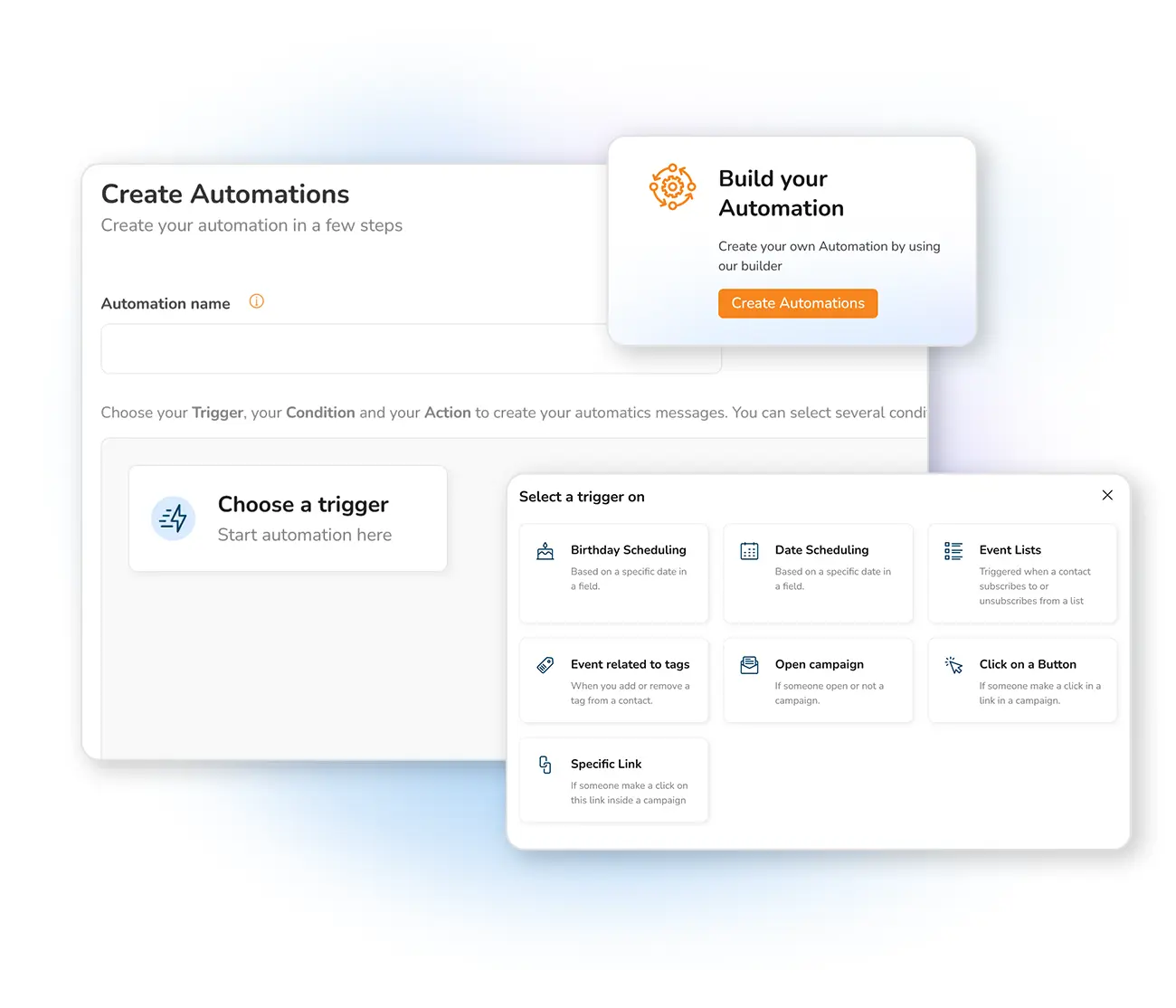
Automate your communications for a better customer experience. For example, you can create welcome emails for your newsletter subscriptions (autoresponder), send some automatic birthday emails or send an email 10 days after an action or after clicking on the link of your last newsletter, for example. Use our sample templates to help you create your automatic emails! !
More on automatic emails ⟶
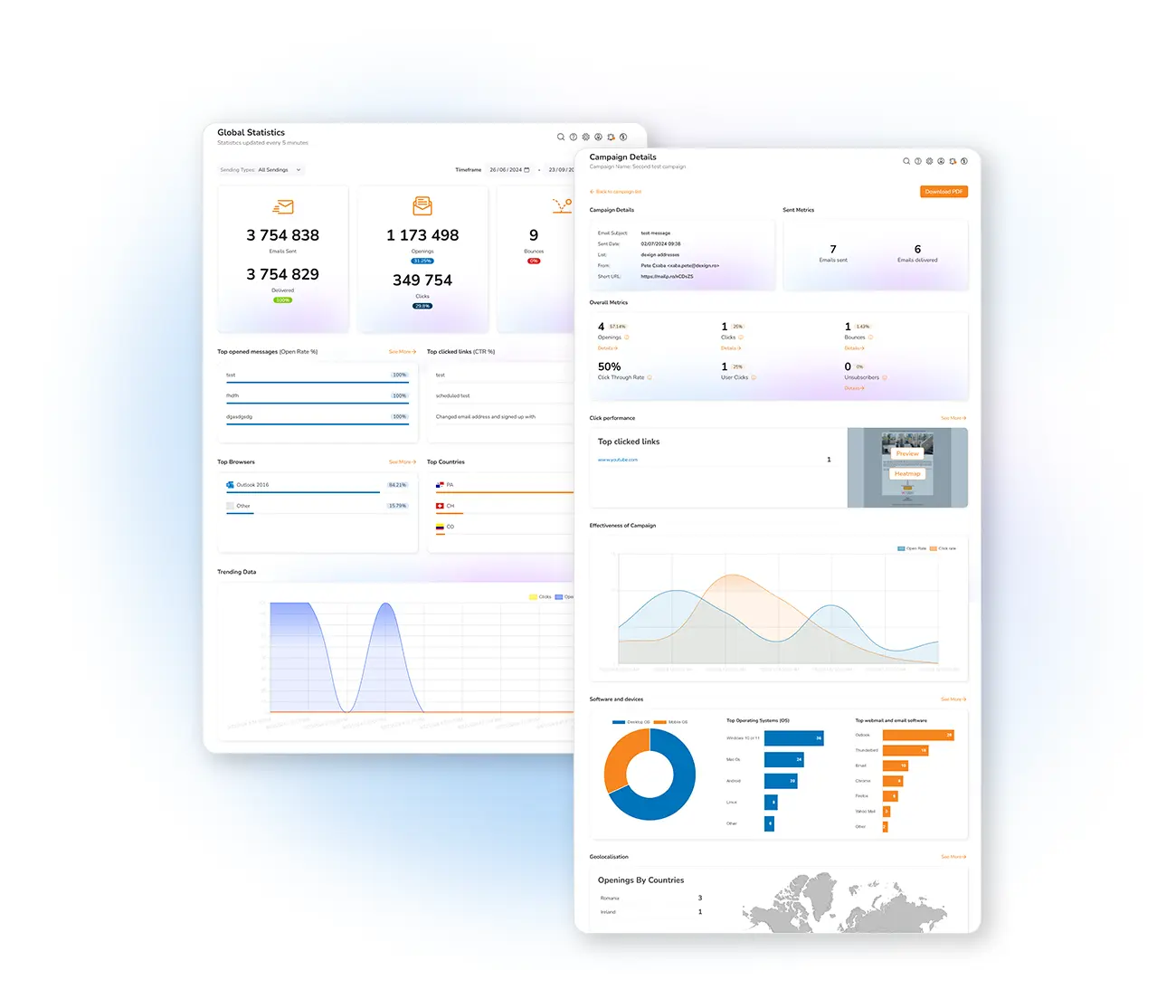
Campaign Statistics & Reports
With Mailpro™ accurate statistics and reporting you have valuable information about your Email campaigns to decide the best strategy for your email marketing plan.
Mailpro™ offers an ample variety of statistics for your email marketing campaigns providing detailed information to study the results of your marketing efforts online and decision making data to adjust or re-enforce your newsletter campaign.
See more about statistics ⟶
SMS Campaigns
Did you know that text messages have an opening rate of 98%? This is enough reason to give SMS campaigns a try!
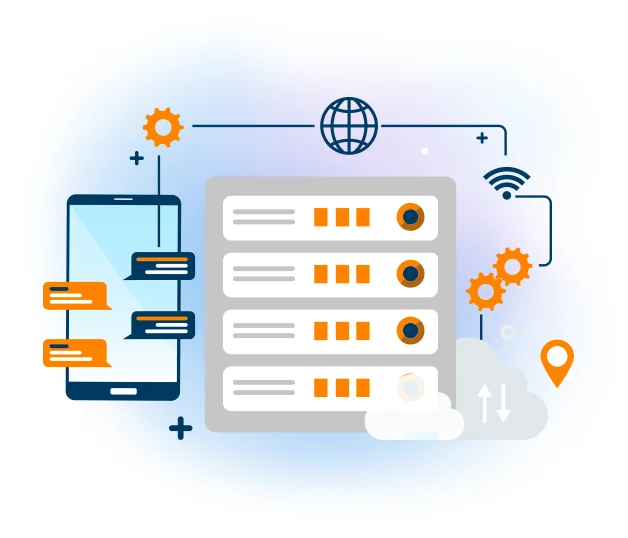
Mailpro has integrated a new SMS Platform so that you can send and manage your SMS campaigns all from one place and engage with your customer’s in several countries worldwide, instantly!
More about sending SMS ⟶
Deliverability & Routing
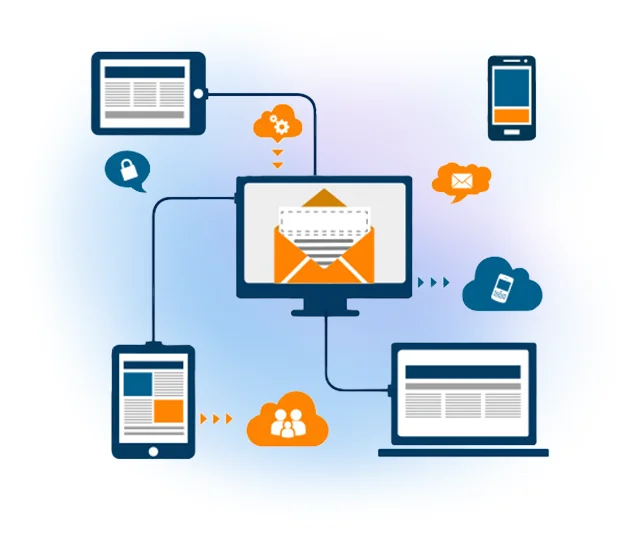
Mailpro offers professional and quality routing. By using the Mailpro's routing and robust infrastructure, sending your newsletters is easy, safe, fast and secure.
Learn more about routing ⟶
SMTP Relay Server
With Mailpro's SMTP Relay Server, you can integrate to any system or application the ability to send transactional emails with total confidence of high deliverability, security, and accurate statistics and reporting.
More about SMTP relay ⟶
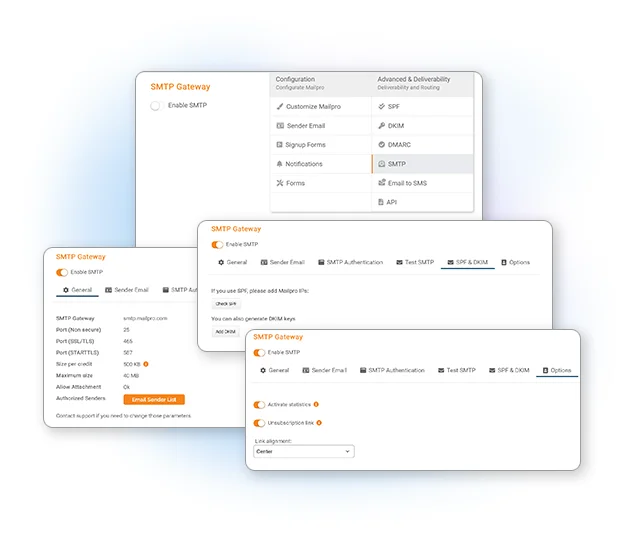
Advanced Features & Personalization
Connect Mailpro to your site and DNS in order to retrieve email addresses, it may be worthwhile to link a registration form to your newsletter. There are four possibilities:
Mailpro™ offers also simple ways to personalize your user experience by adding your company logo to reports and forms, change colors and other personalizations.
Check the advanced features ⟶
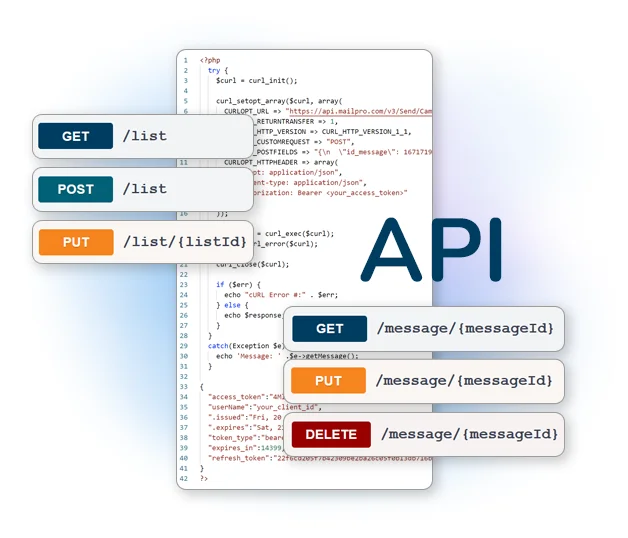
Email Marketing Software
& Email Automation
Open a Mailpro account and enjoy 500 free credits
Try for free
This site uses Cookies, by continuing your navigation, you accept the deposit of third-party cookies intended to offer you videos,
sharing buttons, but also understand and save your preferences. Understand how we use cookies and why: More information