
Send bulk & transactional SMS from your computer.
Reach your audience where they always look — their phone. With Mailpro™ you launch SMS campaigns and send transactional SMS in minutes: schedule, automate, personalize, and track every message. No phone, no code, pay per SMS sent.
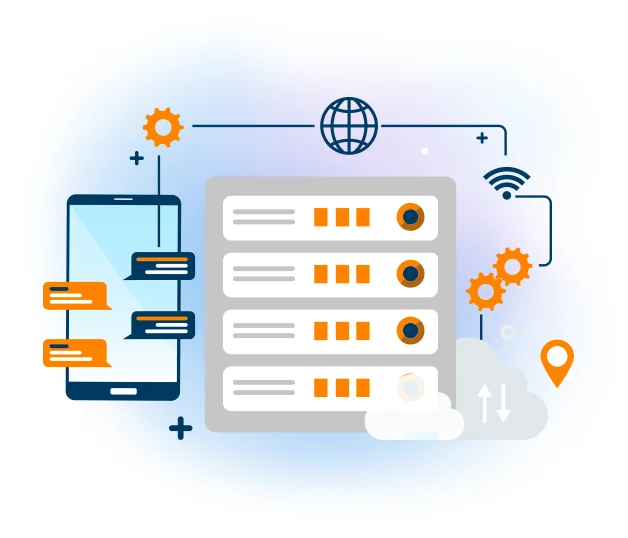
Launch SMS campaigns or send transactional SMS
SMS gets opened in seconds, which makes it perfect for promotions, reminders and alerts. Mailpro gives you everything to send at scale — new to it? Start with our guide to SMS marketing and see how a free trial works.
Schedule your SMS in advance
Plan your campaigns ahead and let Mailpro send them at the perfect moment. Schedule SMS in advance for a launch, a sale or a reminder — and never miss the timing.
SMS scheduling →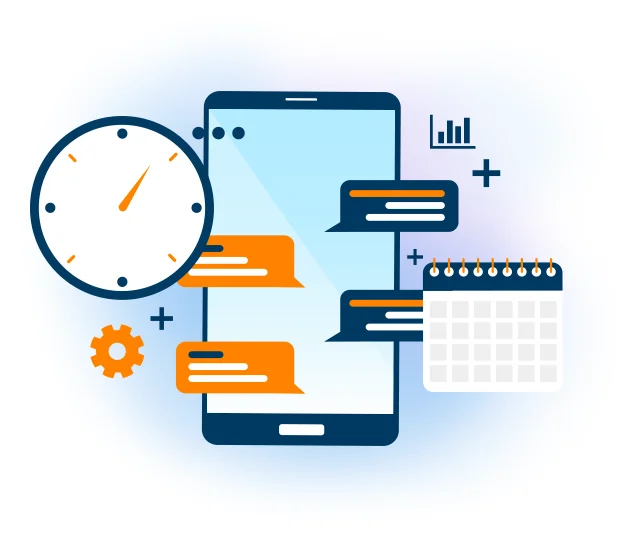
Automatic SMS on the right trigger
Send an SMS automatically when something happens — a sign-up, a birthday, an order. Automatic SMS keeps you in touch without lifting a finger.
Automatic SMS →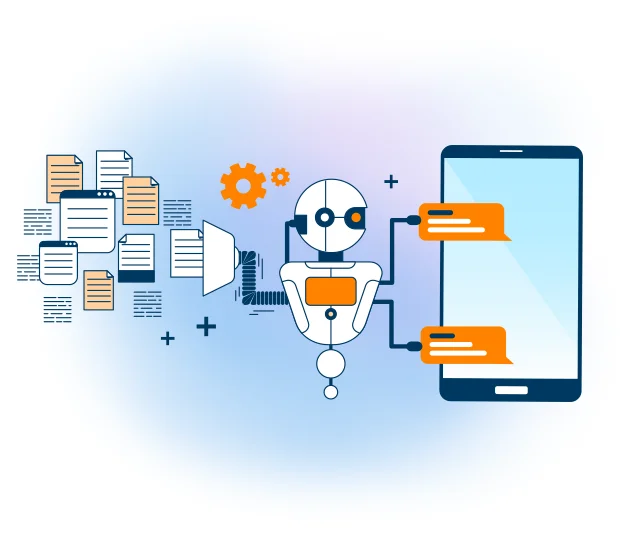
Personalize every message
Insert your contacts' first name or any field so each text feels one-to-one. Personalized SMS get read and drive far more response than a generic blast.
Personalized SMS →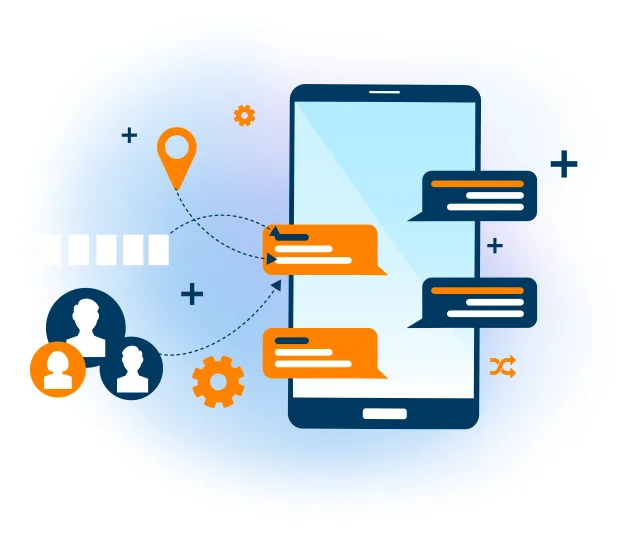
Send SMS straight from email
No new tool to learn: send SMS by email through our email-to-SMS gateway. Compose an email and your contacts receive it as a text message.
Email-to-SMS gateway →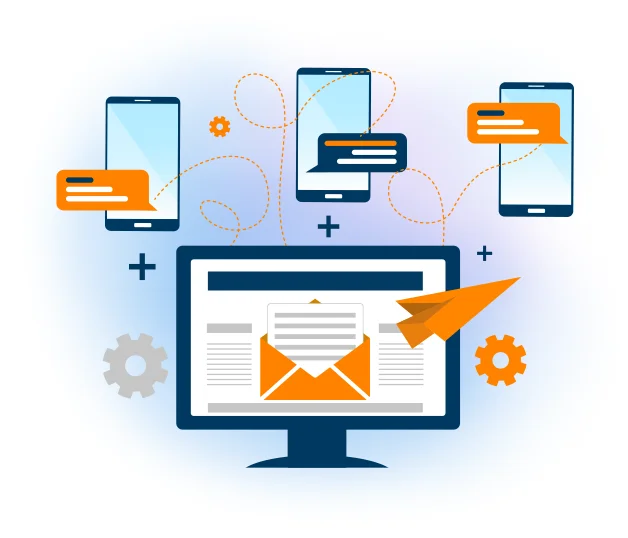
Connect your app to our SMS API
Trigger transactional SMS — confirmations, alerts, one-time codes — directly from your software. The SMS API plugs into your app, CRM or website in minutes.
SMS API →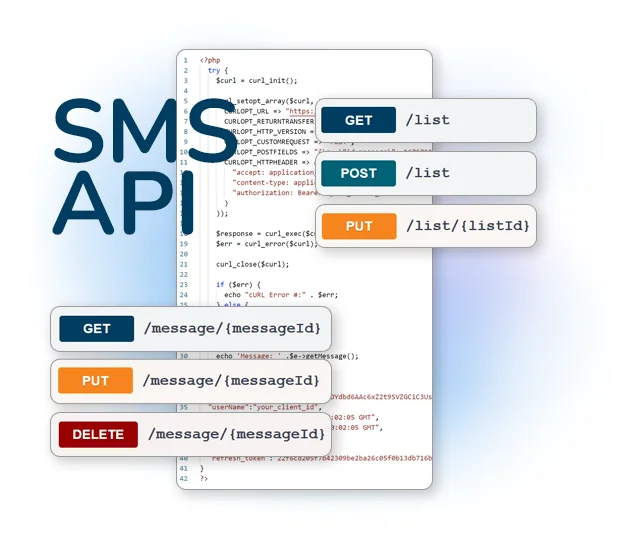
Track every campaign with SMS statistics
See what was delivered and how your audience reacted. SMS statistics show delivery and engagement so you can refine each send.
SMS statistics →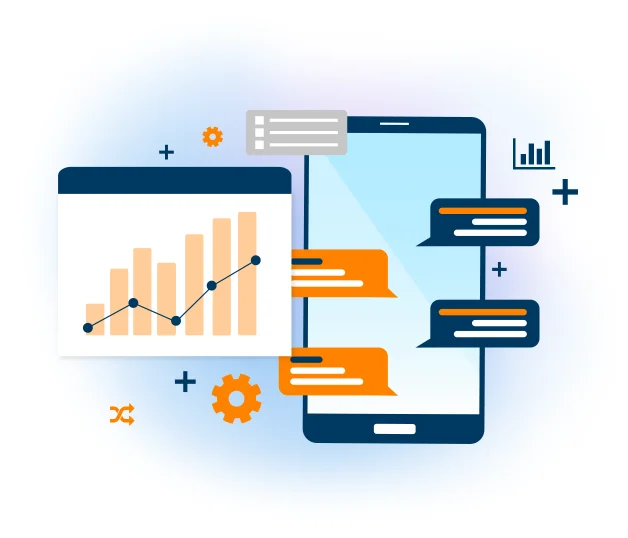
Send your first SMS in three steps
Import your contacts
Add or import the mobile numbers you want to reach into your Mailpro account.
Write & personalize
Compose your message, insert contact fields, and schedule it or send it right away.
Send & track
Deliver to your whole list in seconds and follow the results in your SMS statistics.
Frequently asked questions
What can I do with Mailpro SMS?
Can I send bulk SMS from my computer?
Can I personalize and schedule SMS?
Is there an SMS API?
How am I billed for SMS?
Start sending SMS today
Create your account and send your first SMS campaign in minutes — no code, pay per SMS sent.