
Export your survey responses
Unlock the power of your survey data. Download every response in one click and turn feedback into decisions — analyze results, track how your surveys perform over time and share clean, spreadsheet-ready data with your team.
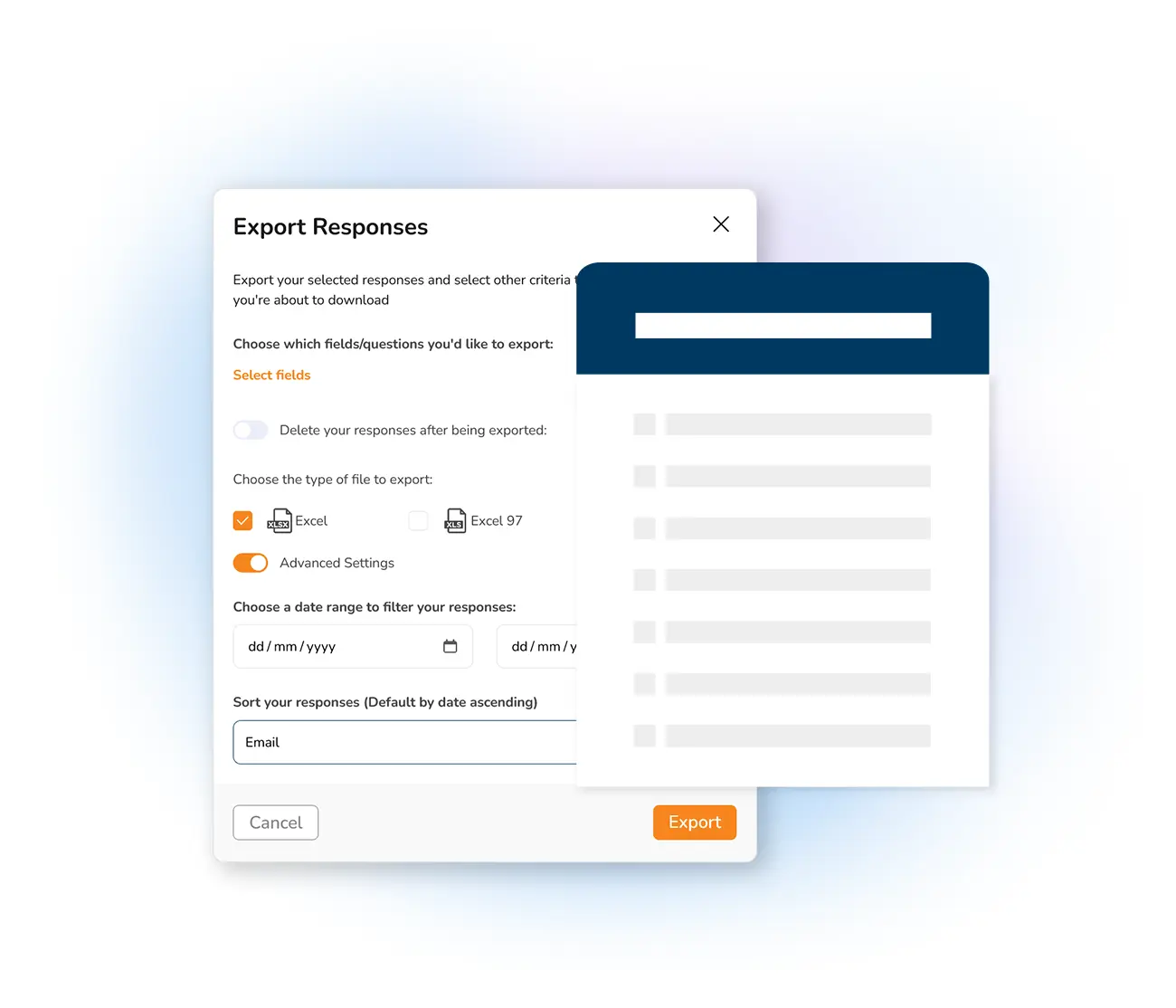
With Mailpro™ every response to your online surveys is yours to keep and analyze. Exporting your data is the fastest way to get results into a format you can work with — filter answers, build charts and keep a record you can revisit any time. It works hand in hand with the rest of your online survey creator, whether you run a job satisfaction survey, a customer satisfaction survey or in-depth market research.
Because Mailpro is no-code and Swiss-hosted, you get clean, structured exports without touching a spreadsheet formula or worrying where your data lives. Prefer to keep everything in motion instead of downloading files? You can also watch results build live with real-time survey statistics, or share your survey to gather even more responses.
Get every response in seconds
Export all of your survey responses in a single click, straight from your dashboard. The file downloads in a spreadsheet-friendly format that opens in Excel or any spreadsheet tool, ready to sort, filter and chart — no formulas, no fuss.
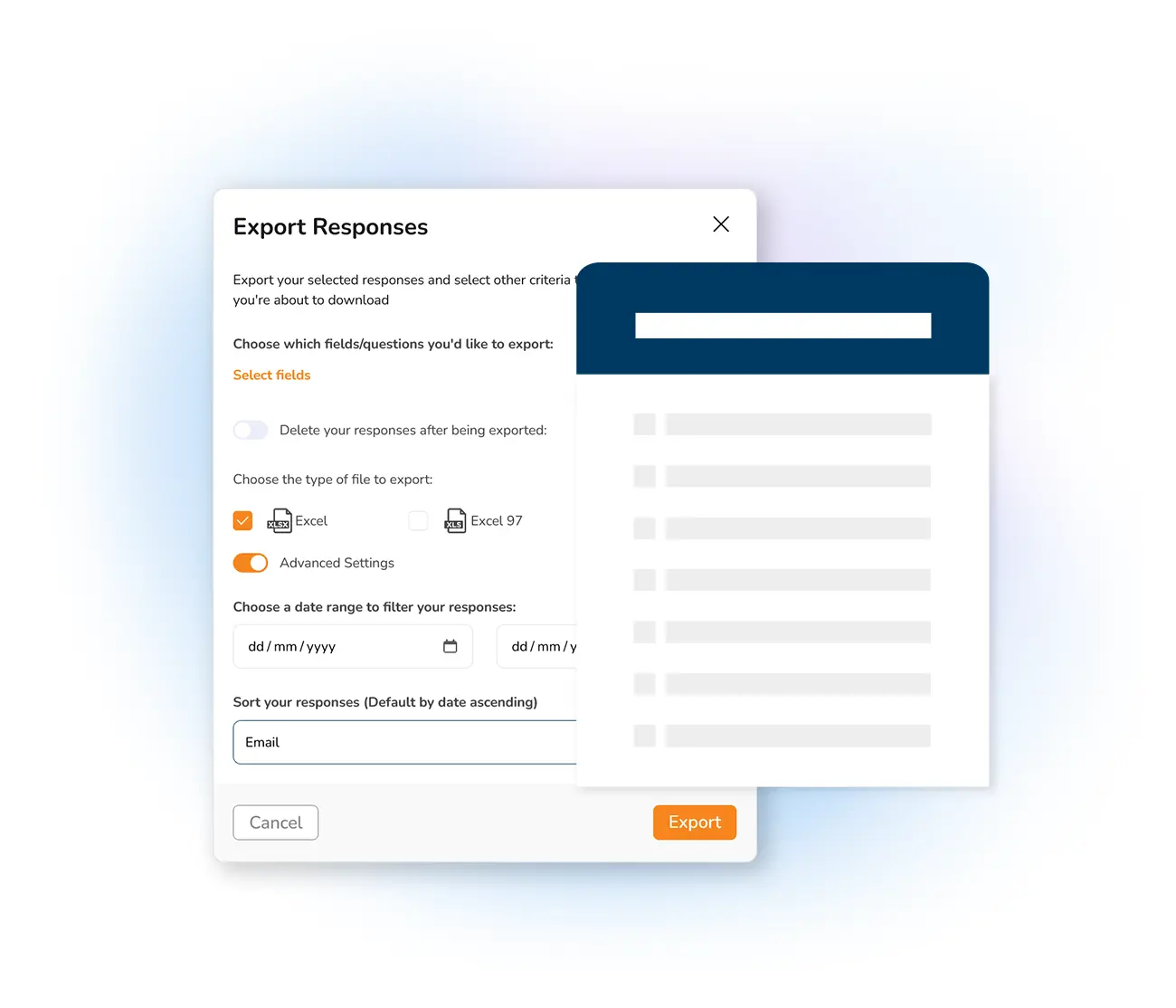
Turn feedback into decisions
Uncover meaningful insights by exploring your responses and spotting the patterns, trends and feedback that shape your next move. Pair your exports with live dashboards so you always have the full picture at a glance.
See real-time survey statistics →
Share surveys, gather more data
The more responses you collect, the richer your export. Distribute your survey by email campaign, on social media or straight from your website, and link it to your contact lists so it reaches exactly the right audience.
Learn how to share a survey →
Frequently asked questions
How do I export my survey responses in Mailpro?
What format are exported survey responses in?
Can I analyze survey results without exporting them?
Is exporting my survey data GDPR compliant?
Start collecting and exporting responses today
Create your free account, build a survey and export clean data in one click — Swiss-hosted, GDPR-native, no credit card required.