
Keep your forms private and password protected.
Mailpro™ lets you password-protect any online form, so only the people you choose can view and submit it. Add a layer of access control to your data collection — no code required, Swiss-hosted and GDPR-native.

Confidential data collection, under your control
Some forms are meant for everyone, and some are not. When you gather sensitive feedback, private registrations or internal responses, password protection ensures that only authorized individuals can open and submit them. Build any form with the Mailpro online form creator, then restrict access in a couple of clicks.
Restrict every form with a password
Enable password protection while you build the form and set the password you want. Only recipients who have it can view and complete the form, so responses stay confidential. Use a unique password for each audience to segment access and target specific groups — the same form, kept private for different recipients.
Build a secure form →
Layer protection beyond the password
A password is a strong first line, and Mailpro lets you go further. Add CAPTCHA to stop bots, apply network filters to limit who can reach the form by IP, and use domain-name filtering to accept responses only from approved email domains. Combine these controls to match the sensitivity of what you collect.
Explore form security →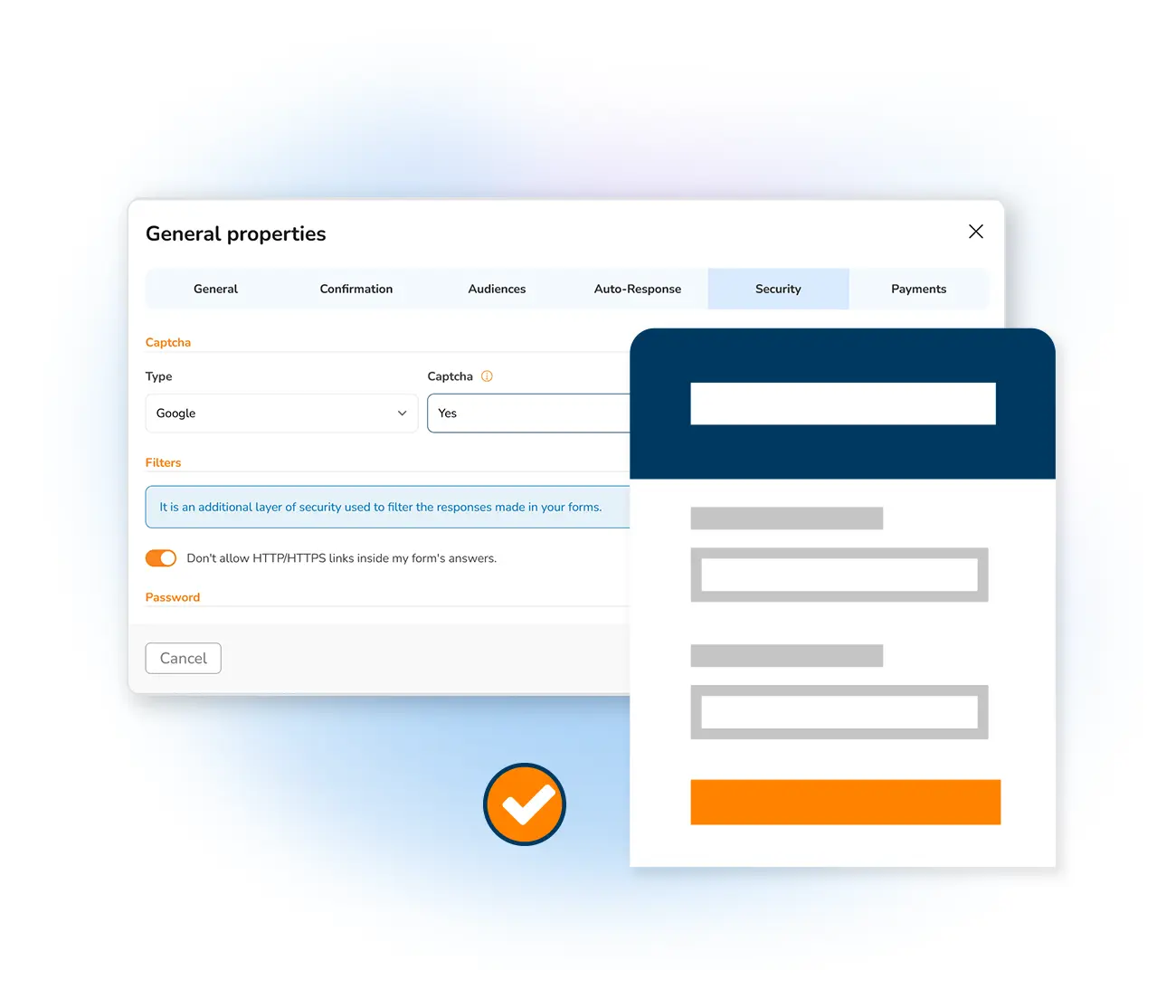
Share protected forms with confidence
Distribute your protected form by link, email or embed, then hand the password only to the people who should respond. Every submission flows into Mailpro, where you can synchronize responses with your contact lists automatically. Need more ways to distribute? See all the options to share your forms, and start faster from ready-made form templates.
See sharing options →
Frequently asked questions
What are password protected forms?
How do I add a password to a form?
Who can access a password-protected form?
Is password protection enough to secure my forms?
Secure your forms in minutes
Create your account and password-protect your online forms with Mailpro — Swiss-hosted, GDPR-native, no card required.