
Grow your list with a sign-up form.
In a few simple steps, generate a newsletter sign-up form and embed it on your website or blog. Visitors subscribe easily and safely, growing your contact list effortlessly — with a double opt-in process that keeps you GDPR-compliant.
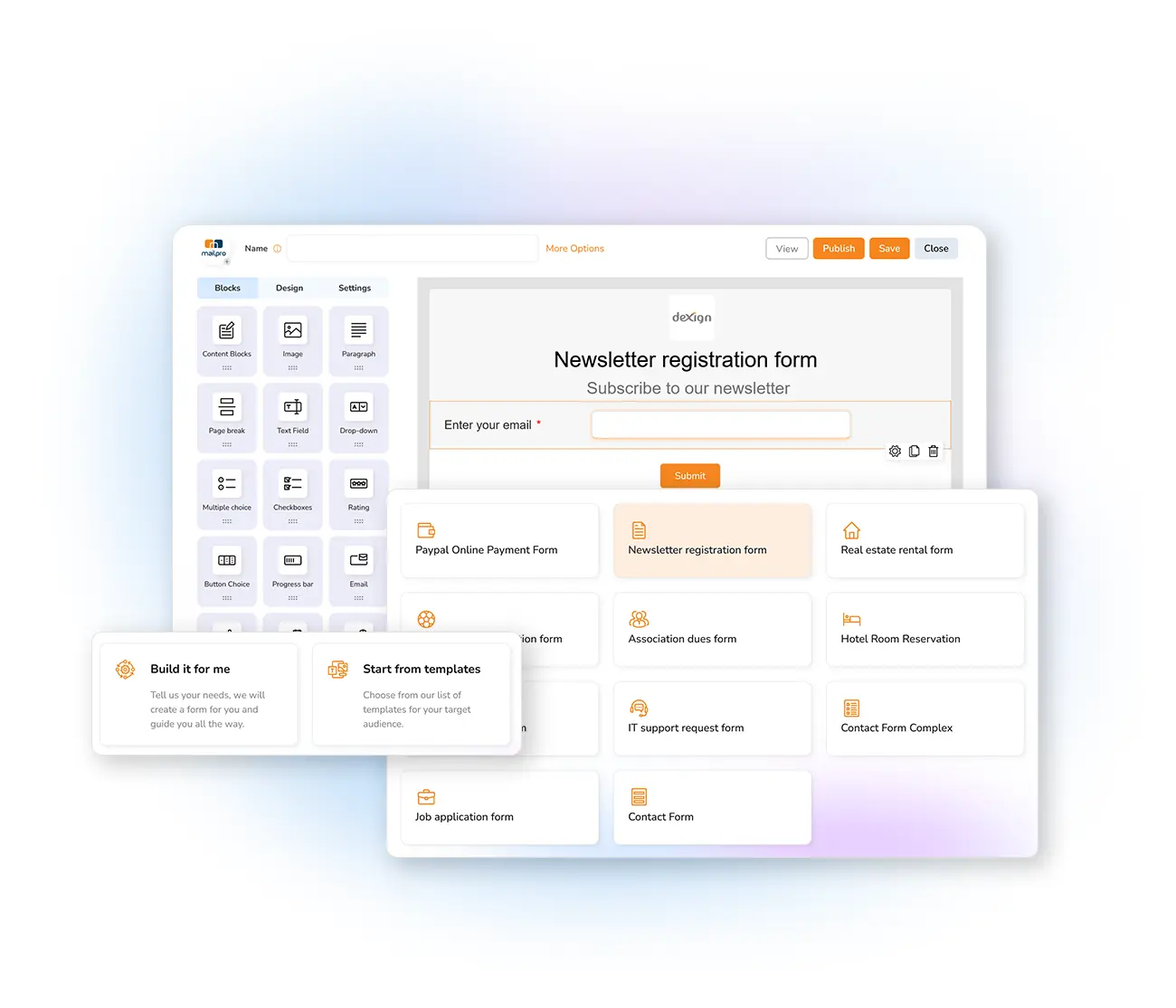
Grow your list, safely
A sign-up form lets visitors easily subscribe to your newsletters or confirm invitations, expanding your list effortlessly. Mailpro's form uses the double-subscription process — a requirement for GDPR compliance and for keeping your website's reputation strong. Don't just ask for an email address: invite subscribers to share strategic information like name and address, so you can segment your lists better. You can include more than 20 fields.
With double opt-in confirmation, you guarantee only valid addresses — every subscriber makes a conscious commitment to your brand. And you can customize the confirmation message they receive.
Create your form in three steps
Add a form
In your account's Settings, open the Webmaster Zone or Forms box and choose Add Forms.
Fill in the details
Set the form name, address book, your logo, a custom accept button — and the fields to collect.
Embed & publish
Copy the HTML, URL, iFrame or JavaScript code onto your homepage, product pages or blog.
Guide the conversion with destination pages: a validation URL, an error URL, and a confirmation URL to thank the new subscriber. Read 30 strategies to increase your newsletter sign-ups.
Frequently asked questions
How do I create a sign-up form?
How do I add the form to my website?
Is the form GDPR-compliant?
Turn visitors into subscribers
Start free and build a sign-up form that grows your list with verified, permission-based contacts.