
Turn a click into an instant automated email.
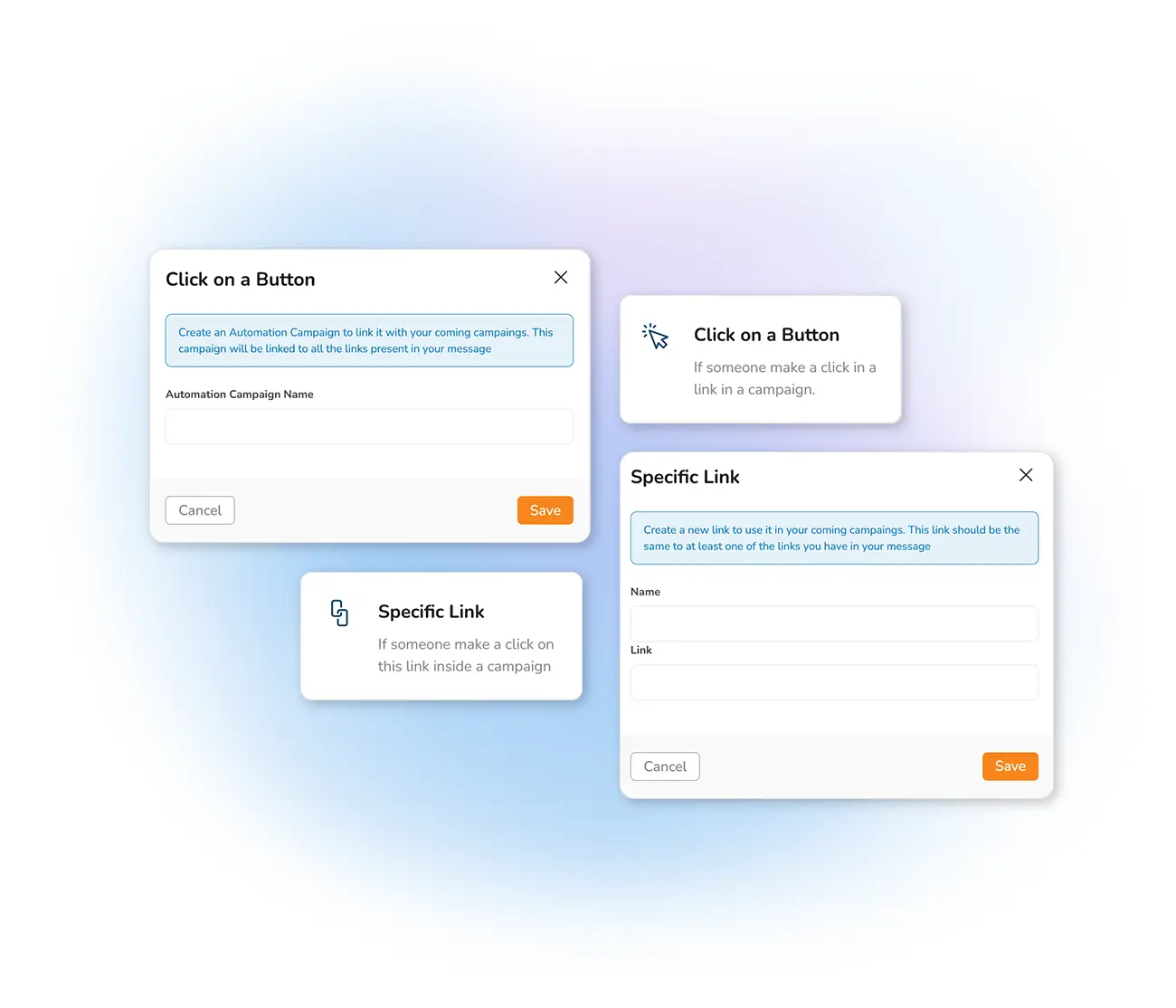
React to what your contacts actually do. When someone clicks a link you choose, Mailpro can fire a follow-up automatically — a targeted offer, a next step, or an alert — instantly or after a delay you set.
Why trigger an email on a click?
A click is a signal of interest — so act on it. Say your newsletter features three products: you could set it so that everyone who clicks product "A" receives an email an hour later with a link to get 10% off if they buy that day. Instant, relevant, and far more likely to convert than a generic follow-up.
The uses are unlimited. You could even send an instant email logging the date and IP of a client during a back-office login, for security and information. Whatever your need, a click can start the automation.
What click-triggered automation lets you do
In the Mailing and automatic email section you define the trigger link — and you can pair it with welcome or birthday automations for a complete automation strategy.
Frequently asked questions
What triggers the automatic email?
Can I add a time delay after the click?
Act on every click, automatically
Start free and set up a click-triggered email that reaches interested contacts at exactly the right moment.