
Greet every new subscriber with an automatic welcome email.
Welcome messages get some of the highest open rates of any email. Make a great first impression the moment someone joins — Mailpro sends your welcome email automatically, so you connect with every new contact from the start.
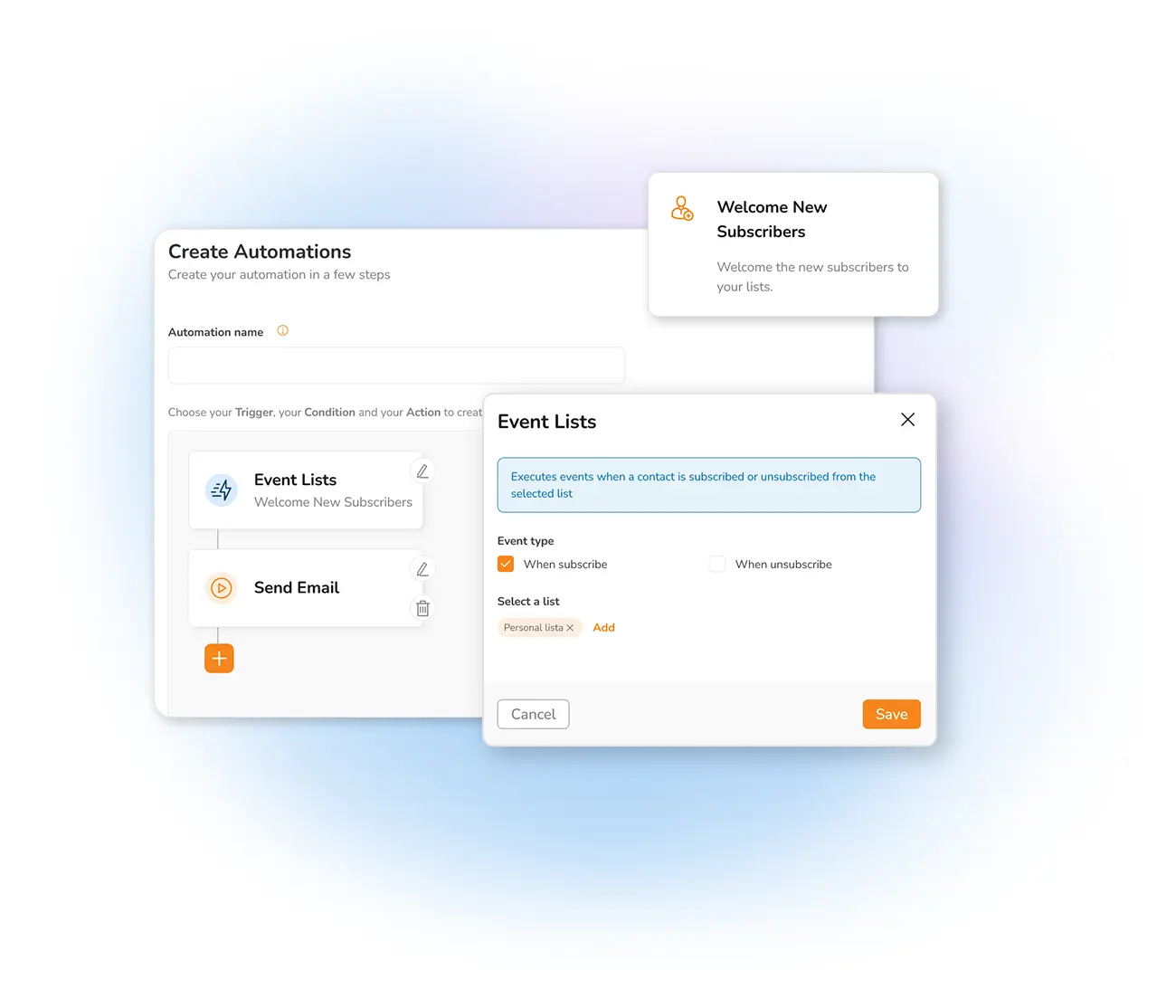
Why send welcome emails?
When someone makes first contact — through a sign-up form or by subscribing to your newsletter — a welcome email is the perfect moment to make an impression. Use it to share important information like business hours, a welcome discount, a link to a helpful guide, or anything else that gets the relationship off to a strong start.
The same idea works in reverse: you can automatically send an email as soon as someone unsubscribes, to learn the reason and keep improving. Need inspiration for the copy? Read our guide on how to write a good welcome email.
Set it up once, welcome everyone
Prepare your template
Design the welcome message you want every new subscriber to receive.
Mailpro watches your lists
An agent checks your address books and detects each new contact automatically.
The email sends itself
As soon as someone subscribes, your welcome email goes out — no manual work.
Frequently asked questions
What should a welcome email include?
When is the welcome email sent?
Is this the same as other automation?
Welcome every subscriber automatically
Start free and set up your welcome email in minutes — a great first impression, every time.