
Turn every form response into a contact, automatically.
Mailpro™ synchronizes the data collected in your forms and surveys and saves it straight into your contact lists. When a visitor submits a registration form, the contact is created automatically and every field is mapped to the matching field in Mailpro — ready for your next campaign.

One form, and your contact list keeps itself up to date
Build a registration form that asks for email, phone, first name and last name, and let Mailpro do the rest. Each submission becomes a structured contact record, saved into the list you choose and ready for email marketing — no exporting, no re-typing, no spreadsheets. Create your form with the no-code form builder and connect it to your contacts in a couple of clicks.
Every submission becomes a contact
The moment a visitor clicks Submit, Mailpro creates the contact and stores it in your list — no manual export or import. It works with any form you build, from a simple sign-up form to a full registration flow, and you can start from ready-made form templates to launch in minutes.
Explore the form builder →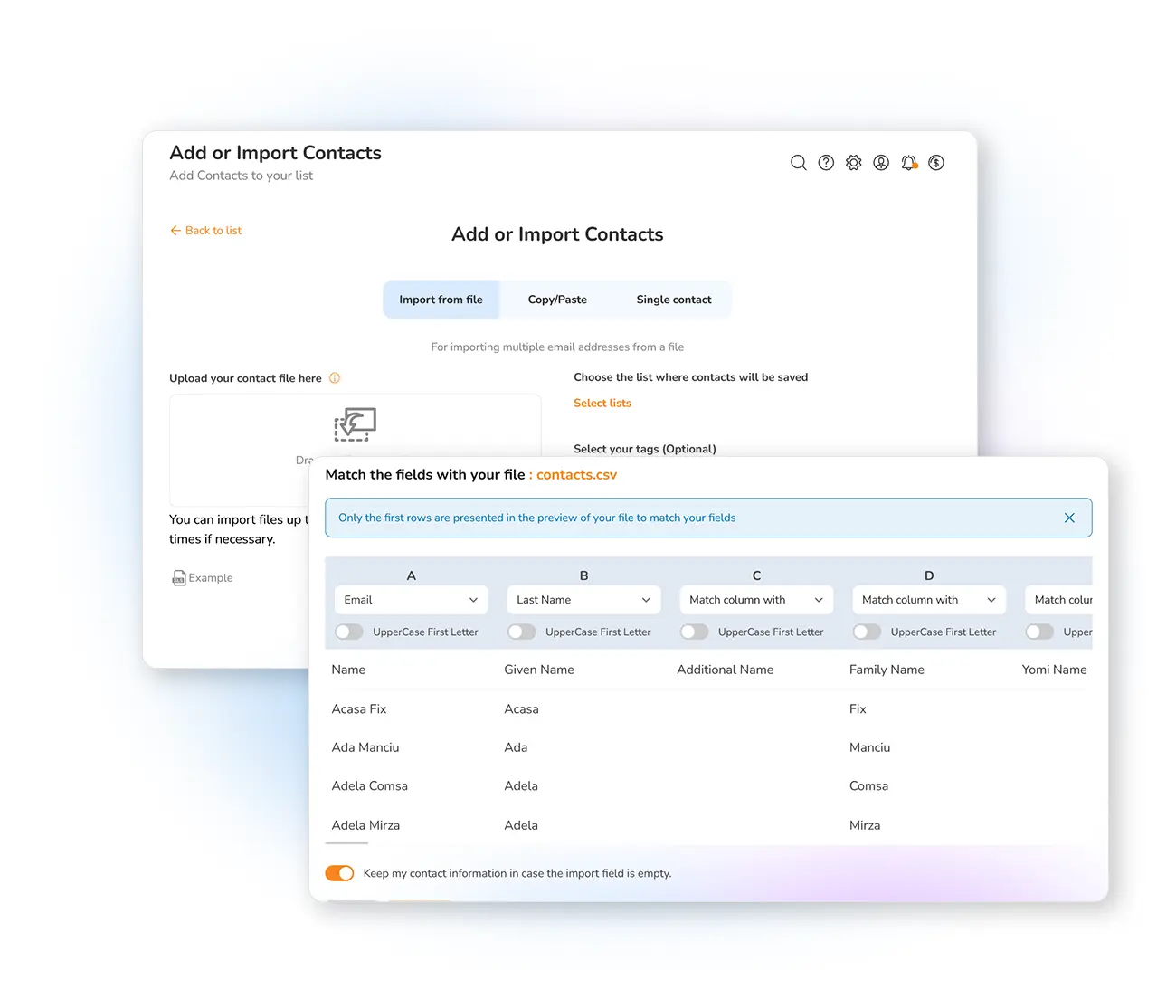
Each field lands in the right place
Email, phone, first name, last name and any custom field are mapped to the corresponding field in your contact list, so records arrive complete and structured — never as a jumble of raw text. Clean fields mean sharper personalization and reliable reporting, which you can follow in your dynamic form statistics.
Export your form responses →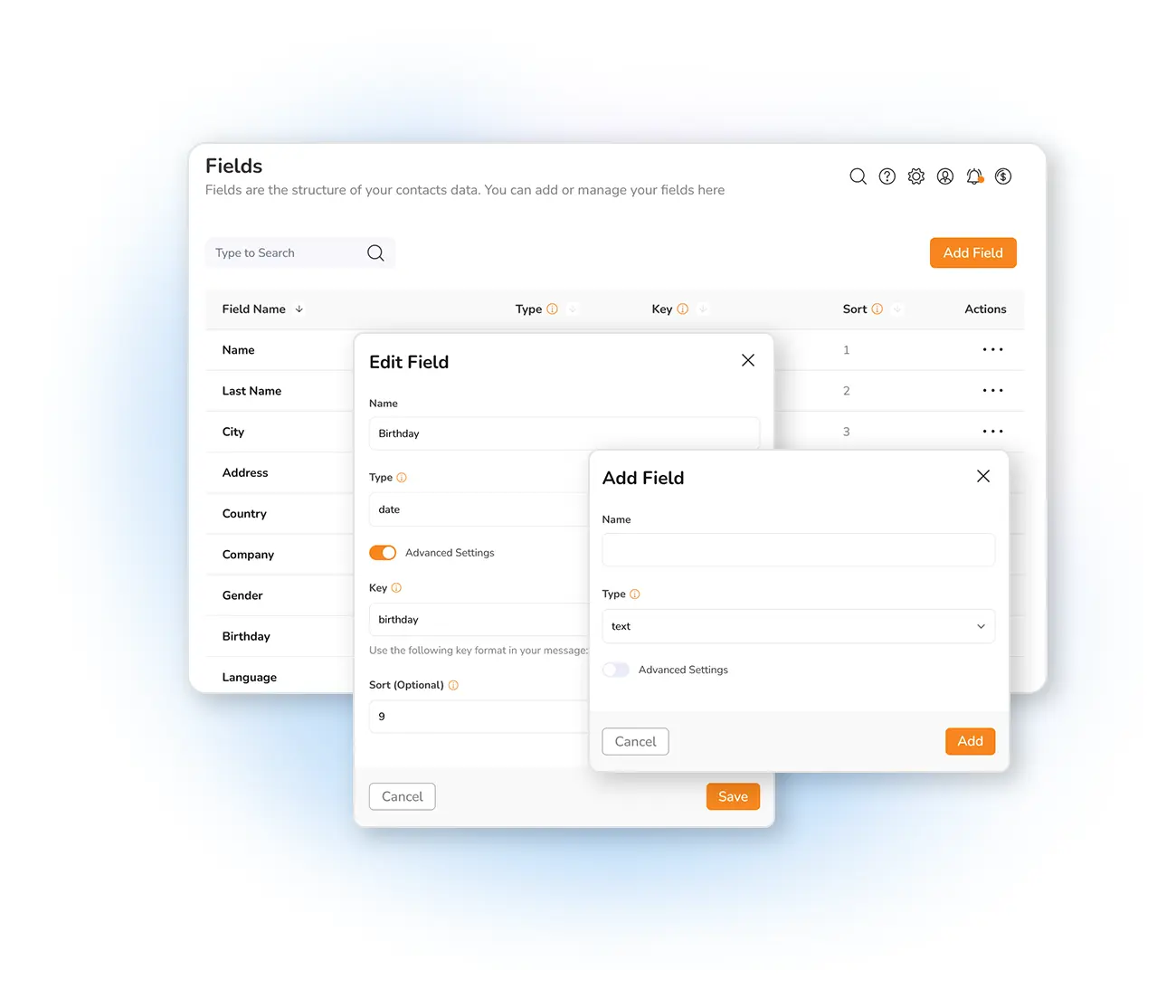
Grow your list and start sending
Contacts collected through your forms are instantly available for your email and SMS campaigns, for segmentation and for automation. Mailpro is priced by emails sent, not by contacts stored, so your list can keep growing without inflating your bill. Add branching logic to collect richer answers, then share your forms everywhere your audience is.
Create an online survey →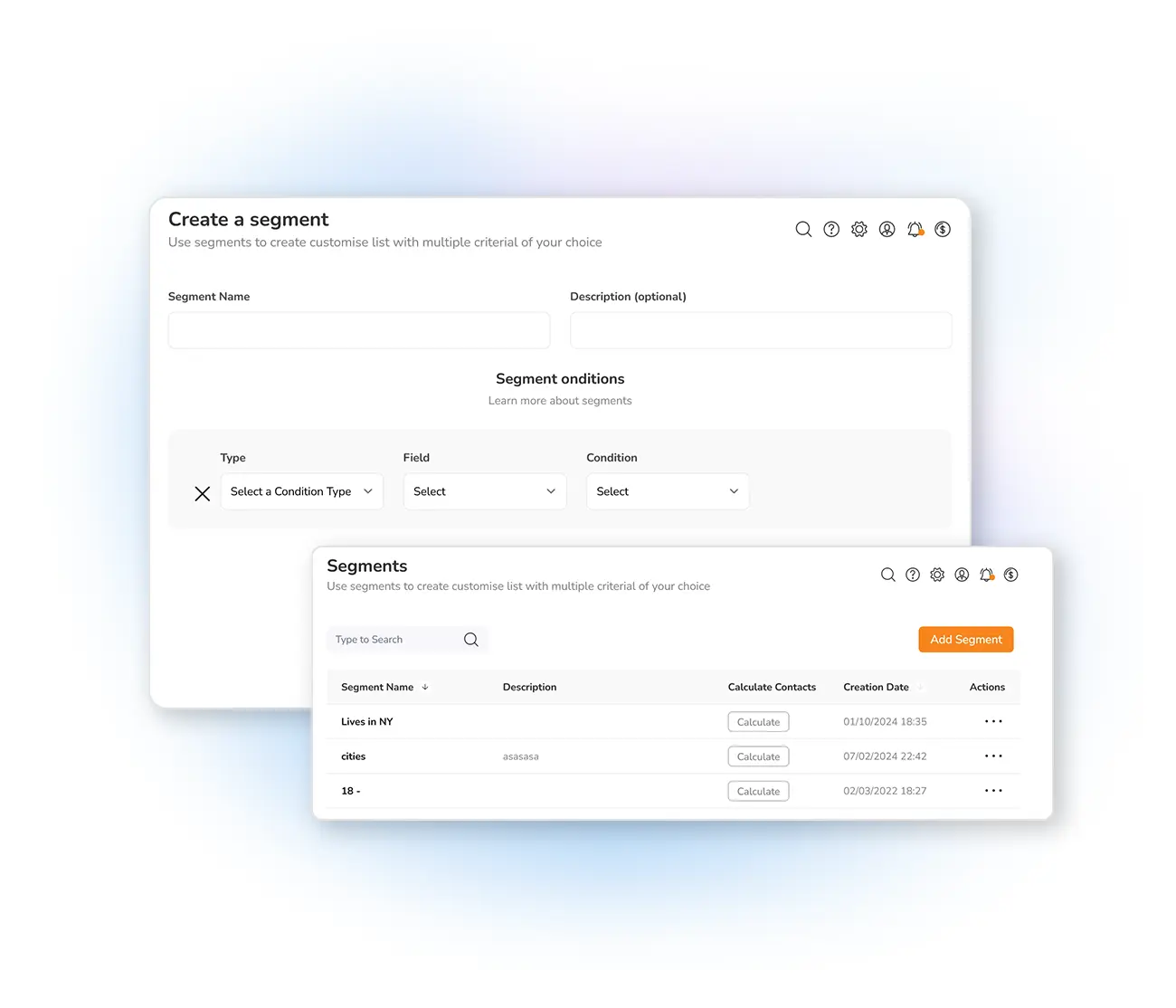
Frequently asked questions
Are form responses saved as contacts automatically?
Which form fields are synchronized?
Do I need any code to connect my forms to my contacts?
Can I use the collected contacts for email marketing campaigns?
Where is my contact data stored?
Let your forms build your contact list
Create your account and start collecting contacts straight from your forms today — Swiss-hosted, GDPR-native, no card required.