
Lock down your domain with DMARC.
DMARC is the policy layer that ties SPF and DKIM together. It guarantees your domain is only used by authorized senders — blocking impostors, protecting your reputation and helping every legitimate email get delivered.
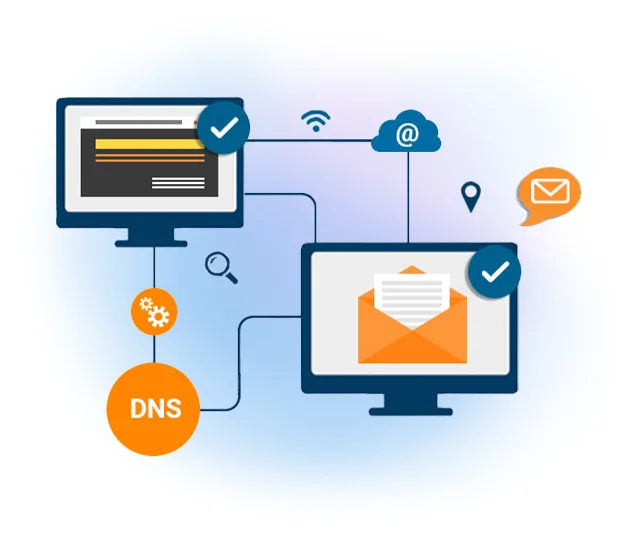
How DMARC works
DMARC (Domain-based Message Authentication, Reporting & Conformance) matches the "header from" domain against the "envelope from" domain using an SPF check, and against the "d=" domain inside the DKIM signature. You publish a DMARC record in your DNS; when a receiver gets a message from your domain, it looks up that record to verify the mail really came from you.
When impostors use your domain to send email, it hurts the reputation of your domain and the delivery of your legitimate mail. A DMARC record shuts that down — and lets you choose exactly what happens to messages that fail a check.
What DMARC gives you with Mailpro
DMARC is one of three
DMARC only works once SPF and DKIM are in place. Set up all three.
Frequently asked questions
What is DMARC?
How do I configure DMARC with Mailpro?
Does DMARC need SPF and DKIM?
Protect your domain with DMARC
Start free and complete your SPF + DKIM + DMARC authentication for reliable inbox placement.