
Organize contacts with tags — group smart, target better.
Not all contacts are the same. Tags are customizable labels you assign by behaviour, preference or status — the easiest, most powerful way to group your audience, build targeted segments, and stop sending the same message to everyone.
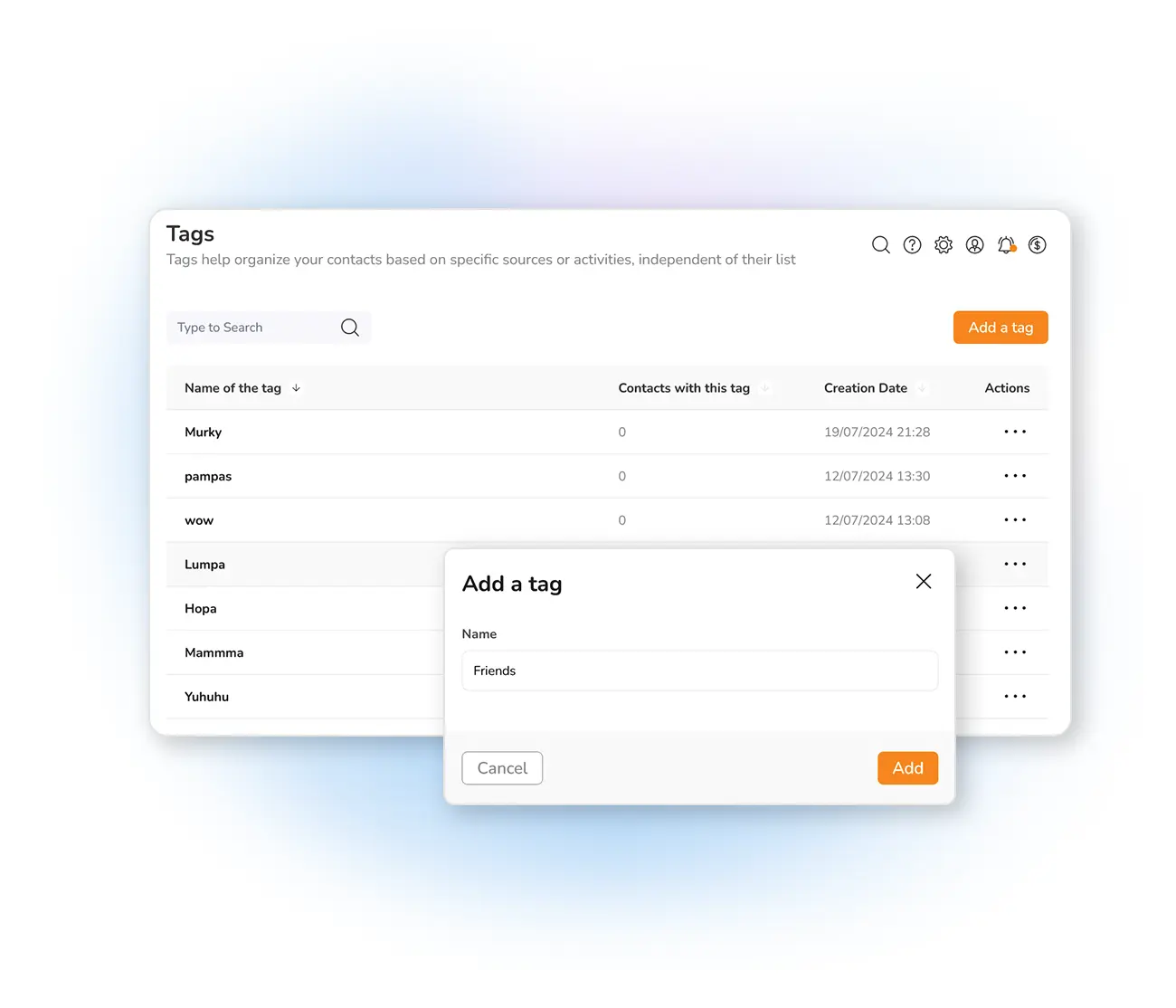
Group your contacts intelligently
Since different customers have different needs, you should organize your contacts to send the right message to the right group. Contact tags are one of the easiest, most effective ways to do it — customized labels grouping people by attributes like behaviour, preferences or status. Common examples: tags by acquisition source, by product interest, or for inactive subscribers.
In Mailpro you can easily assign tags and build targeted campaigns from those groupings. Tags are visible only to you, and they let you deliver the right message to the right audience at the right time.
The power of tags
Tags also power automated emails to tagged contacts — send automatically based on whether a contact carries a tag or not.
Frequently asked questions
What are contact tags?
Can I tag contacts automatically?
Tag once, target forever
Start free and organize your contacts with tags for sharper, more relevant campaigns.