
Send your own HTML newsletter, exactly as you built it.
Designed your own template? Import the HTML directly into Mailpro — upload a file or paste your code — add finishing touches, and save it as a reusable template. Your markup stays untouched, so your design is preserved precisely.
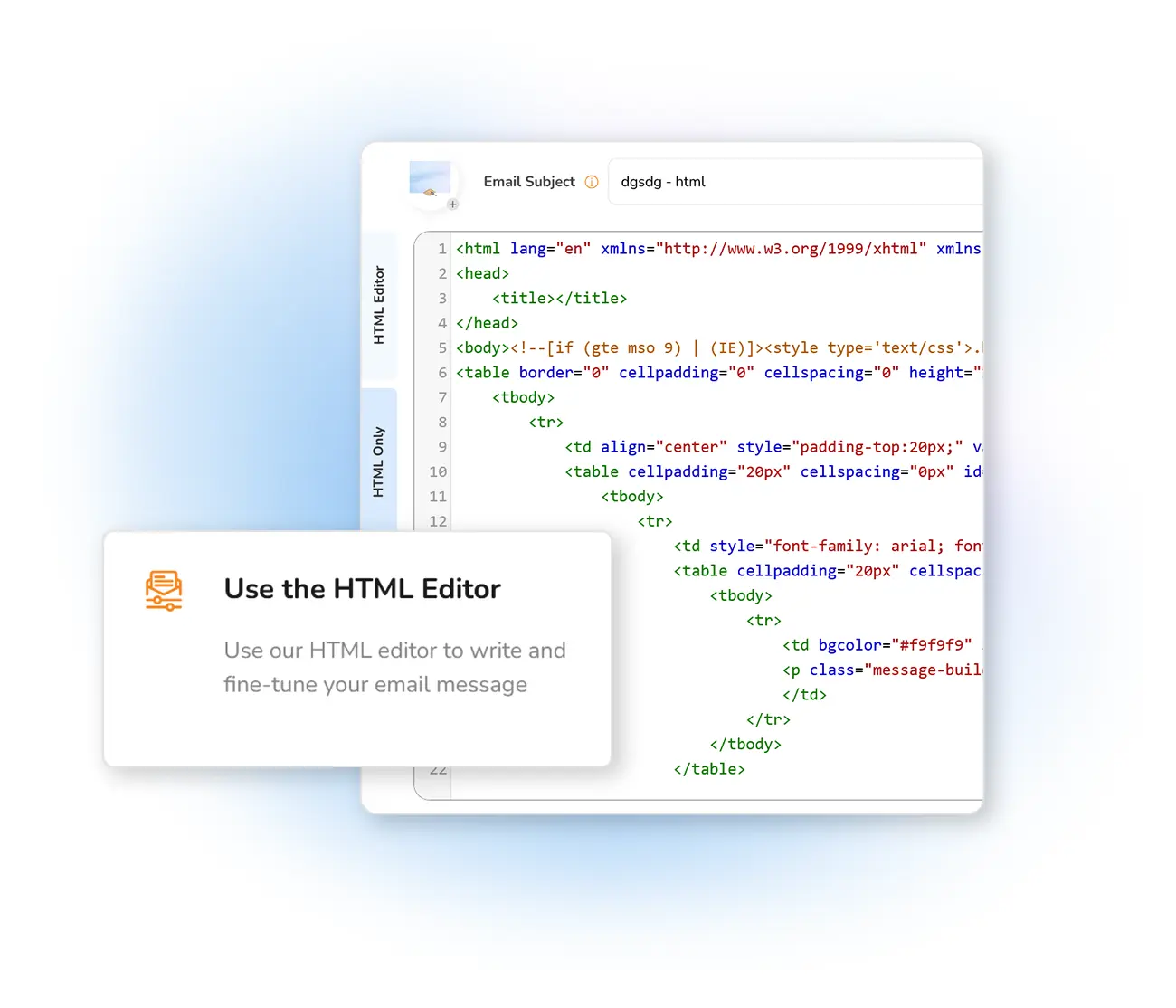
Import your HTML code directly
The possibilities for building an effective email campaign in Mailpro are endless. If you've designed your own HTML template, don't worry about losing any work — it's easy to import HTML code straight into the message editor. Once imported, add finishing touches, set the subject line or tweak content, and save it in your templates to reuse in future campaigns.
Sometimes HTML or WYSIWYG editors modify code slightly, and keeping your markup intact matters — so importing your finished template is ideal. Just avoid attachments like JavaScript or other code that doesn't run in web email clients such as Gmail or Outlook.
Full control over your design
Prefer to pull markup from a live page instead? Use import from a URL. Still deciding on format? Read plain text vs HTML email.
Frequently asked questions
Why import HTML instead of using the editor?
Are there code limitations?
Bring your own HTML and send
Start free and import your custom template — upload or paste, then send it exactly as designed.