
Create online surveys that people finish.
Build professional surveys in minutes with Mailpro™'s no-code survey maker. Branching logic, rating fields and real-time results — and every answer can flow straight into your contact list, so a survey grows your audience, not just your data.

A survey maker that does more than collect answers
Start from scratch or a ready-made template — customer satisfaction, job satisfaction, opinion polls or market research. Because your surveys live beside your contacts and campaigns, every response is a chance to segment your audience and follow up. Also building lead-capture online forms? They work the same way.
Ask the right questions with branching logic
Branching logic shows or hides questions based on previous answers, so each respondent only sees what's relevant. Add rating fields for structured, comparable feedback and keep the experience short and focused.
See branching logic →
Watch results come in live
Dynamic survey statistics update as responses arrive, so you can spot trends immediately and act without waiting for the survey to close or exporting anything first.
Explore survey statistics →
Lift completion with a progress bar
A progress bar shows respondents how far they've come, which keeps them going to the end. Combined with branching logic, your survey feels short even when it's thorough.
About the progress bar →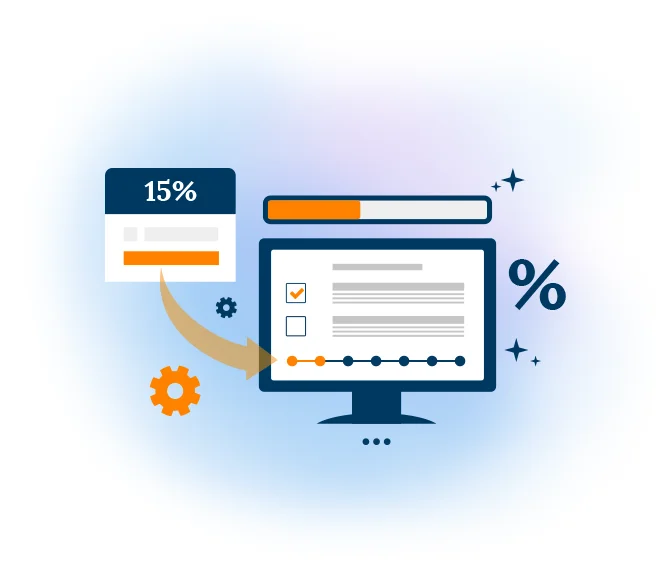
Turn respondents into contacts you can act on
Responses can flow straight into your contact list, so you can segment the people who answered and follow up with a targeted email campaign — something a stand-alone survey tool can't do.
Manage your contacts →
Write and translate questions with AI
Short on time or reaching a multilingual audience? Survey AI helps you draft clear questions, and the AI translator turns your survey into another language in seconds.
Discover Survey AI →
Share your survey anywhere
Share your survey by email, SMS, QR code, a custom link or social media — or embed it on your website. Reach the people who answered with an email campaign and track responses in real time.
Ways to share →
Create your survey in three steps
Choose a template or start blank
Pick a ready-made survey or a blank canvas, then add your questions with the visual builder.
Add logic & rating fields
Branch questions on previous answers, add rating scales and a progress bar to lift completion.
Share & analyse
Send by email, link or QR code, watch results live, and follow up with the contacts who answered.
Frequently asked questions
Is Mailpro's survey maker free?
Do I need any technical or coding skills?
Where is my survey data stored, and is it GDPR compliant?
Can I turn survey respondents into email contacts?
How do I share my survey?
Start collecting answers today
Create your account and publish your first online survey — Swiss-hosted, no code, no credit card.