
Add a quiz timer and challenge your audience
A timer turns any quiz into a fair, focused challenge. With Mailpro you set a countdown, give everyone the same time to answer and track exactly how long each person takes to finish.
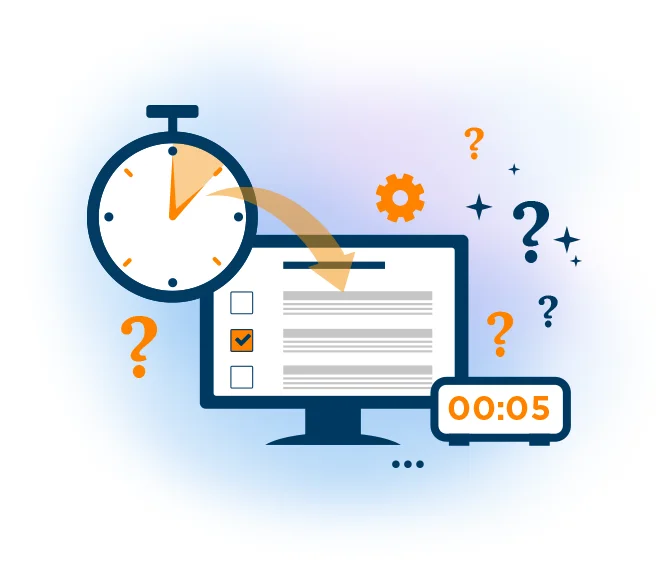
A quiz timer measures how long a participant takes to complete a quiz, and that simple mechanic changes everything. It makes sure everyone has the same amount of time to finish, keeps people from pausing to look up answers online, and adds a genuine sense of challenge and competition. The timer is part of the Mailpro™ online quiz tool, so switching it on takes only a few clicks.
Because Mailpro is no-code and Swiss-hosted, you build a timed quiz without touching a line of code and keep every result under Swiss data protection. Whether you are running a friendly quiz night, formal online exams or a full quiz and exam program, the timer works the same way and every answer flows straight back into Mailpro for you to review.
Give everyone the same time to answer
Choose a time limit and Mailpro shows every participant a live countdown as they work through the questions. Because the clock is the same for all, no one gains an advantage from taking longer, and the quiz stays fair from the first question to the last. Pair the timer with a password-protected quiz when you need to control who can take part.
Explore the quiz maker →Add challenge and keep it honest
A ticking clock keeps people focused on what they know instead of searching for answers online, so scores reflect real knowledge. It also brings energy and competition to the experience, which is exactly what makes a quiz night or a training assessment worth taking. To keep participants motivated as the seconds count down, combine the timer with a progress bar.
See quiz and exam features →
See who finished fastest
Every timed quiz feeds Mailpro's dynamic statistics, where you can compare completion times, scores and answer patterns as results come in. Once your quiz is ready, share and publish it easily by email, on your website or through a direct link, and watch the responses build in real time.
View quiz statistics →
Frequently asked questions
What is a quiz timer?
How does adding a timer make a quiz fairer?
Do I need coding skills to add a quiz timer?
Can I see how long each person took after the quiz?
Build a timed quiz today
Create your free account, build a quiz and switch on the timer — Swiss-hosted, GDPR-native, no credit card required.