
Let people see how far they've come.
A survey progress bar shows respondents exactly how much they have completed and how much is left. With Mailpro™ you can add one to any survey in a couple of clicks — reducing drop-offs, encouraging people to reach the end and giving your questionnaires a more polished feel, all with no code.
Why a progress bar matters
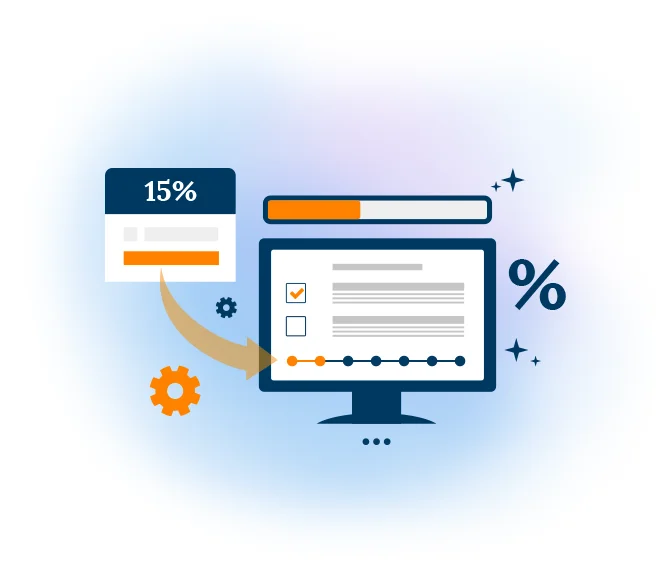
A progress bar is a graphical representation of where a respondent stands within your survey. It can show progress as a filling bar or as a percentage, so people always know how many questions remain. That small piece of feedback sets clear expectations and keeps momentum going — particularly on longer questionnaires, where uncertainty about length is one of the main reasons people give up partway through. You can add one to any questionnaire you build when you create an online survey in Mailpro.
Knowing they are making progress encourages respondents to keep answering and finish, which improves both response rates and the quality of the data you collect. The same reassurance helps in a timed online quiz, and it pairs naturally with adaptive questionnaires built using branching logic surveys, where the path can vary from one participant to the next.
Show progress at every step
As respondents move through your survey, the bar fills to reflect how much they have completed. That constant sense of orientation removes the fear of an endless form and makes even a detailed questionnaire feel manageable from the first question to the last.
Build your first survey →
Motivate people to reach the end
Visible momentum keeps respondents engaged, so more of them finish and fewer abandon halfway. As completions rise you gather richer, more reliable feedback — follow it live with dynamic survey statistics and see exactly how your response rates respond.
Explore survey statistics →
A more professional survey to send out
A progress bar adds an extra layer of polish that respondents notice the moment they open your survey. Combine it with well-designed survey rating fields, then share your survey by link, email or embed — knowing it will look considered wherever people fill it out.
See sharing options →
Survey progress bar — questions answered
What is a survey progress bar?
Does a progress bar improve survey completion rates?
Do I need to know how to code to add a progress bar in Mailpro?
Where are my survey responses stored?
Add a progress bar and keep respondents to the finish
Create your free Mailpro account and switch on a survey progress bar in minutes — no code, Swiss-hosted, no credit card required.