Sales & Promotions Email Templates
Adapt for Unlimited Possibilities
Sales
Sales
Sales
Sales
Sales
Sales
Sales
Sales
Sales
Sales
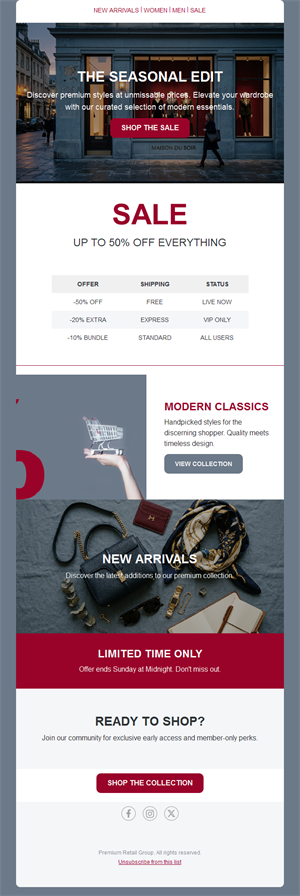
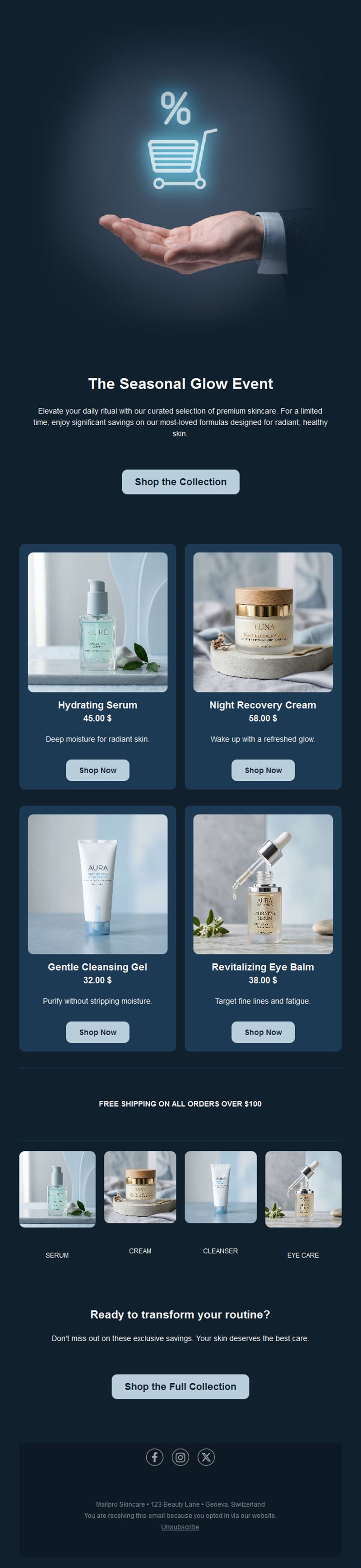
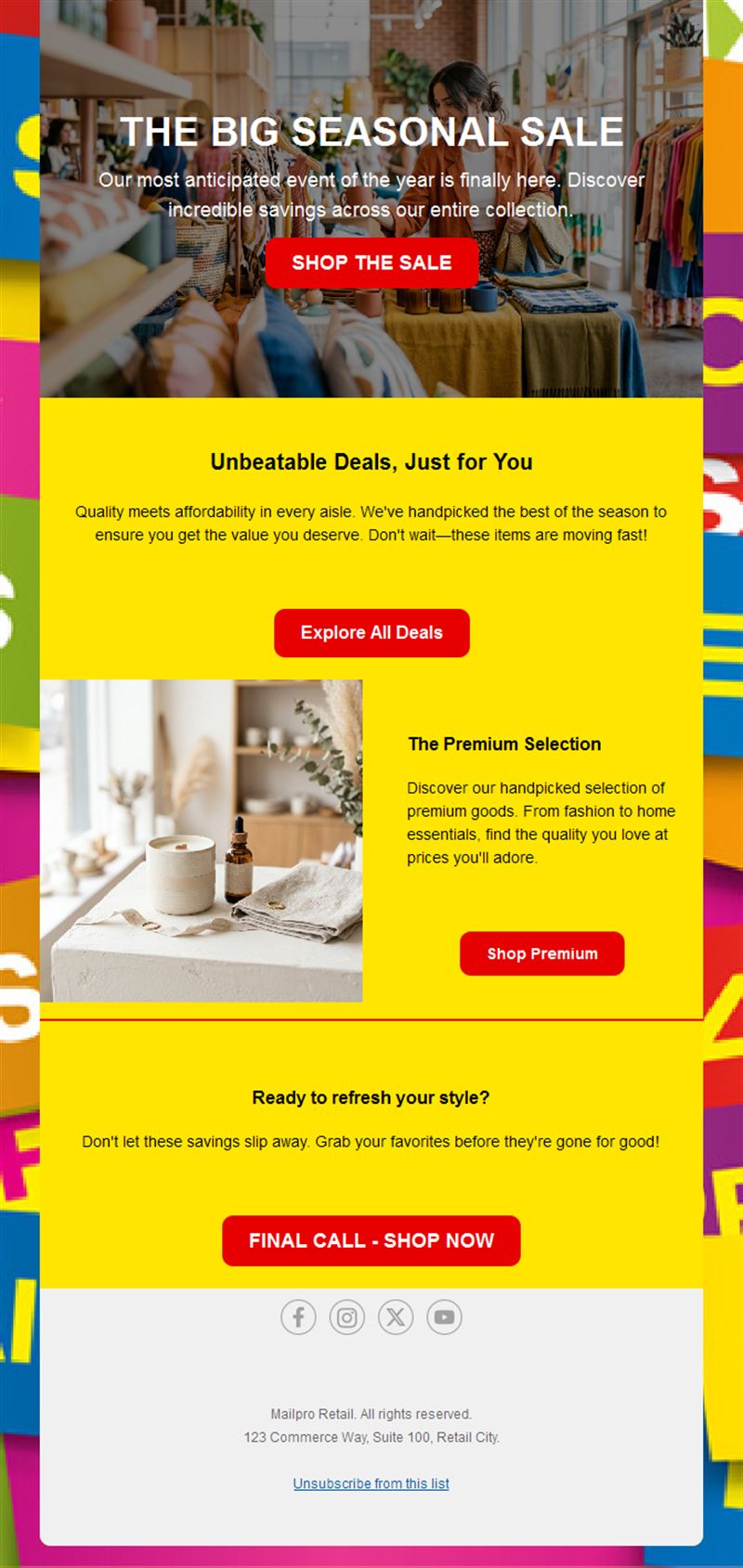
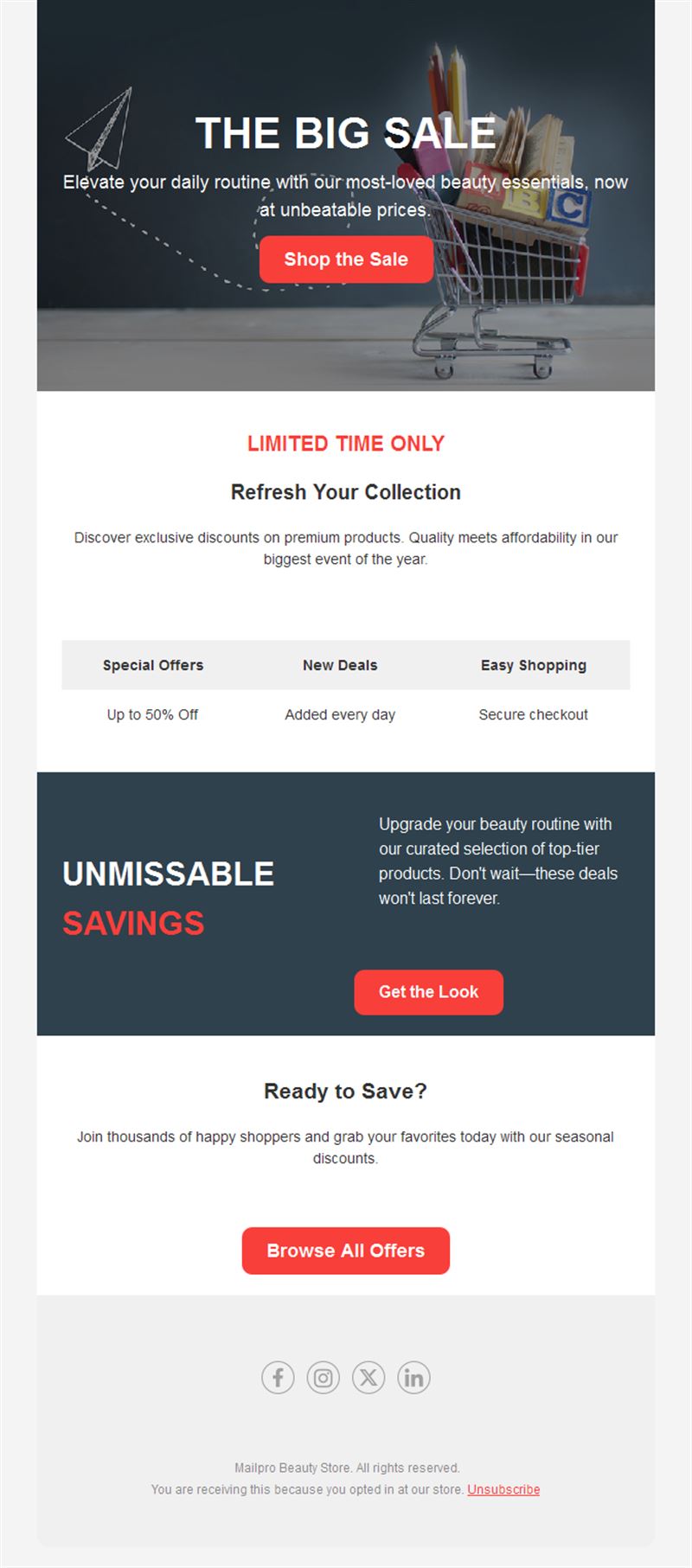
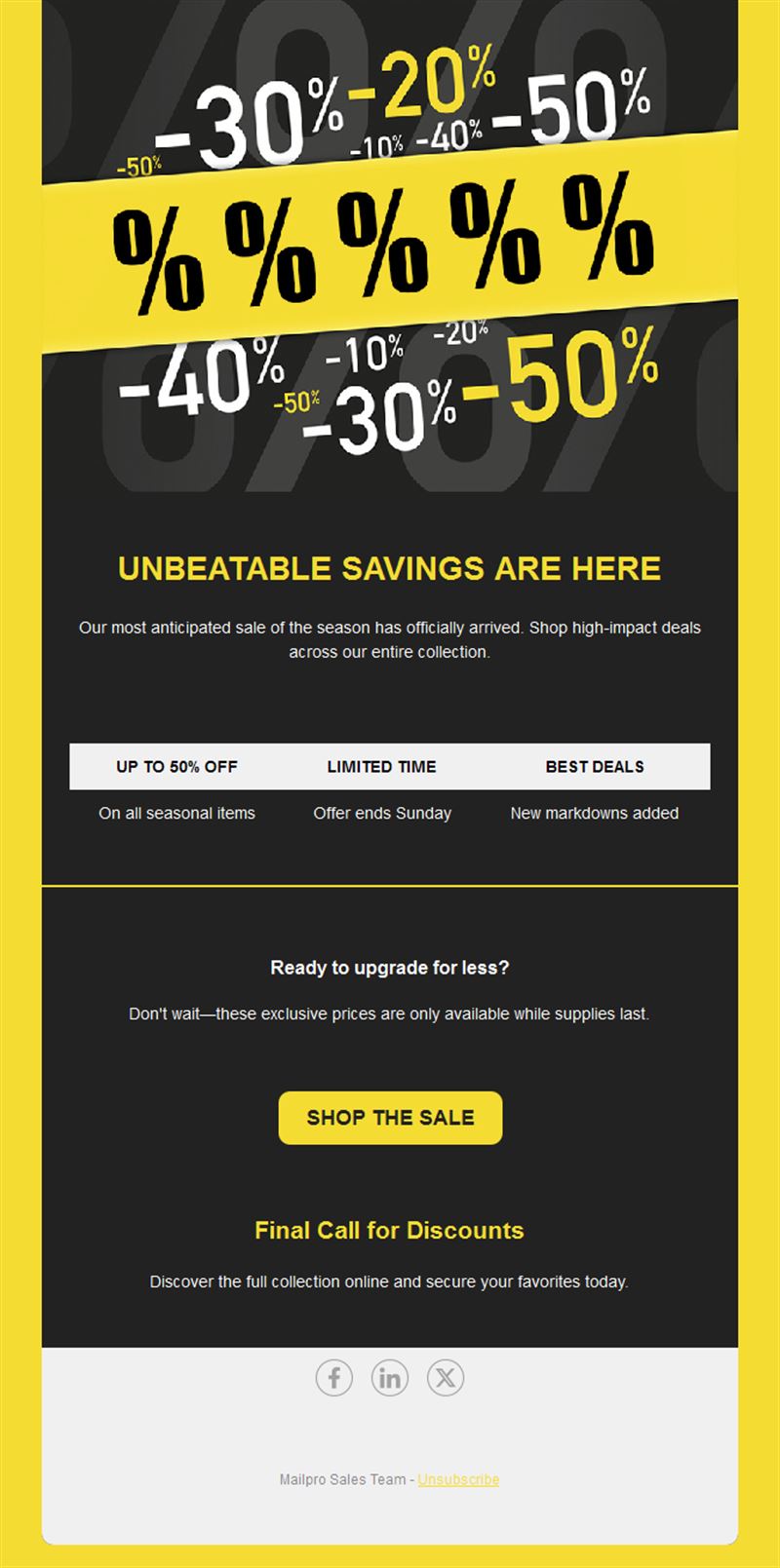
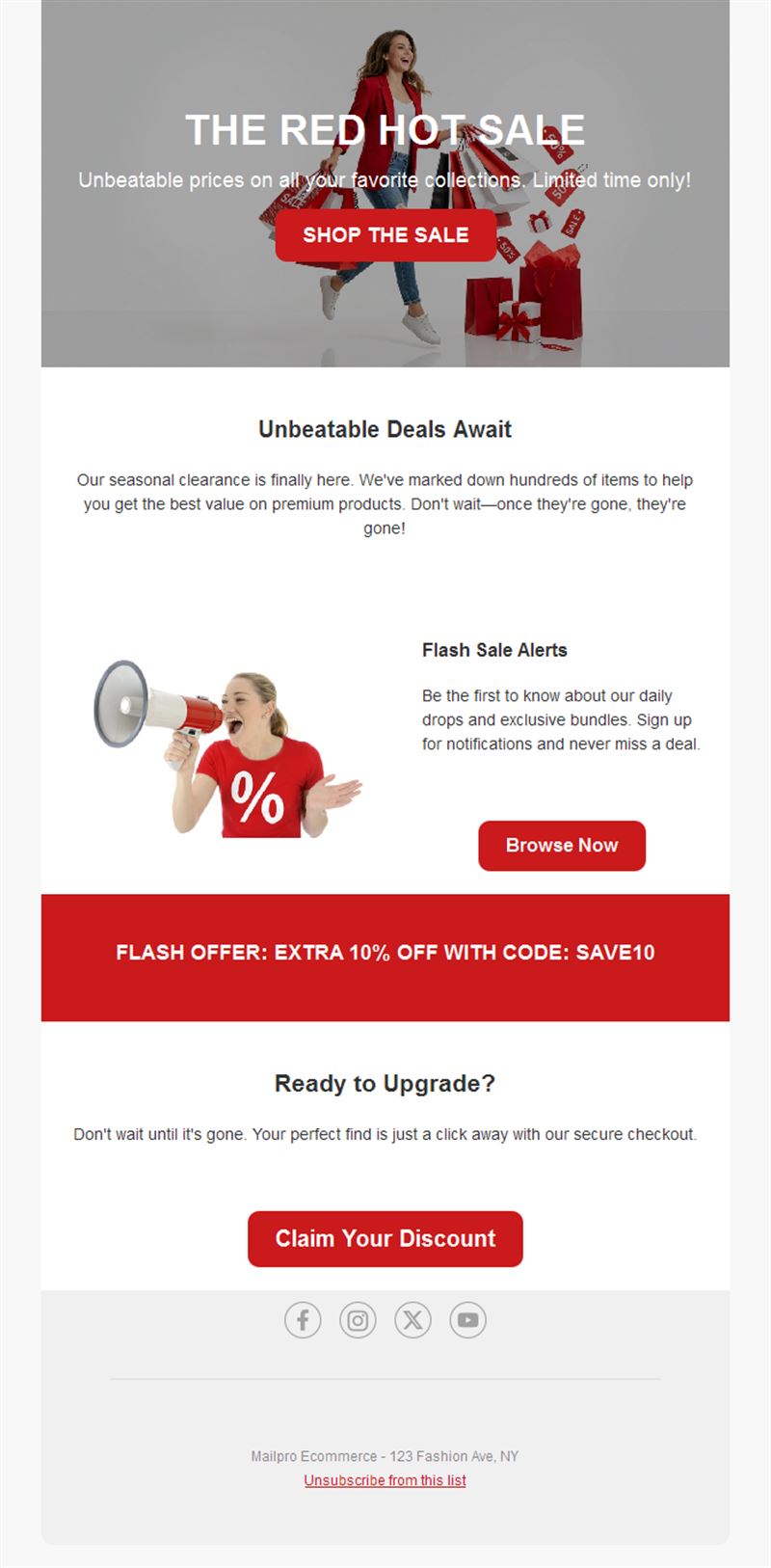
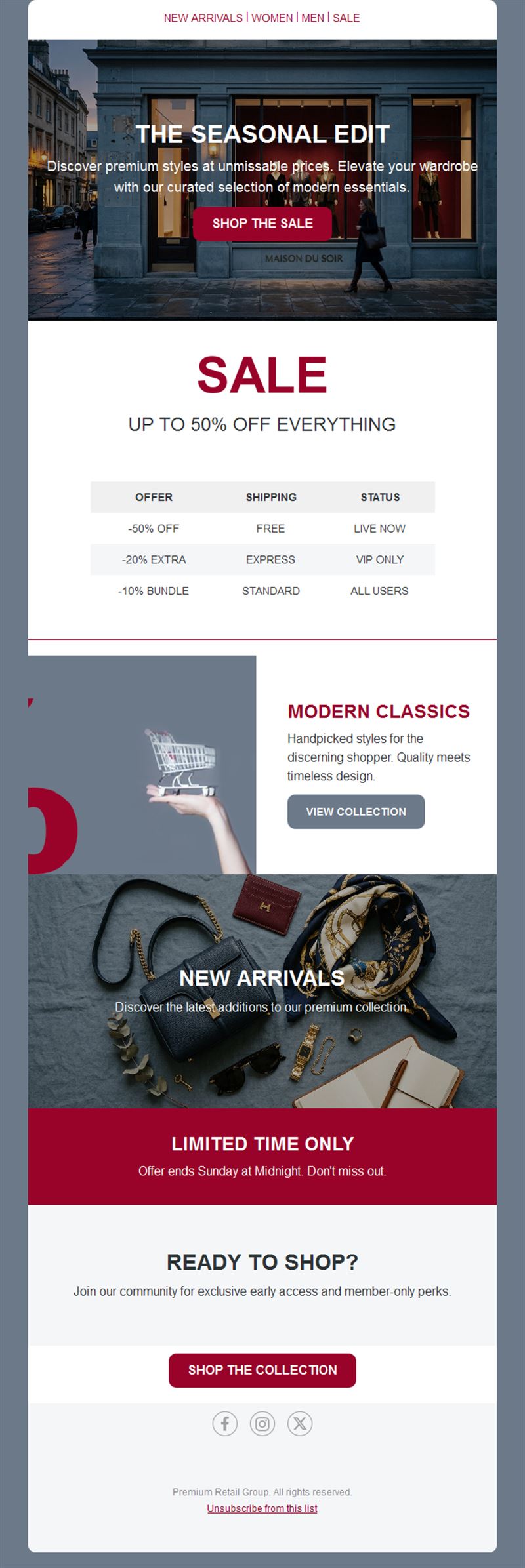
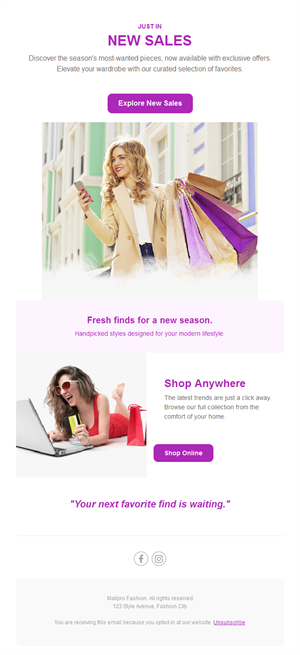
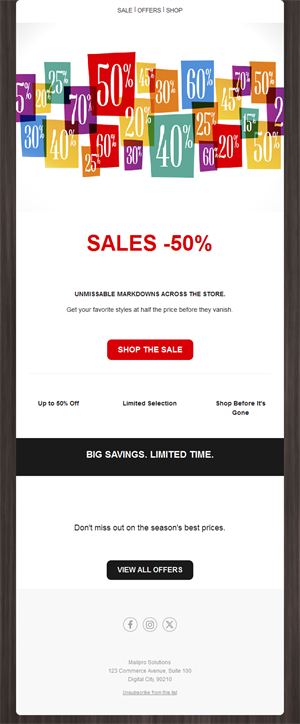
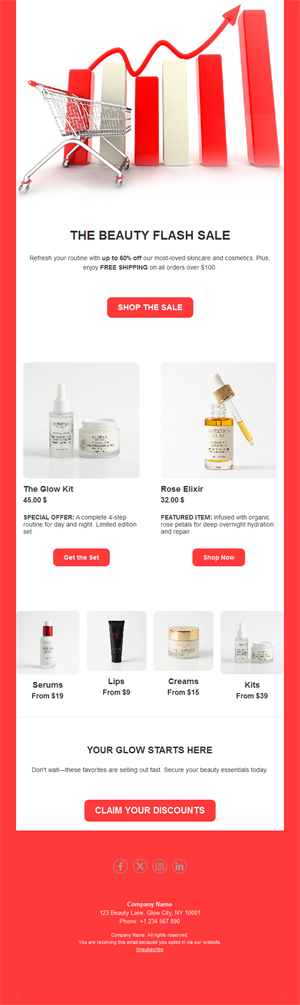
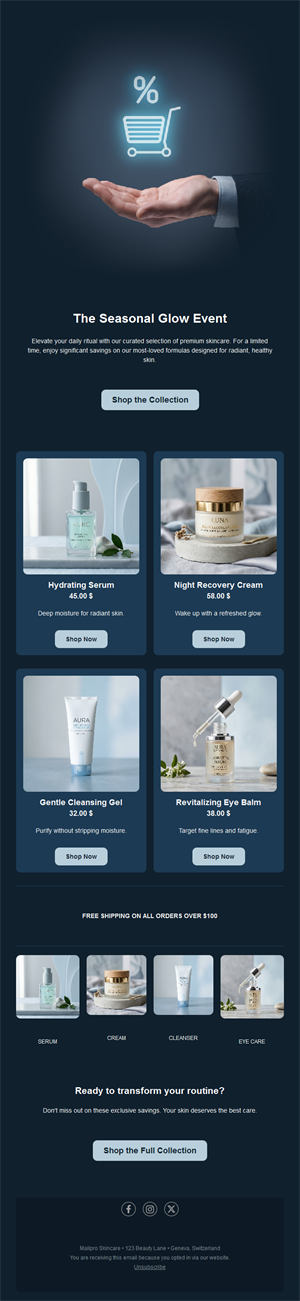
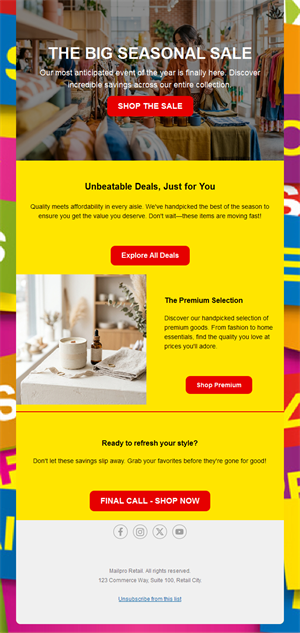
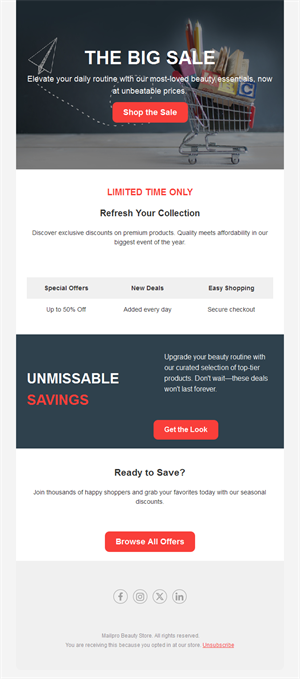
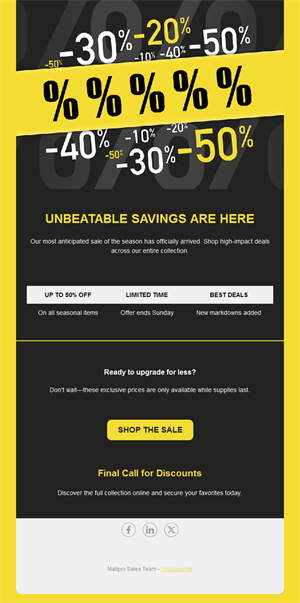
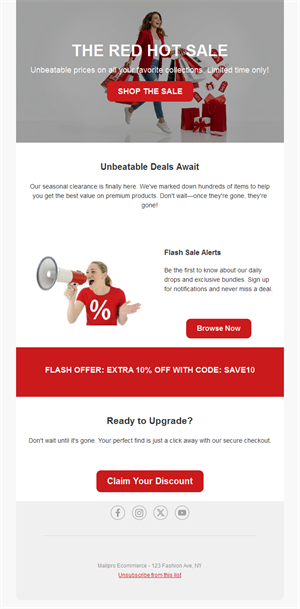
A good offer deserves an email that sells it. Pick a ready-made sales email template, customize it in minutes, and send with Mailpro™.
Why use Sales & Promotions email templates?
Promotional emails are still the highest-ROI channel for driving sales — but only when the offer is instantly clear. These templates are built around one job: getting the discount seen, understood, and clicked.
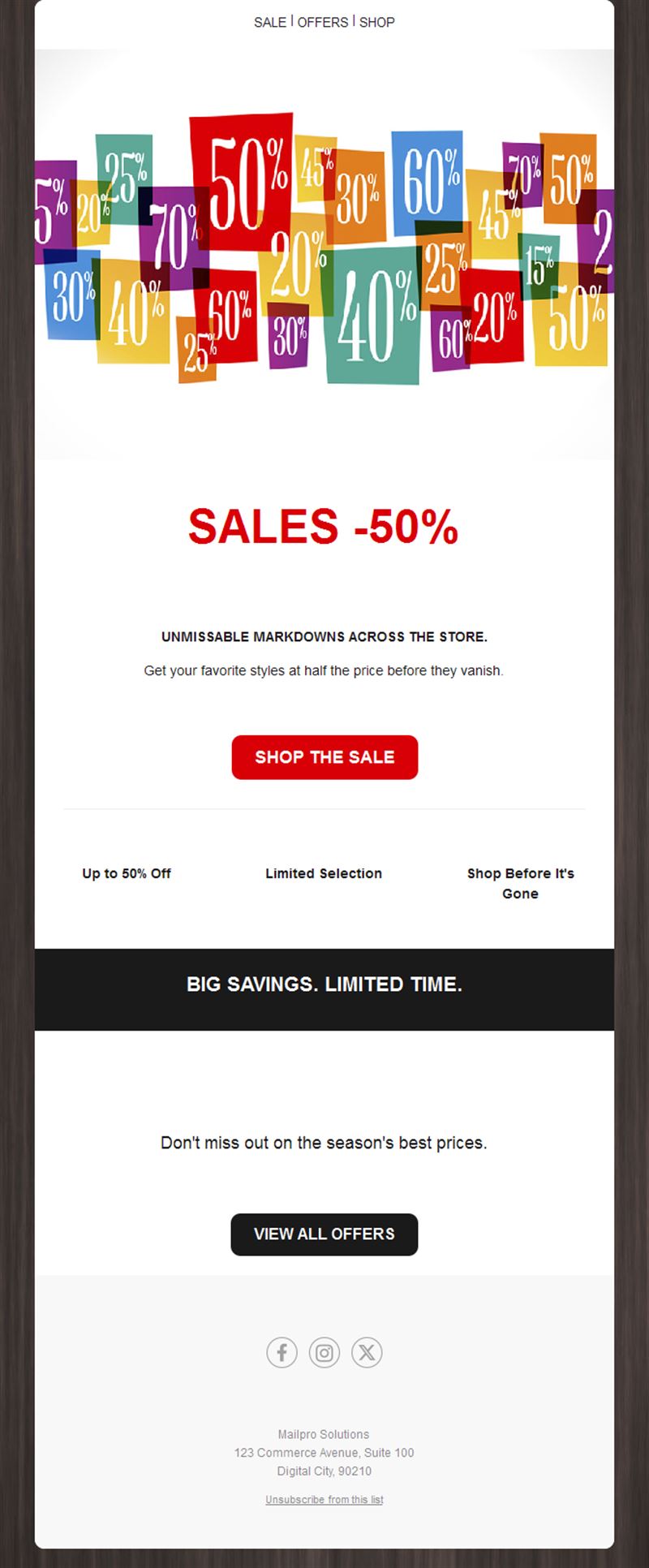
- Offer-first layouts: the discount is the hero, visible before any scrolling.
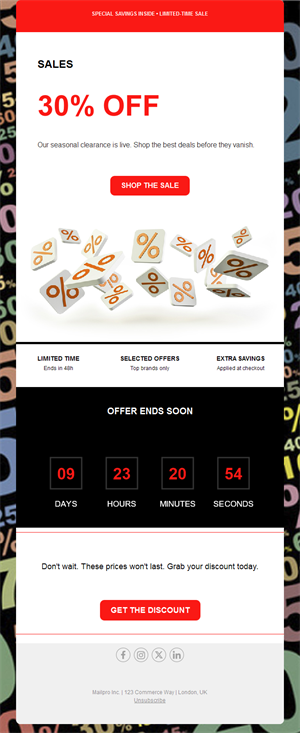
- Urgency built in: deadline banners and countdown zones push action.
- Any promo type: percentage off, BOGO, free shipping, clearance, VIP early access.
- Fast to ship: from idea to sent campaign in minutes.
What kind of promotions can you run?
1) Flash sales
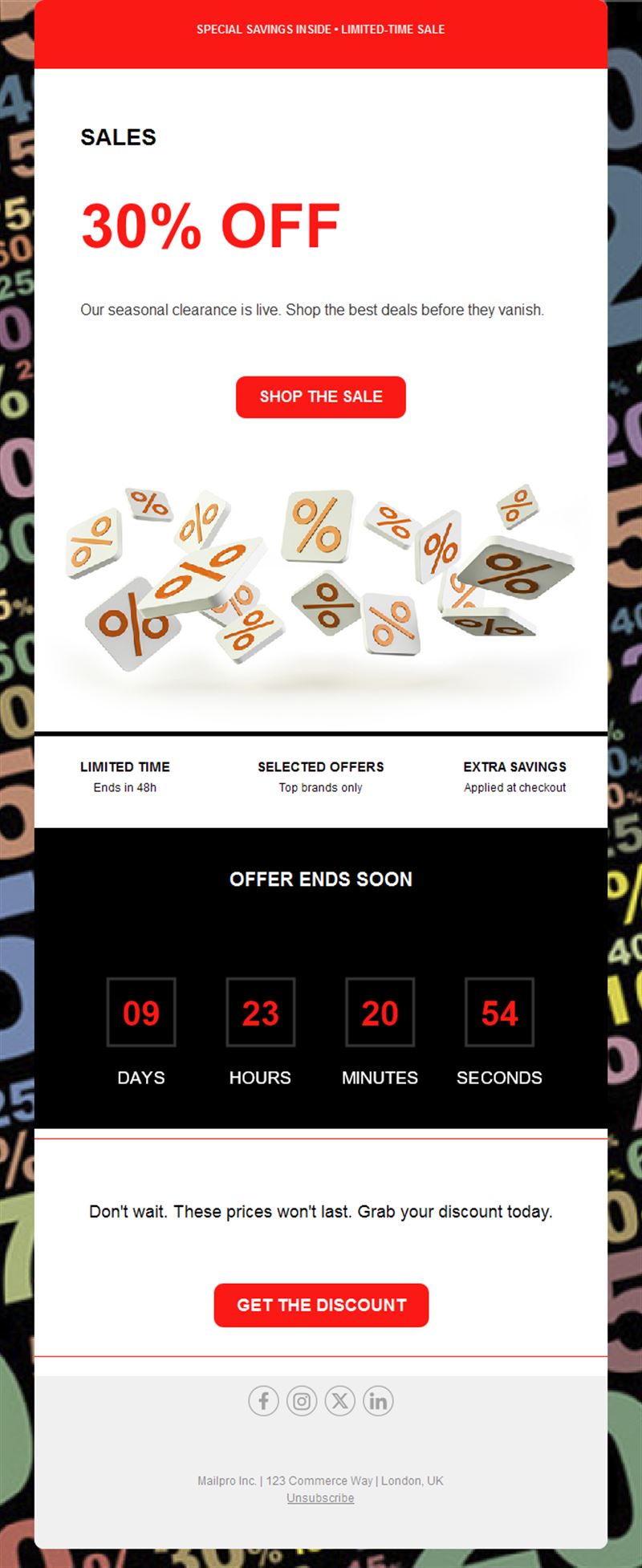
24–48 hour offers with a countdown — the strongest urgency play in email marketing.
2) Seasonal sales
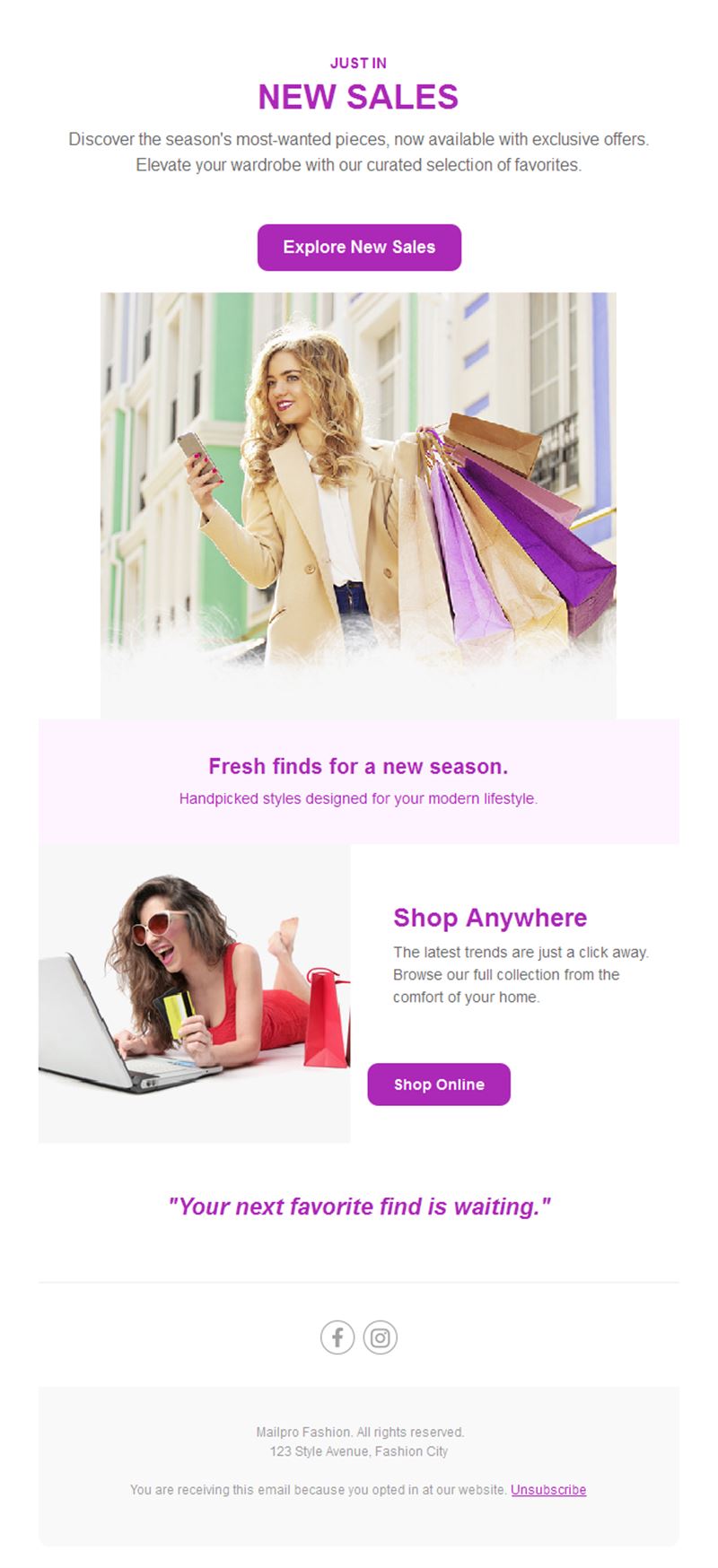
Summer and winter clearance, mid-season events, and holiday promotions.
3) VIP & early access
Reward subscribers with first pick — great for loyalty and list growth.
4) Bundle & threshold deals
“Buy 2 get 1” and “free shipping over X” offers that raise average order value.
5) Clearance & last chance
Move end-of-line stock with clear before/after pricing.
What's inside each template?
- Hero section with the offer, discount, and deadline.
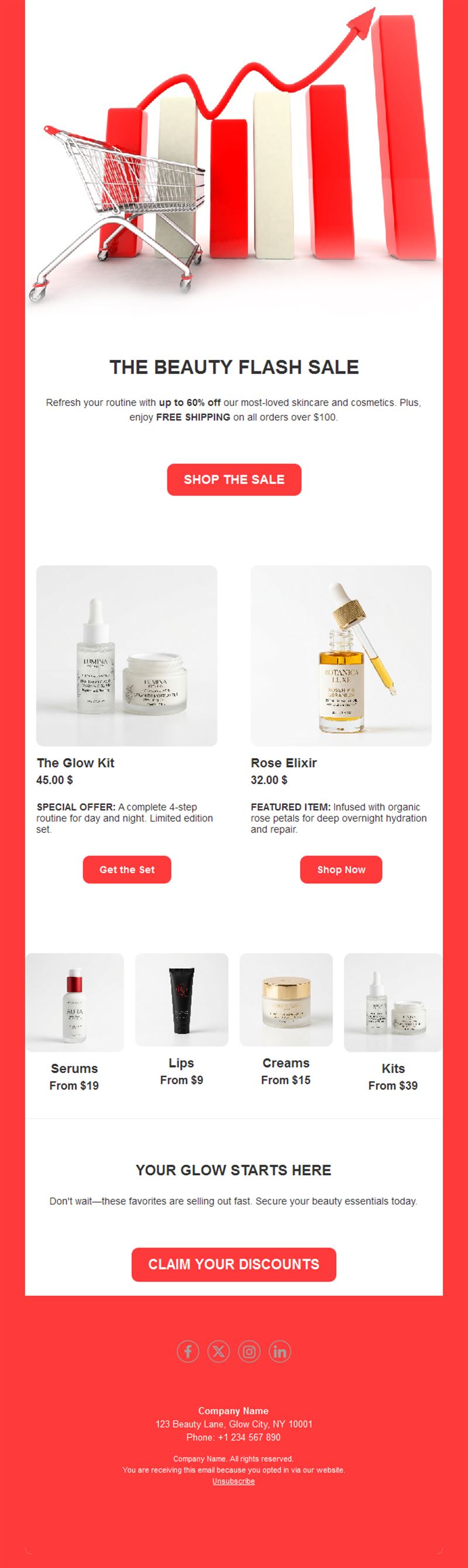
- Product grid with prices and buy buttons.
- Countdown zone for time-limited offers.
- Promo-code block that’s easy to copy.
- Social links and an easy unsubscribe footer.
How to customize your Sales & Promotions email in Mailpro™
- Pick a template: Open Templates and choose a Sales & Promotions design.
- Edit copy & images: Drop in products, prices, and the promo code; show original vs. sale price.
- Add a countdown (optional): A ticking clock on a flash sale measurably lifts clicks. See how the countdown works.
- Segment your audience: VIPs get early access; lapsed customers get the strongest offer. Learn segmentation.
- Schedule the send: Tuesday–Thursday mornings perform well; flash sales love a same-day reminder. Schedule email campaigns.
- Track results: Monitor opens, clicks, and conversions. View email statistics.
- Automate follow-ups: Auto-remind non-openers before the deadline, and follow up on abandoned carts. Set up autoresponders.
Subject line & CTA ideas
Subject lines
- 48 hours only: 30% off everything
- Your VIP early access starts now
- Free shipping ends tonight
- Last chance: clearance up to 70% off
- Psst… your code inside: SAVE20
CTA ideas
- Shop the Sale
- Get My Discount
- Claim Early Access
- See What’s Left
Best practices for Sales & Promotions campaigns
- One offer per email: a single clear discount beats a menu of deals.
- Deadline everywhere: subject, hero, and CTA should all carry the end date.
- Show the math: was/now pricing makes the value obvious.
- Remind once: a last-hours email typically doubles a flash sale’s revenue.
- Watch fatigue: constant discounts train subscribers to wait — mix in value content.
FAQ: Sales & Promotions email templates
When is the best time to send a sales email?
Tuesday to Thursday mornings perform best for most lists; flash sales benefit from a morning launch and an evening last-hours reminder.
Should I use a promo code or automatic discount?
Codes feel exclusive and are trackable; automatic discounts convert slightly better. Test both with Mailpro statistics.
How often can I send promotions?
Keep promos under half of your total sends — mixing in useful content protects your open rates long-term.
Can I personalize the offer?
Yes — segment by purchase history so VIPs, new subscribers, and lapsed customers each get the right offer.
Get started
Your next revenue spike is one send away: pick a sales email template and launch your offer.