
See which links actually get clicked.
Clicks reveal what resonates. Track the top links in every campaign with Mailpro, understand what drives action, and refine your content and calls-to-action to lift your click-through rate and conversions.
Why click tracking matters
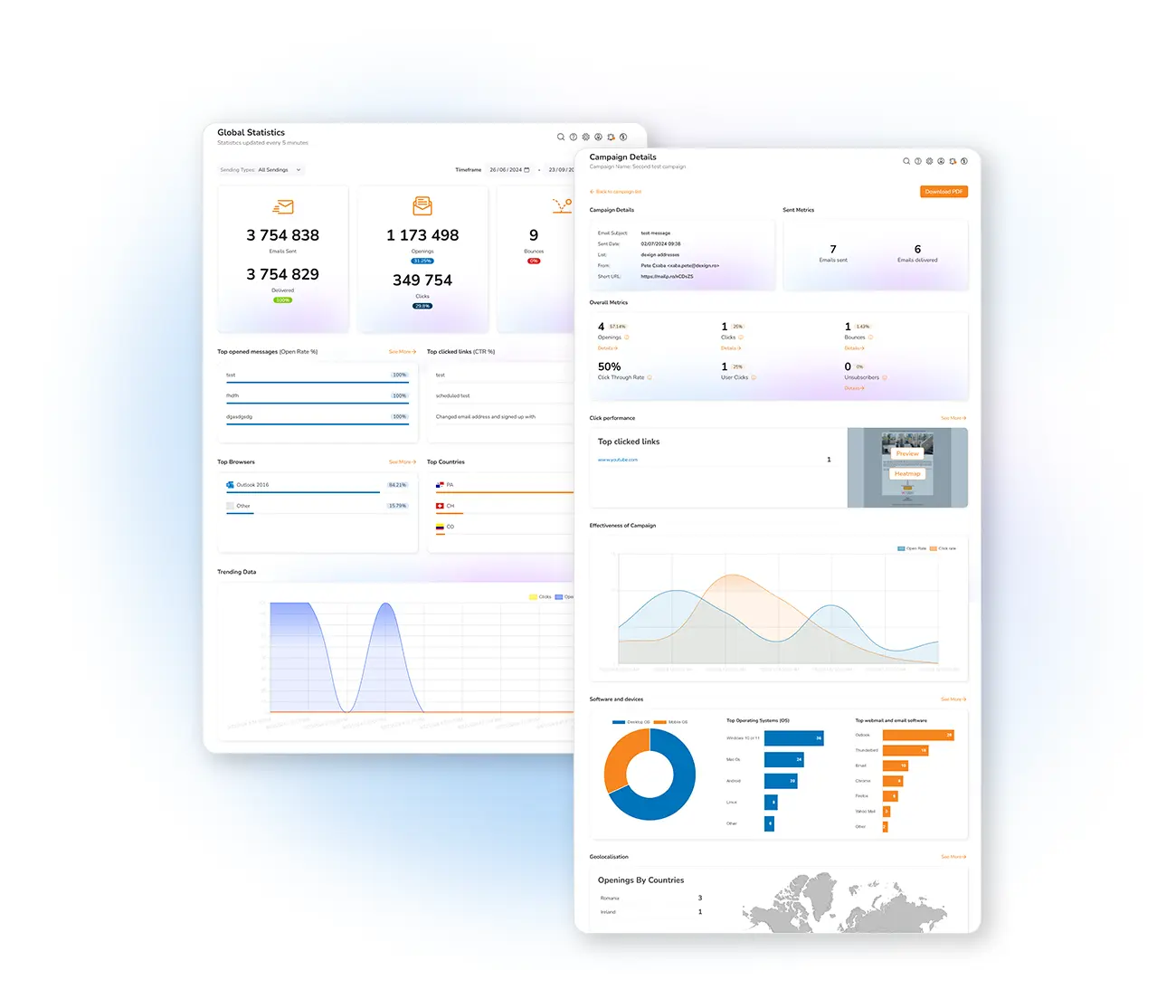
The number of clicks on your links is a crucial metric — it reveals which content resonates and encourages action. From the Mailpro statistics panel, select a campaign and open the Top Clicks tab to see your most popular URLs and the clicks each received, so you can judge how well your calls-to-action are performing.
One of the main goals of any campaign is to drive clicks to your website or offer. There's a direct link between clicks and opens: a high open rate but low click rate signals your content needs work. Make links clear and visible, use action words like "Buy," "Download" or "Learn More," and prefer buttons over plain text.
Turn clicks into a strategy
Visualize where readers click across the whole email with the newsletter heatmap, and read more in our email metrics guide.
Frequently asked questions
How do I track clicks in Mailpro?
Why is my open rate high but click rate low?
Boost your click-through rate
Start free and use click insights to make every email drive more action.