
Secure assessments with password protected quiz and exams
Lock every quiz and exam behind a password so only the candidates you invite can take part. Mailpro keeps your questions confidential and your results trustworthy, from the moment the assessment opens to the final score.

When an assessment really counts, you need to know that only the right people can open it. With Mailpro™ you can add a password to any quiz or exam so access stays in your hands and your questions never leak ahead of time. It is a natural part of the wider online quiz tool, whether you are building a graded online exam or a quick knowledge check with the quiz and exam maker.
Because Mailpro is no-code and Swiss-hosted, you protect an assessment without touching a line of code and keep every password and answer under Swiss data protection. Password control pairs naturally with a quiz timer and with detailed statistics, so a secure test is also a fair and measurable one.
Lock every assessment with a password
Set a password on any quiz or exam and share it only with the candidates you invite. People who do not hold the password simply cannot start the assessment, so your questions stay confidential and your results reflect only the participants you intended to reach.
Build a secure online exam →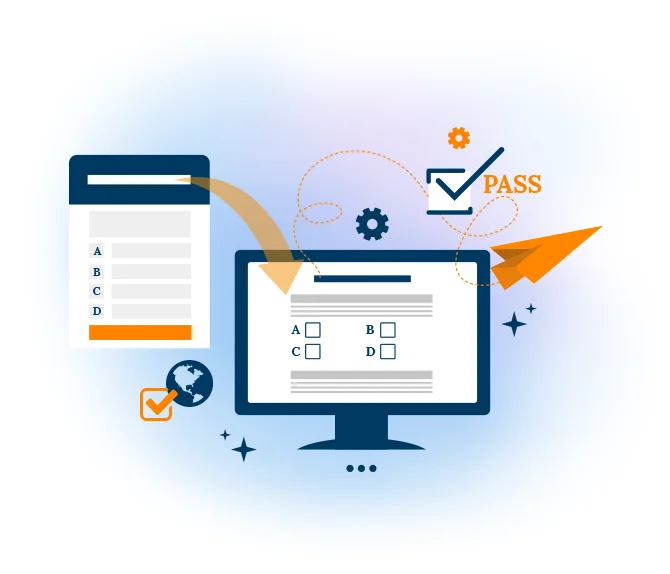
Add a timer to every protected attempt
Combine password protection with a countdown timer so each candidate works within the same time limit. Participants can watch their remaining time in real time, which keeps a secure exam structured and fair for everyone who takes it.
See how the quiz timer works →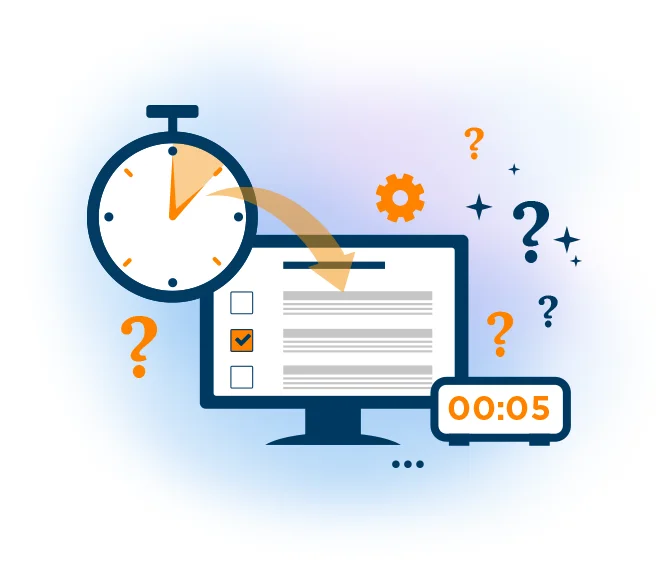
Turn secure attempts into clear insight
Once your protected assessment is live, every submission feeds detailed statistics so you can review scores, spot the questions candidates found hardest and understand how your group performed. Password protection keeps the data clean because only authorized participants ever contribute to it.
Explore quiz statistics →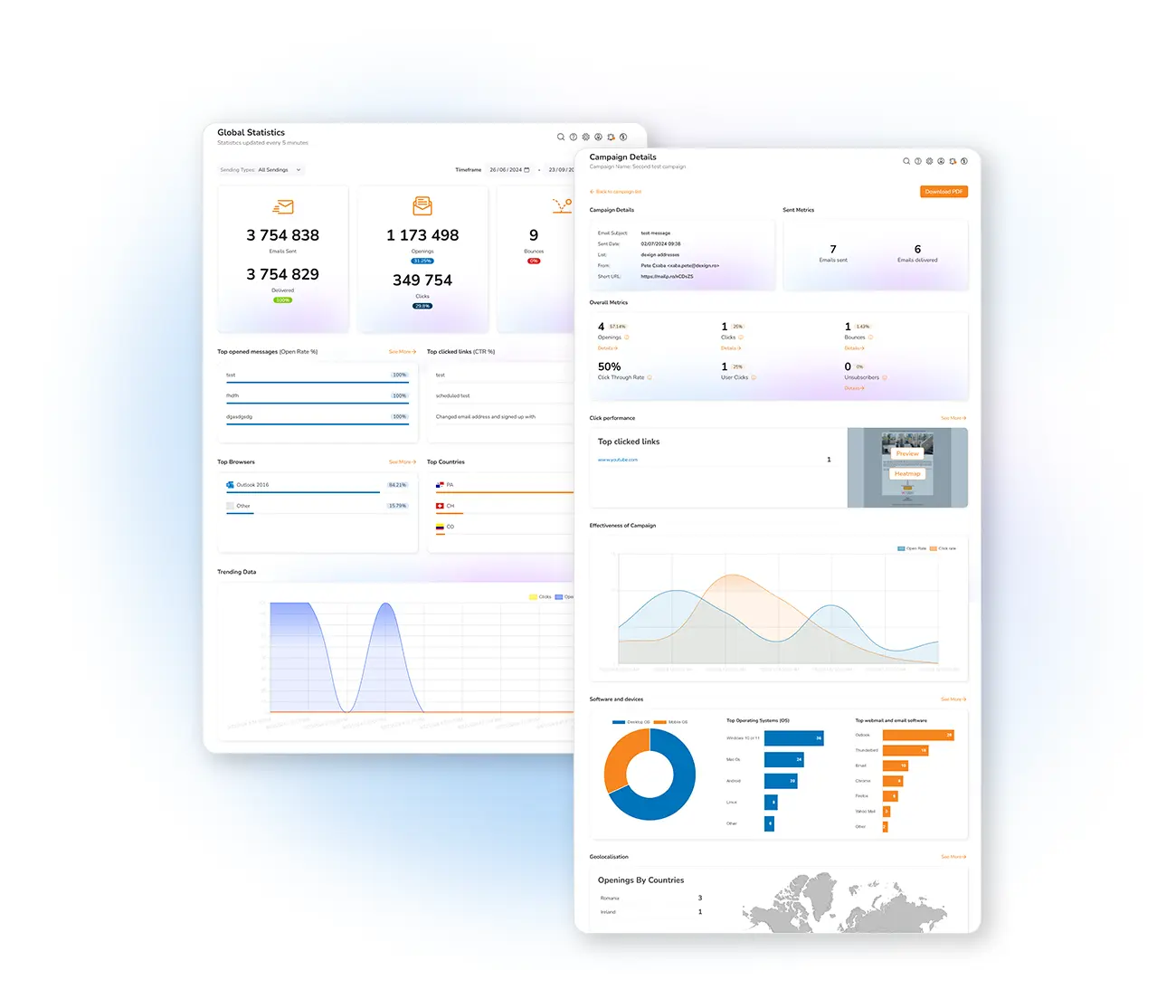
Frequently asked questions
What is a password protected quiz?
How do I add a password to my quiz in Mailpro?
Can I combine password protection with a timer and statistics?
Is my quiz data kept private?
Run your first secure assessment today
Create your free account, build a quiz or exam and protect it with a password — Swiss-hosted, GDPR-native, no credit card required.