
Understand your quiz performance.
Mailpro™ turns every quiz and exam into clear insight. See completion rates, engagement and individual responses at a glance, and export the data as PDF or CSV — Swiss-hosted and GDPR-native, with no code required.

Insight into every response
Once you build assessments with the Mailpro online quiz tool, Quiz Performance Reports show you how your audience actually interacts with them. Measure completion rates, spot the questions that resonate and the ones that lose people, and use the data to make better exams and quizzes over time.
See attempts, completions and engagement
Get a deep view of how participants work through your assessments: the number of attempts, completions and abandonment, plus how much time is spent on each question. Monitor completion rates to find drop-off points, and open individual responses to review exactly how each participant answered. It is the same reporting whether you run a light quiz or a formal online exam.
Build a quiz to track →
Export results as PDF or CSV
Take your data wherever you need it. Export quiz performance reports for deeper analysis or to share with your team, choosing PDF for a clean summary or CSV to work with the raw responses. It is a natural companion to Mailpro survey statistics, so all of your response data lives in one place and stays easy to reuse.
Compare survey statistics →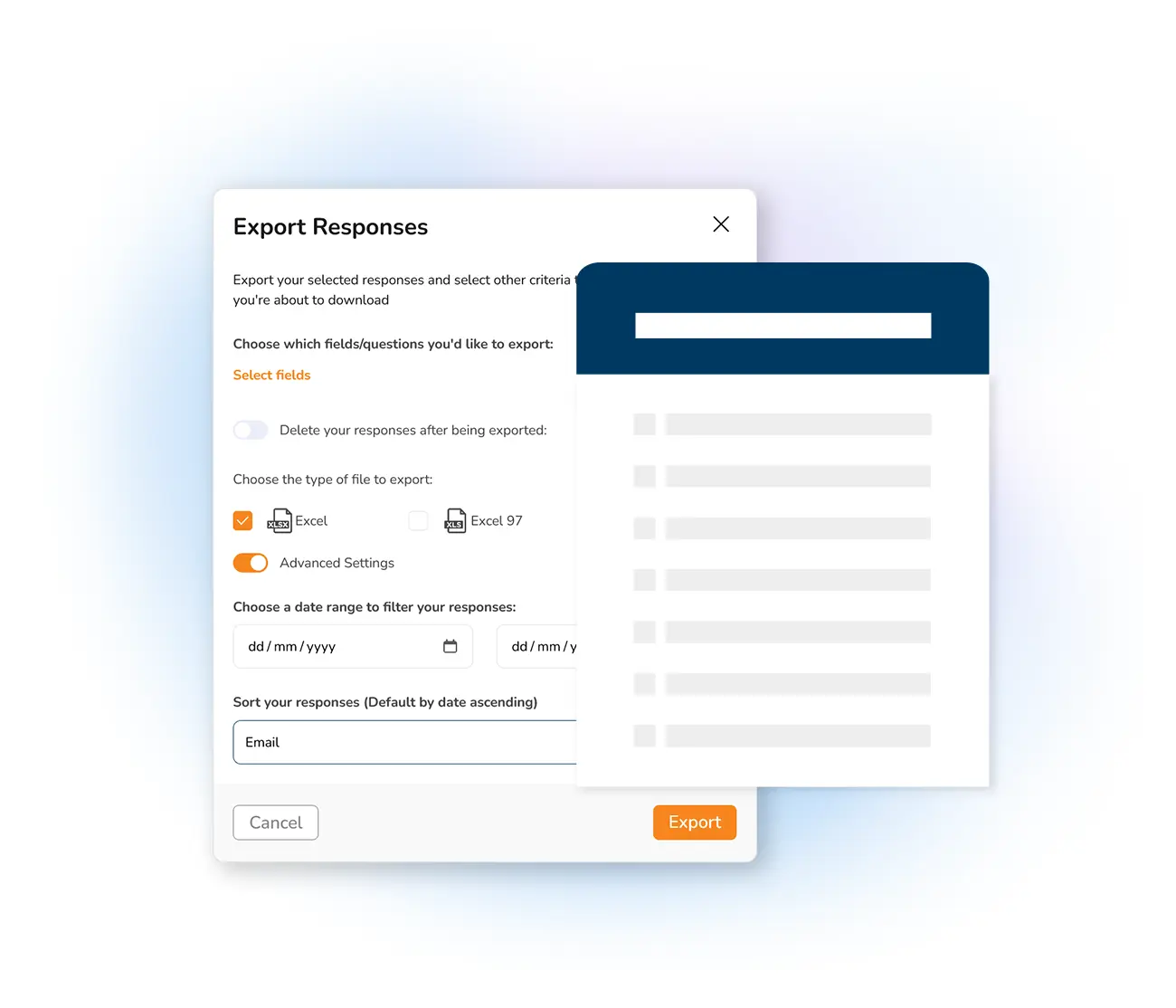
Make data-driven decisions
Reports are only useful when you act on them. Use quiz metrics to tailor content to your audience, measure the success of a campaign, and improve engagement question by question. Then import results into your contact list to follow up with participants based on how they performed — turning assessments into your next conversation.
Follow up on results →
Frequently asked questions
What do Mailpro quiz performance reports show?
Can I export quiz results?
How do quiz statistics help me improve assessments?
Can I act on quiz results afterwards?
Measure your quizzes with Mailpro
Track completion rates, engagement and individual responses, then export and act on them — Swiss-hosted, GDPR-native, no card required.