
Stop spam with CAPTCHA on your forms.
Mailpro™ adds a CAPTCHA verification step to any online form, so automated bots are blocked and only real people can submit. Protect the quality of what you collect — no code required, Swiss-hosted and GDPR-native.
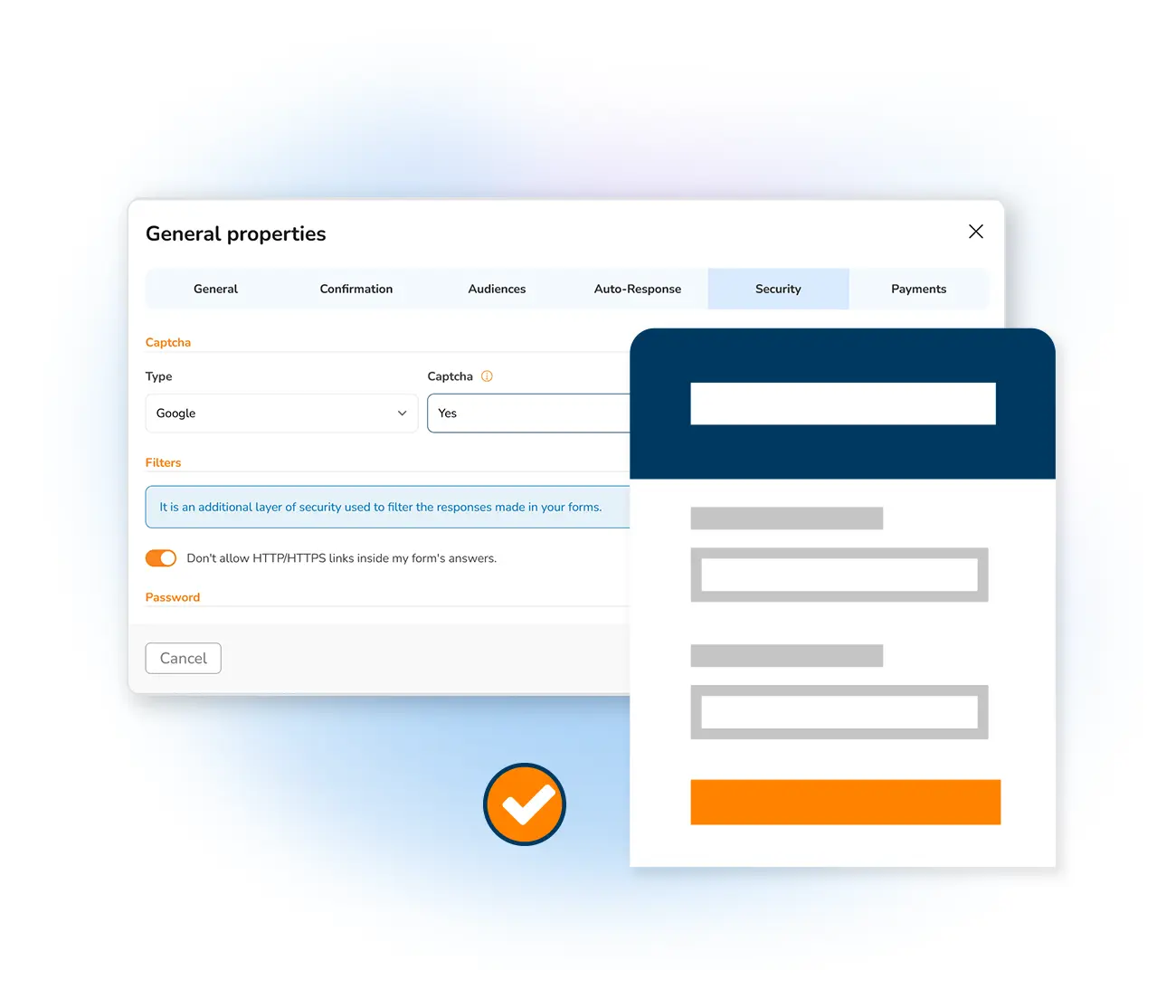
Genuine responses, free of bot spam
A public form is an open door, and automated bots will try to walk through it. CAPTCHA closes that door to scripts while keeping it open for real visitors. Build any form with the Mailpro online form creator, switch on CAPTCHA, and every submission you receive comes from a person who meant to send it.
Block bots before they submit
CAPTCHA asks for a simple human-verification step that automated scripts cannot pass, stopping spam entries at the point of submission. Turn it on for a public sign-up form or any lead-capture form and keep junk out of your results, so the people managing responses spend their time on real contacts.
Build a protected form →Keep your collected data clean and trustworthy
By filtering out automated submissions, CAPTCHA protects the integrity of the data you gather — vital for market research, lead generation and customer feedback. Cleaner responses feed directly into your form statistics, and you can synchronize responses with your contact lists knowing every entry came from a real person.
See form statistics →
One layer in a full security stack
CAPTCHA is a strong first line, and Mailpro lets you go further. Add network filters to limit access by IP address, apply domain-name filtering to accept only approved email domains, and set up password-protected forms for confidential collection. Combine these controls to match the sensitivity of what you gather.
Explore form security →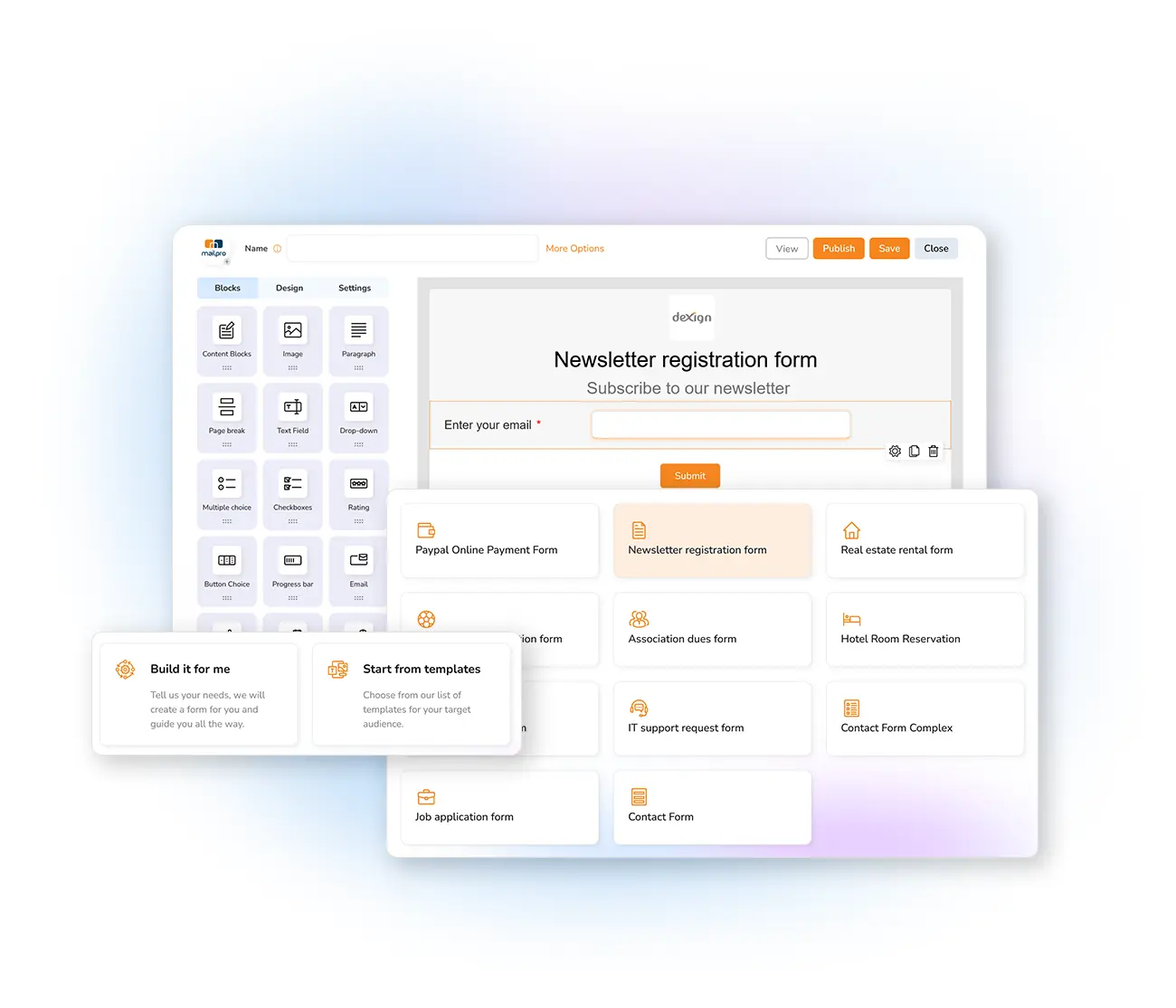
Frequently asked questions
What does CAPTCHA do on a form?
How do I add CAPTCHA to a Mailpro form?
Does CAPTCHA make forms harder to complete?
Can I combine CAPTCHA with other form security controls?
Protect your forms from spam today
Create your account and add CAPTCHA to your online forms with Mailpro — Swiss-hosted, GDPR-native, no card required.