
Send automated emails to tagged contacts.
Tags are the simplest way to organize a growing list — and one of the most powerful automation triggers. Send emails based on whether a contact is tagged or not, so every message reaches exactly the right group, automatically.
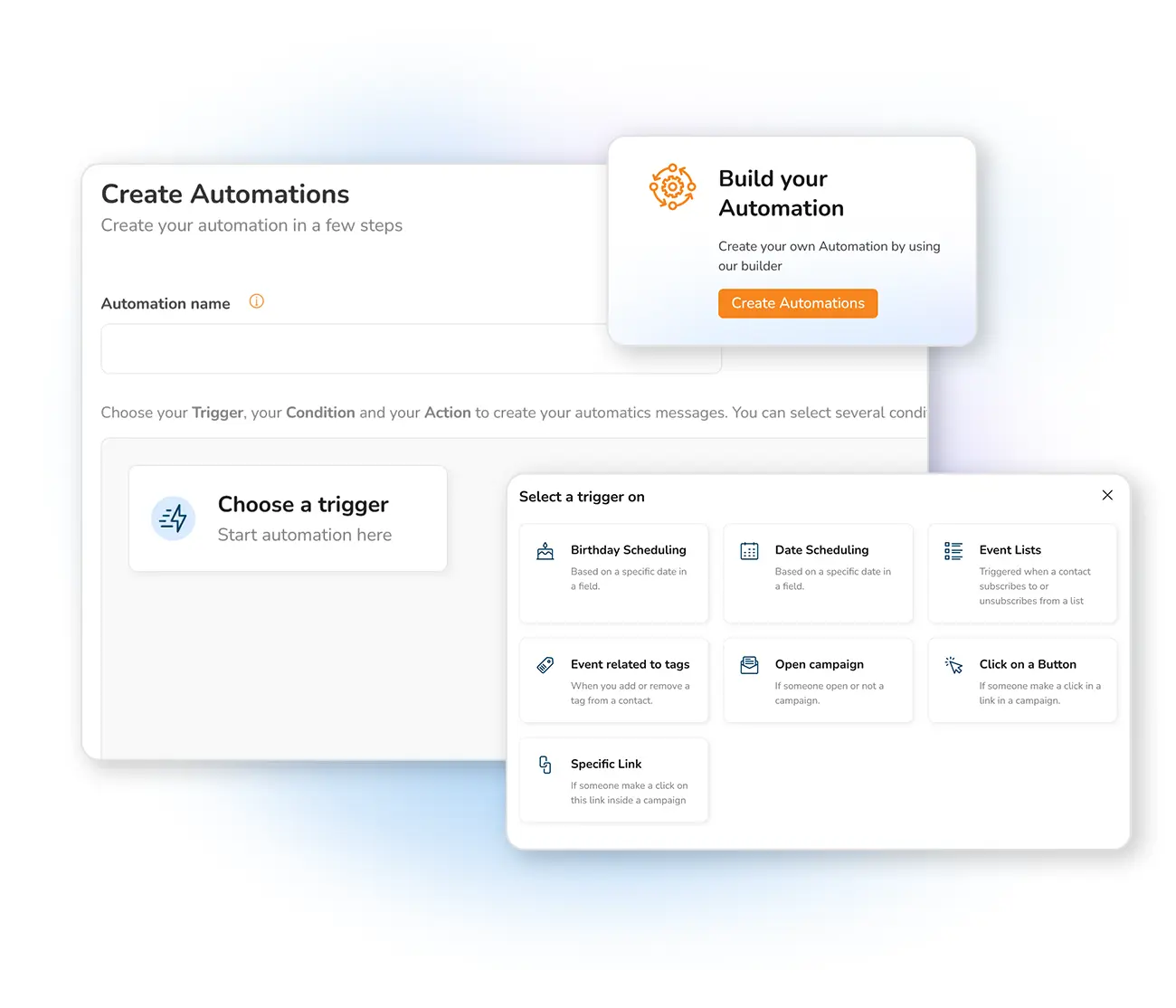
Why trigger emails with tags?
Tags are the categories you create to manage and organize your audience. They store important data, structure your contacts, and let you categorize people by whatever is relevant to your business — so you can communicate directly with a particular group.
Tags are one of the easiest, most effective ways to manage a growing contact list. They keep your targeting tidy, and crucially, they ensure each automated email is sent to exactly the right subscribers.
Tags that work inside your automation
Frequently asked questions
What is a tag trigger?
How do I add tags to contacts?
Reach the right contacts with tag triggers
Start free and let Mailpro send automated emails to exactly the tagged contacts you choose.