
Restrict your forms by domain name.
Mailpro™ lets you decide which domain names can access any online form, so it stays visible only to the audience you intend. Share secure form URLs with confidence — no code required, Swiss-hosted and GDPR-native.
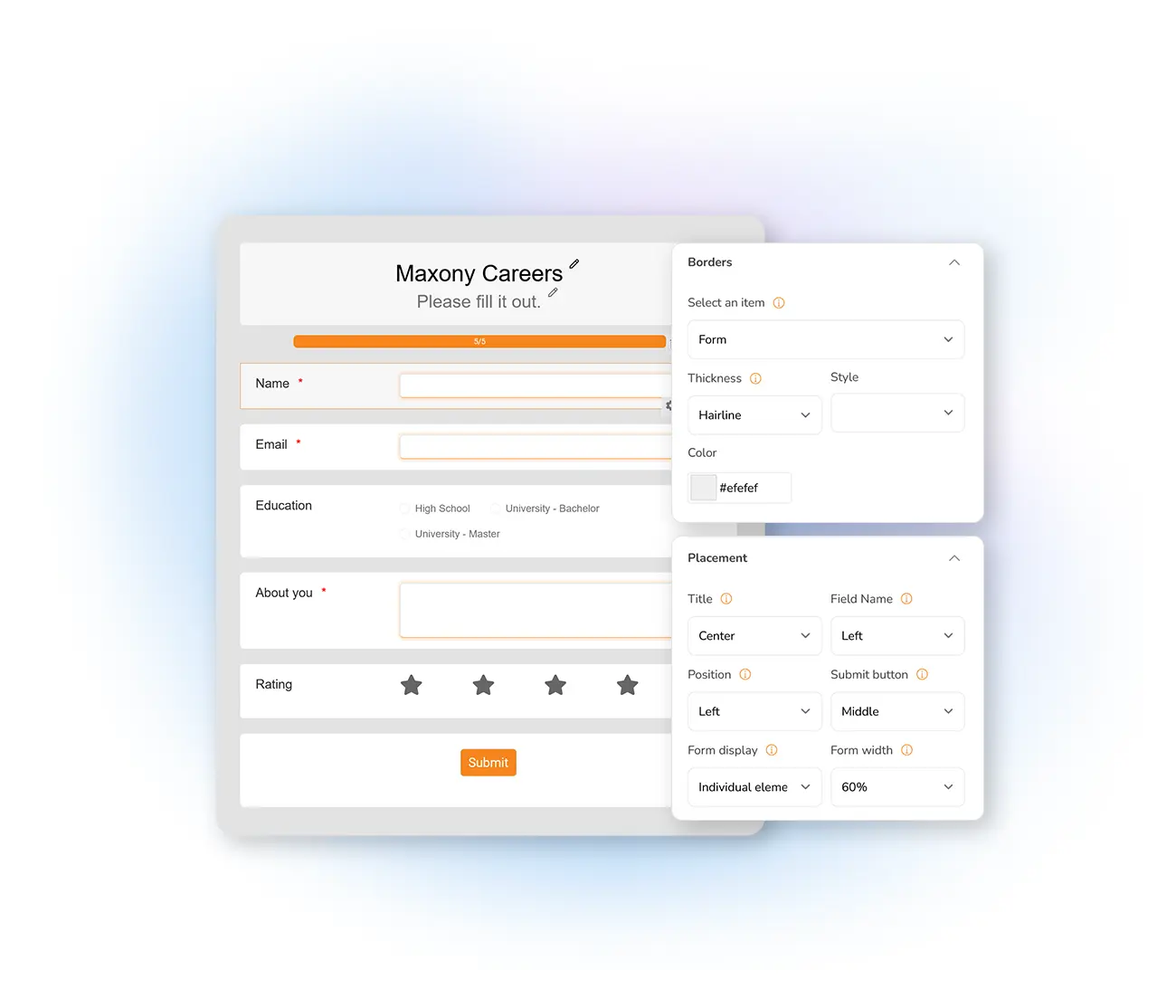
The right audience, and only the right audience
Sharing a form widely is easy, but keeping it in front of the right people takes control. Domain-name filtering lets you specify which domains may open a form, so an internal or targeted collection never spills beyond its intended audience. Build any form with the Mailpro online form creator, then set who is allowed to see it.
Filter which domains can reach your form
Choose the domain names that can, or cannot, access your form and tailor its audience precisely. It is ideal for a partner intake or an internal sign-up form that should stay within specific organizations. For an even tighter perimeter, pair domain filtering with network filters to control access by IP as well.
Build a filtered form →Create and share secure form URLs
Generate a secure URL for your form and distribute it with confidence, knowing the domain-name filter keeps it visible only to the domains you approve. It adds a layer of privacy on top of the ways you already share your forms, and every submission flows into Mailpro where you can review form statistics and sync responses with your contact lists.
See sharing options →
Part of a complete form security stack
Domain-name filtering is one control among several. Add CAPTCHA to stop automated spam, apply network filters for IP-level control, and enable password-protected forms for confidential collection. Combine the controls to match how sensitive your data is, all on Mailpro Swiss-hosted, GDPR-native infrastructure.
Explore form security →
Frequently asked questions
What is domain-name filtering for forms?
How do I restrict a form to certain domains?
Can I share a secure form URL?
Does domain-name filtering work with other security controls?
Control who sees your forms today
Create your account and filter your online forms by domain name with Mailpro — Swiss-hosted, GDPR-native, no card required.