
Generate an RSS feed from your newsletters.
Automate content updates for your subscribers. Mailpro turns your latest newsletters into an RSS feed you can embed on your website, share on social media, or connect to third-party tools — so your audience always stays up to date.
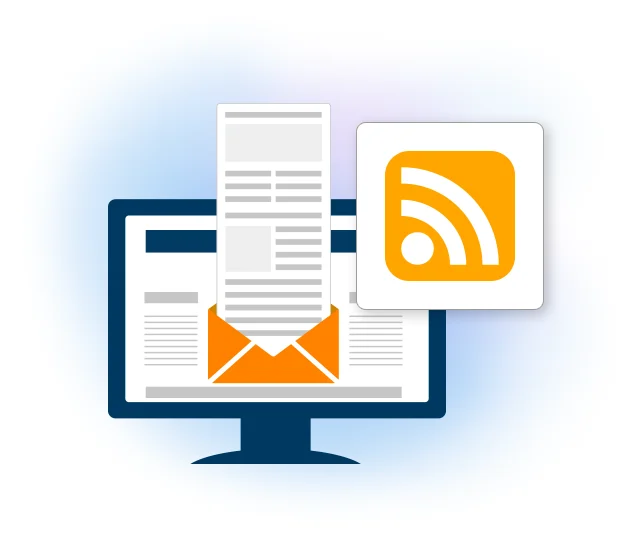
What is an RSS feed and how does it work?
RSS (Really Simple Syndication) is a standardized format that allows users to receive automatic updates from a website or digital platform. In email marketing, an RSS feed enables your subscribers to stay updated with your latest newsletters without manually checking their inbox.
Benefits of an RSS feed for newsletters
- Automated content distribution
Your latest newsletters are published in your RSS feed automatically, so subscribers receive updates without delay.
- Increased subscriber engagement
RSS gives your audience an additional way to stay connected to your content.
- Better email deliverability
Because subscribers can also read content in an RSS reader, it reduces the risk of updates being lost in spam folders.
- Integration with other platforms
Embed the feed on websites, share it on social media, or connect it to third-party tools for seamless distribution.
Create your feed in four steps
Log in
Open the RSS feed settings within your Mailpro dashboard.
Select newsletters
Choose which newsletters you want to appear in your feed.
Generate the URL
Mailpro creates a unique RSS feed URL for your selected content.
Share & integrate
Distribute the URL via your website, campaigns or social media.
Where can subscribers access your RSS feed?
- RSS readers: apps like Feedly, Inoreader and Outlook let users subscribe and receive updates.
- Websites & blogs: embed the feed to display your latest newsletters dynamically.
- Email subscriptions: some email clients let users follow RSS feeds and receive updates directly in their inbox.
Frequently asked questions
What is an RSS feed?
Where can subscribers access my RSS feed?
How do I create an RSS feed in Mailpro?
Keep subscribers up to date, automatically
Start free and turn your newsletters into an RSS feed you can share everywhere.