
Engage on autopilot with automated emails.
Send the right message at the right moment — welcome emails, birthday offers, click-triggered follow-ups and timed sequences — all set up once and running automatically. Save time and communicate more often, and more intelligently, with your list.
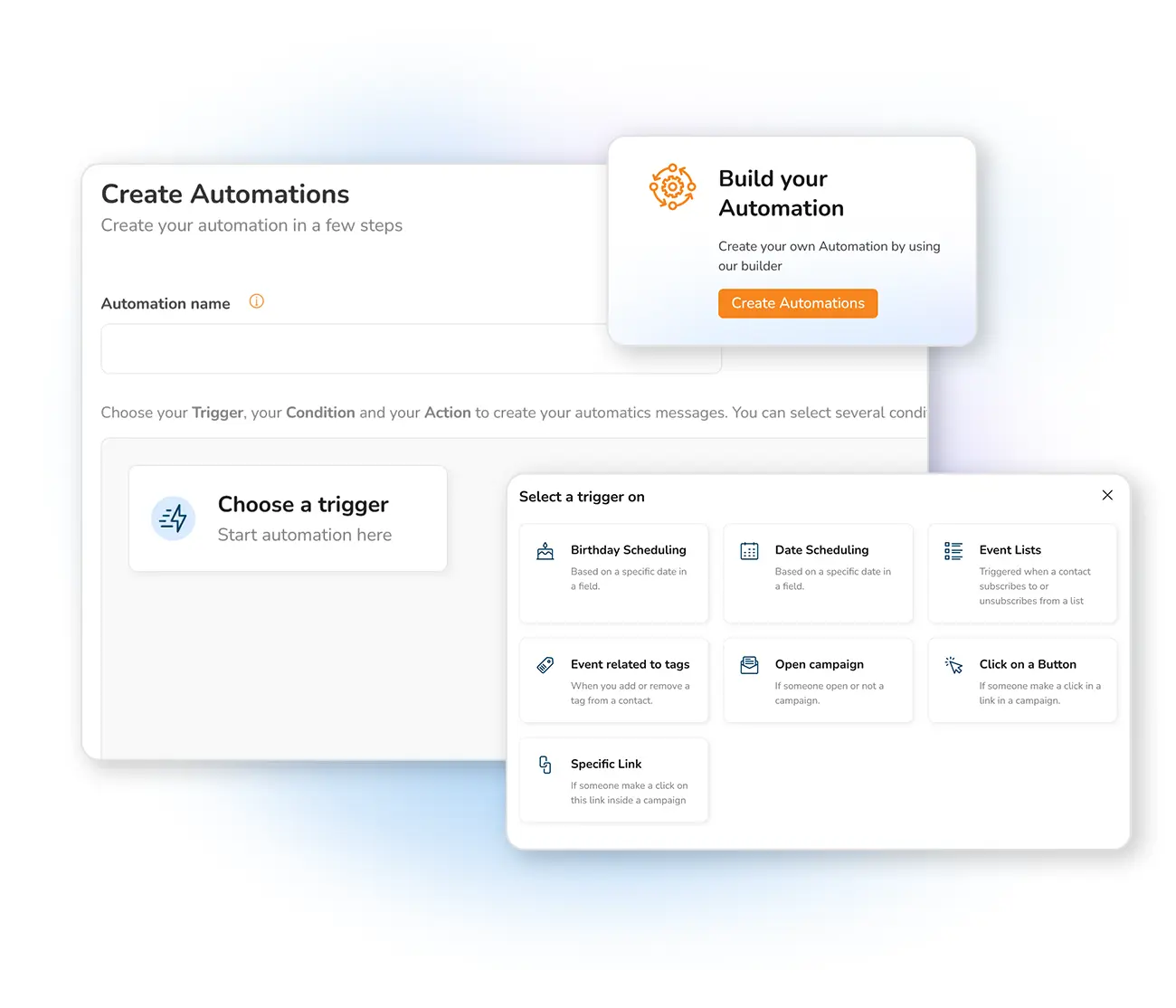
Why set up automated emails?
Automated emails are one of the most powerful tools in email marketing: they save you time, let you communicate more often and more intelligently with your database, re-engage inactive contacts, and much more. You create a series of predetermined messages that guide the reader towards the action that is the goal of your campaign.
Wish a customer happy birthday, send a welcome email to a new subscriber, or fire a message when a contact clicks a link. This kind of behaviour-triggered email is called an autoresponder — an automatic email that follows an action. You can even send it a set time after the action. It's all part of marketing automation, and it's easy with Mailpro.
Every kind of automated email
Pick a starting point — each one takes minutes to set up and runs on its own.
Welcome emails
Make a strong first impression the moment someone subscribes.
Birthday emails
Delight customers with a personalized offer on their special day.
Email on link click
React to behaviour — send an offer when a contact clicks a link.
Timed sequences
Send a message a set number of days after an action, in sequence.
Autoresponders
Reply automatically to any subscriber action, hands-free.
Automation triggers
Choose the event that kicks off each automated message.
Automation actions
Define what happens next and target specific segments.
Automation statistics
Track how each automated email performs and optimize.
Schedule sending
Plan one-off campaigns to go out at the perfect moment.
Create an automated email in 3 steps
From your Mailpro account — no technical skills needed.
Open Automatic Emails
Go to the "Send" section of your account and select "Automatic Emails".
Chain several messages into a multi-day sequence and target specific segments — for example a welcome email, an e-book the next day, then offers until your subscriber converts. Read more on email automation to boost your business.
Frequently asked questions
What is an automated email?
What is an autoresponder?
How do I set up automated emails in Mailpro?
Put your email marketing on autopilot
Start free and set up your first automated email in minutes — welcome, birthday, or behaviour-triggered.