
Export your form's responses
Download every submission in one click and turn your form data into decisions. Analyze results, track how your forms perform over time and share clean, spreadsheet-ready data with your team.
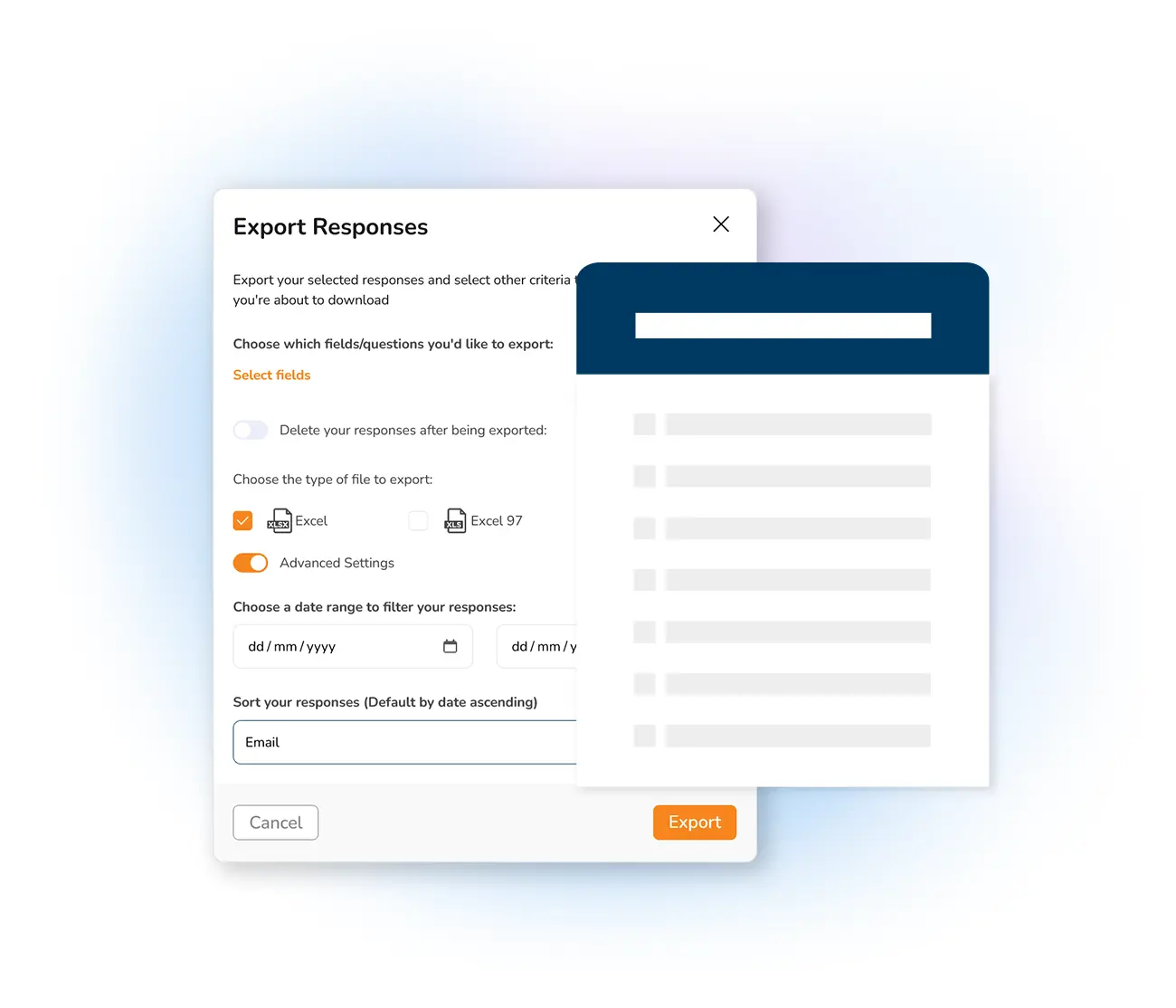
With Mailpro™ every response to your online forms is yours to keep and analyze. Exporting your data is the fastest way to get results into a format you can work with — filter answers, build charts and keep a record you can revisit any time. It works hand in hand with the rest of your online form builder, from ready-made form templates to smart branching form logic.
Because Mailpro is no-code and Swiss-hosted, you get clean, structured exports without touching a spreadsheet formula or worrying where your data lives. Prefer to keep everything in motion instead of downloading files? You can also synchronize responses straight into your contact lists or watch results build live with real-time form statistics.
Get every submission in seconds
Export all of your form responses in a single click, straight from your dashboard. The file downloads in a spreadsheet-friendly format that opens in Excel or any spreadsheet tool, ready to sort, filter and chart.
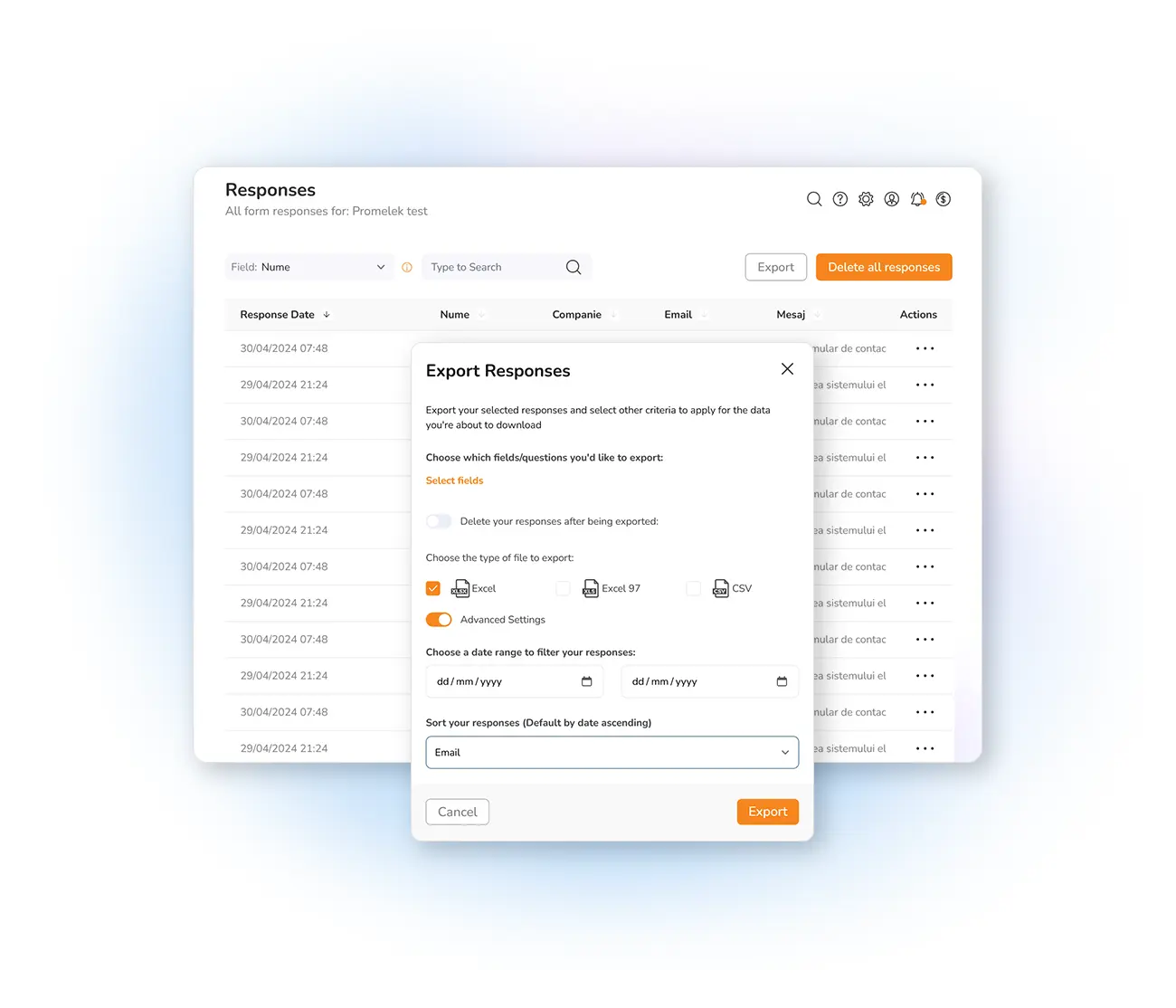
Turn data into decisions
See which forms attract the most responses and which need work, and follow how results evolve over time. Pair your exports with live dashboards so you always have the full picture at a glance.
See real-time form statistics →
Sync responses to your contacts
When you want data to keep moving rather than sit in a file, send new submissions straight into your contact lists. Every entry becomes an up-to-date contact you can segment and email, and you can distribute your forms anywhere your audience is.
Synchronize forms with contacts →
Frequently asked questions
How do I export my form responses in Mailpro?
What format are exported form responses in?
Can I sync form responses to my contact lists instead of exporting?
Is exporting my form data GDPR compliant?
Start collecting and exporting responses today
Create your free account, build a form and export clean data in one click — Swiss-hosted, GDPR-native, no credit card required.