
Forms that ask only what matters.
Long forms lose people. With branching logic in Mailpro™, each answer decides what comes next — so respondents see only the questions relevant to them. Shorter forms, less friction and higher completion, all built with no code.

What branching logic does for your forms
Branching logic — also called conditional or skip logic — shows or hides questions based on what a respondent has already answered. Rather than making everyone read through fields that do not apply, the form adapts in real time and guides each person down the shortest relevant path. The result is a cleaner experience and better quality data.
You can add branching to any form you build when you create online forms in Mailpro, and the same conditional rules apply when you design branching logic surveys. Start from a blank form or one of the ready-made form templates, then set your conditions in a few clicks.
Show only the questions that apply
Set a simple rule — when this answer is chosen, reveal that question — and Mailpro routes every respondent through the fields that matter to them. Irrelevant sections stay hidden, so the form feels short even when it covers many scenarios.
Build your first form →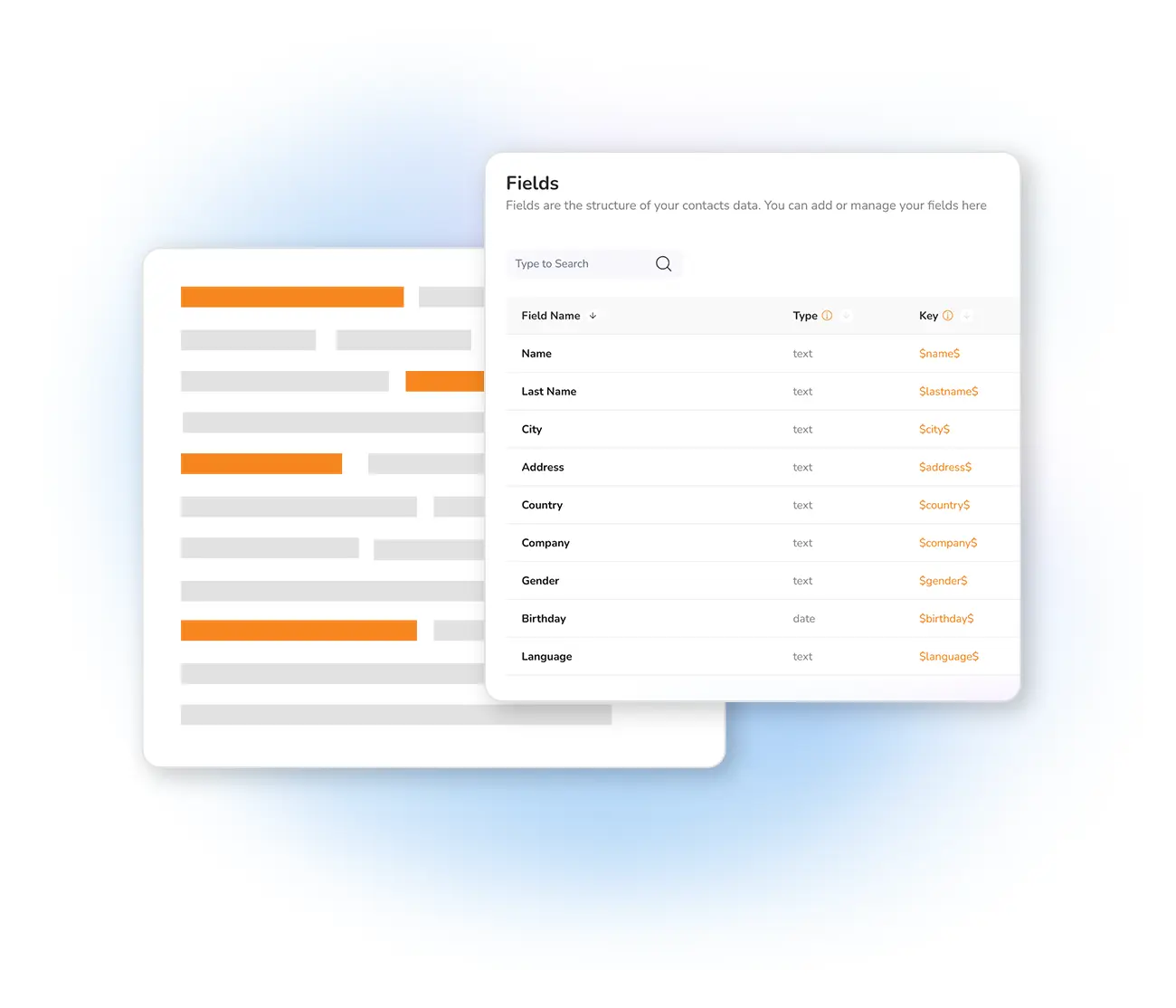
Design the whole flow without writing code
Add fields, drag them into order and define your logic visually — no scripting required. Match the form to your brand with your own colours, labels and logo when you customize the form design, so a smart, adaptive form still looks entirely yours.
Start from a template →
See where answers lead, then act on them
Because each path is defined, you always know which branch a respondent took. Track responses in real time with dynamic form statistics, and let Mailpro synchronize form responses with your contacts so answers flow straight into your lists for targeted follow-up.
Explore form statistics →
Branching logic forms — questions answered
What is a branching logic form?
Do I need to know how to code to use branching logic in Mailpro?
Does branching logic work for surveys too?
Is my form data hosted securely?
Build a form that adapts to every respondent
Create your free Mailpro account and add branching logic in minutes — no code, Swiss-hosted, no credit card required.