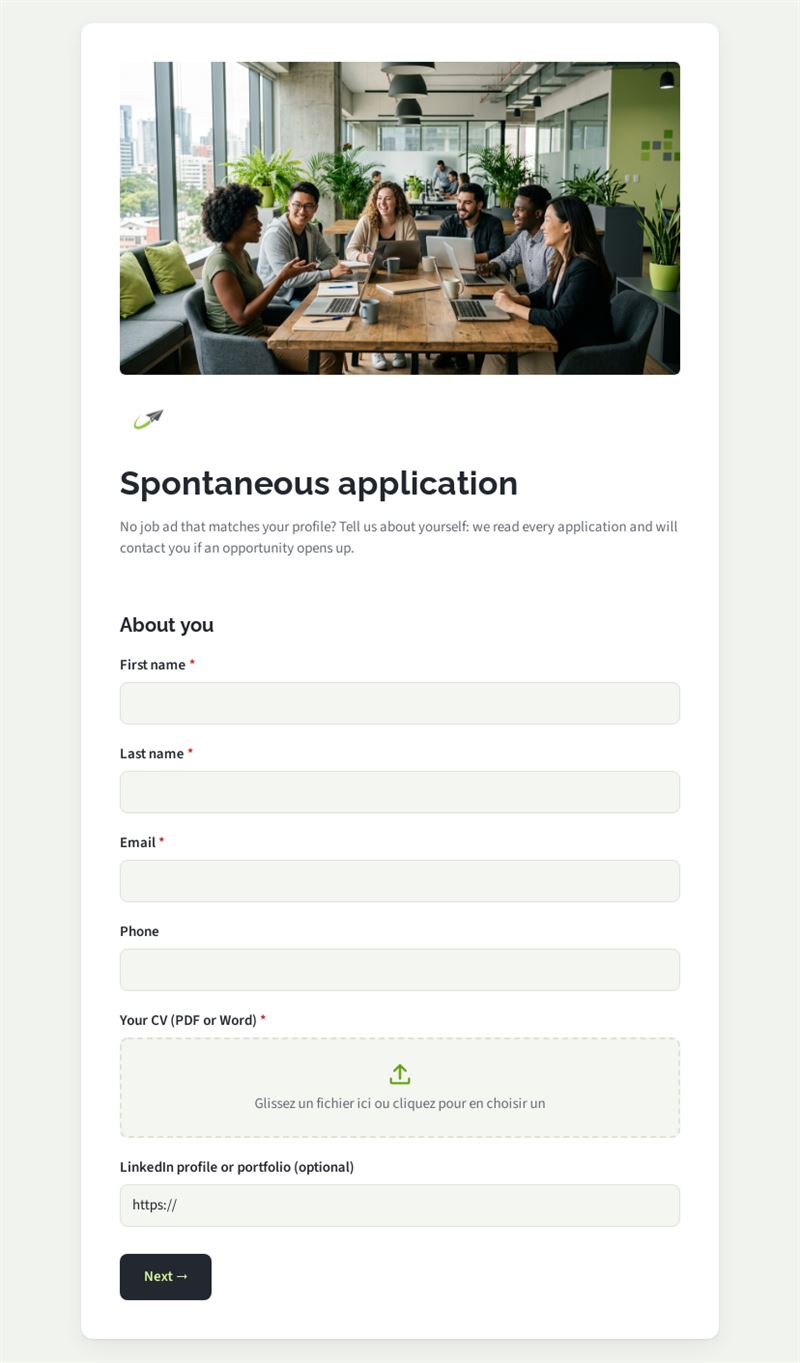
Form
4 pages
16 questions
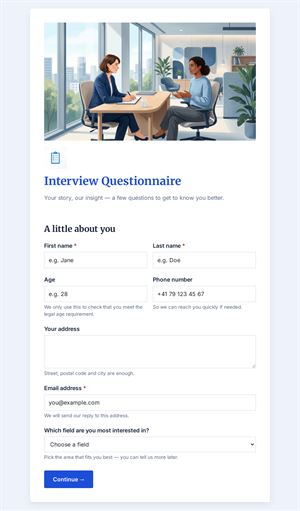
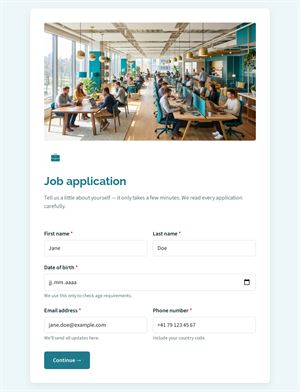
No job ad that matches your profile? Tell us about yourself: we read every application and will contact you if an opportunity opens up.
Use this templateThis general application form lets candidates apply even when no job ad matches their profile. They introduce themselves, upload a CV, choose the area that interests them and the type of contract they want, so you build a pool of qualified profiles for future openings.
What is this general application form for?
A speculative application often arrives as a loose email that is hard to sort. Here, every candidate gives the same information: contact details, CV, an optional LinkedIn profile or portfolio, preferred area (sales, marketing, IT, operations, finance, HR), contract type, availability, motivation and how they heard about you. Students looking for an internship or work-study place are asked about their school, degree and rhythm. Each unsolicited application is therefore complete and easy to compare.
Who is it for?
- Growing companies that want a talent pool before opening positions
- HR teams receiving many spontaneous emails
- Organisations recruiting interns and apprentices each year
- Associations seeking volunteers or freelancers
How to adapt it in Mailpro
Rename the areas to reflect your departments, adjust the contract types and add your logo and colours. Candidates attach their CV directly in the form. Conditional questions show the school and internship fields only to those looking for an internship or work-study contract, and ask for details when "Other" is chosen. Share the form through a link on your careers page, a QR code at job fairs or in a Mailpro newsletter; applications arrive in Mailpro, where you can tag contacts by area.
Tips
- Explain how long you keep applications and how candidates can ask for deletion.
- Reply to every applicant, even briefly: it strengthens your employer image.
- Keep the open application form short; you will ask for more details at interview.
- Check your talent pool before publishing a new vacancy.
Frequently asked questions
What is the difference with a job application form?
A job application form targets a specific vacancy, while this one collects applications for future needs across several areas.
Which file formats can candidates upload?
The CV field is designed for common document formats such as PDF or Word; specify your preference in the label.
Can I use one general application form for several sites?
Yes. Add a question about the preferred location so you can filter candidates accordingly.
Questions in this template
About you
- First name
- Last name
- Phone
- Your CV (PDF or Word)
- LinkedIn profile or portfolio (optional)
Your plans
-
Which area interests you?
Sales · Marketing and communication · IT and digital · Operations and logistics · Finance and administration · Human resources · Other - Please specify
-
What type of contract are you looking for? (several answers)
Permanent contract · Fixed-term contract · Internship · Apprenticeship / work-study · Freelance - Available from
Your studies
- School or university
- Degree being prepared
- Internship dates or work-study rhythm
Your motivation
- Why would you like to join us?
-
How did you hear about us?
Our website · LinkedIn · A job board · Word of mouth · Other - Consent