Survey
2 pages
7 questions
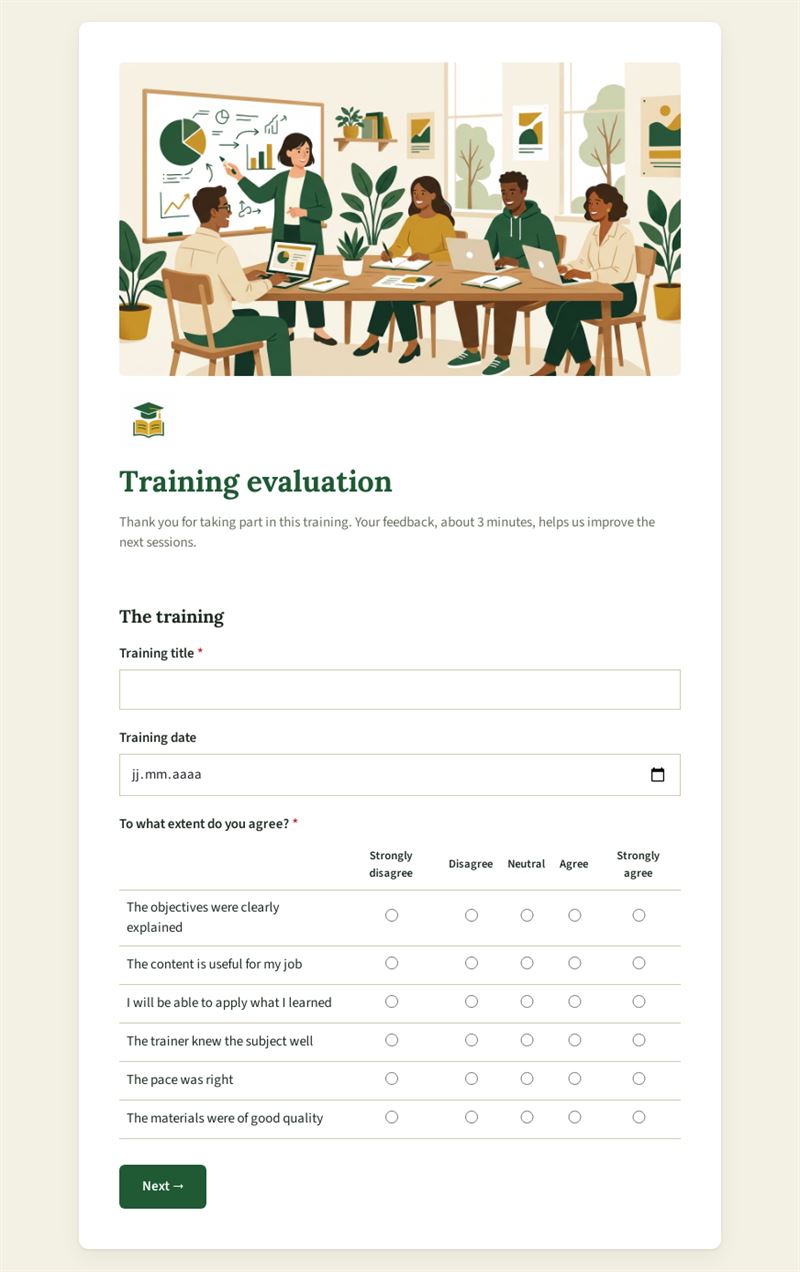
Thank you for taking part in this training. Your feedback, about 3 minutes, helps us improve the next sessions.
Use this templateThis training evaluation form gathers participants' feedback at the end of a course in about three minutes. It records the training title and date, asks people how far they agree with several statements, measures whether they would recommend the session to a colleague and invites them to share what was useful, what should change and which topics they would like to explore further.
What is this training feedback form for?
Use it after an internal workshop, an onboarding day, a certification course or a public seminar. The agreement grid covers points such as the content, the trainer, the pace or the practical exercises, so you can see at a glance which parts of the programme hold up. The recommendation question gives you a simple indicator to compare sessions, while the open questions bring out concrete improvements and ideas for follow-up modules. Over several sessions, the answers become a solid basis for reviewing your catalogue.
Who is it for?
- HR and learning teams evaluating internal training programmes
- Independent trainers and coaches who want structured feedback
- Training organisations reporting quality indicators to their clients
- Professional associations running continuing education courses
How to adapt it in Mailpro
Adjust the statements in the agreement grid to match your learning objectives, rename the questions if needed and add your logo and colours. You can share the form through a link, a QR code shown on the last slide or within a Mailpro newsletter sent after the session. Responses arrive in Mailpro, and you can set tags on contacts according to their answers, for example to invite people interested in a topic to an advanced module.
Tips
- Give participants a few minutes at the end of the session to fill in the form; response rates are far higher than a week later.
- Pre-fill the title and date in your invitation text so that answers are easy to sort.
- Look at the open answers alongside the ratings: a high score with repeated remarks on pace still deserves attention.
- Pass the feedback on to trainers quickly while the session is still in their minds.
Frequently asked questions
Is this a training evaluation survey or a form?
Both terms are used. It is an online form that works as a training feedback survey: participants answer on their phone or computer and you find the results in Mailpro.
Can I use the same training evaluation form for several courses?
Yes. The title and date questions let you reuse one form and still tell sessions apart.
Should the form be anonymous?
The template asks for no name. If you want frank feedback, keep it that way.
Questions in this template
The training
- Training title
- Training date
- To what extent do you agree?
Your opinion
- How likely are you to recommend this training to a colleague?
- What did you find most useful?
- What should be improved?
- Which topics would you like to explore further?