How to Configure Your SMTP Server
SMTP & API
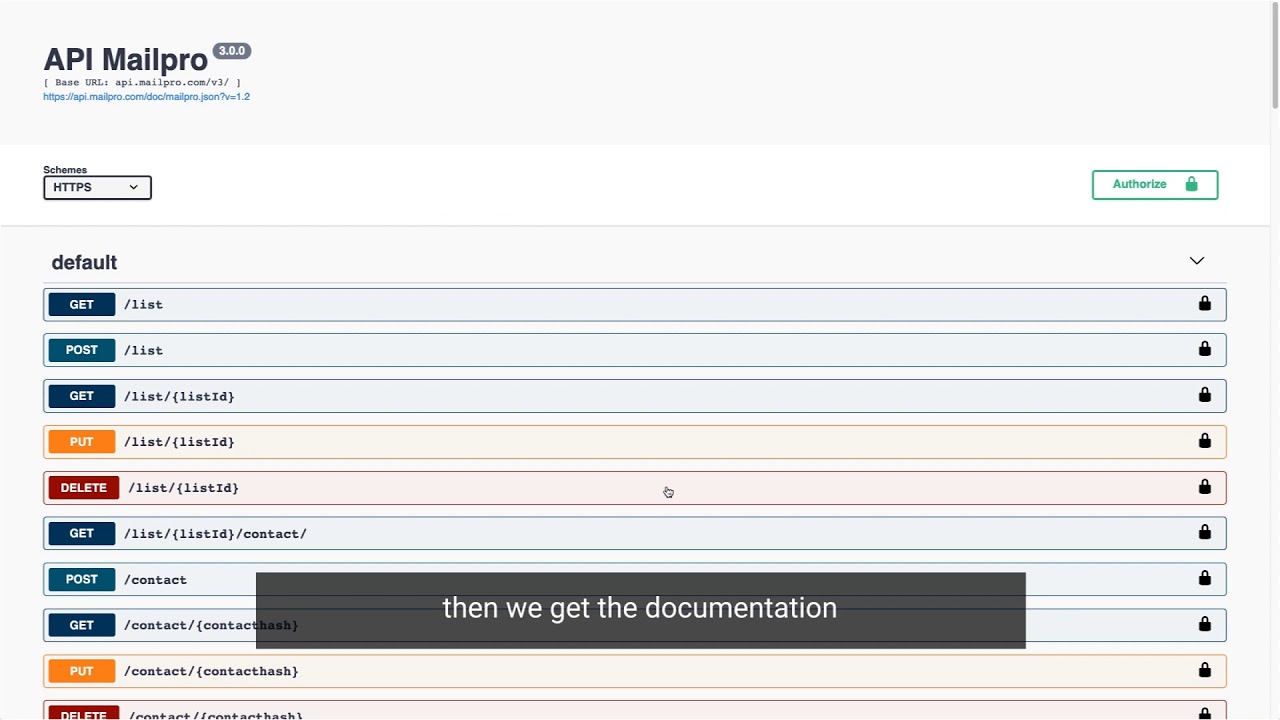
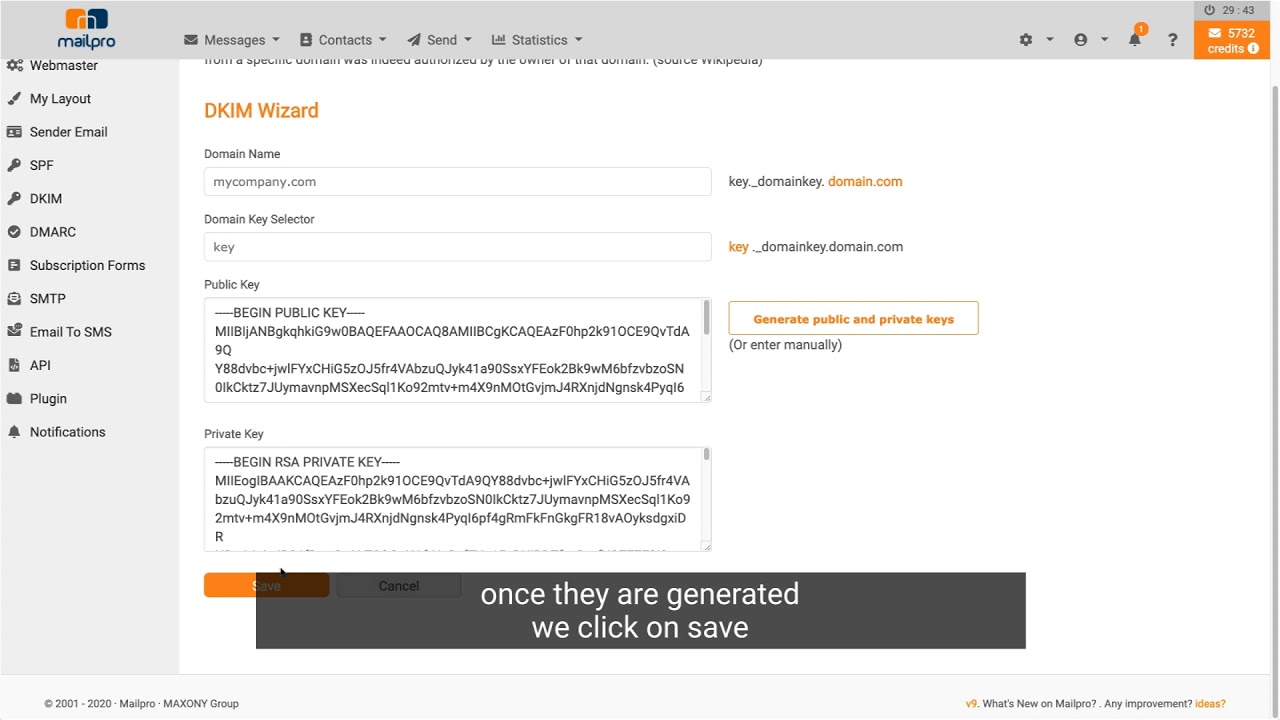
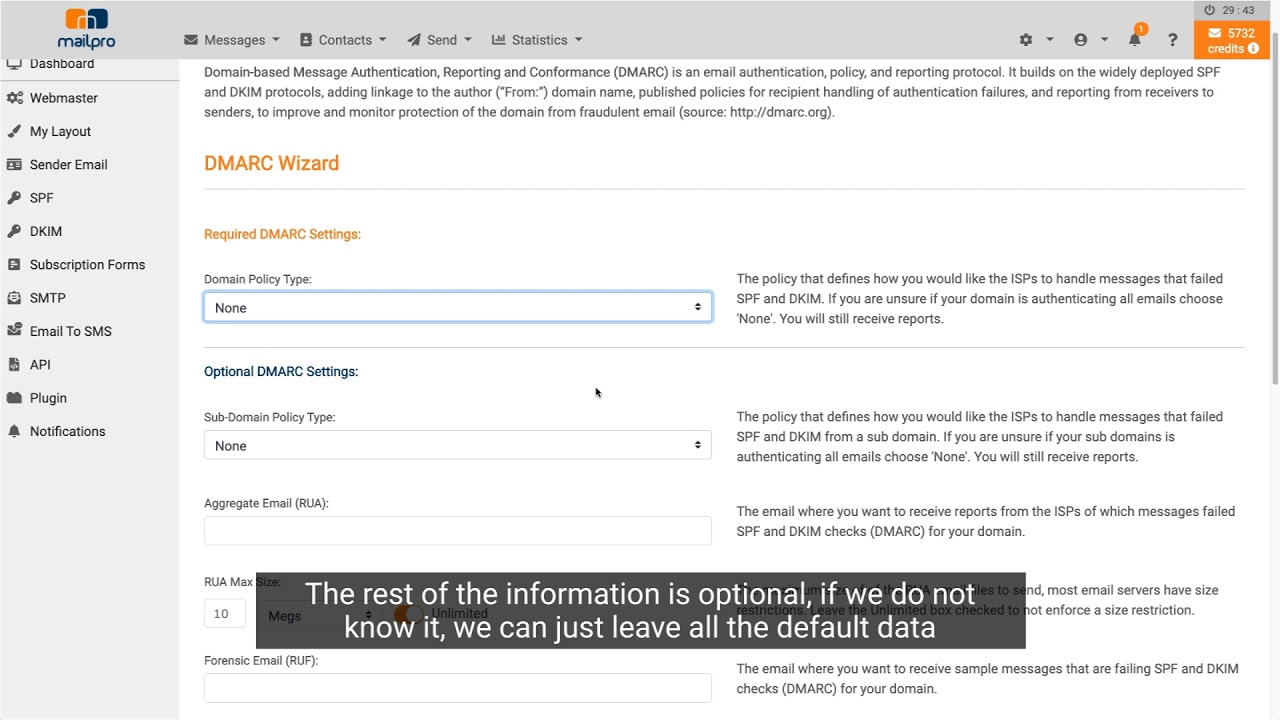
In this step-by-step video, learn how to activate and obtain your SMTP server details (host, port, TLS/SSL, username and password) to send from your application or email client.
Our videos are currently being updated: the ones on this page reflect an earlier version of Mailpro. To get a realistic idea of the current interface, the best way is to try the application for free.
Need the definition first? Read the SMTP definition. Sending at scale? Learn about SMTP Relay. Ready to connect? See SMTP authentication.