Form
1 page
7 questions
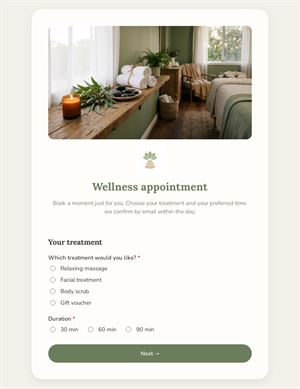
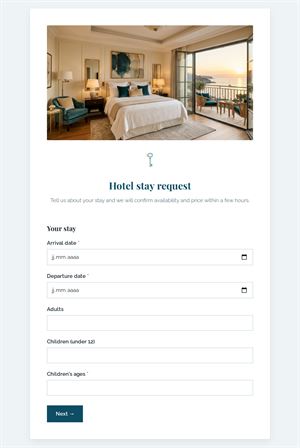
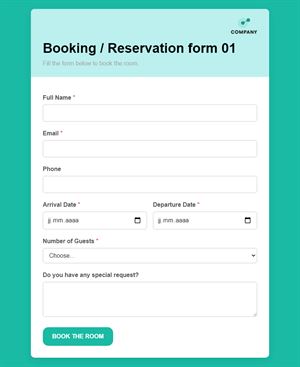
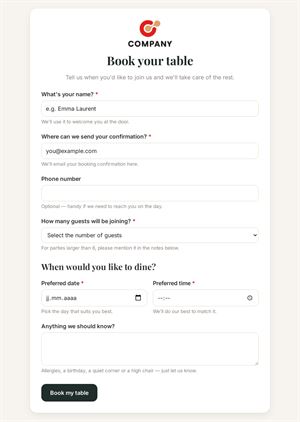
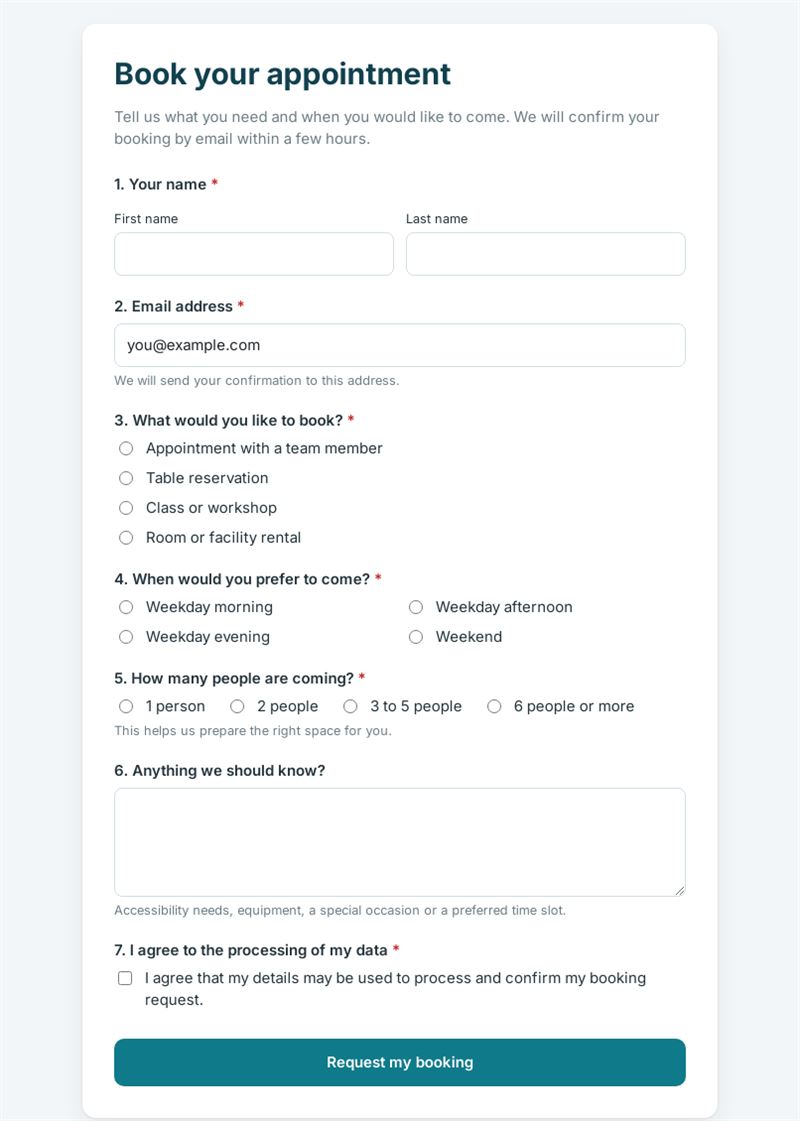
Tell us what you need and when you would like to come. We will confirm your booking by email within a few hours.
Use this templateThis appointment request form lets customers tell you what they would like to book, when they prefer to come and how many people are expected. You confirm each booking by email, keeping full control of your schedule.
What can you do with this appointment request form?
It covers four common needs in a single short page: an appointment with a team member, a table reservation, a place in a class or workshop, or the rental of a room or facility. Customers pick a preferred time slot (weekday morning, afternoon, evening or weekend), the size of their group and add any useful details, such as accessibility needs or the reason for their visit. It is a simple booking form for businesses that prefer to confirm requests personally rather than rely on an automatic calendar.
Who is it for?
- Restaurants and cafés taking table requests
- Consultants, coaches and advisers scheduling meetings
- Studios and training centres filling classes and workshops
- Venues and coworking spaces renting rooms
How to adapt it in Mailpro
Keep only the booking types you offer, rename the time slots to match your opening hours and adjust the group sizes. Add your logo and colours and rewrite the introduction. Conditional questions can ask about the occasion only for table reservations, or about equipment only for room rentals. Share the form via a link on your website, a QR code on your shop window or in a Mailpro newsletter; requests arrive in Mailpro, and you can tag contacts according to what they booked.
Tips
- State clearly that the request is not a confirmed booking until you reply.
- Promise a response time you can keep, for example within a few hours.
- Ask for a phone number if last-minute changes are common in your business.
- Use separate copies of the appointment request form template for very different services.
Frequently asked questions
Is this the same as online appointment booking with a calendar?
No. Customers express a preference and you confirm manually, which suits businesses with variable availability.
Can I offer specific dates instead of time slots?
Yes. Replace the time slot question with a date field or a list of your available sessions.
Can the appointment booking form handle several locations?
Add a question asking which location the customer prefers; the rest of the form stays the same.
Questions in this template
- Your name
- Email address
-
What would you like to book?
Appointment with a team member · Table reservation · Class or workshop · Room or facility rental -
When would you prefer to come?
Weekday morning · Weekday afternoon · Weekday evening · Weekend -
How many people are coming?
1 person · 2 people · 3 to 5 people · 6 people or more - Anything we should know?
- I agree to the processing of my data