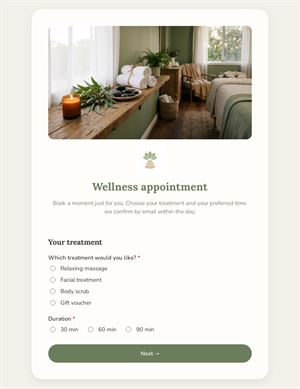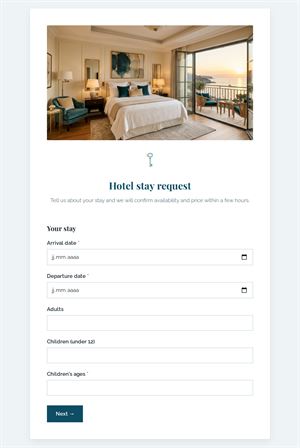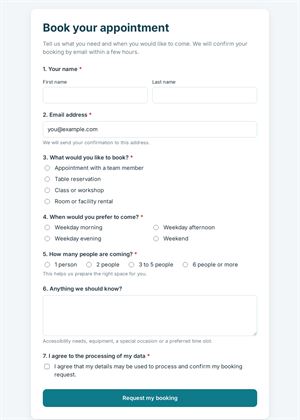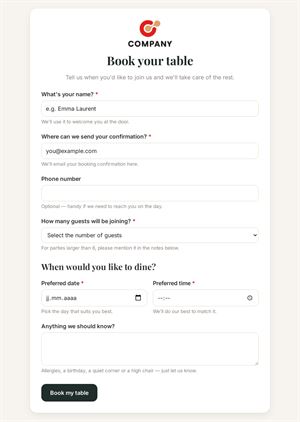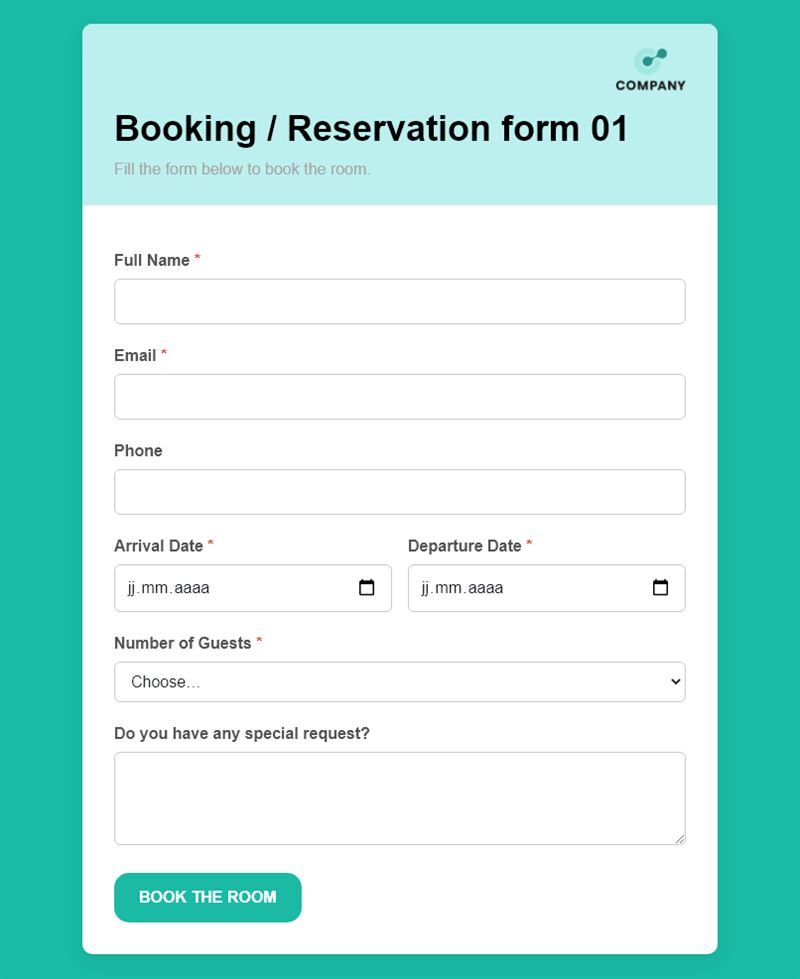
This room booking form lets guests, colleagues or clients request a room in a few seconds: name, contact details, arrival and departure dates and the number of people. It works for meeting rooms, guest rooms and event venues alike.
What is this room booking form for?
Use it as a meeting room booking form inside your company, on the website of a coworking space or for a small hotel or B&B. The person indicates arrival and departure dates, chooses between one and six guests and can add a special request, such as equipment, catering or a late check-in. You receive a complete room booking request form every time, instead of phone calls with missing details.
Who is it for?
- Offices and coworking spaces sharing meeting rooms
- Guesthouses, B&Bs and small hotels
- Associations and municipalities renting out halls
- Training centres and conference venues
How to adapt it in Mailpro
- Edit the questions and texts: add a list of your rooms, change the number of guests or include time slots.
- Add your logo and colors so the form matches your website.
- Use conditional questions to ask about equipment only for meeting rooms.
- If a deposit is required, add online payment to the form.
- Share it by link, QR code at the reception desk or in a Mailpro newsletter. Requests arrive in Mailpro and you confirm availability yourself.
Tips
- State clearly in the introduction that the request is confirmed only after your reply.
- Mention check-in times or room capacity right on the form to avoid unsuitable requests.
- Keep a field for special requests: accessibility needs are often mentioned there.
Frequently asked questions
Is this a room reservation form with real-time availability?
No. It collects requests; you check your calendar and confirm each room booking by email or phone.
Can I use one form for several rooms?
Yes. Add a choice question listing your rooms, with their capacity in the label.
Can colleagues book internal meeting rooms with it?
Yes. Share the link on the intranet and replace the guest count with the number of participants.
Questions in this template
- Full Name
- Phone
- Arrival Date
- Departure Date
-
Number of Guests
1 · 2 · 3 · 4 · 5 · 6 - Do you have any special request?