Form
3 pages
13 questions
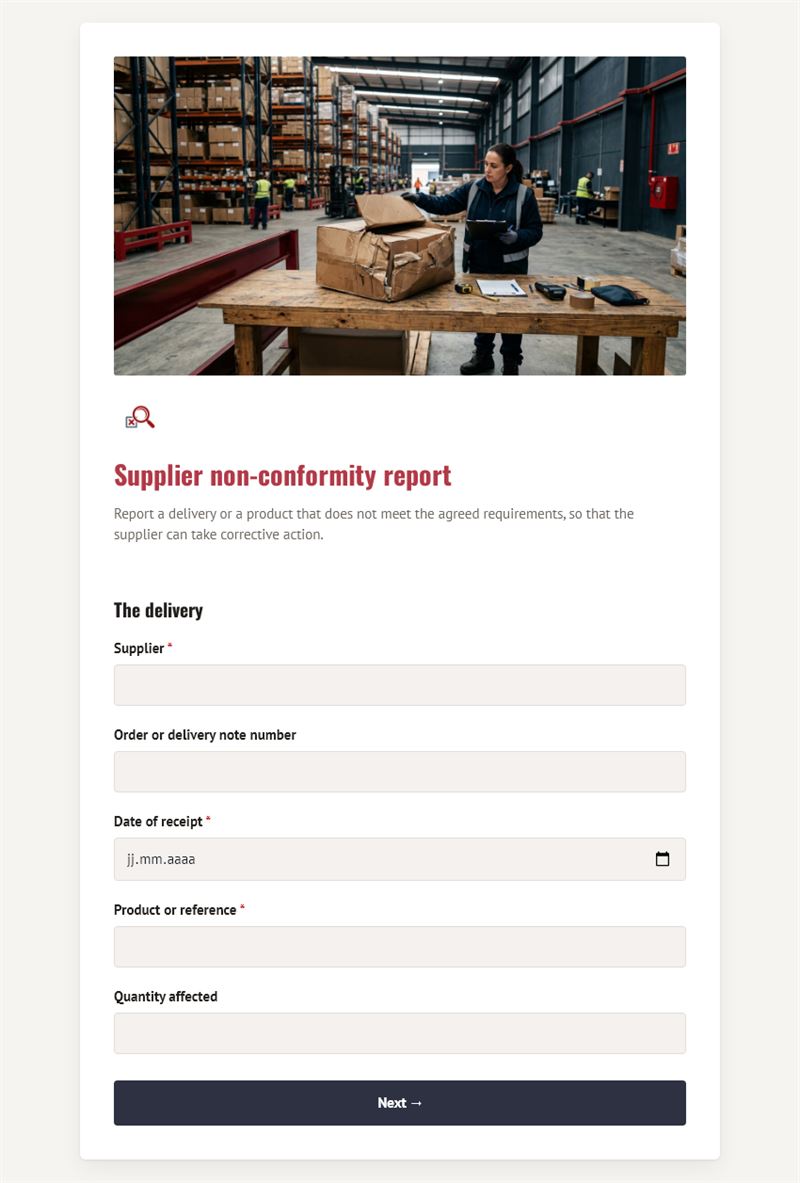
Report a delivery or a product that does not meet the agreed requirements, so that the supplier can take corrective action.
Use this templateThis non conformance report form lets your teams record a delivery or a product that does not meet the agreed requirements. All the facts are gathered at once, with photos, so the supplier can analyse the problem and propose a corrective action.
What is a non conformance report for?
When goods arrive damaged, incomplete, late or defective, a quick and precise report avoids disputes. The form identifies the supplier, the order or delivery note number, the date of receipt, the product and the quantity affected. The type of non-conformity is selected from a list (damaged product, wrong quantity, quality defect, missing documents, late delivery), followed by a detailed description and attached photos or documents. The reporter then rates the impact on your activity and states what is expected: replacement, credit note, repair or a corrective action plan, with a deadline. It serves as a supplier non conformance report and a supplier corrective action request at the same time.
Who is it for?
- Goods receipt and warehouse teams
- Quality managers and quality assurance departments
- Purchasing departments following supplier disputes
- Production sites, shops and restaurants receiving regular deliveries
How to adapt it in Mailpro
Modify the questions and texts to fit your quality procedures, for example by adding a batch number or an internal reference. Keep the file upload field: photos are often decisive evidence. Add your logo and colours, then share the form by link or with a QR code posted at the receiving dock. Every report arrives in Mailpro, where you can follow open cases.
Tips
- Report the problem on the day of receipt, before the goods are used or mixed with other stock.
- Take photos of the packaging and labels as well as the product itself.
- Always give a response date: it turns a complaint into a follow-up.
- Review reports regularly to spot suppliers with repeated issues.
Frequently asked questions
What is the difference between a non conformity and a defect?
A non conformity is any gap between what was ordered and what was received, including documents and delivery times. A defect is one type of non conformity.
Is this NCR form suitable for a certified quality system?
It helps document cases consistently. Check that its content matches your own procedures; it does not replace your quality manager's guidance.
Who should fill in the report?
The person who found the problem, usually at goods receipt, with their name and email for follow-up questions.
Questions in this template
The delivery
- Supplier
- Order or delivery note number
- Date of receipt
- Product or reference
- Quantity affected
The non-conformity
-
Type of non-conformity
Damaged product · Wrong product or quantity · Quality defect · Missing documents · Late delivery · Other - Detailed description
- Photos or documents
-
Impact on our activity
None · Minor · Major – production or sales affected
Requested action
-
What do you expect from the supplier?
Replacement · Credit note or refund · Repair · Corrective action plan - Response expected by
- Reported by