
Nurture over time with timed email sequences.
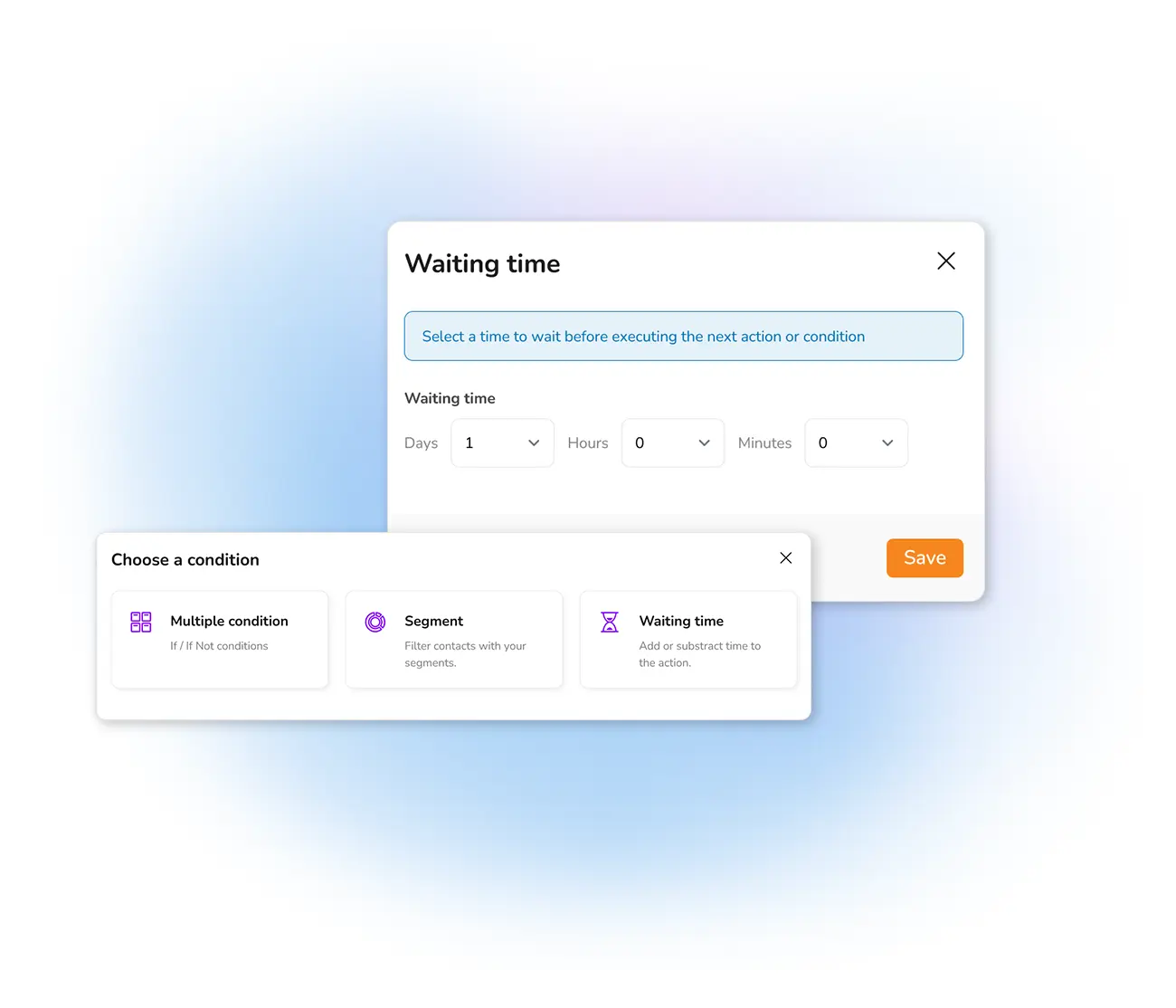
Send an email a set time after any trigger — one day, three days, a week. Instead of a single message, build a progressive sequence that guides each new contact towards conversion, all running automatically.
Why send emails within a timeframe?
Timing turns a single email into a relationship. Say you offer a white paper on email marketing: one day after the download you can suggest a second guide on newsletter templates; after three days, an invitation to create an account; after five days, a free tip. The idea is to build a progressive relationship with the client, one useful message at a time.
You set the sequence once and it runs automatically for every new contact — a proven way to guide subscribers towards your goal without lifting a finger.
What time-based automation lets you do
On the Send tab, configure the automatic email and fill in the registration date and time so the countdown can begin. Track how each step performs with automated email statistics.
Frequently asked questions
What is a time-based automated email?
How do I set the delay?
Build a drip sequence that nurtures on its own
Start free and set up timed emails that guide every new contact towards conversion, day by day.