
Speak to each contact by name with dynamic fields.
Drop a contact's name, company or a unique promo code straight into your subject line and body. With up to 25 custom fields, every newsletter feels written for the person reading it — and that lifts engagement and deliverability.
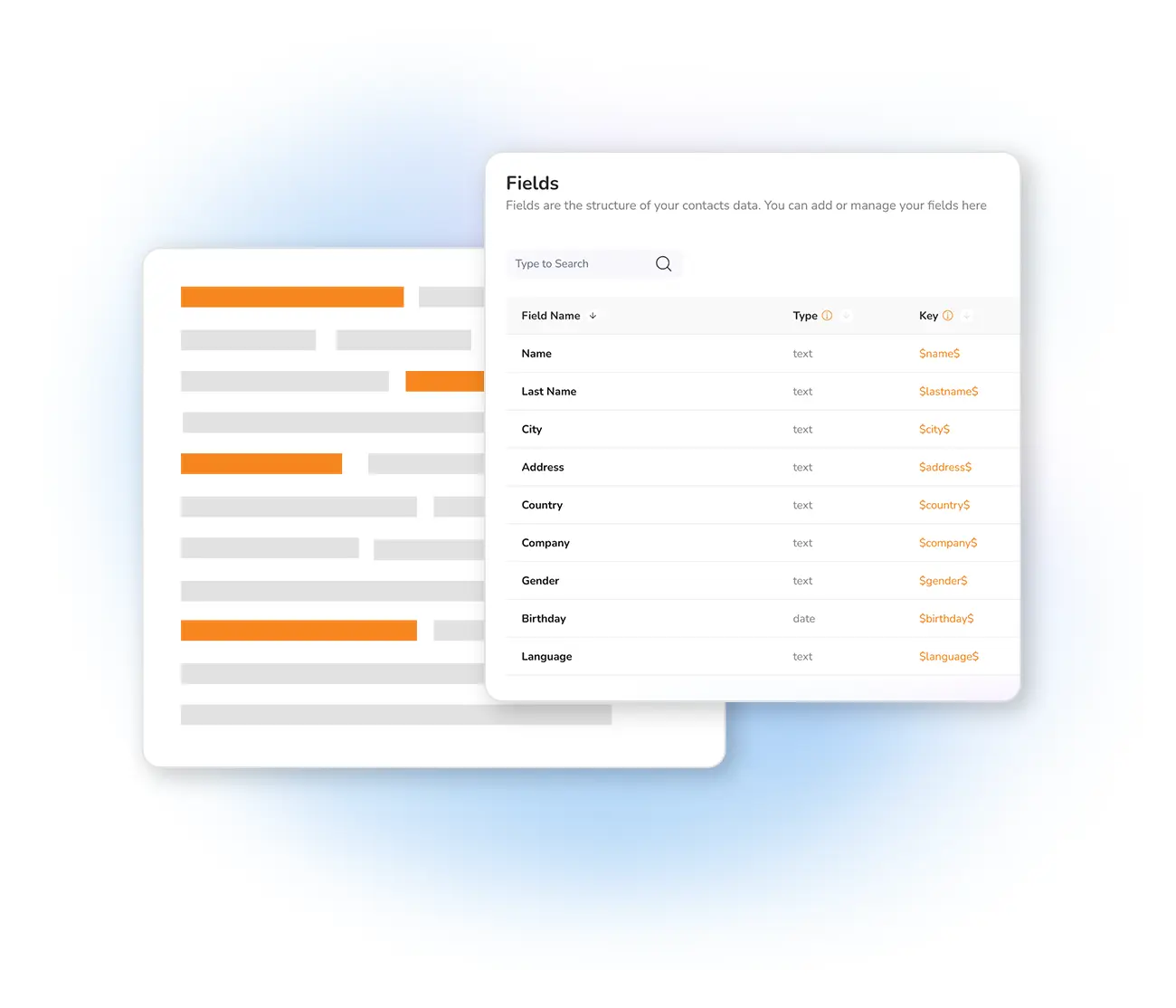
Integrate dynamic fields into your message
With Mailpro you can customize your newsletters using one of 25 available custom fields. When importing your address books, add up to 25 additional fields — a name, first name, a promo code, and more — to create tailored newsletters.
Then decide where each dynamic element goes: place your cursor, click the icon, and select the field to insert. Fields work in both the subject line and the body of the newsletter — and this relevance significantly improves deliverability too.
What dynamic fields let you do
Dynamic fields are the foundation of newsletter personalization — combine them with segmentation to send the right content to the right people.
Frequently asked questions
How many dynamic fields can I use?
Where can I insert dynamic fields?
Personalize every message with dynamic fields
Start free and insert each contact's details into your subject and body — in one click.