
Design newsletters visually — with the WYSIWYG editor.
What You See Is What You Get. Write and style your campaign like a word processor while Mailpro builds clean HTML behind the scenes — and drop into the code whenever you want full control. Powerful, but effortless.
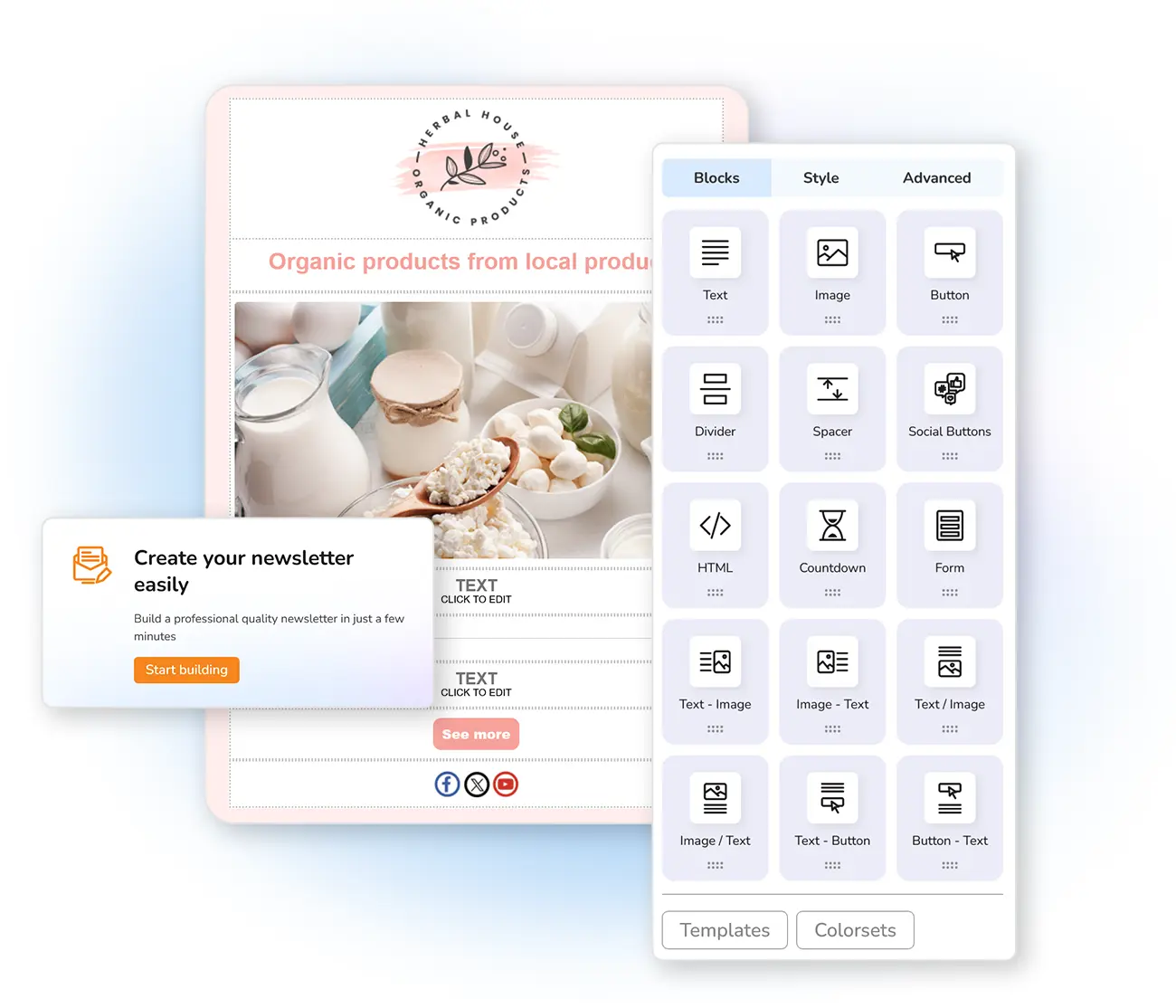
Create a professional newsletter, your way
Build your own template from scratch with the WYSIWYG editor — the Mailpro text editor that lets you write campaign content while it generates professional HTML for you. Use bold, italics, different sizes, alignment and formatting, in an interface as intuitive as the word processors you already know.
As you write, the editor builds the HTML structure in the back-end — which you can open to manipulate the code and see every change instantly. It's an easy-to-use editor for creating professional HTML emails, with a highly capable engine hidden under a simple name.
Intuitive tools at your fingertips
Right-click anywhere to reveal advanced options for each function — you'll work without restrictions and create simple, quality newsletters fast. Prefer starting from a design? Browse the templates.
Frequently asked questions
What is a WYSIWYG editor?
Do I need to know HTML?
What can I do in the editor?
Design your next newsletter, visually
Start free and build professional emails with the WYSIWYG editor — no code required, full control when you want it.