Holiday & Vacation Email Templates
Adapt for Unlimited Possibilities
Holidays
Holidays
Holidays
Holidays
Holidays
Holidays
Holidays
Holidays
Holidays
Holidays
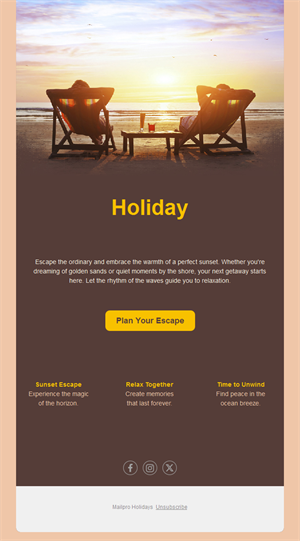
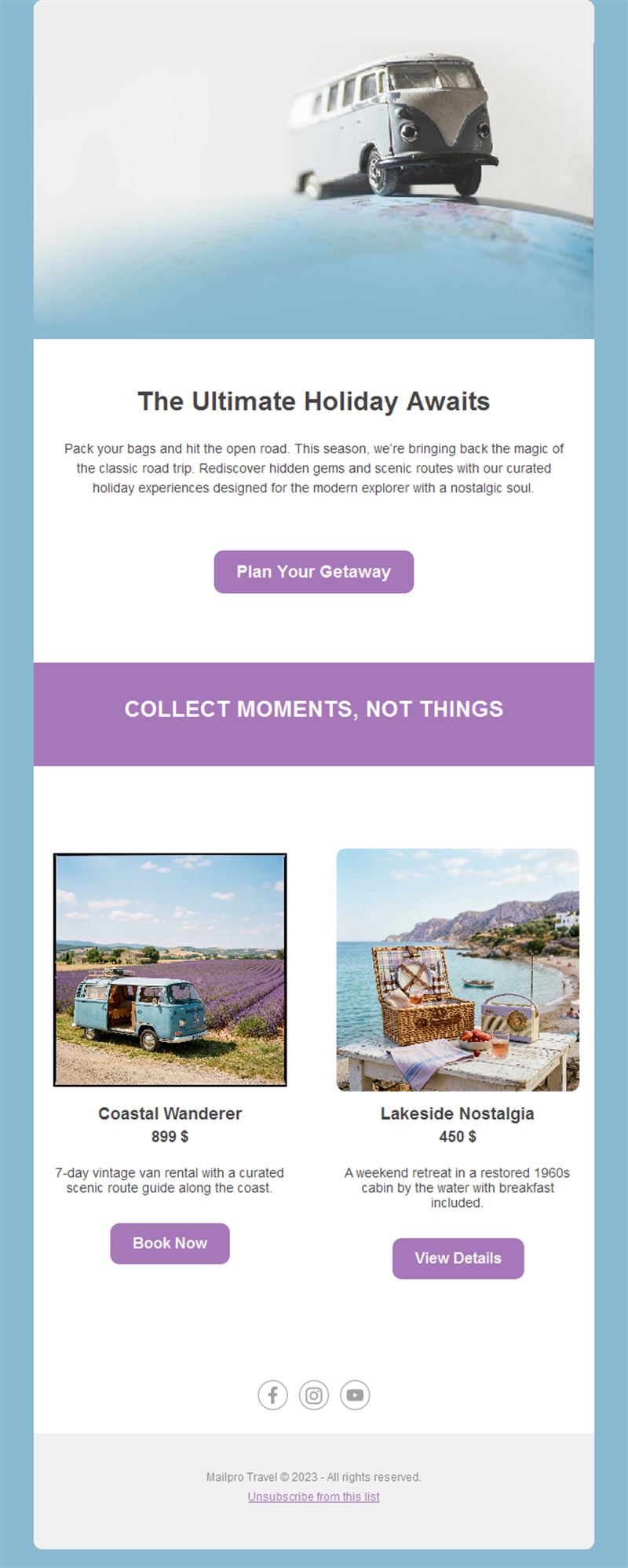
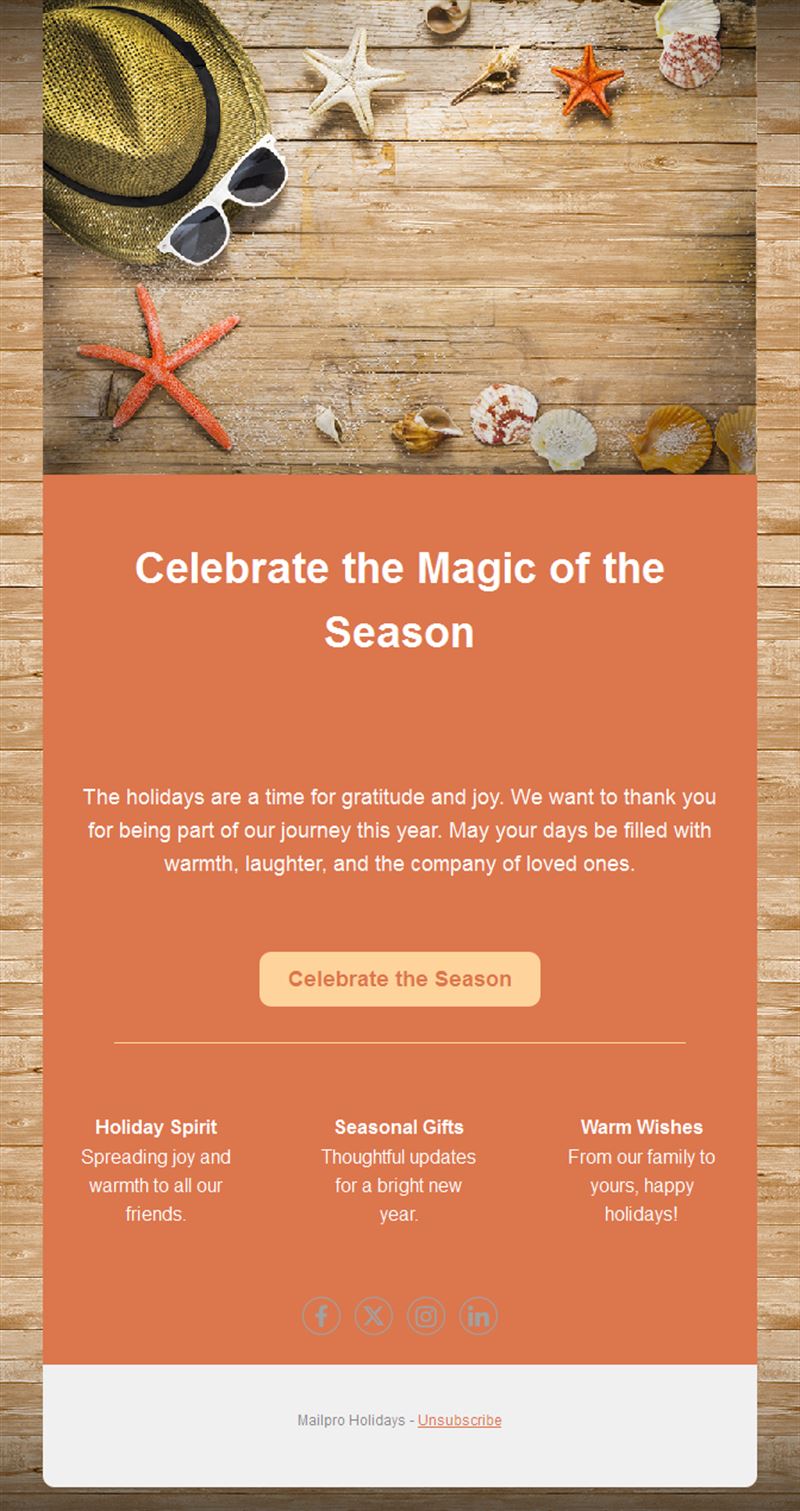
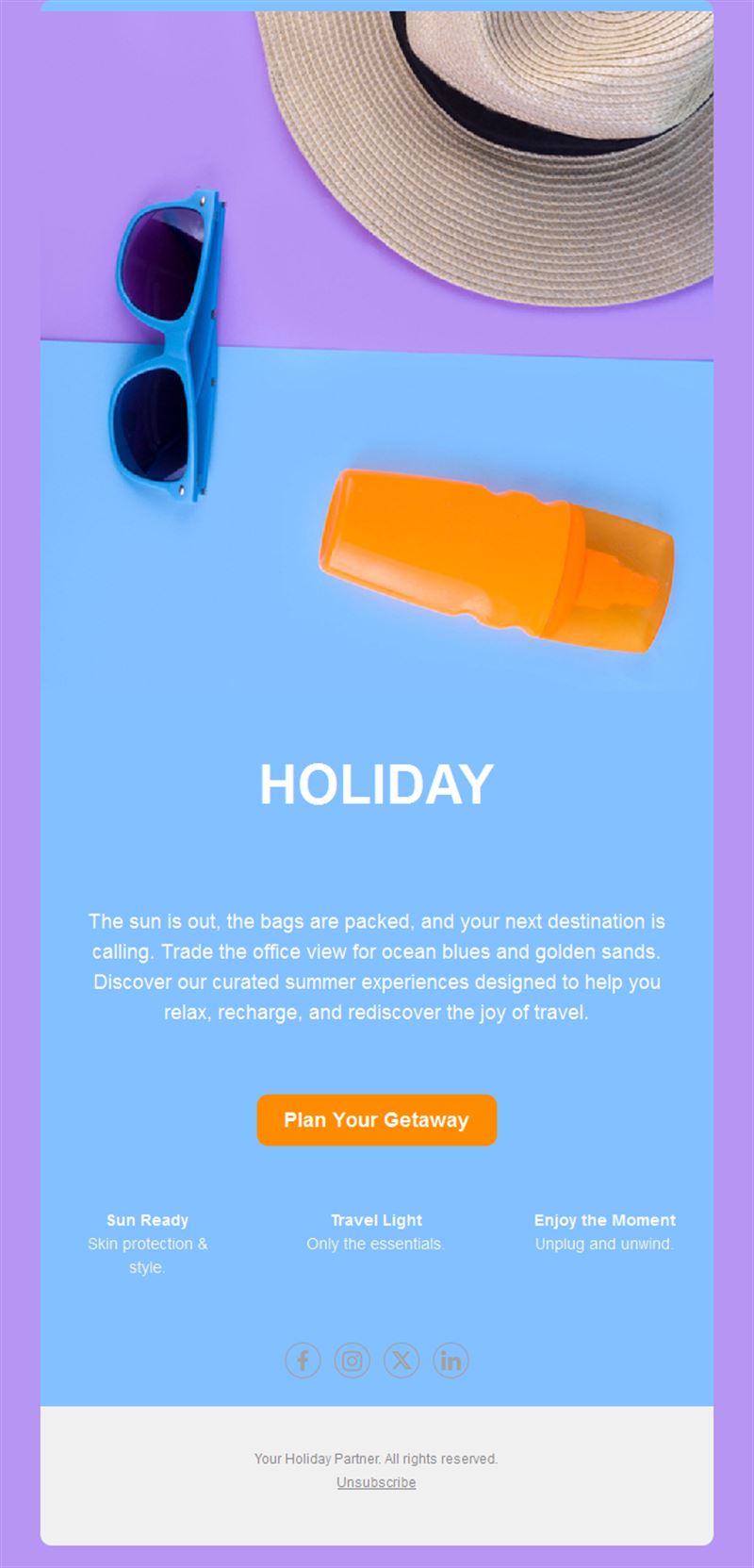
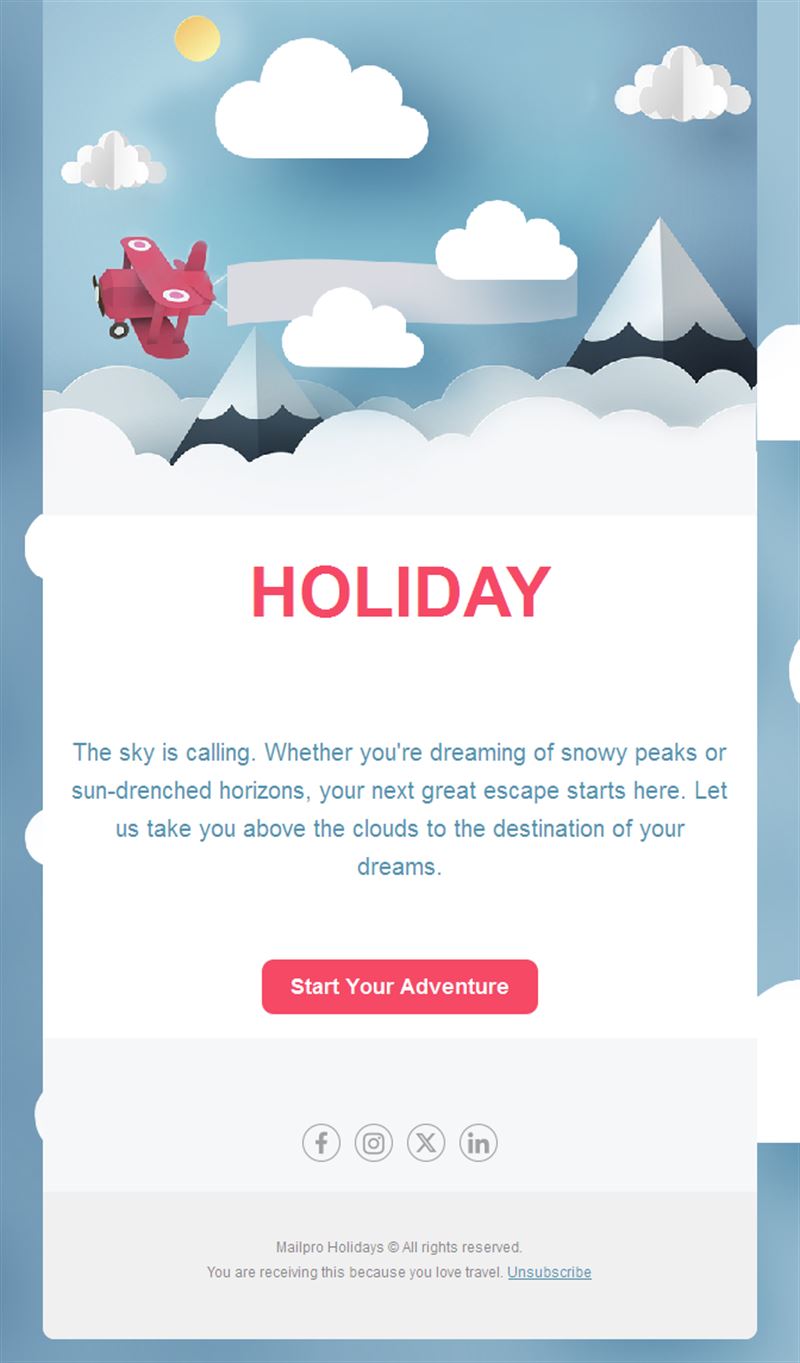
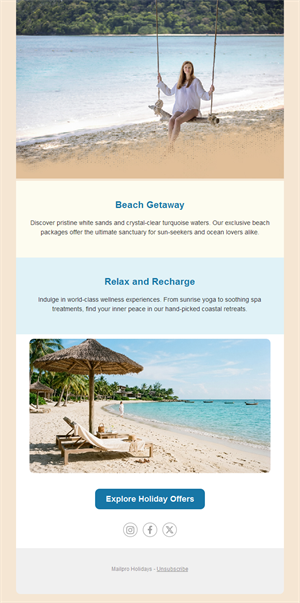
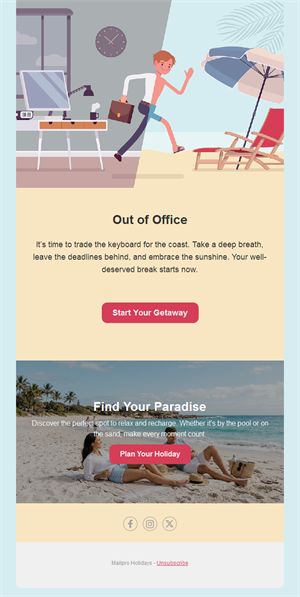
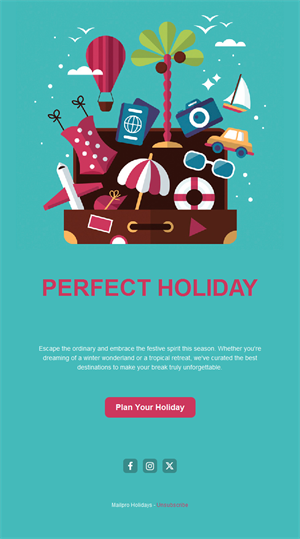
Heading into a holiday period — or selling one? Pick a ready-made holiday email template, customize it in minutes, and send with Mailpro™.
Why use Holidays email templates?
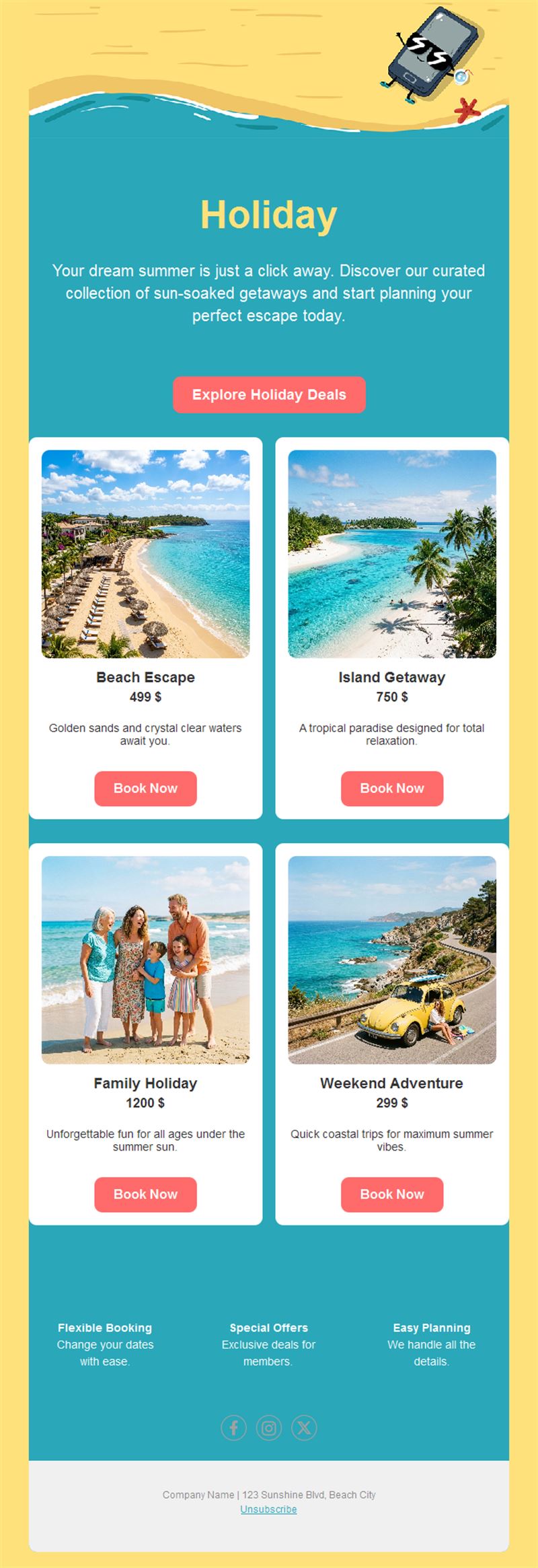
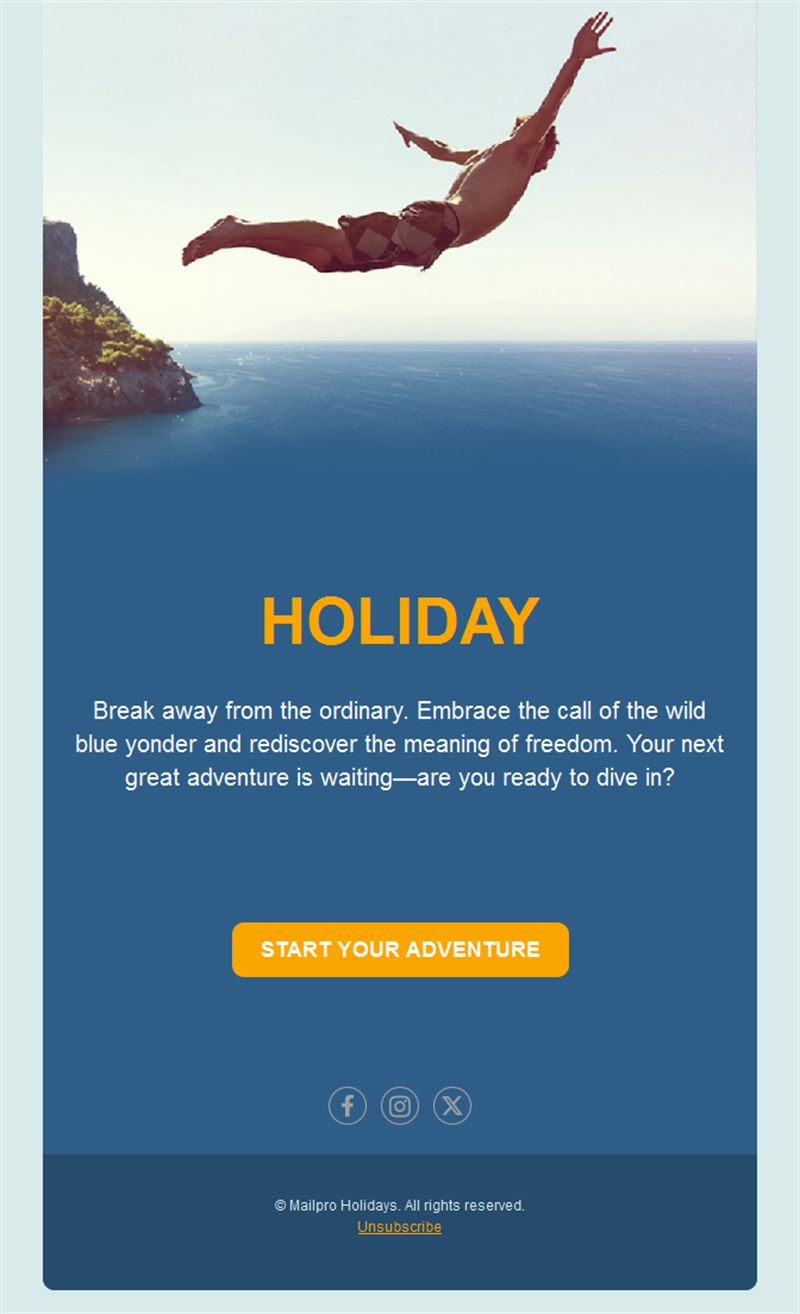
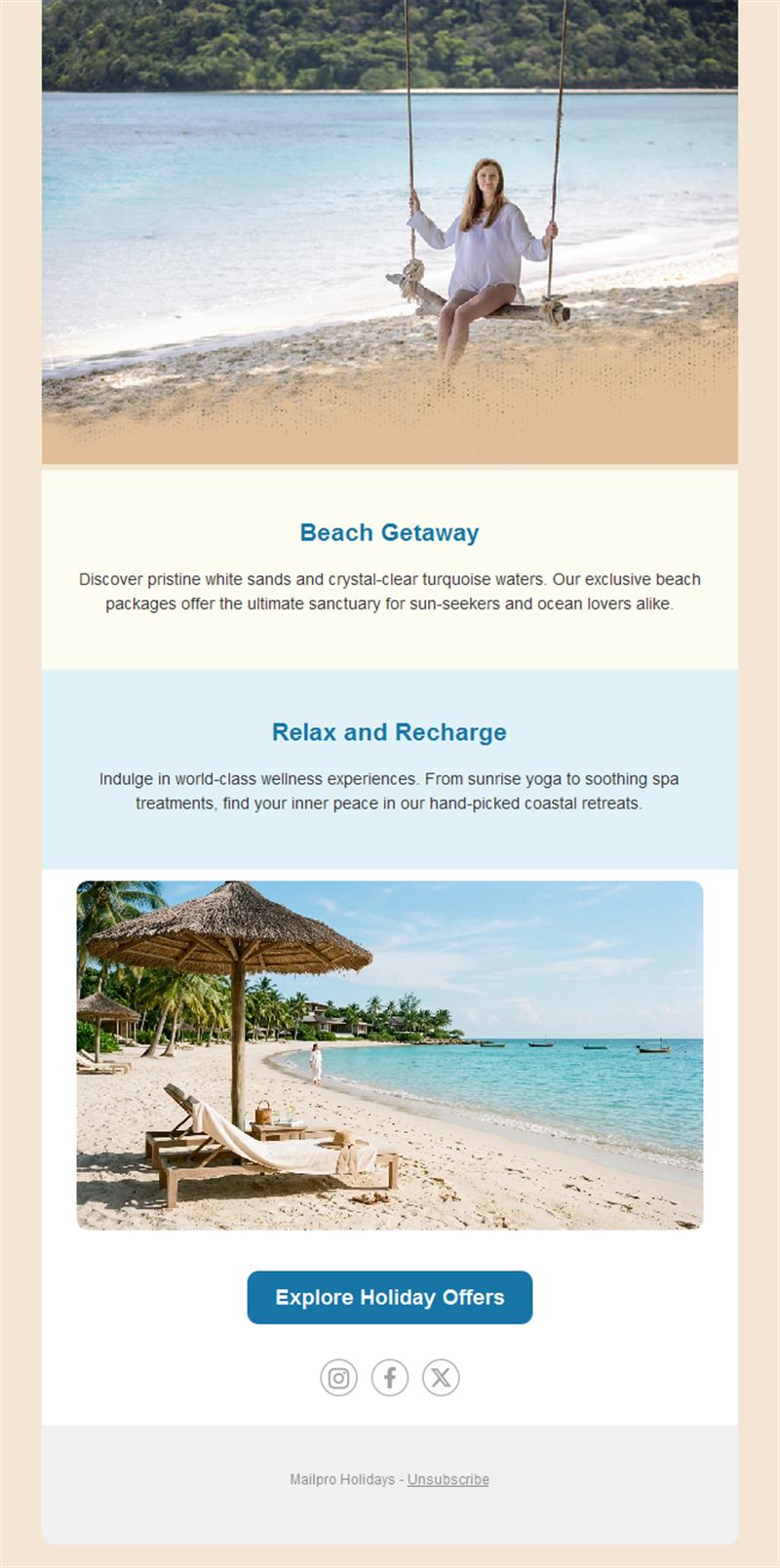
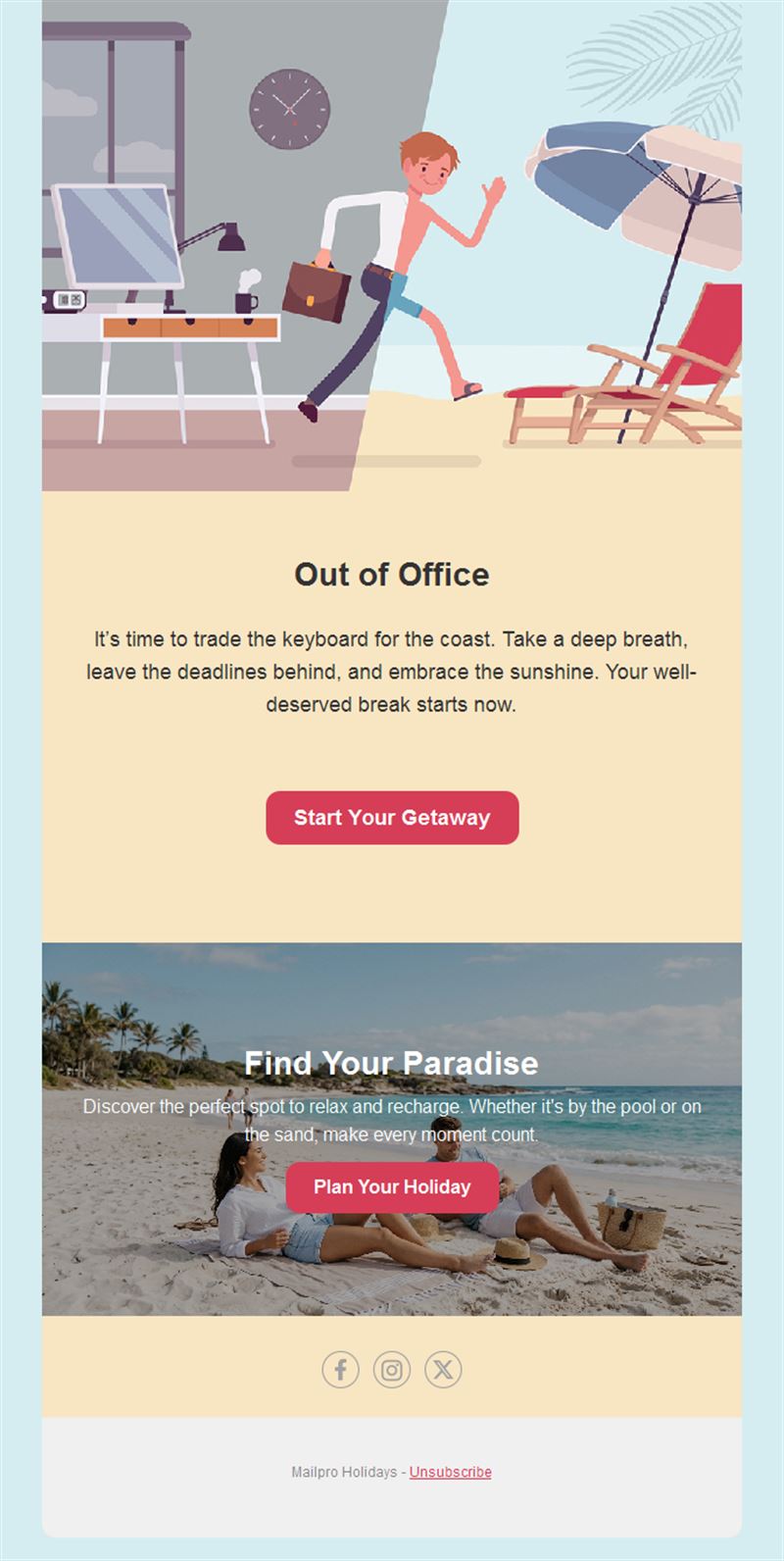
Holiday emails serve two very different jobs: telling customers when you’re away, and inspiring them with seasonal getaways and offers. Either way, a clear template saves you from writing the same message from scratch every season.
- Professional absence notices: closing dates, emergency contacts, and reopening info in a clean layout.
- Seasonal sales angle: summer escapes, winter breaks, and long-weekend promotions.
- Keeps trust intact: customers who know your schedule don’t feel ignored.
- Reusable every season: set it once, update the dates.
What can you send with a holiday template?
1) Office closing announcements
Tell clients when you close, who to contact in an emergency, and when you reopen.
2) Vacation & travel offers
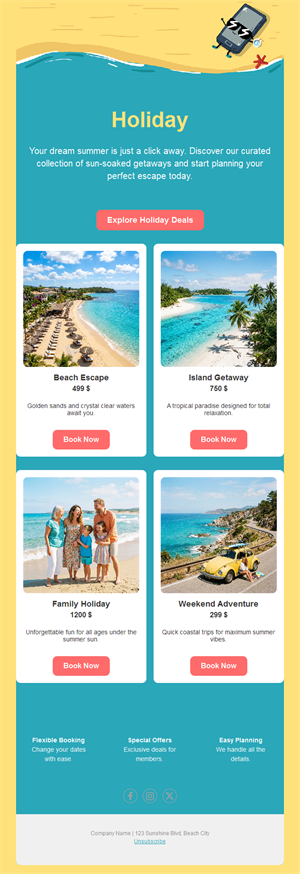
Agencies and hotels: seasonal packages, early-bird deals, and last-minute escapes.
3) Seasonal opening hours
Shops and restaurants announcing special hours for holiday periods.
4) Pre-holiday sales
“Stock up before we close” promotions that pull orders forward.
5) Welcome-back campaigns
A friendly reopening email that restarts the conversation after the break.
What's inside each template?
- Hero section with a clear headline and dates.
- Info block for closing dates and emergency contacts.
- Offer block for seasonal promotions.
- Optional countdown to closing or reopening.
- Social links and an easy unsubscribe footer.
How to customize your Holidays email in Mailpro™
- Pick a template: Open Templates and choose a Holidays design.
- Edit copy & images: Set your dates, contacts, and seasonal images; keep the message short and scannable.
- Add a countdown (optional): Count down to your closing date or the end of a seasonal offer. See how the countdown works.
- Segment your audience: B2B clients get the closure notice; consumers get the seasonal offer. Learn segmentation.
- Schedule the send: Send closure notices at least a week ahead; schedule the reopening email before you leave. Schedule email campaigns.
- Track results: Monitor opens, clicks, and conversions. View email statistics.
- Automate follow-ups: Pair with an auto-reply so every inquiry during the break gets an answer. Set up autoresponders.
Subject line & CTA ideas
Subject lines
- We’re off from July 28 — here’s what you need
- Summer escape? Our best deals inside ☀️
- Special holiday hours this week
- Stock up before we close for the holidays
- We’re back — and we missed you
CTA ideas
- See Our Holiday Hours
- Browse Holiday Deals
- Order Before We Close
- Contact Us Before the Break
Best practices for Holidays campaigns
- Announce early: a week or more of notice lets clients plan around your absence.
- One glance = all the facts: dates, contacts, reopening — visible without scrolling.
- Schedule the comeback: write the reopening email before you leave and schedule it.
- Pair with auto-replies: nobody should email into silence.
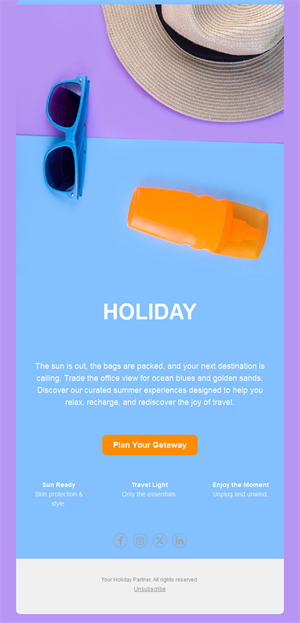
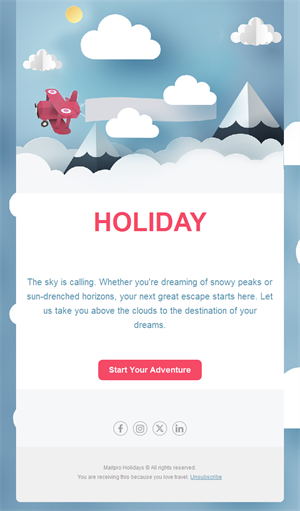
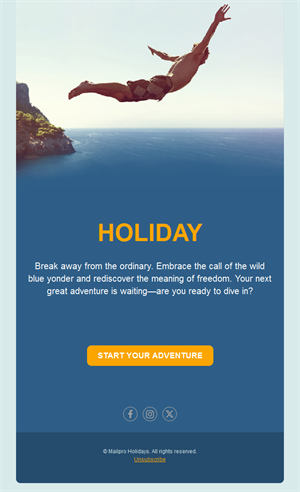
- Use the season: a warm visual makes even a closure notice feel positive.
FAQ: Holidays email templates
When should I announce a holiday closure?
At least one week ahead for consumer businesses, two or more for B2B — clients need time to place orders or plan support.
What must a closure email include?
Closing and reopening dates, an emergency contact, and any deadlines for orders before the break.
Can I use these for promotions too?
Yes — the same layouts work for seasonal travel offers, special hours, and pre-holiday sales.
How do I handle emails while away?
Combine the announcement with Mailpro auto-replies so every message gets an instant answer during the break.
Get started
Set it before you pack: pick a holiday email template, add your dates, and enjoy the break.