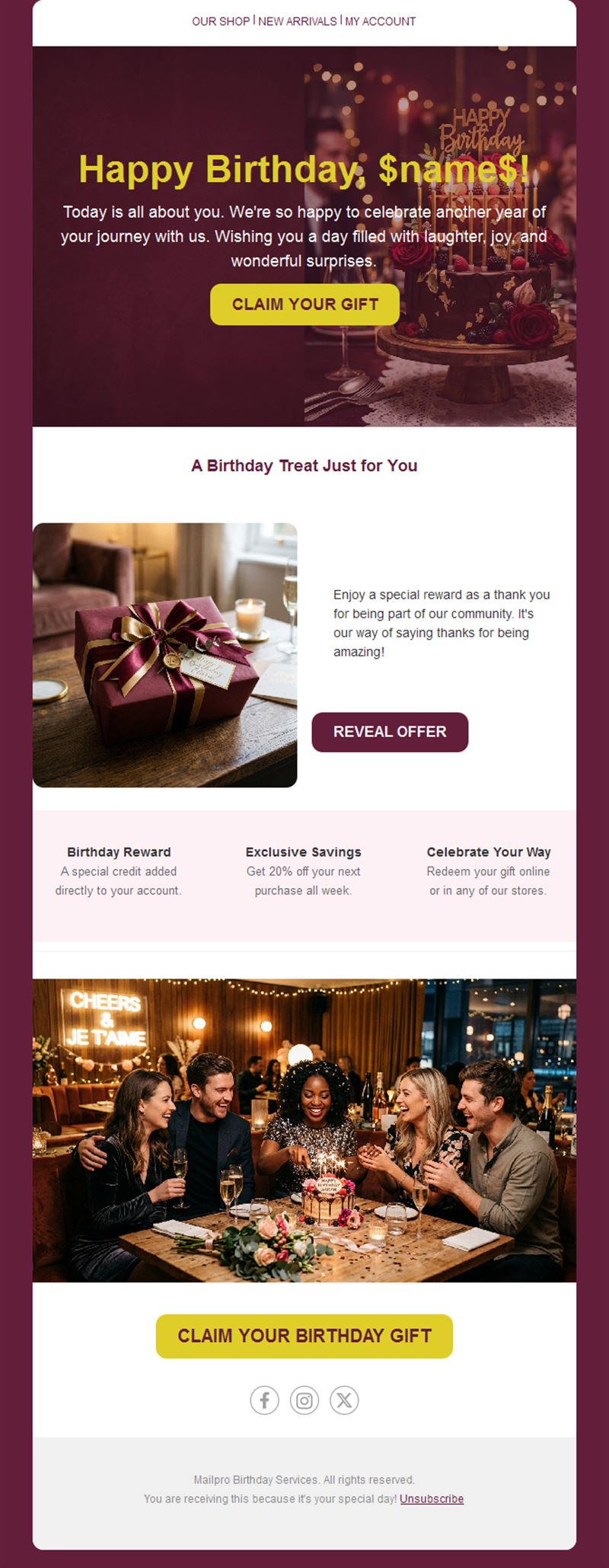
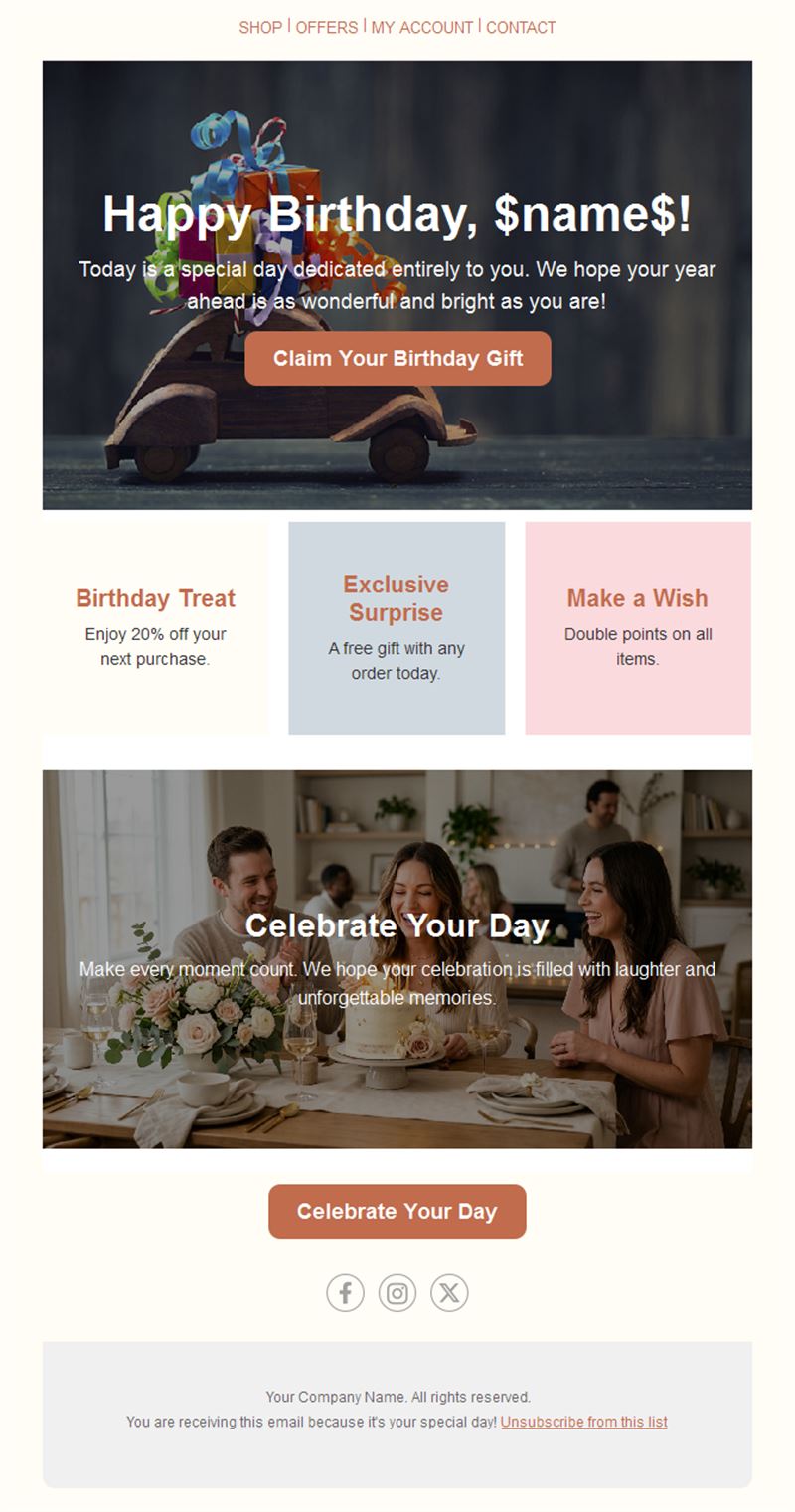
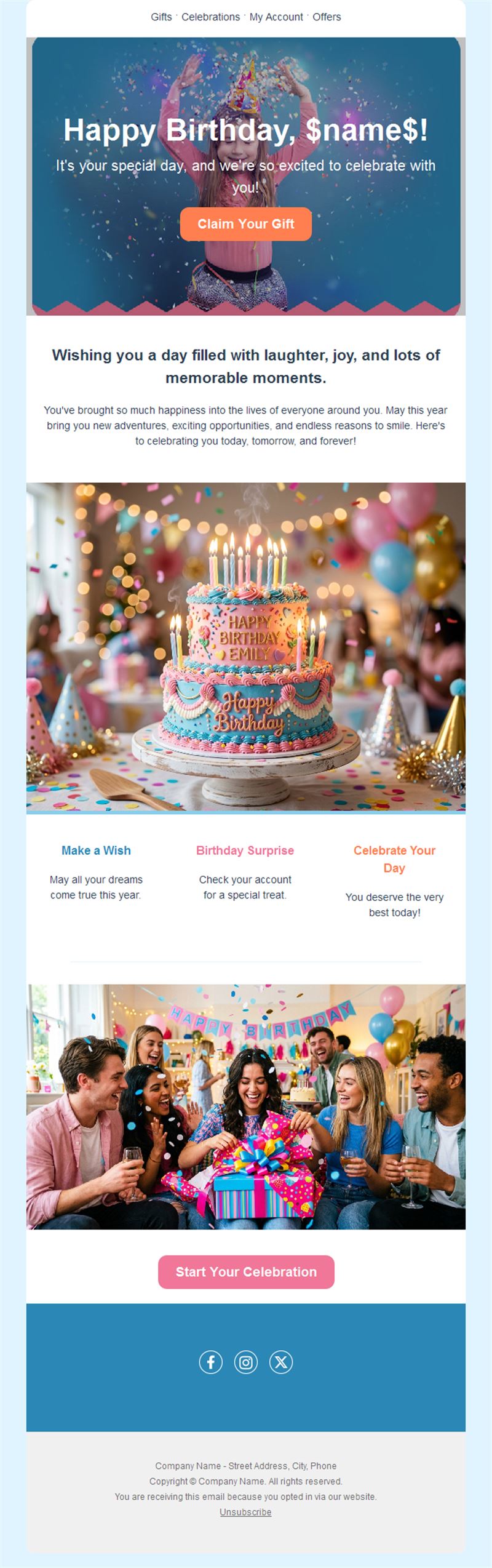
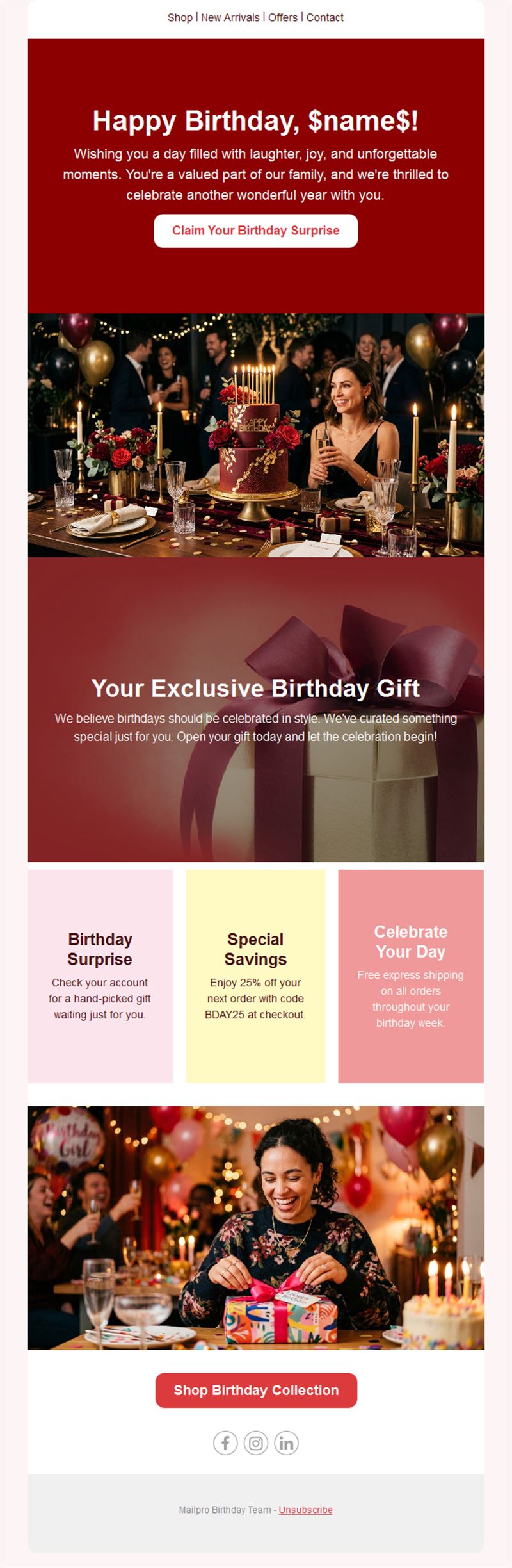
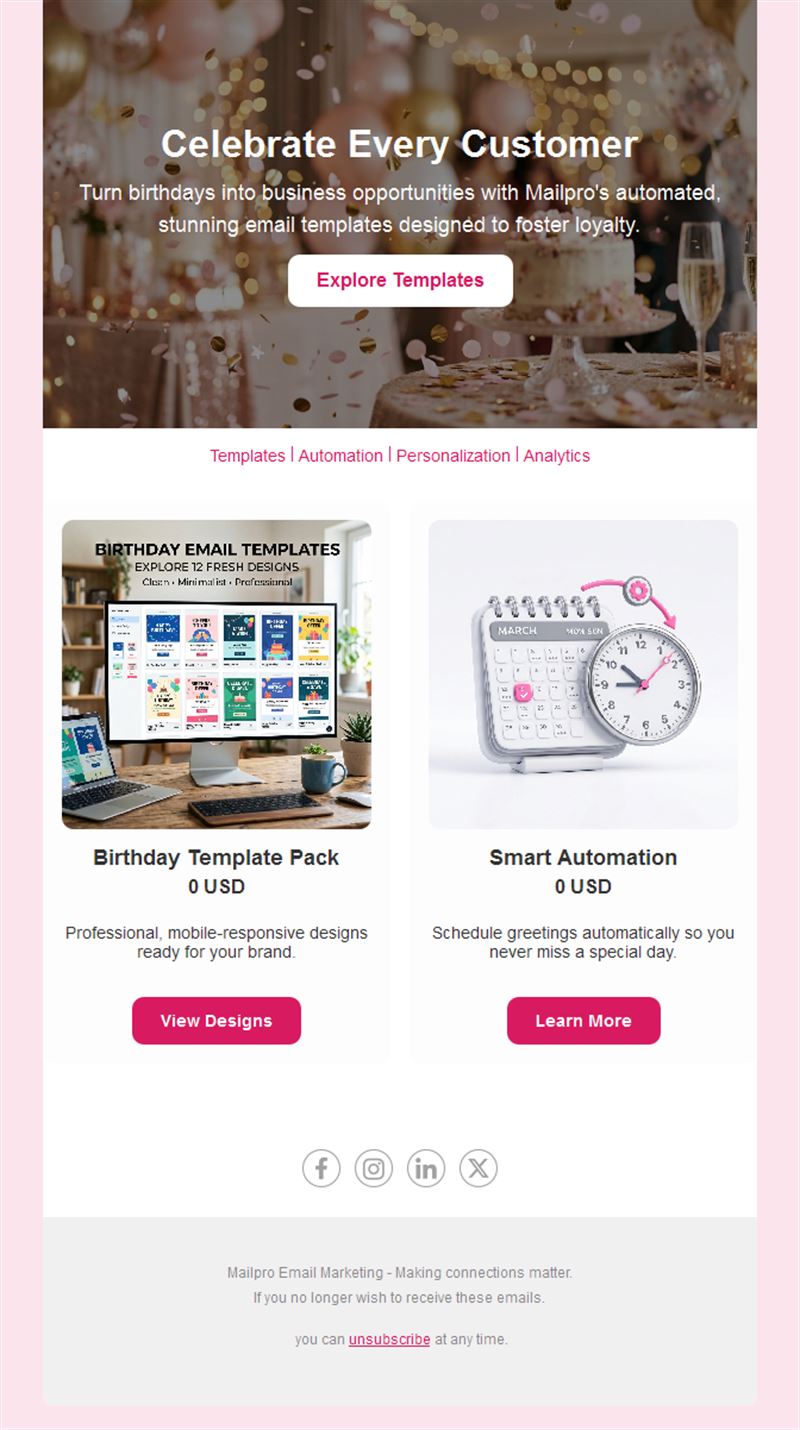
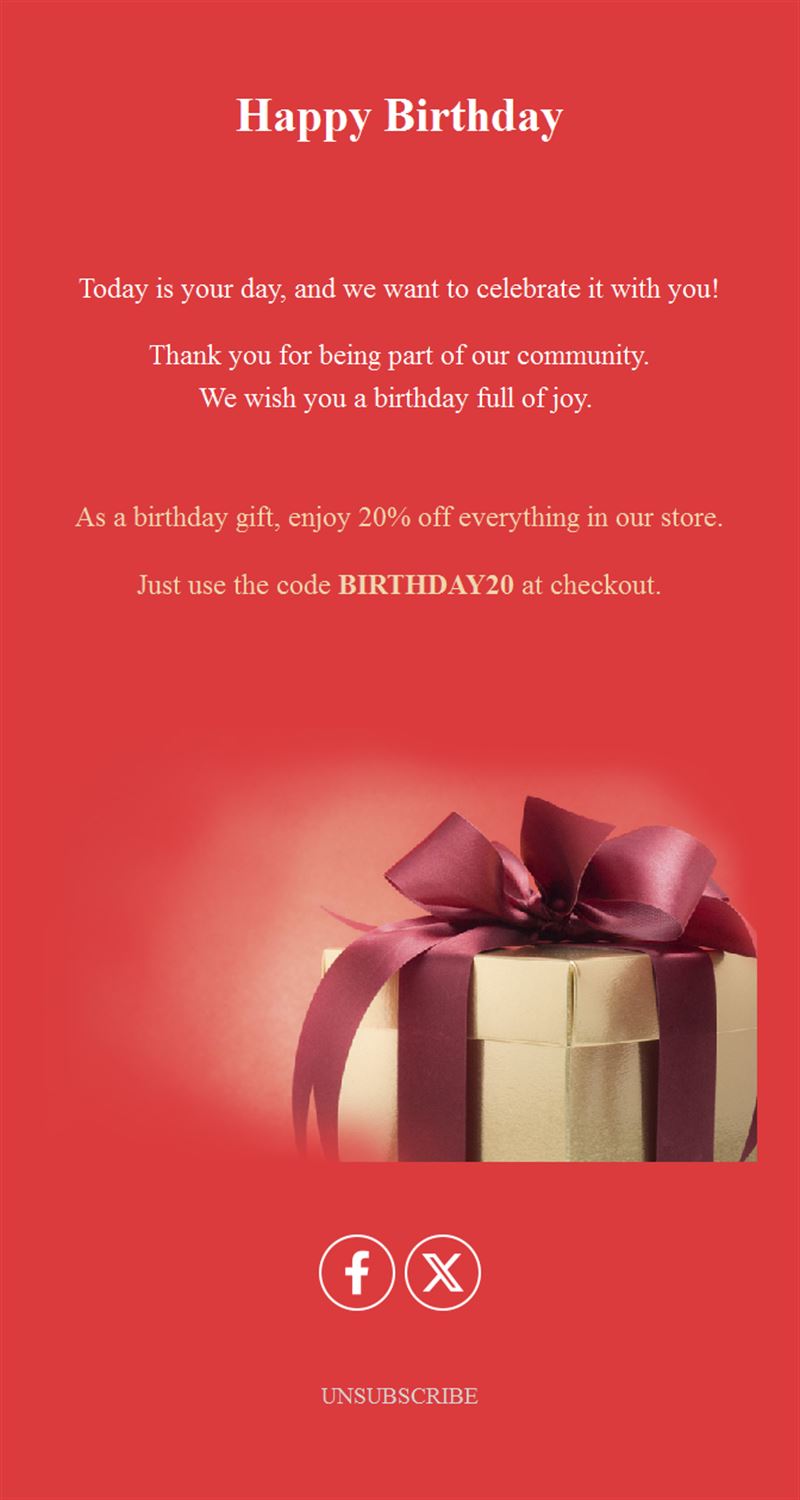
18 Free Birthday Email Templates
Adapt for Unlimited Possibilities
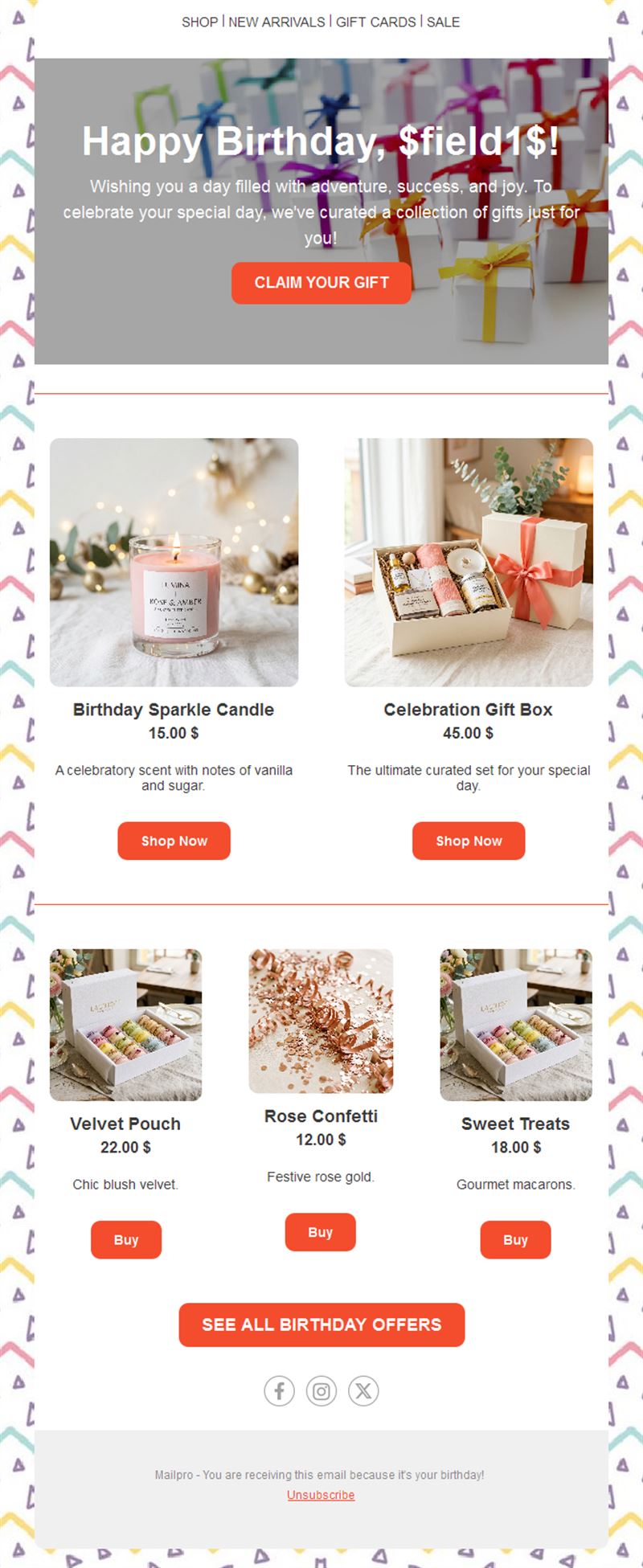
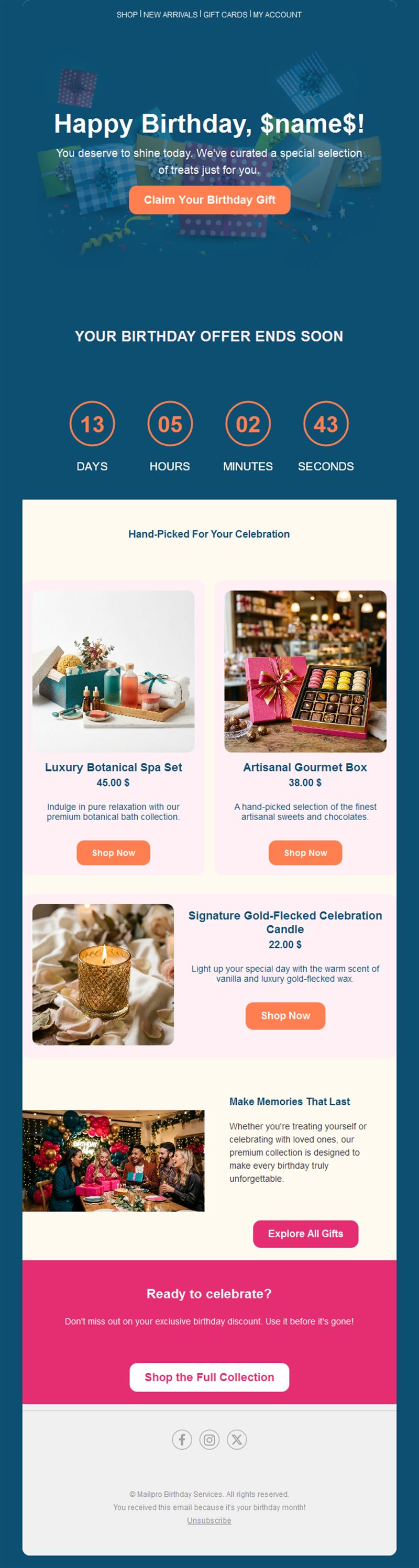
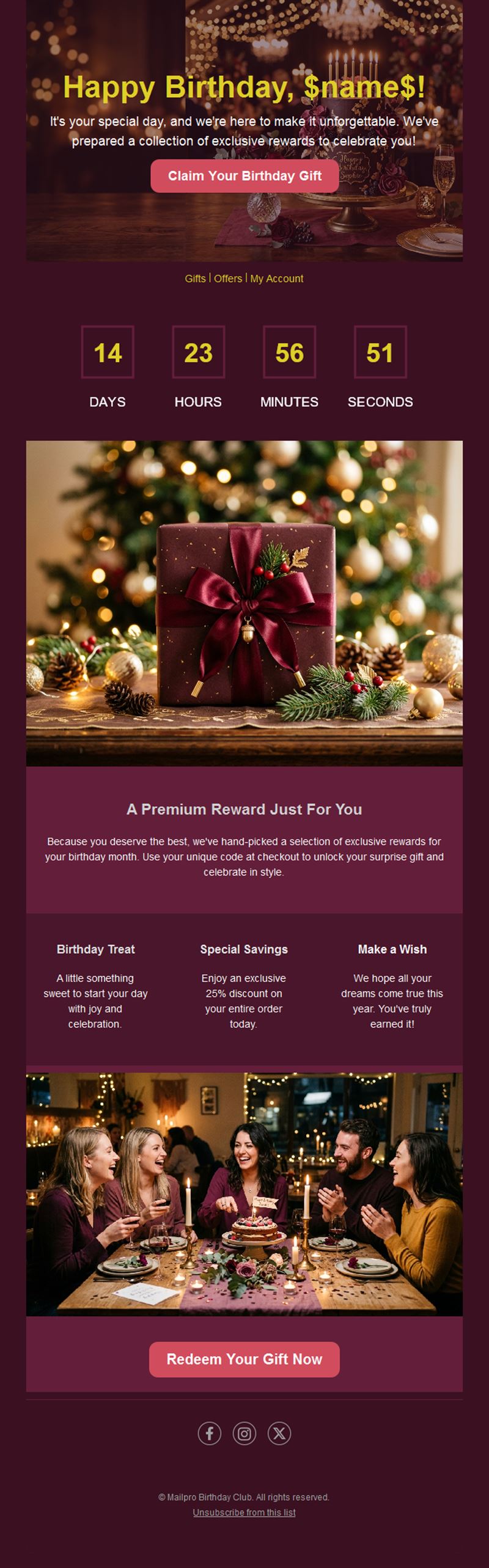
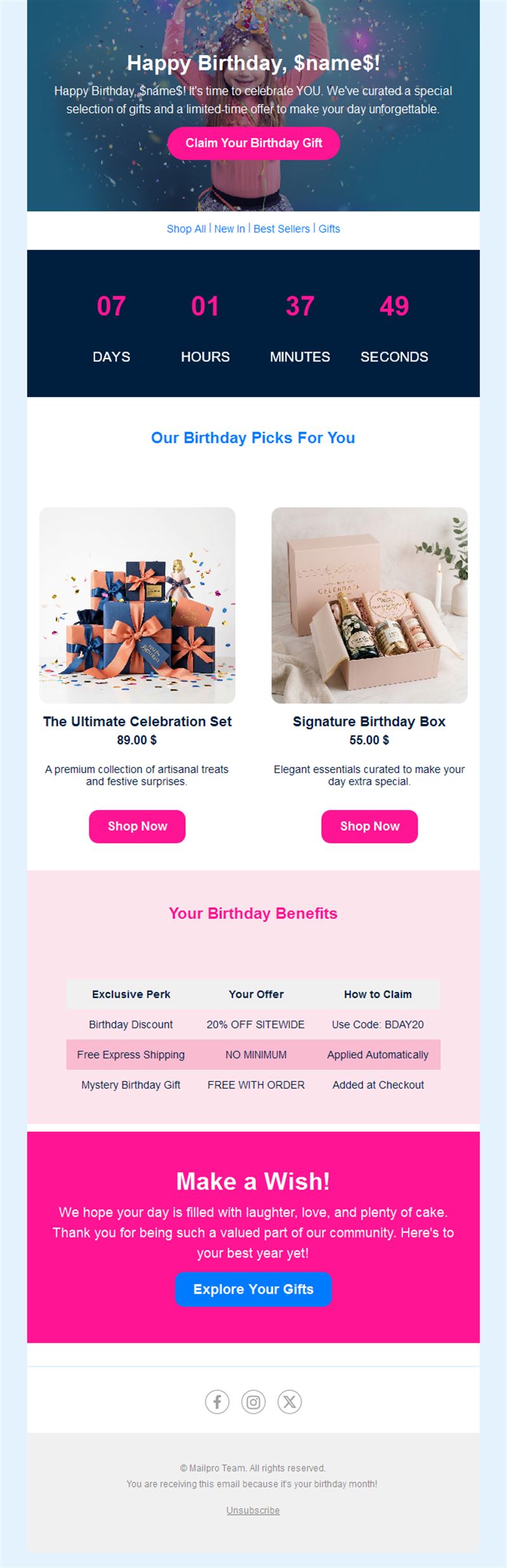
Birthday
Birthday
Birthday
Birthday
Birthday
Birthday
Birthday
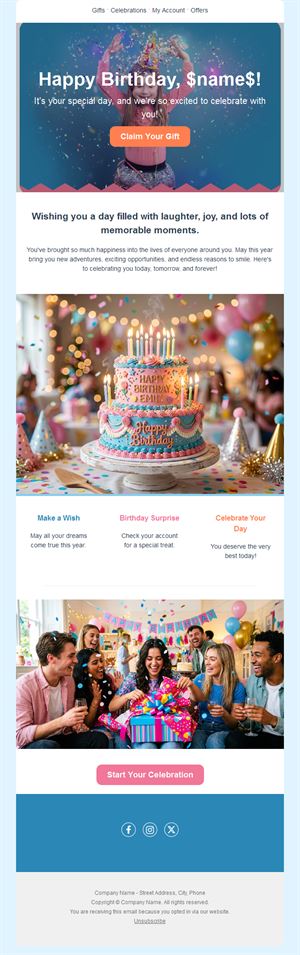
Birthday
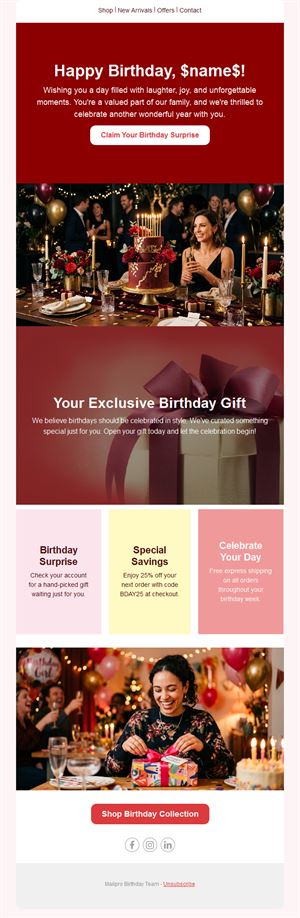
Birthday
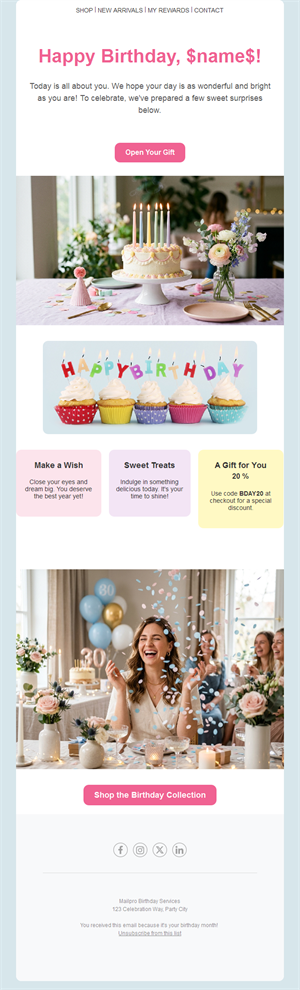
Birthday
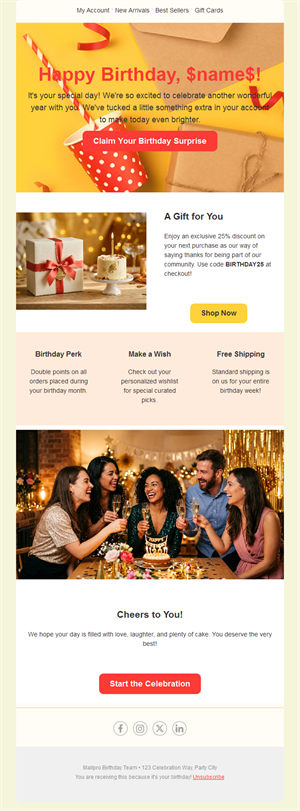
Birthday
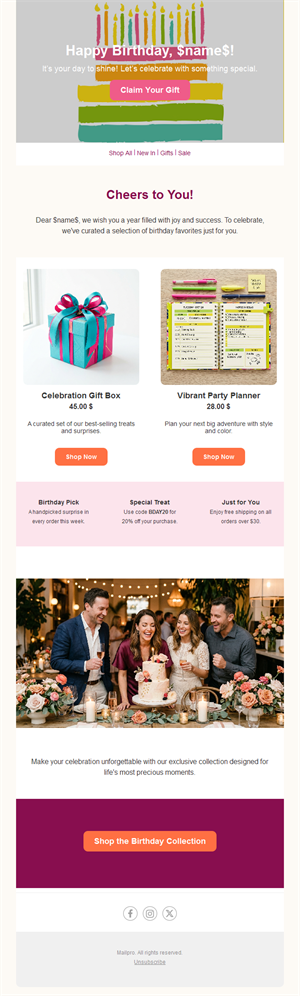
Birthday
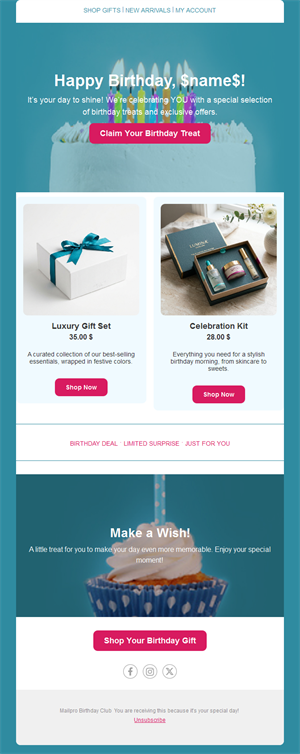
Birthday
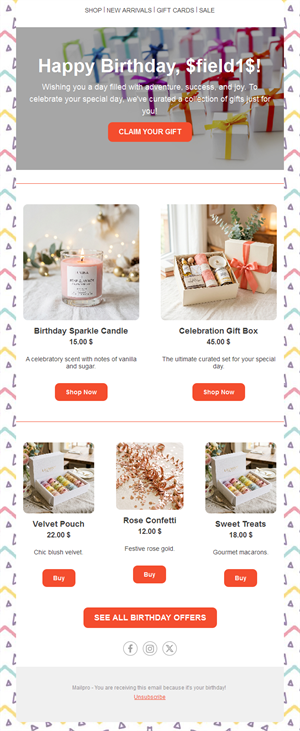
Birthday
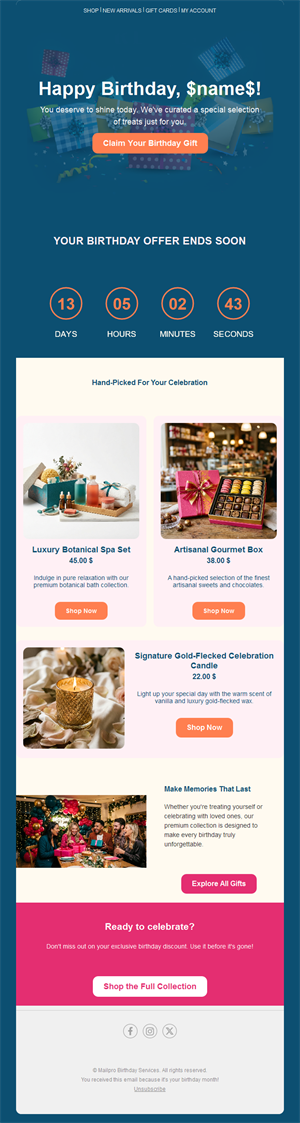
Birthday
Birthday
Birthday
Birthday
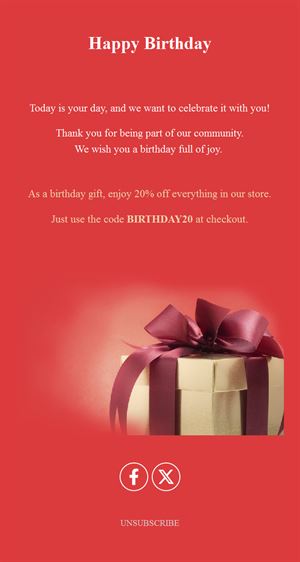
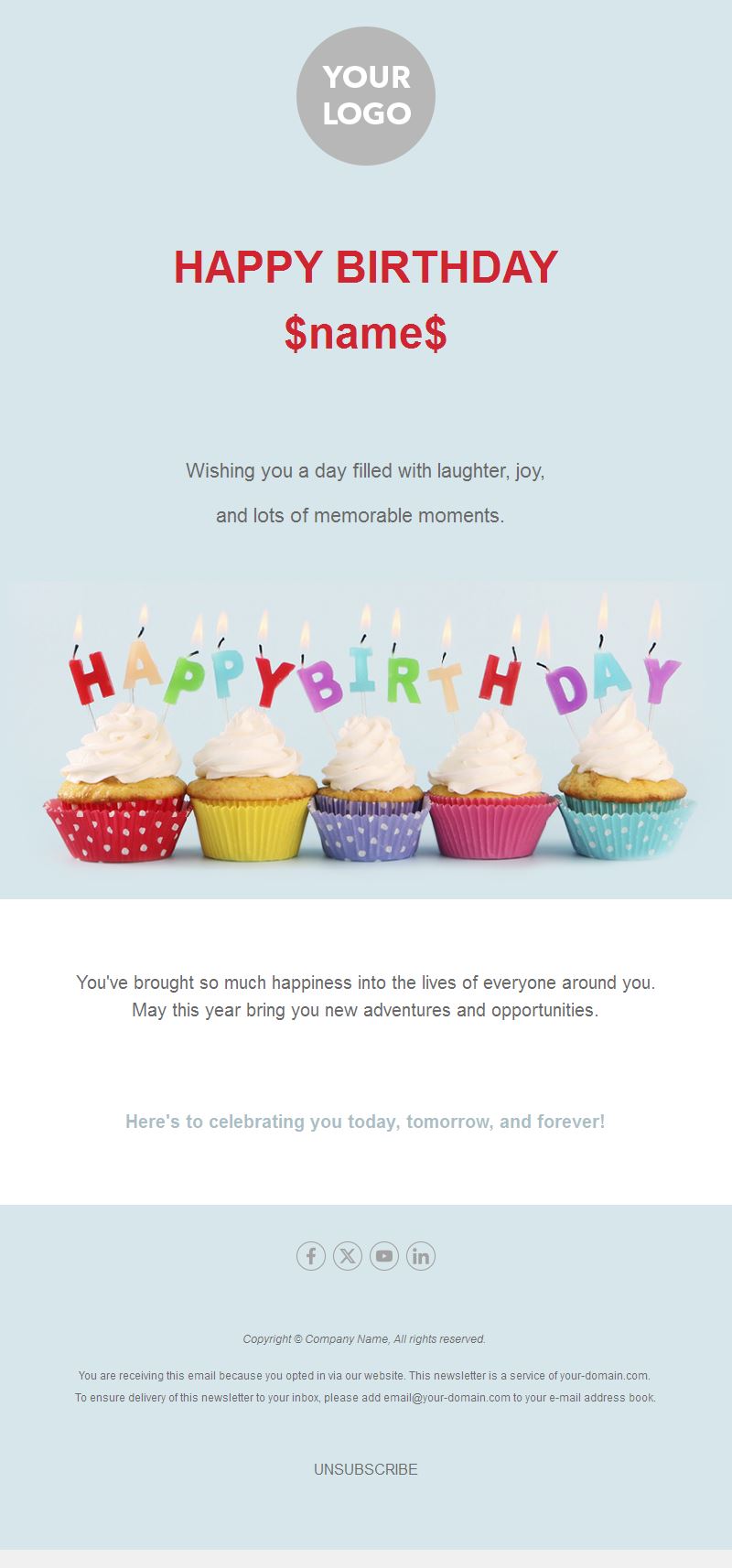
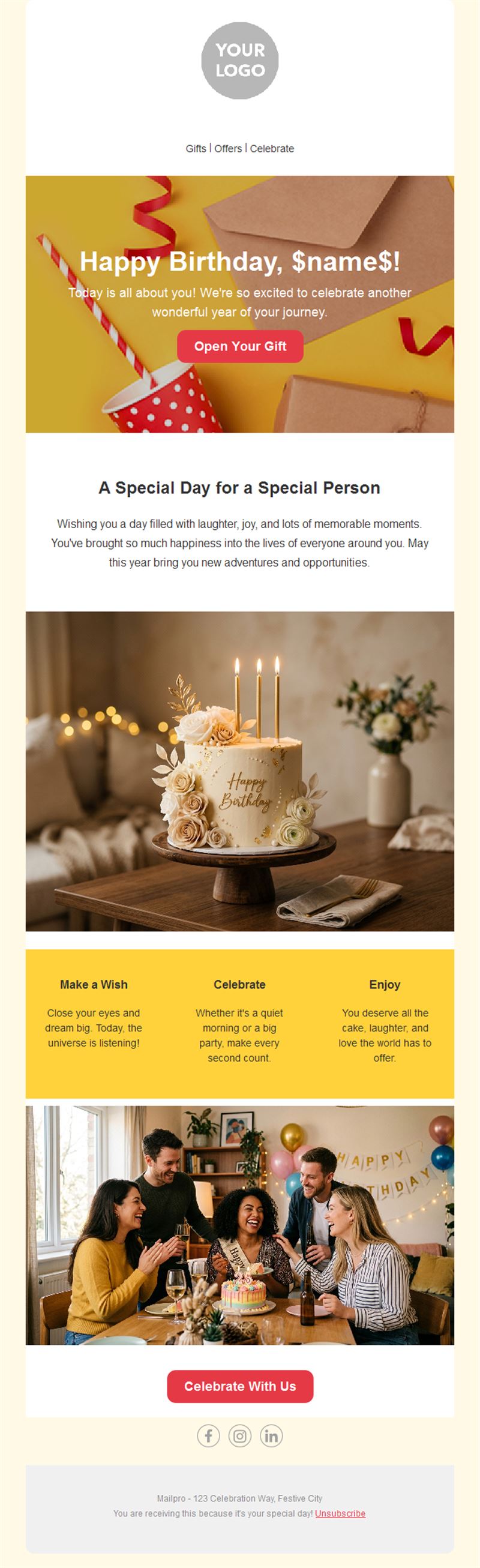
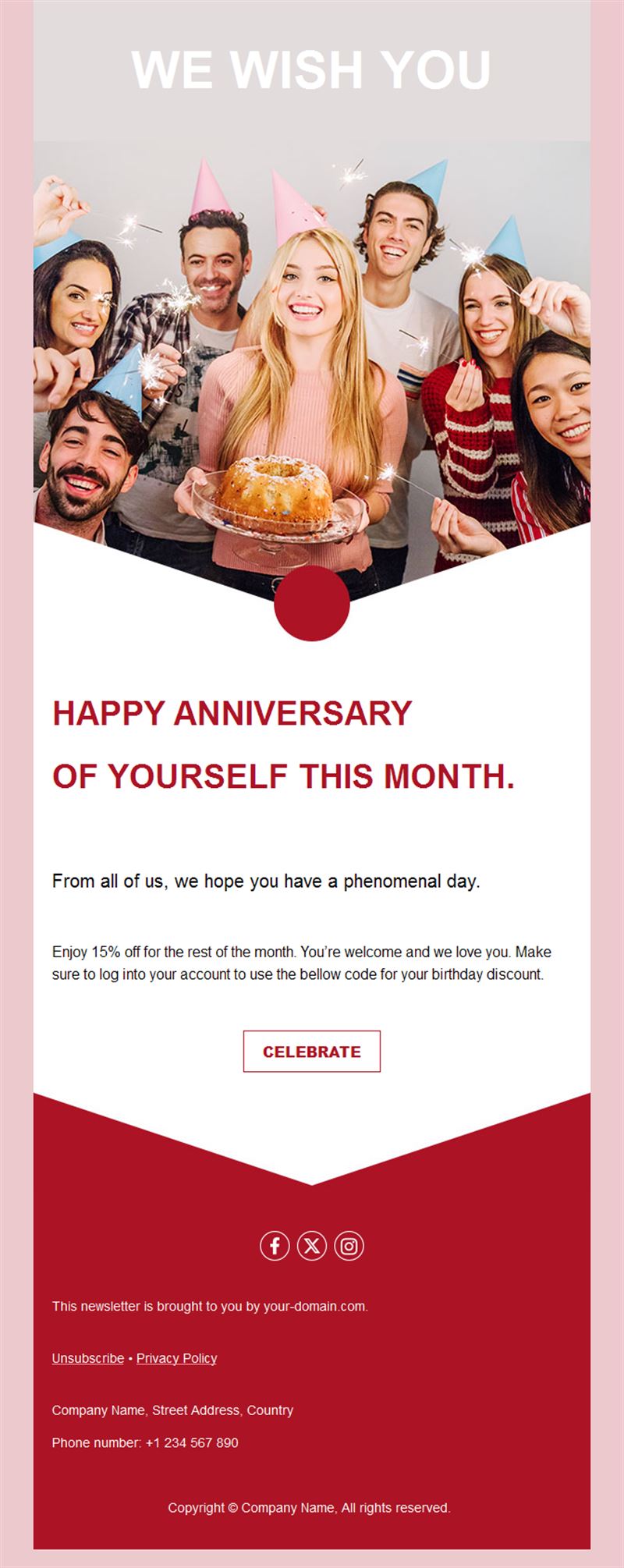
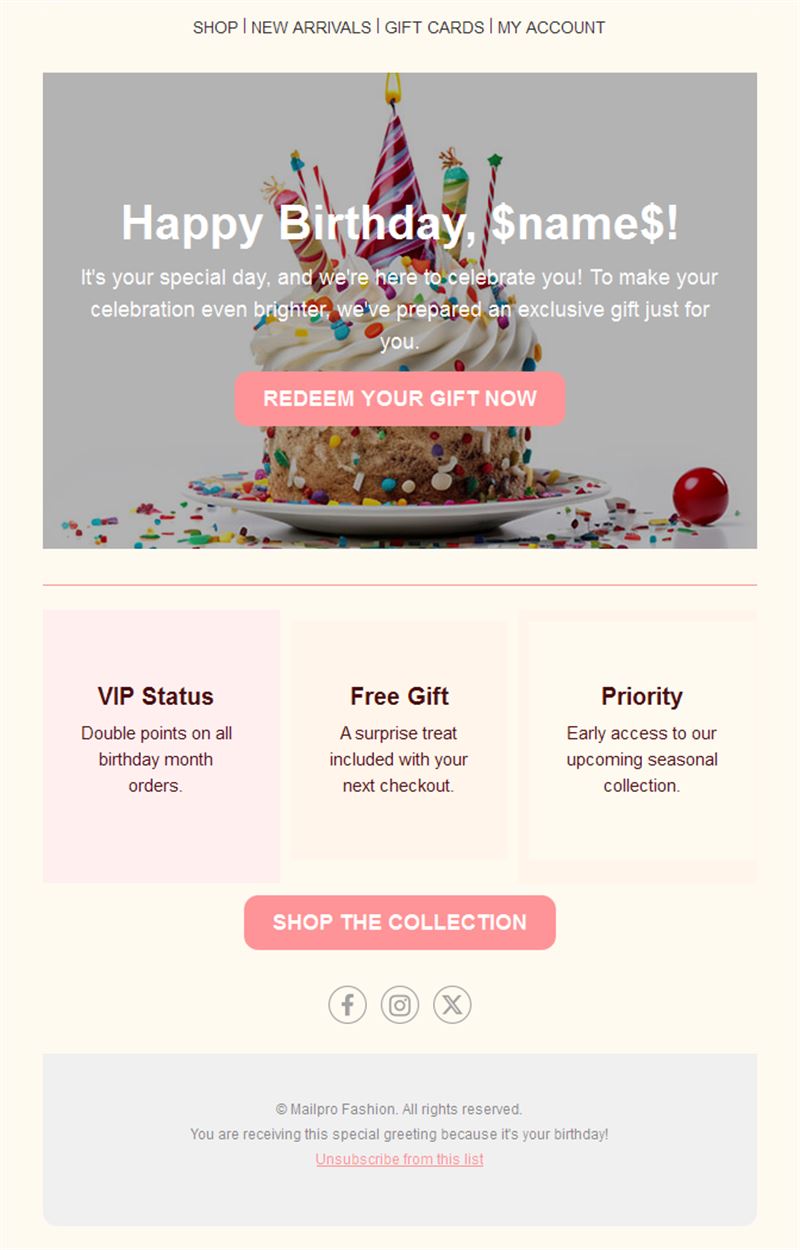
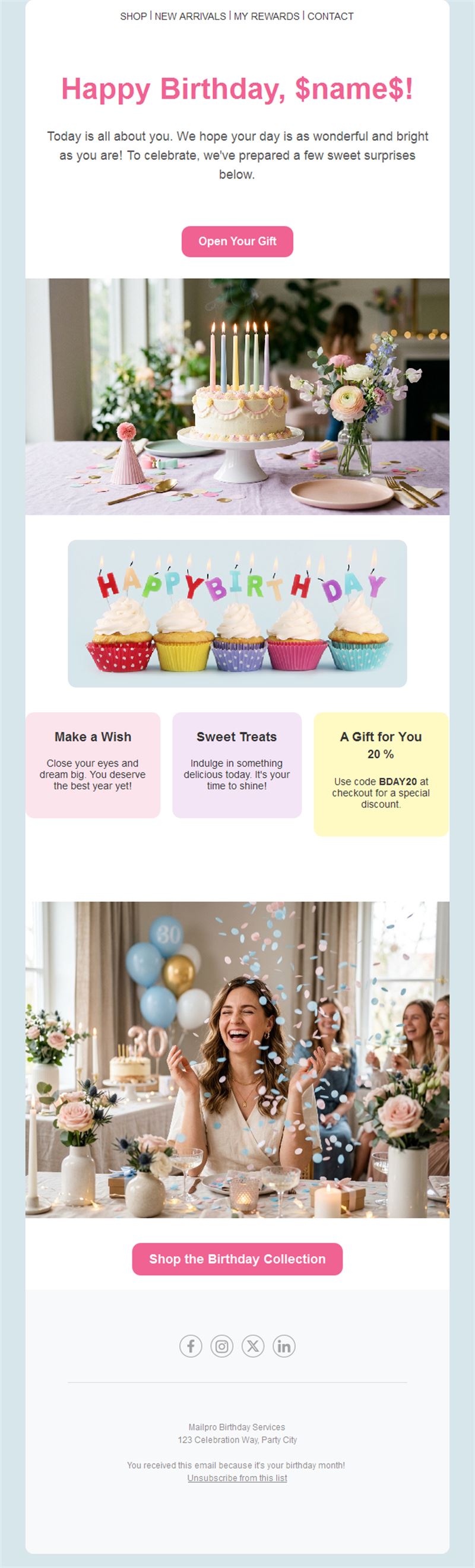
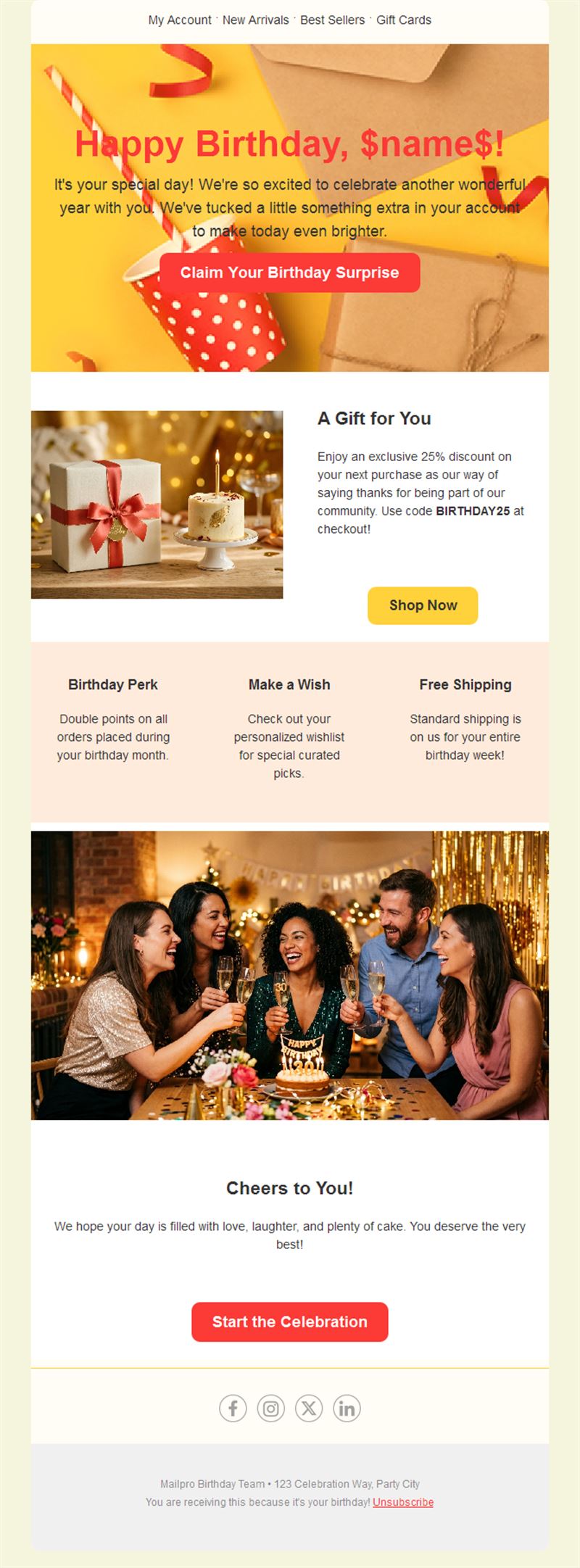
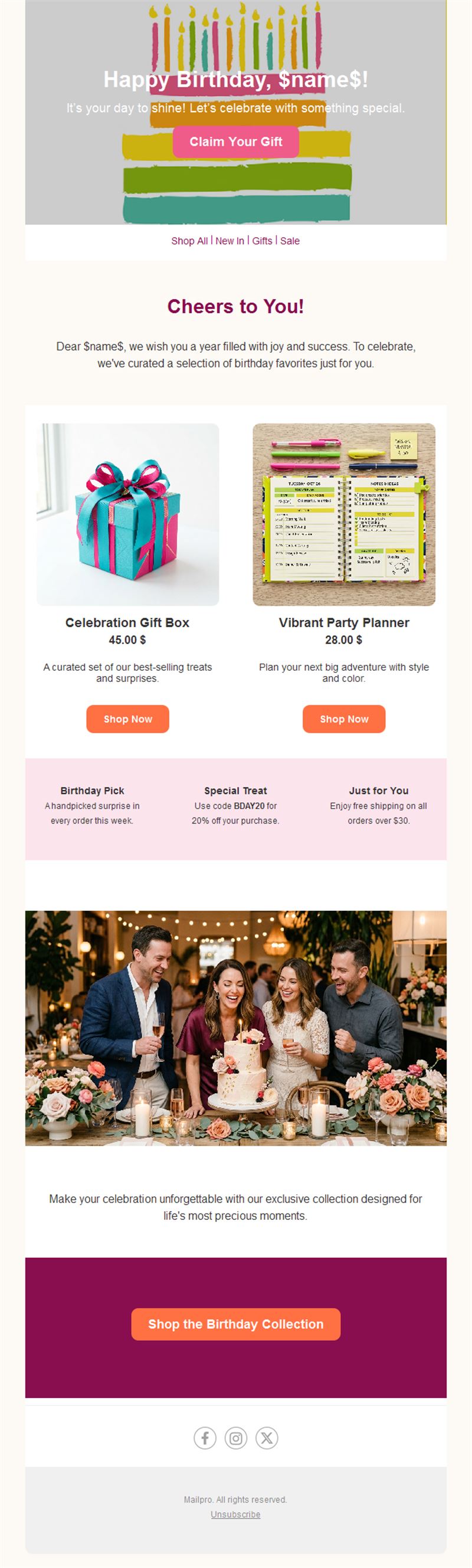
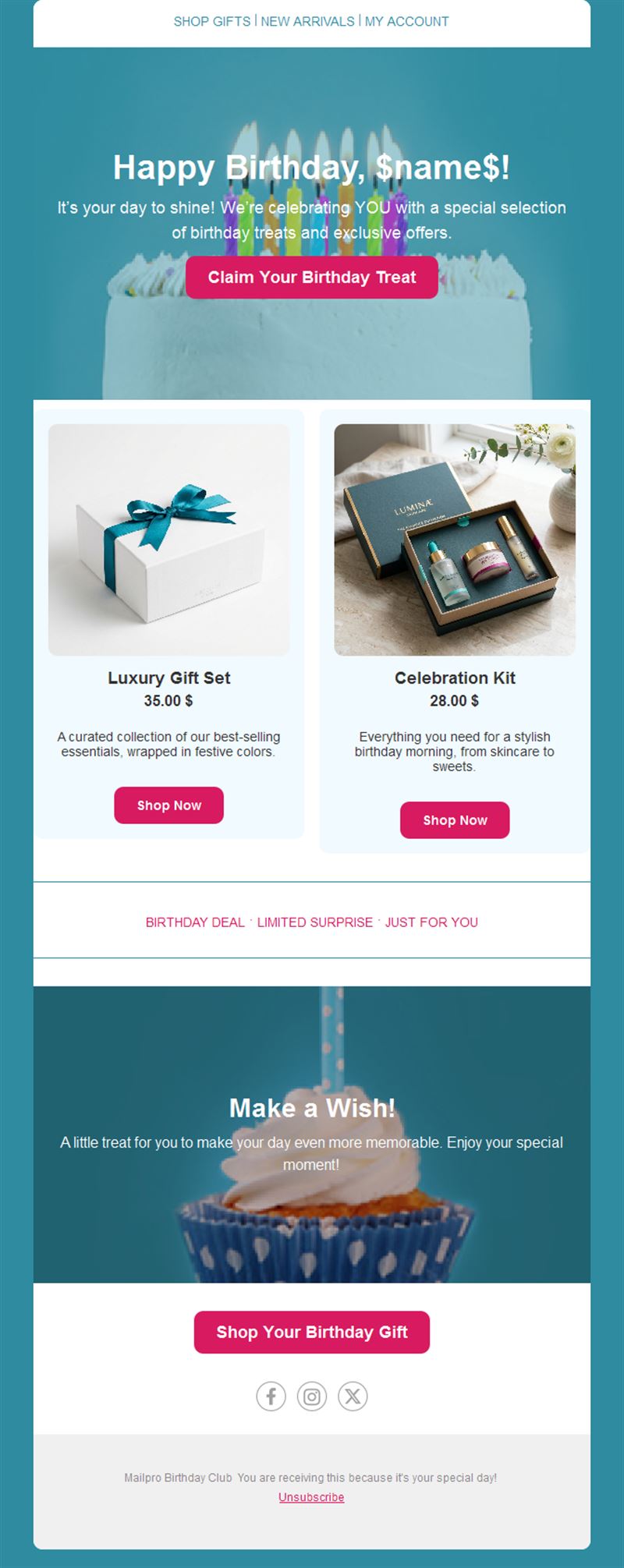
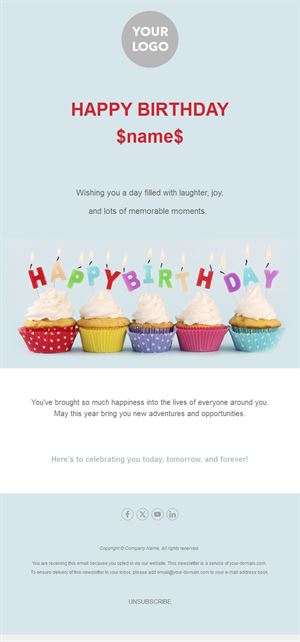
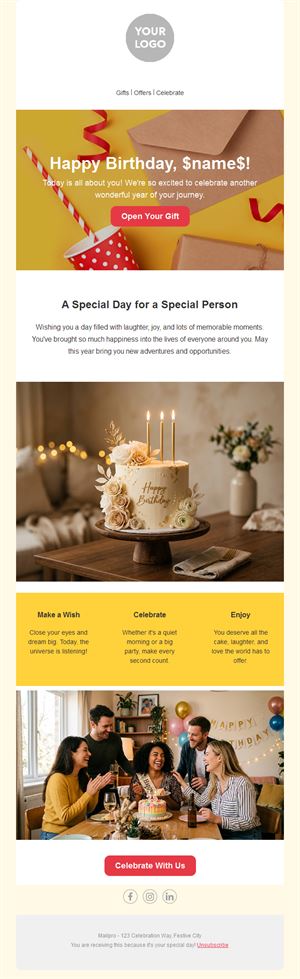
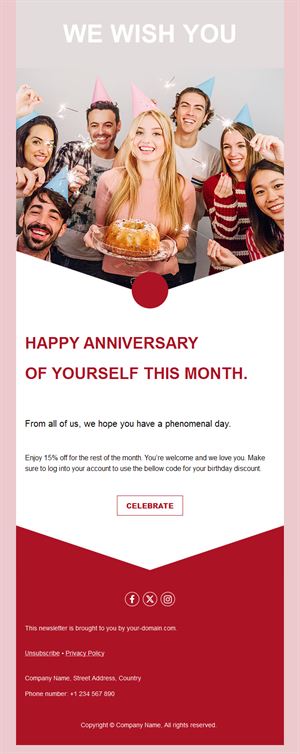
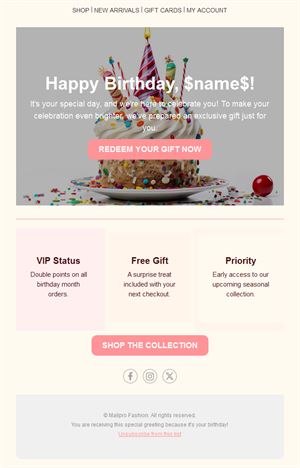
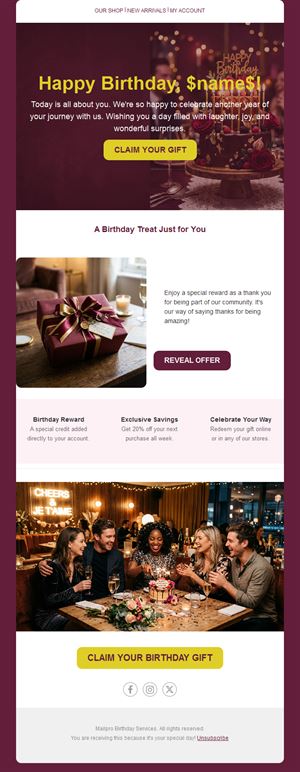
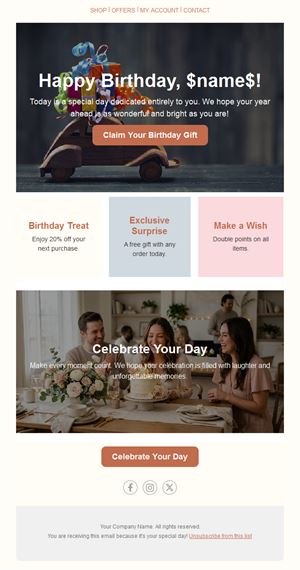
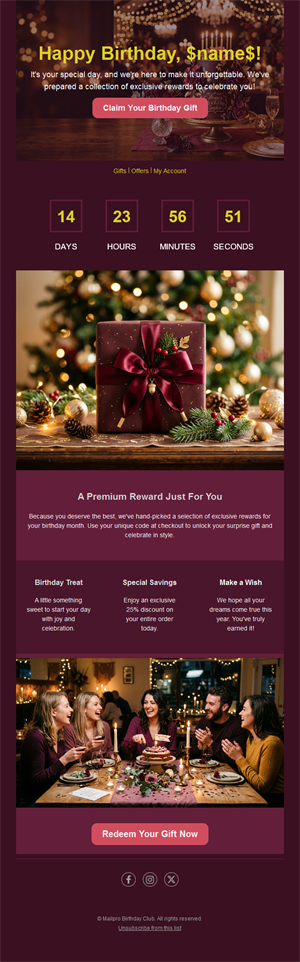
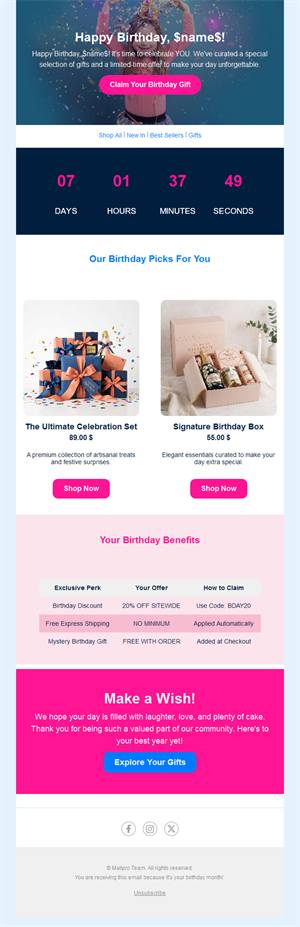
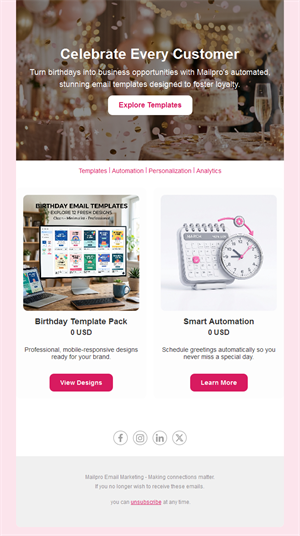
Make every customer feel remembered once a year. Pick one of our 18 free birthday email templates, add a personal message or a birthday gift, and let Mailpro™ send it automatically on the right day.
Why send birthday emails?
A birthday email is one of the few messages a customer expects and is happy to receive. It is personal, it arrives on a date that matters to them, and it gives you a natural reason to offer something without it feeling like a sales push. Once it is set up as an automation, it runs every day with no extra work.
- Personal by design: the first name and the date make it feel one-to-one.
- Set once, sent every day: a date-based automation picks the contacts whose birthday is today.
- A reason to come back: a gift, a discount or a free extra gives customers a reason to visit.
- Mobile-ready: every Mailpro template is responsive.
What can you send with a birthday email template?
1) A birthday greeting
A short, warm message with the contact's first name and no offer at all. Ideal for associations, schools, clubs and B2B relationships.
2) A birthday gift or discount
A code valid for a week or a month, a free dessert or a free delivery. Give a clear validity period so the offer gets used.
3) Customer and membership anniversaries
Celebrate one year as a customer, a membership renewal or a company anniversary with the same designs.
4) Employee birthdays
HR and internal teams can use the templates for colleague birthdays and work anniversaries.
Want to know why it works so well? Read about the benefits of sending automatic birthday emails, or pair the email with a text message using SMS birthday campaigns.
How to set up an automatic birthday email in Mailpro™
- Store the date: add a birthday field to your contacts, from a sign-up form or an import.
- Pick a template: choose one of the 18 birthday designs above and add your message or gift.
- Personalize: insert the first name with dynamic fields.
- Automate: create a date-based trigger in automated emails so the email leaves on each contact's birthday.
- Track results: follow opens, clicks and redemptions in the email statistics.
Best practices for birthday emails
- Send in the morning: the email should be waiting when they wake up, not arrive at midnight.
- Keep it short: one greeting, one gift, one button.
- Give a real validity period: a gift that expires the same day frustrates more than it pleases.
- Ask only for what you need: day and month are enough; the year is not necessary.
FAQ: birthday email templates
Are these birthday email templates free?
Yes. All 18 birthday templates are free with a Mailpro account, including the free plan.
Can Mailpro send birthday emails automatically?
Yes. With a date field and a date-based automation, Mailpro sends the birthday email to each contact on the right day, every year.
What should a birthday email say?
Wish the contact a happy birthday by name, keep the message short and warm, and add a gift or offer only if it fits your relationship.
Can I use them for anniversaries too?
Yes. The same designs work for customer anniversaries, membership renewals and work anniversaries.