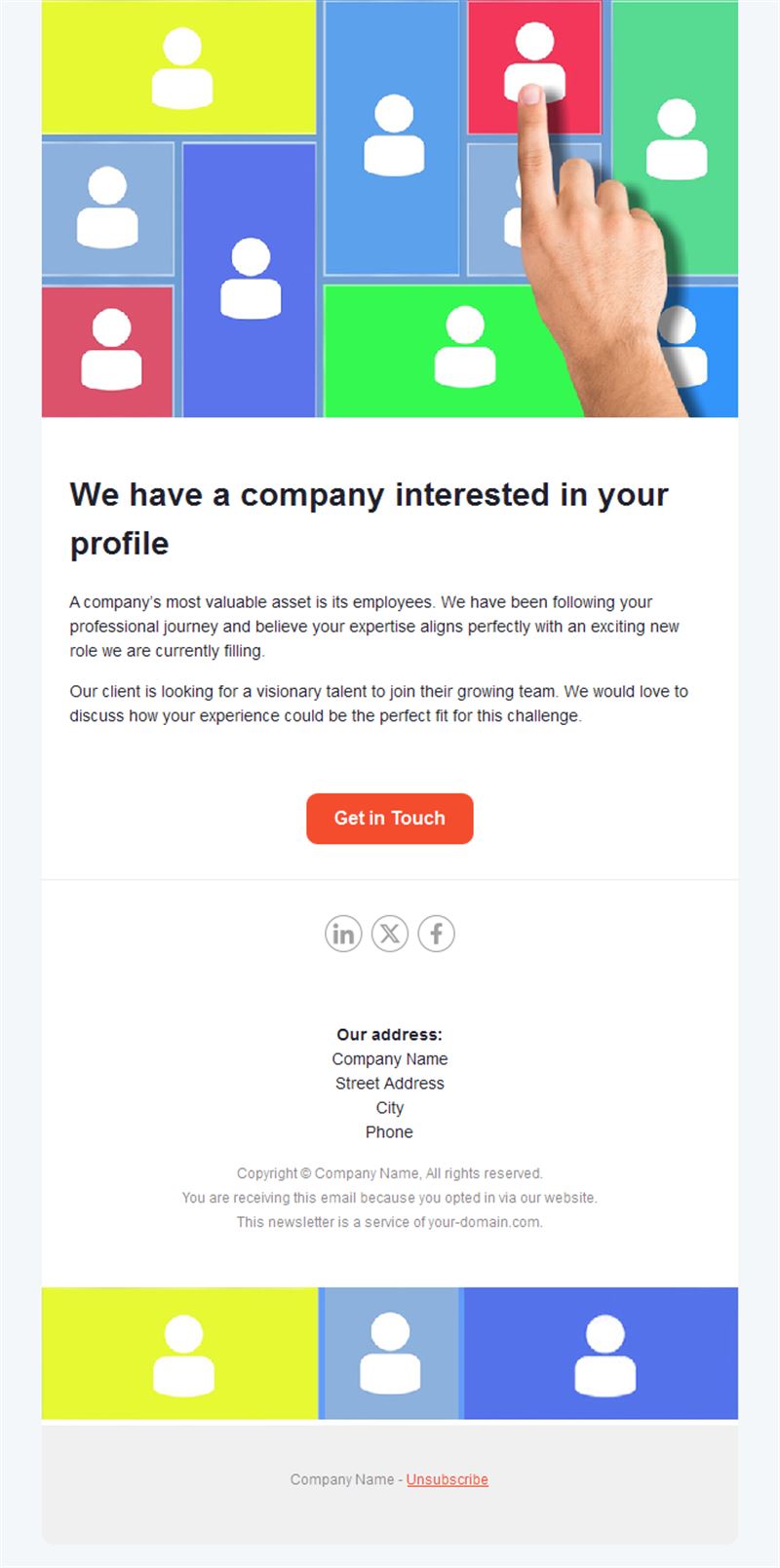
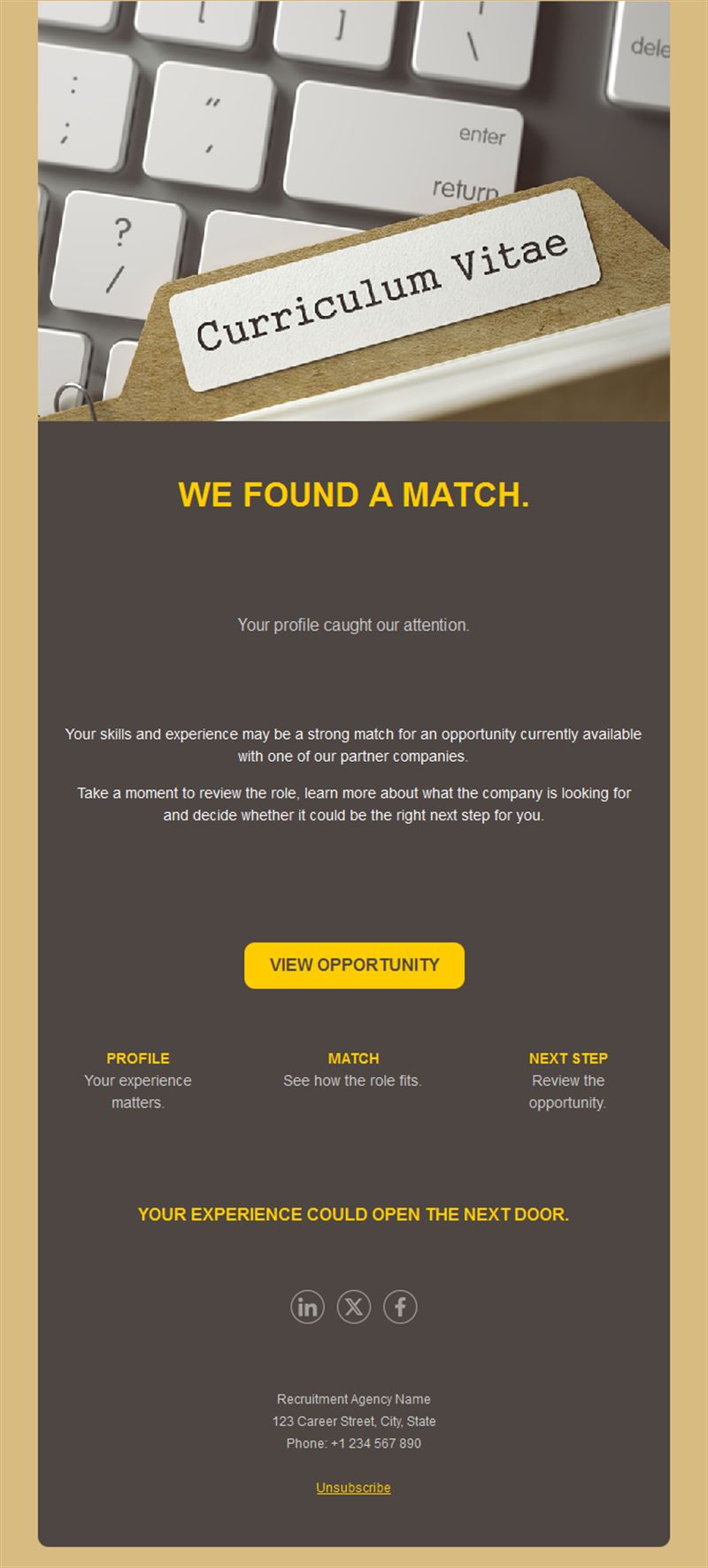
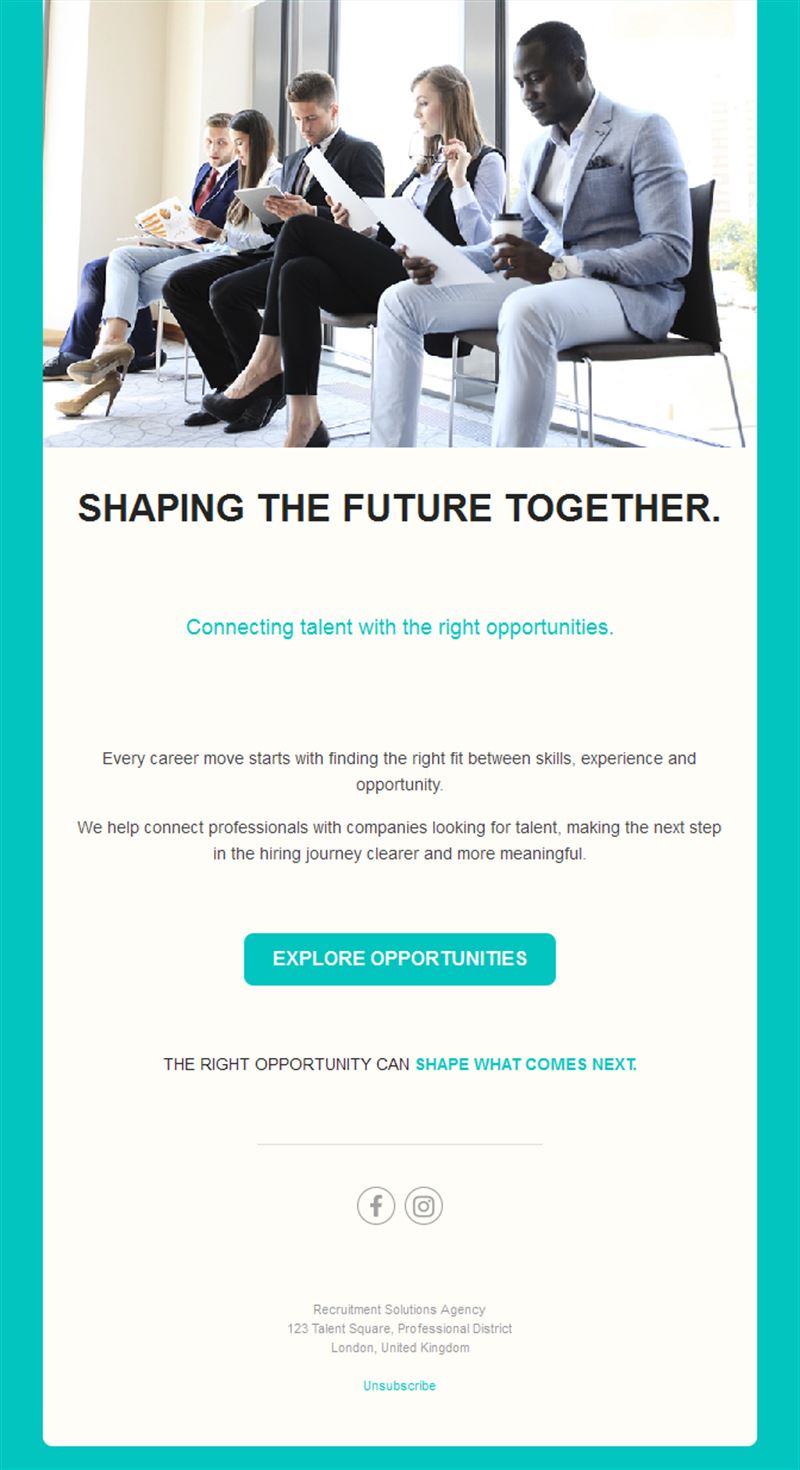
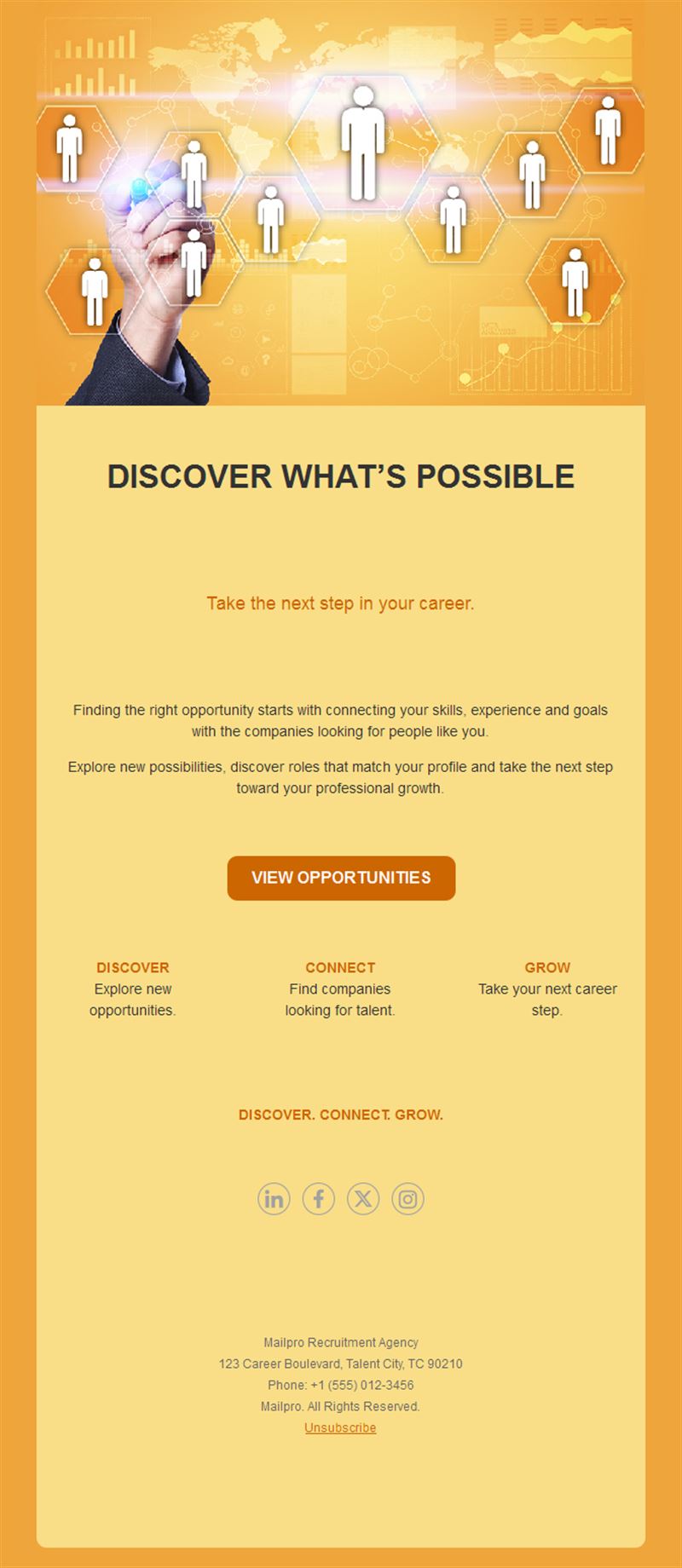
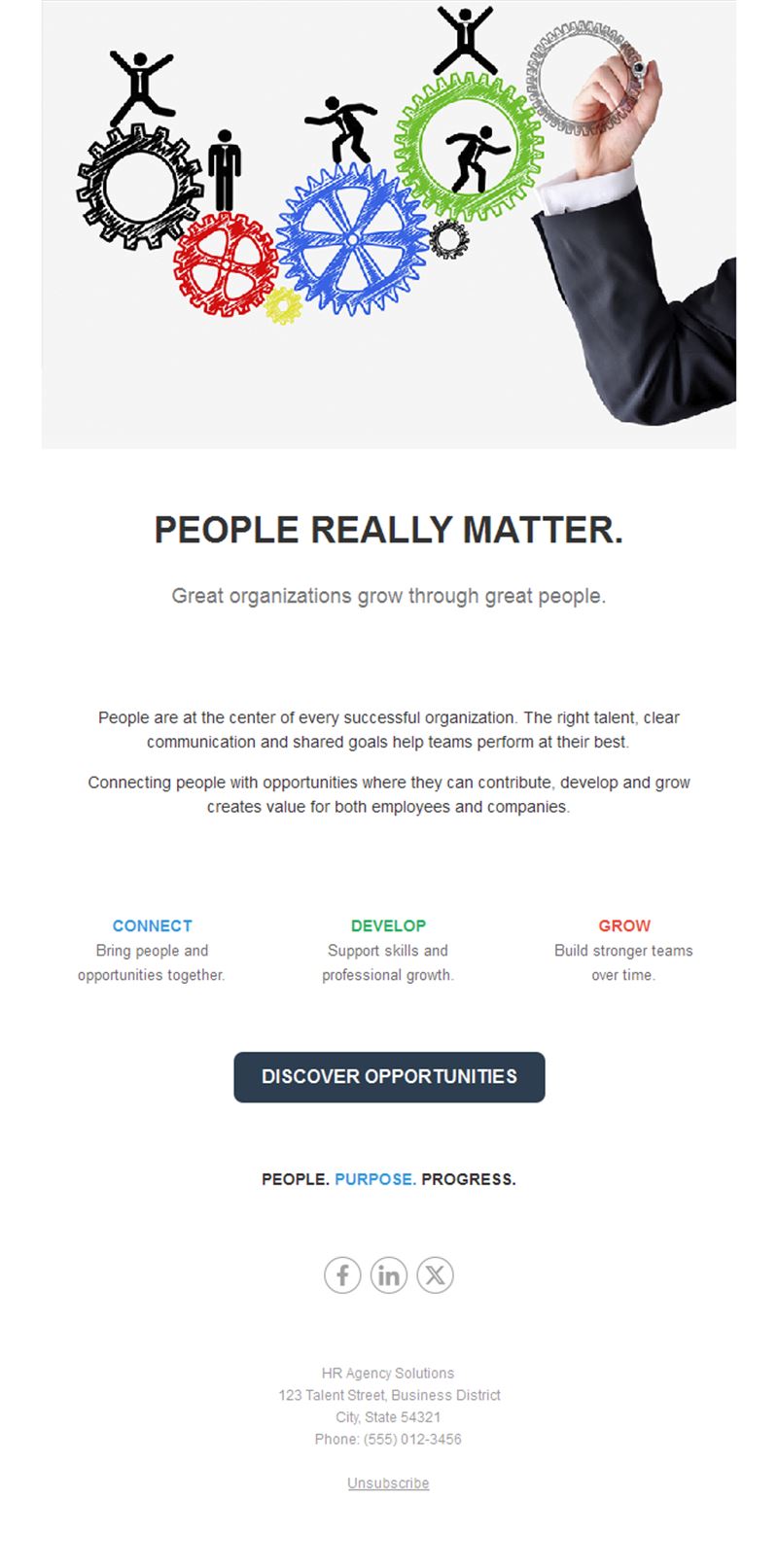
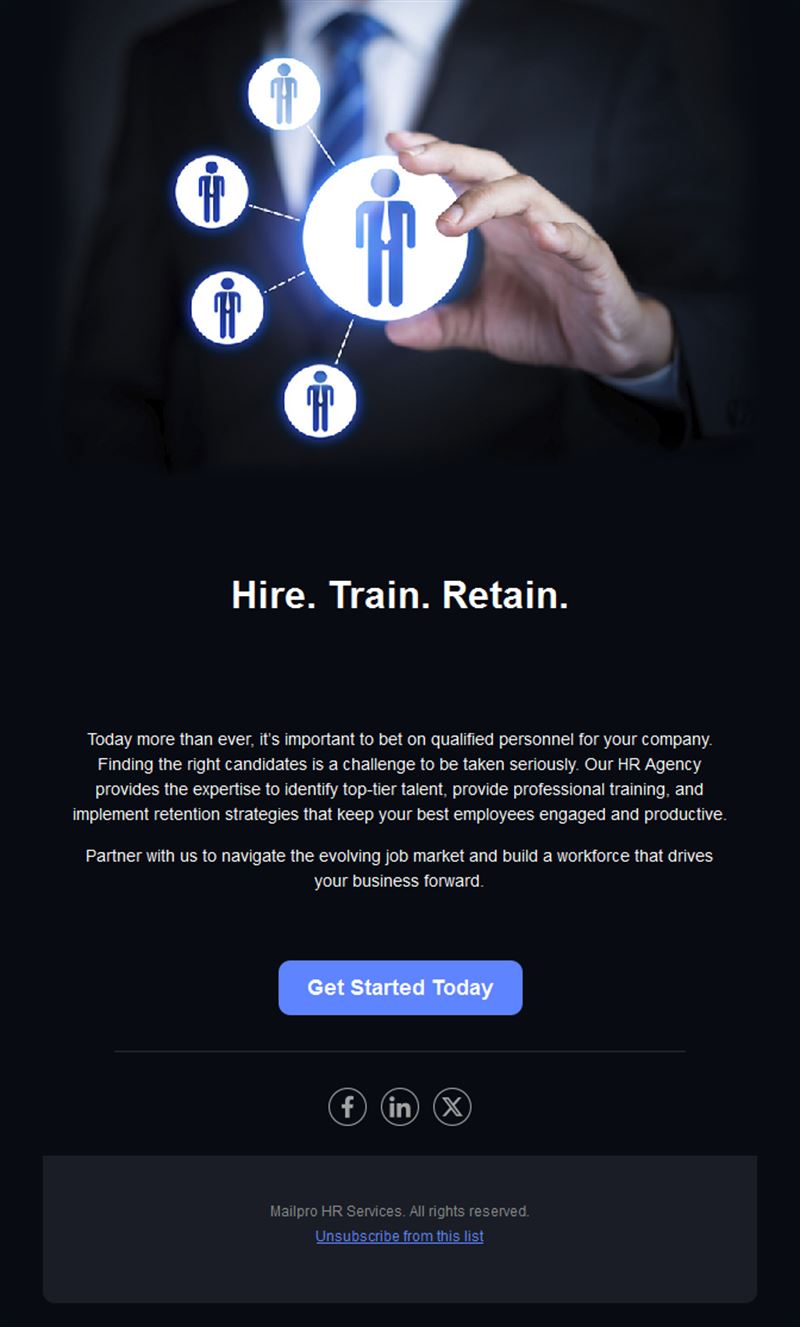
HR & Recruiting Email Templates
Adapt for Unlimited Possibilities
HR Recruiting
HR Recruiting
HR Recruiting
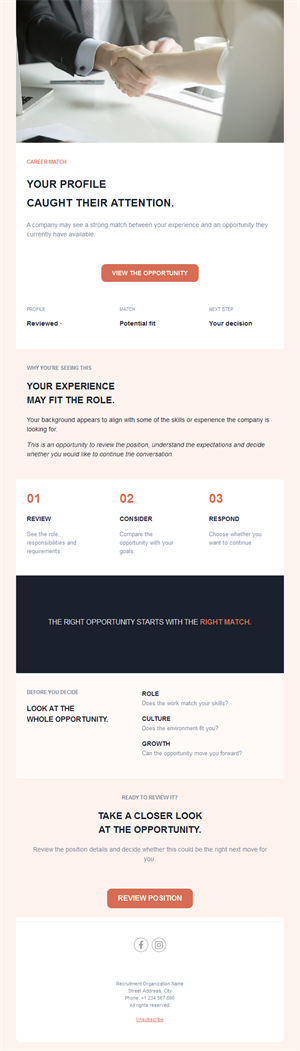
HR Recruiting
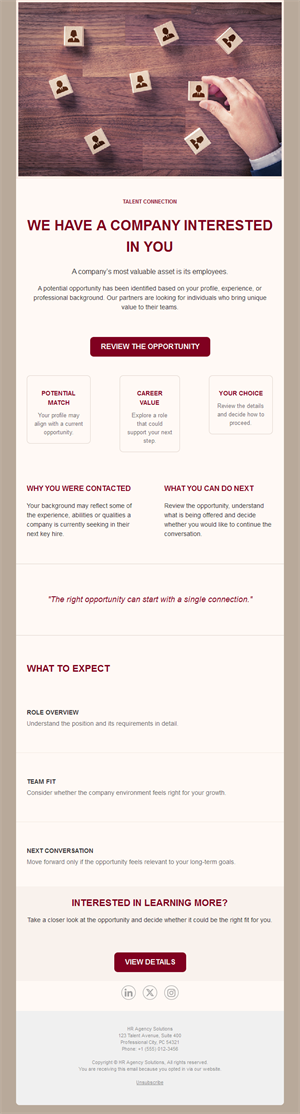
HR Recruiting
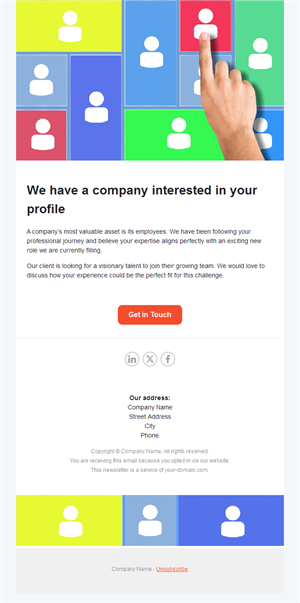
HR Recruiting
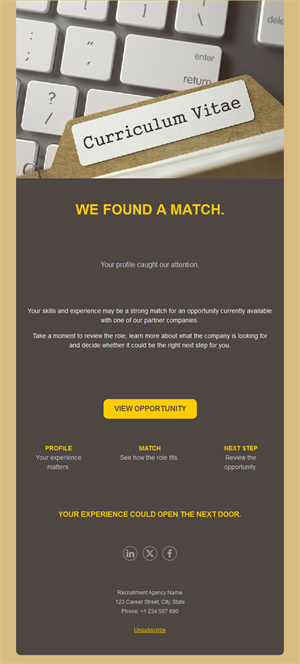
HR Recruiting
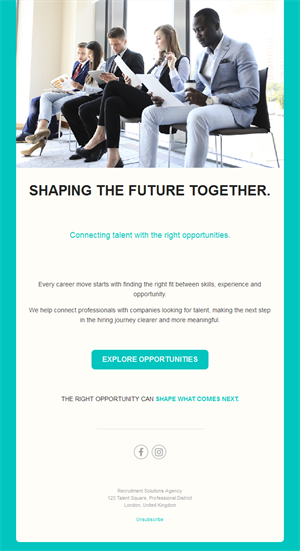
HR Recruiting
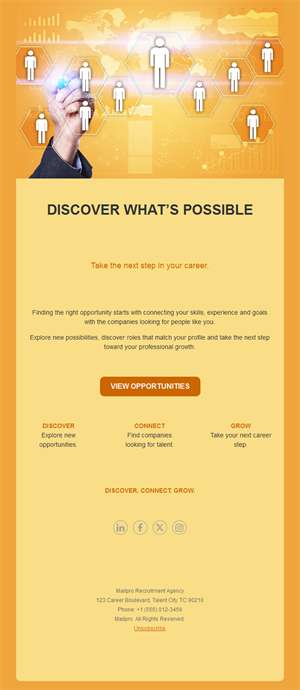
HR Recruiting
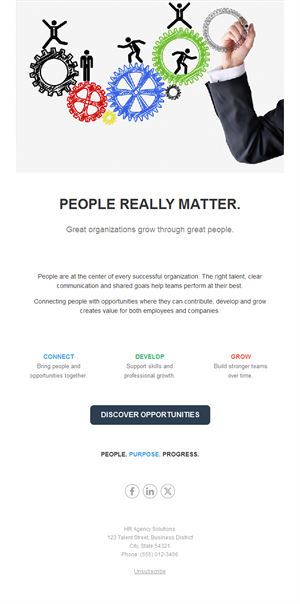
HR Recruiting
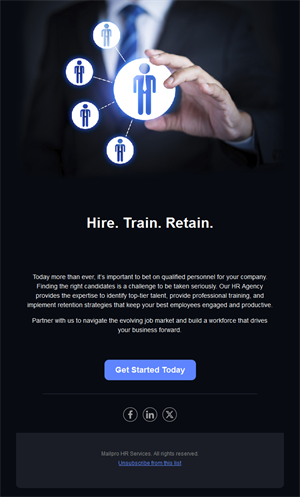
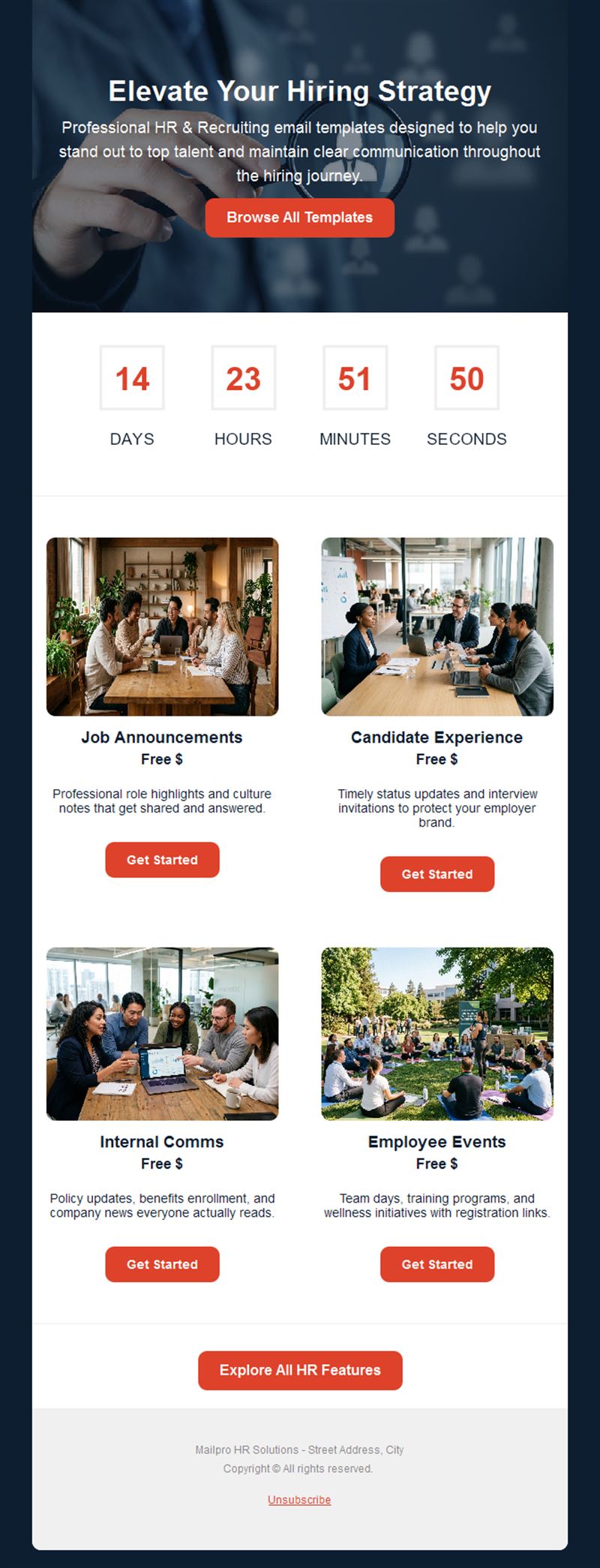
The best candidates are one well-written email away. Pick a ready-made recruiting email template, customize it in minutes, and send with Mailpro™.
Why use HR & Recruiting email templates?
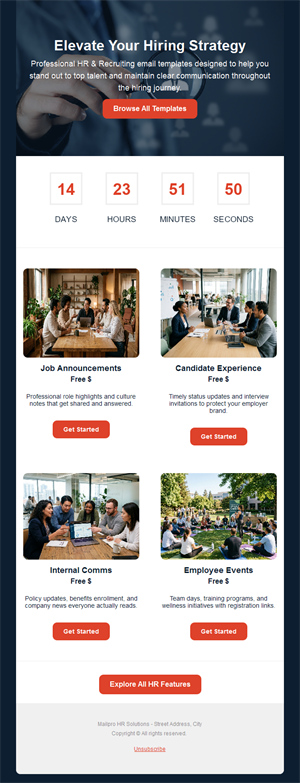
Hiring is a communication race: the company that reaches candidates clearly and quickly wins them. These templates cover the whole journey — job announcements, candidate updates, and the internal comms that keep teams engaged.
- Stand out to talent: professional job announcements get shared and answered.
- Candidate experience: timely status updates keep applicants warm — and protect your brand.
- Internal clarity: company news and policy updates everyone actually reads.
- Employer branding: consistent, polished comms signal a well-run workplace.
What can HR send with these templates?
1) Job announcements
New openings with role highlights, culture notes, and a one-click apply button.
2) Candidate communications
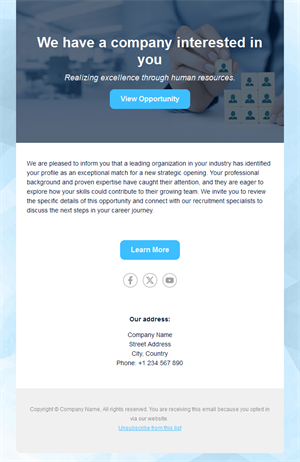
Application received, interview invitations, and respectful status updates.
3) Talent-pool newsletters
Keep past applicants and passive candidates warm with company news and future roles.
4) Internal communications
Policy updates, benefits enrollment, onboarding info, and company announcements.
5) Employee events
Team days, trainings, and wellness programs with registration links.
What's inside each template?
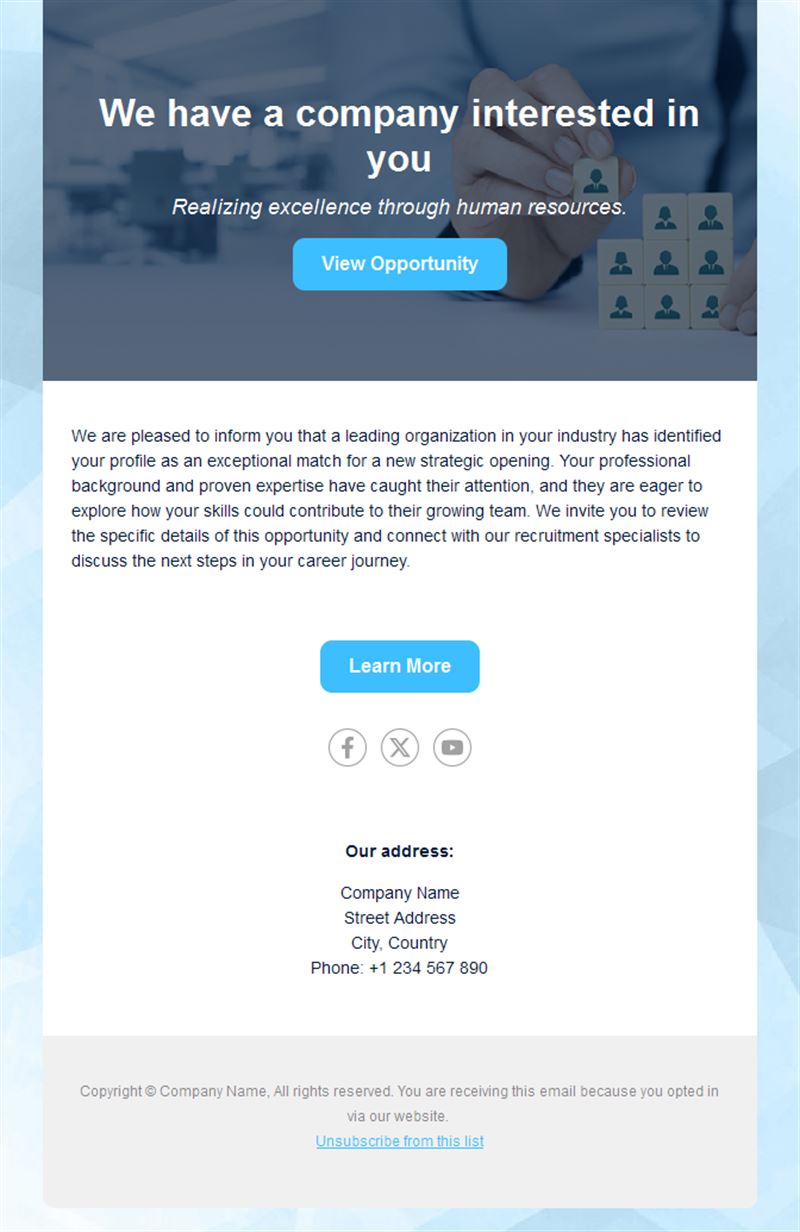
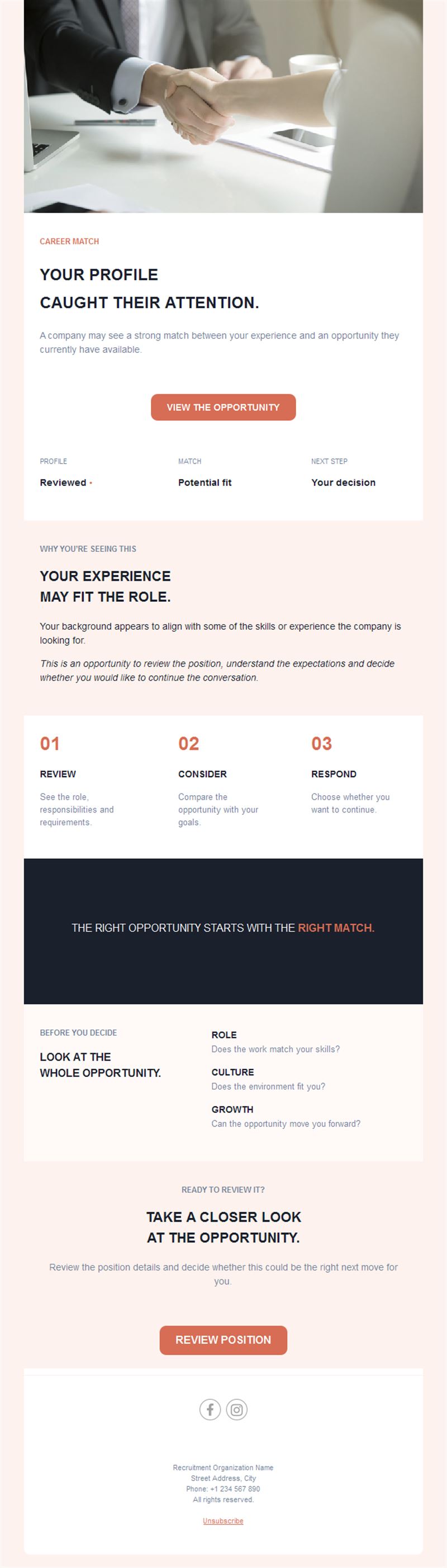
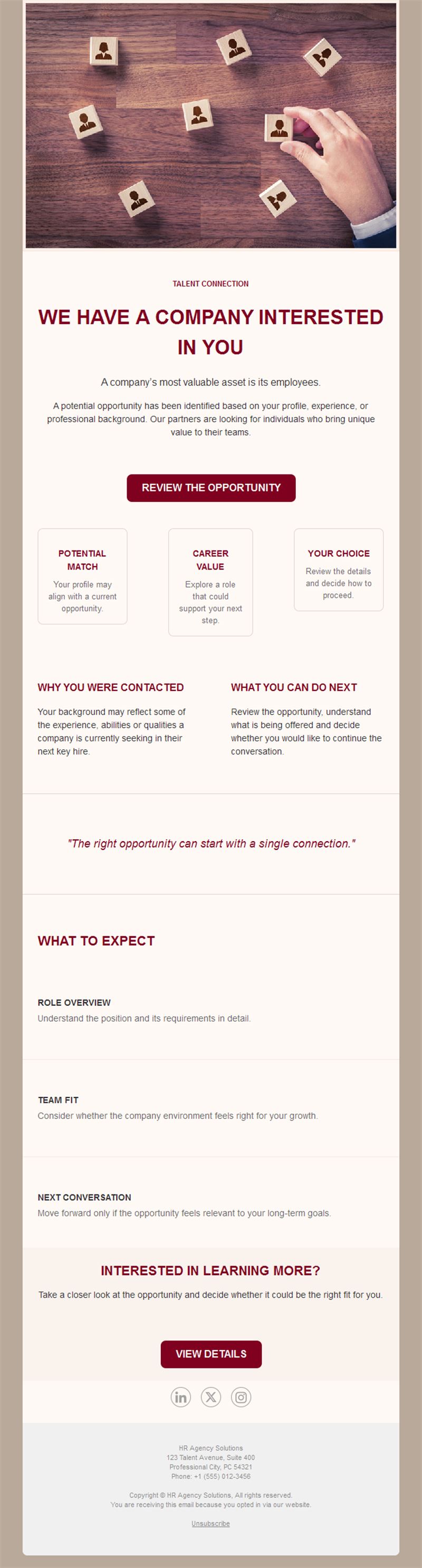
- Hero section with role or announcement headline.
- Job block with responsibilities, perks, and apply button.
- Culture section with team photos.
- Info block for practical details and deadlines.
- Social links and an easy unsubscribe footer.
How to customize your HR & Recruiting email in Mailpro™
- Pick a template: Open Templates and choose a HR & Recruiting design.
- Edit copy & images: Sell the role and the culture, not just the requirements list.
- Add a countdown (optional): Useful for application deadlines and enrollment windows. See how the countdown works.
- Segment your audience: Developers, sales, and operations candidates read different signals — segment the talent pool. Learn segmentation.
- Schedule the send: Job posts early in the week; internal news at consistent times. Schedule email campaigns.
- Track results: Monitor opens, clicks, and conversions. View email statistics.
- Automate follow-ups: Automate application confirmations and onboarding sequences. Set up autoresponders.
Subject line & CTA ideas
Subject lines
- We’re hiring: Senior Designer (remote-friendly)
- Your application — next steps
- New roles that match your profile
- Benefits enrollment closes Friday
- Welcome aboard! Your first-week guide
CTA ideas
- Apply Now
- See Open Positions
- Refer a Friend
- Complete My Enrollment
Best practices for HR & Recruiting campaigns
- Respond fast: automated confirmations keep candidates from ghosting you first.
- Show the humans: team photos and quotes beat stock imagery for employer brand.
- One role per announcement: focused posts convert better than job-board dumps.
- Respect every candidate: a kind rejection email today is a returning applicant tomorrow.
- Measure the funnel: track which channels and subject lines bring applies.
FAQ: HR & Recruiting email templates
What makes a job announcement email work?
A specific role headline, three compelling highlights, a glimpse of culture, and one prominent apply button.
Should we email past applicants?
Yes — a warm talent pool is your cheapest hiring channel. Send occasional company news and matching roles.
Can we automate candidate updates?
Yes — trigger confirmations and status updates with Mailpro autoresponders so no applicant is left waiting.
Do these work for internal comms too?
Absolutely — the same clean layouts carry policy updates, benefits reminders, and company announcements.
Get started
Hire like you mean it: pick an HR email template and make every candidate touchpoint count.