
Email deliverability that lands you in the inbox, every time.
Authenticate your domain, protect your sender reputation and keep your emails out of the spam folder. Mailpro™ is built with deliverability at its core — 97% of emails delivered within one hour, monitored 24/7 on Swiss-hosted infrastructure.
What is email deliverability?
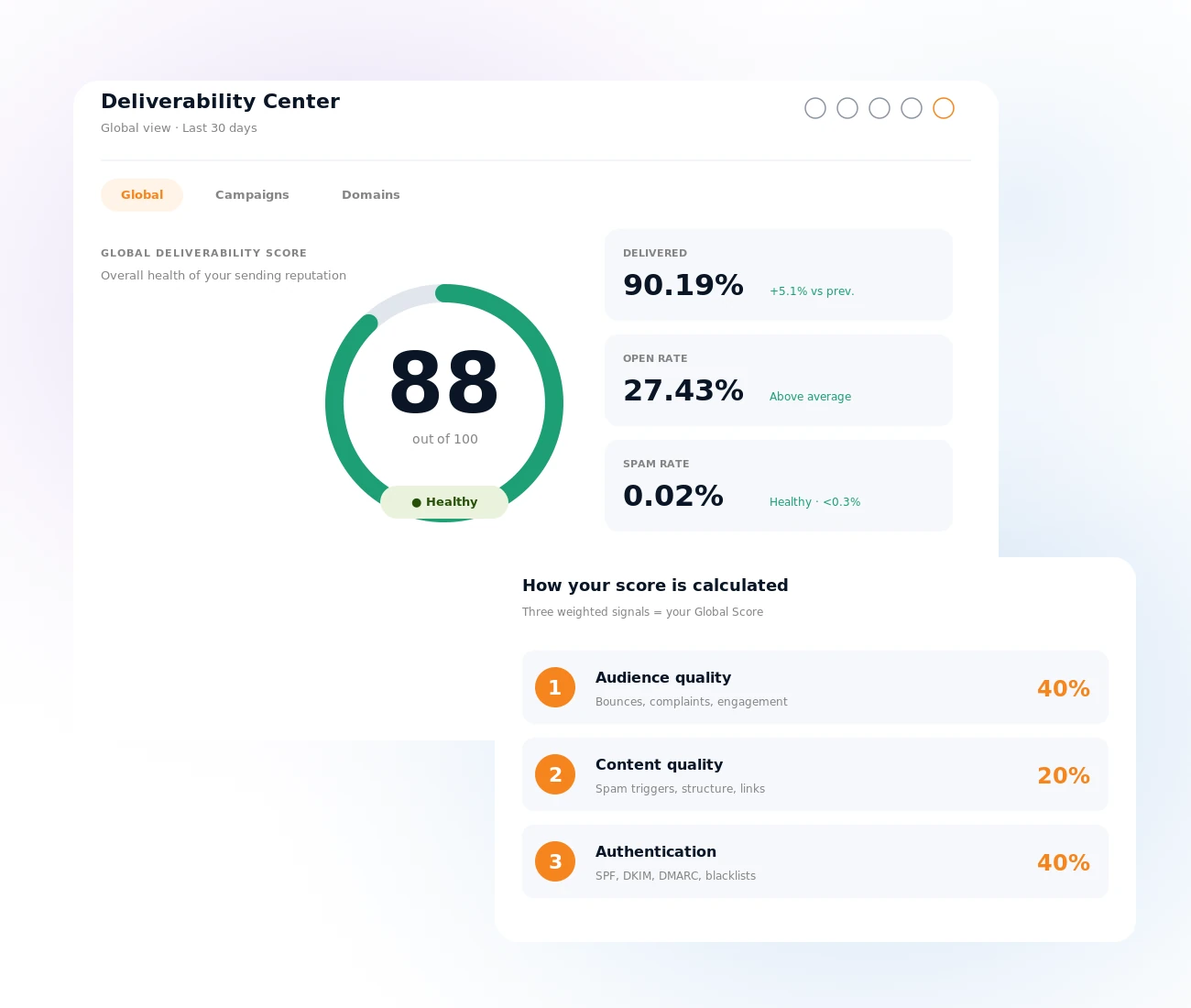
Email deliverability is the ability of your emails to reach your recipients' inboxes — not the spam folder, not the promotions tab, but the actual inbox where they are seen and read. It is not the same as delivery: an email can be technically "delivered" (accepted by the receiving server) and still never be seen if it is filtered into spam. For businesses, a poor deliverability rate means lost revenue, missed communications and a damaged sender reputation that is hard to recover — every newsletter, promotion and transactional confirmation depends on it.
The Intelligent Deliverability Center
Every signal that decides whether your emails reach the inbox — SPF, DKIM, DMARC, blacklist status, spam complaints, engagement and sender reputation — lives on a single page. You see one Global Score from 0 to 100, a score for every campaign and a score for every sending domain, each with plain-language guidance on what to do next. Included for every Mailpro customer at no extra cost.
Explore the Deliverability Center →Email authentication: SPF, DKIM and DMARC
Authentication is the foundation of deliverability — without it, Gmail and Yahoo have no way to verify your emails actually come from you. SPF declares which servers may send for your domain, DKIM signs every message cryptographically, and DMARC tells providers what to do when a message fails. Since 2024, Gmail and Yahoo require all three from bulk senders — Mailpro walks you through email authentication with clear DNS instructions and built-in verification.
Set up email authentication →
IP reputation management, 24/7
Your sender reputation is the score inbox providers assign to your sending IP based on your history — the single biggest factor deciding inbox or spam. It grows with engaged subscribers who open and click, and it is damaged by high bounce rates, spam complaints and cold or purchased lists. Mailpro's experts monitor all IP reputations around the clock, so another sender on a shared IP never drags you down.
Learn about IP reputation management →
Spam testing before you send
Before every campaign, Mailpro runs a built-in spam test against the most common filter criteria — subject line, content, image-to-text ratio, link structure and authentication alignment. Catching issues before you hit send is always better than diagnosing them after: you get a clear score and actionable recommendations while there is still time to fix them.
Try the spam tester →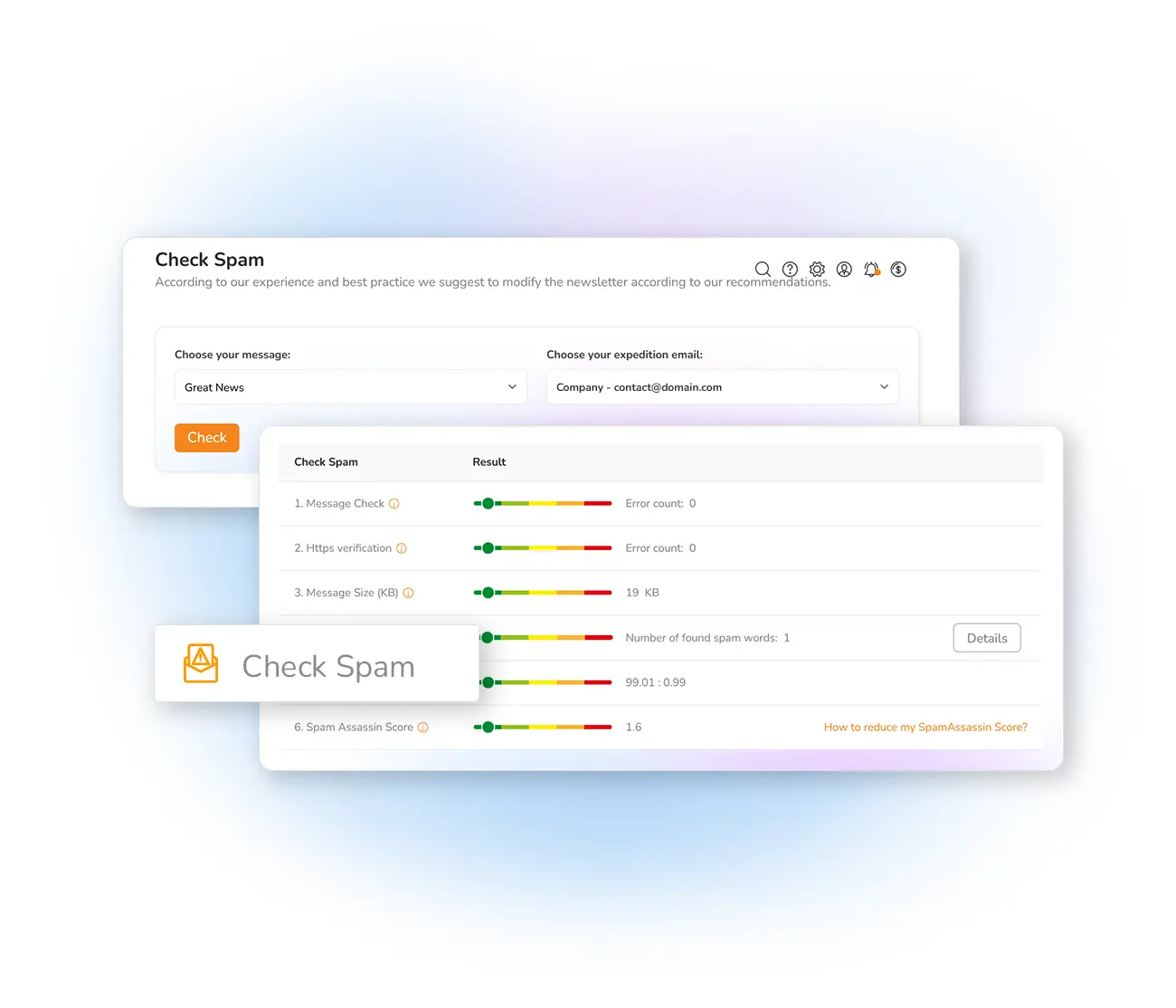
Automatic bounce management
A bounce means an email could not be delivered: hard bounces are permanent failures (the address does not exist), soft bounces are temporary (a full inbox, a server briefly down). High bounce rates are one of the fastest ways to damage your reputation — Mailpro automatically detects, categorizes and suppresses bounced addresses so your list stays clean without manual work.
Understand hard and soft bounces →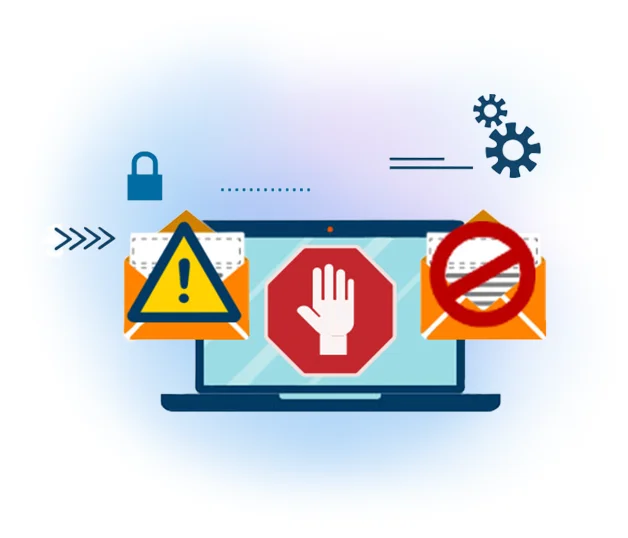
List hygiene and segmentation
Sending to a large list is not the same as sending to a good list. Inactive subscribers who never open drag down your engagement — a signal providers read as "unwanted". With Mailpro's contact management you segment by engagement, suppress inactives, remove duplicates and target only genuinely interested subscribers — better placement, fewer complaints, higher ROI.
Explore list segmentation →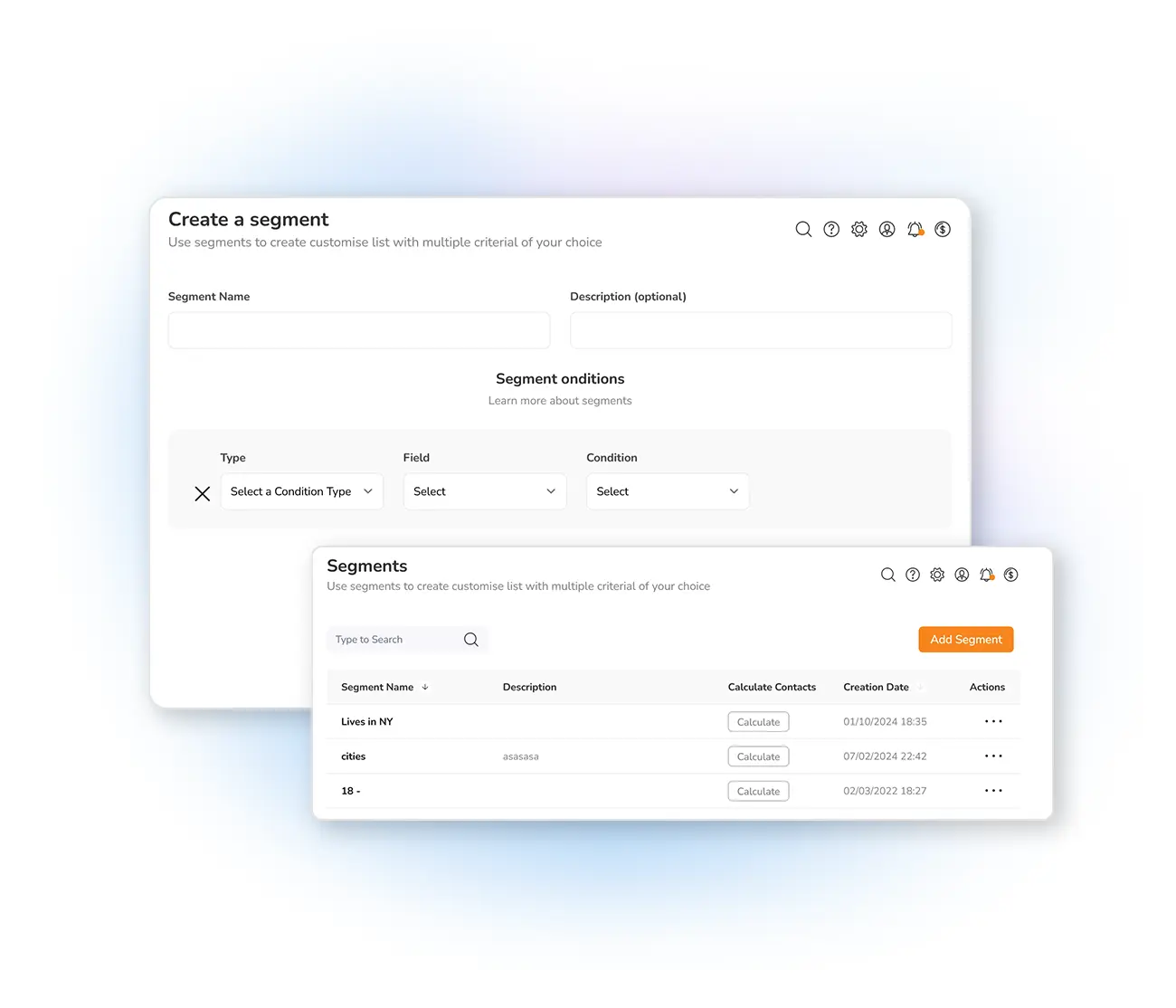
Double opt-in: the deliverability foundation
The most effective thing you can do for long-term deliverability is to send only to people who genuinely want your emails. Double opt-in confirms every subscriber twice — at sign-up and via the confirmation email — eliminating typos, bots and accidental signups before they cause problems. It is also required under GDPR for most use cases, fully supported by Mailpro's subscription forms.
Set up double opt-in →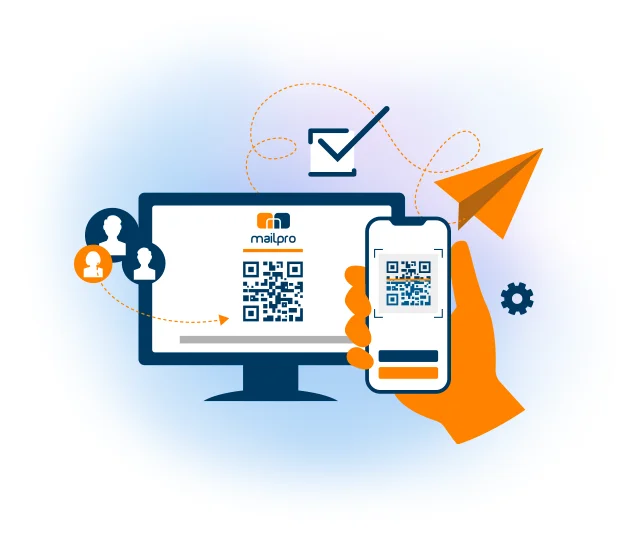
Swiss infrastructure built for deliverability
Mailpro's infrastructure is hosted entirely in Switzerland: high-availability virtual MTAs with automatic failover, some of the fastest fiber networks in Europe, and a dedicated team watching IP reputation, blacklists and sending patterns around the clock — an infrastructure optimized for inbox placement for over 25 years, with the legal protections of Swiss data law.
Our Swiss infrastructure →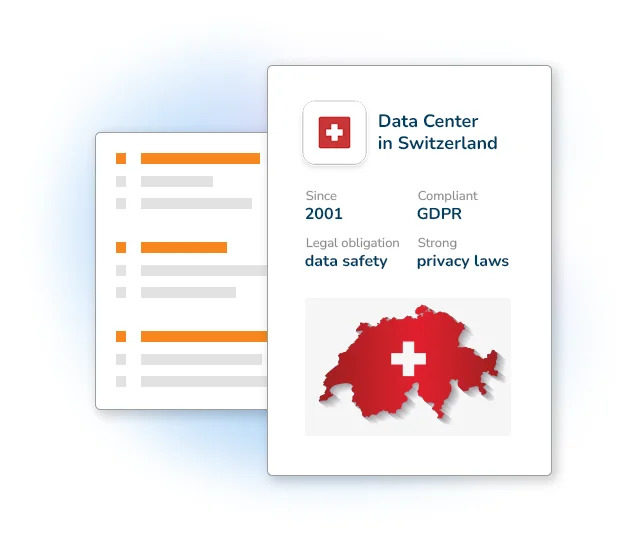
Reach the inbox in three steps
Authenticate your domain
Configure SPF, DKIM and DMARC with Mailpro's guided setup so mailbox providers trust every email you send.
Clean your list
Use double opt-in, let bounces be suppressed automatically, and segment out inactive subscribers before they hurt your reputation.
Test and monitor
Run the spam test before each send and watch your Global Score in the Deliverability Center — fix issues before they cost a campaign.
Frequently asked questions
What is email deliverability?
What is the difference between delivery and deliverability?
Why do my emails go to spam?
What is a good deliverability score?
How do I improve my email deliverability?
Go deeper: deliverability guides and resources
These resources cover every aspect of email deliverability in detail:
- Email Deliverability: What It Is, How It Works and How to Improve Inbox Placement
- How to Diagnose a Sudden Drop in Deliverability (Step-by-Step)
- Delivering to Gmail and Yahoo: New Requirements Explained
- Why Am I Getting Blocked by Microsoft/Outlook?
- What Is an SPF Record and How Does It Work?
- SPF and IPv6: Why SPF Fails Even When It Looks Correct
- 15 Common Reasons Why Your Email Delivery Fails
- Pros and Cons of a Dedicated IP for Email Marketing
- How to Keep Your Spam Complaint Rate Below 0.3%
- How to Reduce Your SpamAssassin Score
- Email Deliverability: Full Academy Guide
Start reaching the inbox today
Create your account, authenticate your domain and watch your deliverability score climb — on infrastructure built for inbox placement since 2001.