Form
1 page
6 questions
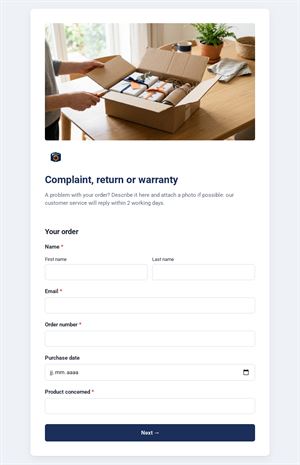
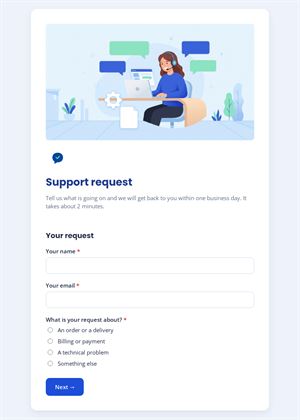
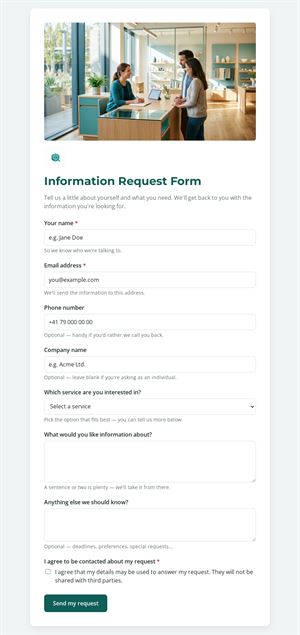
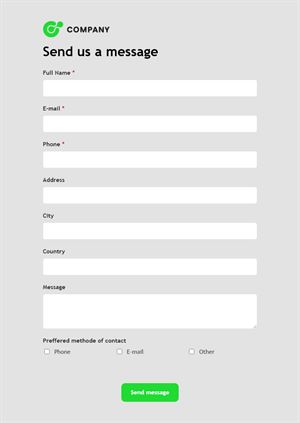
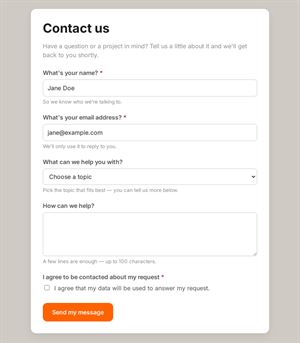
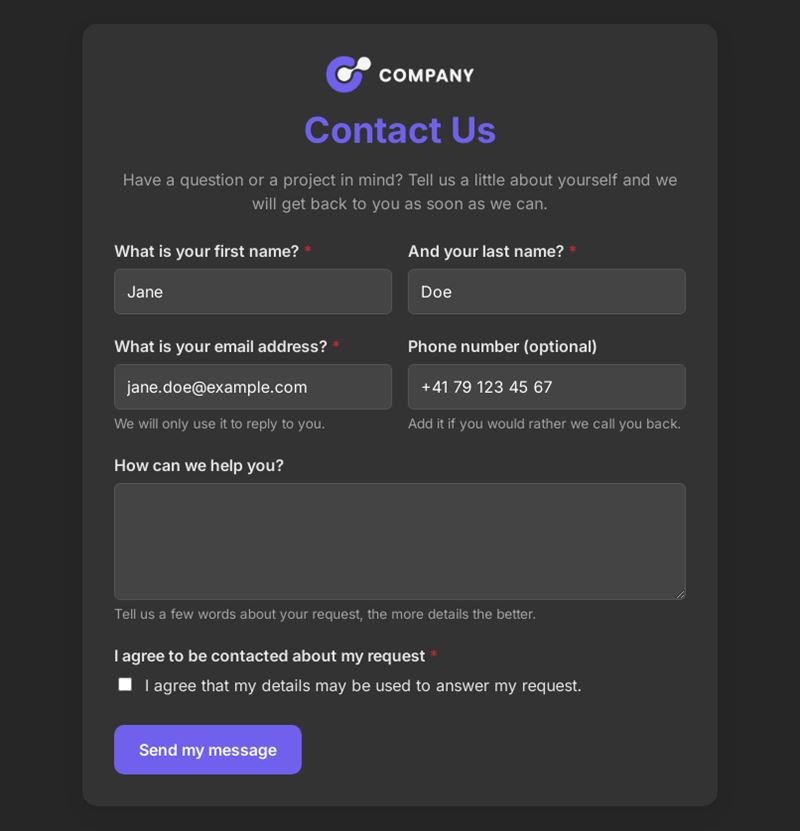
Have a question or a project in mind? Tell us a little about yourself and we will get back to you as soon as we can.
Use this templateThis contact form template gives visitors a simple, friendly way to reach you: first name, last name, email, an optional phone number and their message. It fits any website and takes less than a minute to fill in.
What is this contact form template for?
Use it as the main contact page of your website, a landing page or a social media profile. Visitors enter their name and email address, add a phone number if they prefer to be called, write their question and confirm that they agree to be contacted about their request. Nothing more: a simple contact form keeps the barrier low and encourages people who are not yet ready for a sales conversation to get in touch.
Who is it for?
- Small businesses, shops and craftspeople
- Freelancers, coaches and consultants
- Associations, clubs and schools
- Professionals who want a reliable online contact form without coding
How to adapt it in Mailpro
- Edit the questions and the introduction to reflect your tone, and add your logo and colors.
- Make the phone field mandatory or remove it, depending on how you prefer to answer.
- Use conditional questions if certain requests need extra details.
- Share the form by link from your contact us page, print a QR code on business cards or add the link to a Mailpro newsletter. Every message arrives in Mailpro.
Tips
- Write a welcoming introduction that says who will reply.
- Ask for the phone number only as an option: mandatory fields discourage some visitors.
- Keep the consent wording simple and explain how you will use the information.
- Answer quickly; a fast reply makes a strong first impression.
Frequently asked questions
What fields should a contact us form include?
At minimum a name, an email address and a message. Add a phone number or topic only if they help you answer better.
Why use a form rather than showing my email address?
A form gives you structured messages, a record of consent and fewer spam emails sent directly to your inbox.
Can I use this contact form template on several websites?
Yes. Duplicate it and change the logo and texts for each site, so you know where each message comes from.
Questions in this template
- What is your first name?
- And your last name?
- What is your email address?
- Phone number (optional)
- How can we help you?
- I agree to be contacted about my request