Form
1 page
8 questions
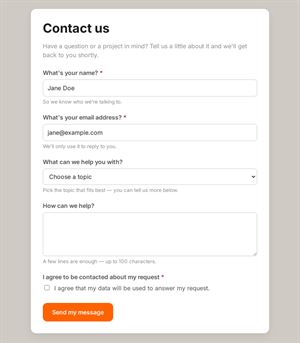
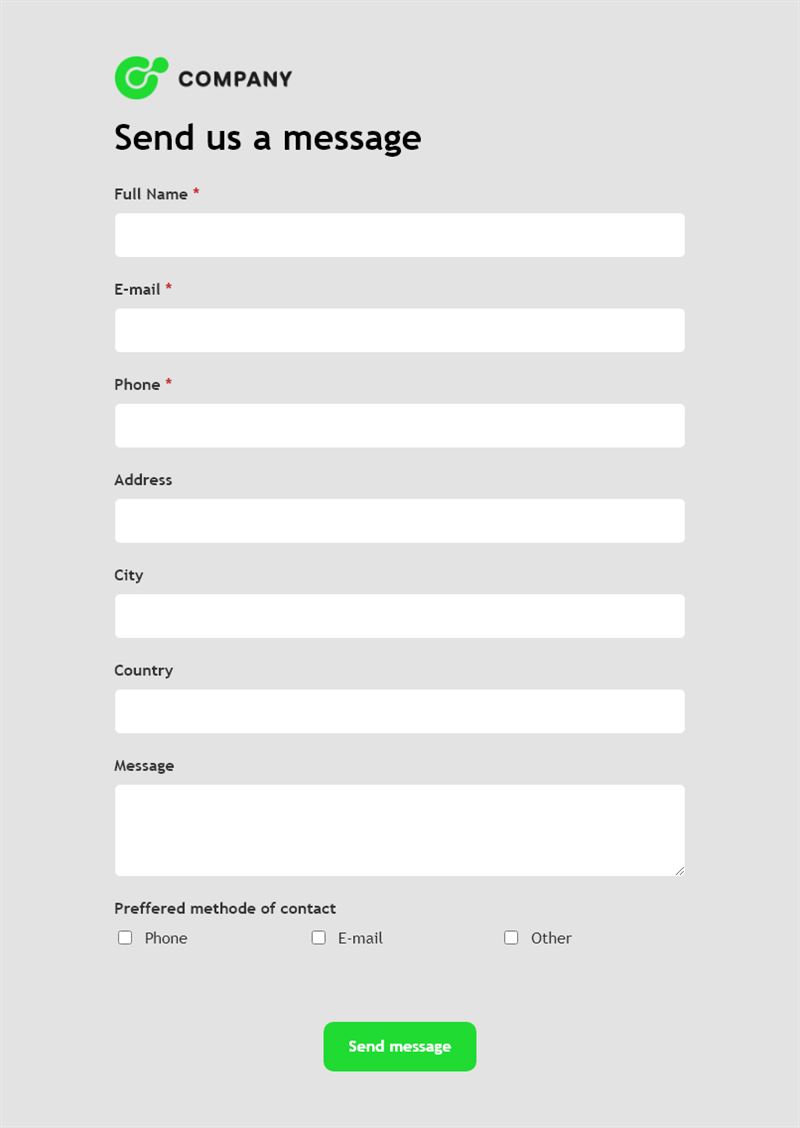
This contact information form collects complete details from a person who wants to reach you: name, email, phone, full address, a message and how they prefer to be contacted. It is ideal when you need more than an email address to follow up properly.
What is this contact information form for?
Use it when your reply depends on where the person lives or how they want to be reached: sending documentation by post, arranging a home visit, quoting delivery costs or assigning a regional representative. Respondents fill in their full name, email, phone, address, city and country, then write their message and choose their preferred method of contact. You get a detailed contact form submission that is ready to file in your records.
Who is it for?
- Tradespeople and home services needing an address before a visit
- Companies with regional sales teams or distributors
- Associations updating members' details
- Schools and clubs keeping parents' or members' contact details up to date
How to adapt it in Mailpro
- Edit the questions and texts, add a postal code field if needed, and apply your logo and colors.
- Use conditional questions, for example to ask for the best time to call only when phone is the preferred method.
- Tag contacts by country or preferred channel to organise your follow-up.
- Share it by link, by QR code or in a Mailpro newsletter asking your contacts to update their information. Answers arrive in Mailpro.
Tips
- Ask for the address only if you really need it, and say why in the introduction.
- Respect the preferred method of contact: calling someone who chose email feels intrusive.
- Send it once a year to your members as a contact details form to keep your list current.
Frequently asked questions
What is the difference with a basic contact form template?
A basic form focuses on the message. This one also collects the full address and contact preference, which is useful for visits, deliveries or regional follow-up.
Can I use it as a client contact information form?
Yes. Send it to new clients at the start of a contract to gather their details in one structured submission.
Can I make some fields optional?
Yes. Any field can be optional, so people can share only what they are comfortable with.
Questions in this template
- Full Name
- Phone
- Address
- City
- Country
- Message
-
Preferred method of contact
Phone · E-mail · Other