Form
5 pages
17 questions
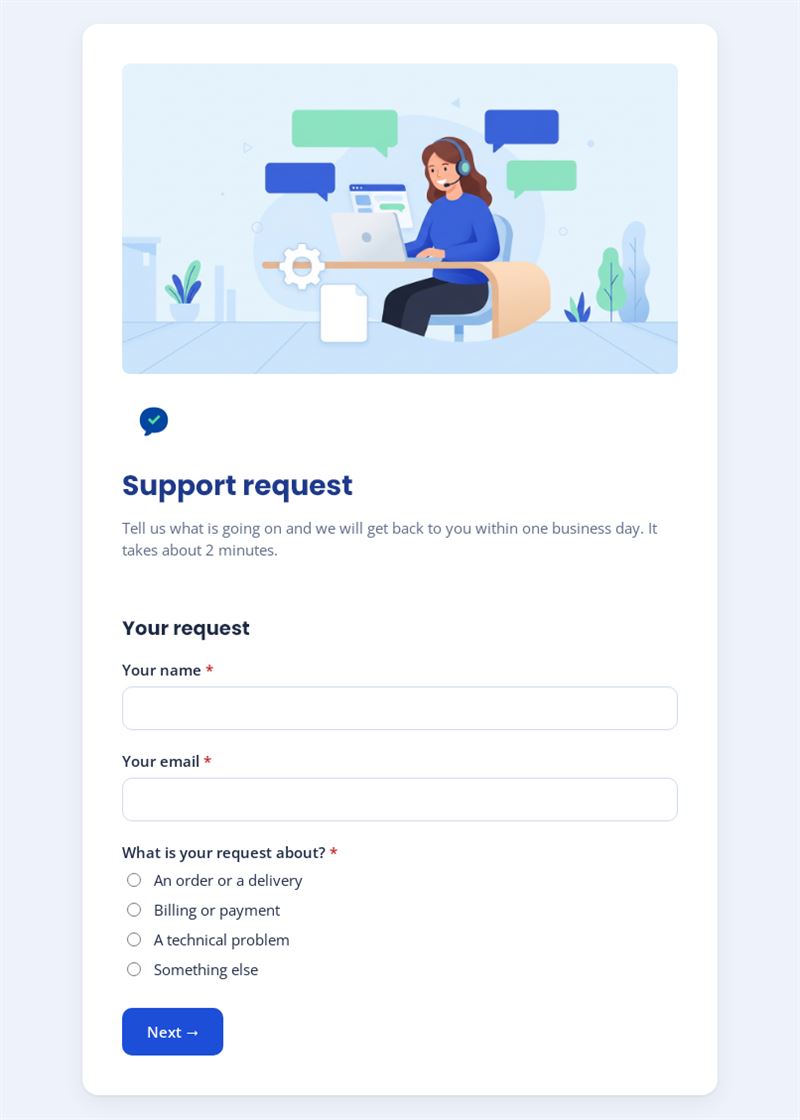
Tell us what is going on and we will get back to you within one business day. It takes about 2 minutes.
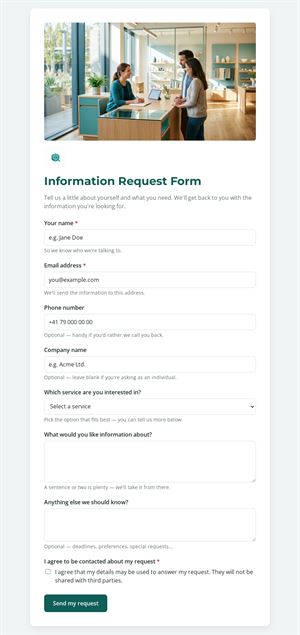
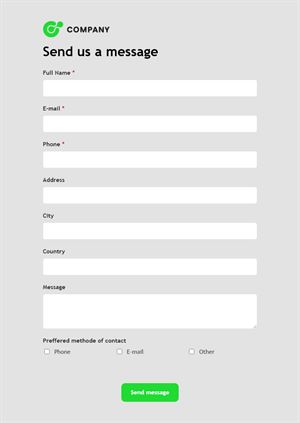
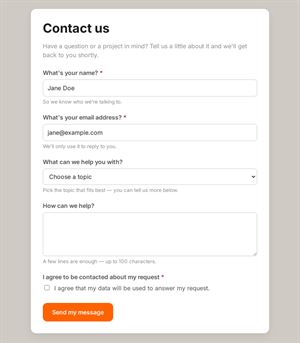
Use this templateThis support request form helps customers explain their problem clearly the first time. It starts by asking what the request is about, then shows only the questions relevant to that topic, so your team receives complete, well-sorted requests.
What does this support request form handle?
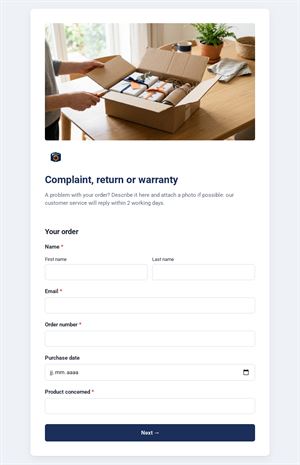
Customers choose between an order or delivery, billing or payment, a technical problem or something else. An order issue leads to the order number and the type of problem (not received, damaged, wrong item, return or exchange); a billing issue leads to the invoice number and options such as a double charge or a refund; a technical problem asks where it occurs and since when, with an optional screenshot. Everyone then chooses to be answered by email or phone. It works as a lightweight support ticket form for businesses that do not need a full ticketing tool.
Who is it for?
- Online shops managing orders, returns and refunds
- Software and app publishers receiving bug reports
- Internal teams using it as an IT support request form for colleagues
- Service companies centralising customer questions
How to adapt it in Mailpro
Rename the categories to match your services, adjust the problem lists and add your logo and colours. The branching already relies on conditional questions; you can add more paths if needed. Customers can attach screenshots or photos of a damaged item. Share the form via a link on your contact page, a QR code on packaging or in a Mailpro newsletter; requests arrive in Mailpro, and you can tag contacts by request type.
Tips
- Ask for the order or invoice number early: it saves a reply just to request it.
- Keep the description field open and encourage concrete details.
- Show the response time you commit to and keep it.
- Review the most frequent categories each month to improve your FAQ.
Frequently asked questions
Can this replace a help desk form in a ticketing tool?
For small teams, often yes. If you handle a high volume with assignments and statuses, a dedicated tool may still be useful alongside it.
Can I use it as a technical support form only?
Yes. Remove the order and billing paths and keep the technical questions, adding fields such as device or version.
Why ask how the customer wants to be answered?
Some problems are easier to solve by phone. The phone number field only appears when that option is chosen.
Questions in this template
Your request
- Your name
- Your email
-
What is your request about?
An order or a delivery · Billing or payment · A technical problem · Something else
Your order
- Order number
-
What is the issue?
I have not received it yet · An item is damaged · I received the wrong item · I want to return or exchange an item - Describe the problem
Billing
- Invoice number
-
What is the issue?
The amount is incorrect · I was charged twice · I would like a refund · I need to change my billing details - Describe the problem
Technical problem
-
Where does the problem occur?
On the website · In the mobile app · With the product itself · Elsewhere - Since when?
- Describe the problem
- Screenshot (optional)
How can we reach you?
- Your message
-
How would you like us to reply?
By email · By phone - Phone number
- Consent