Form
1 page
5 questions
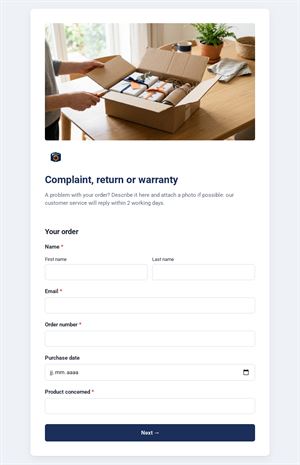
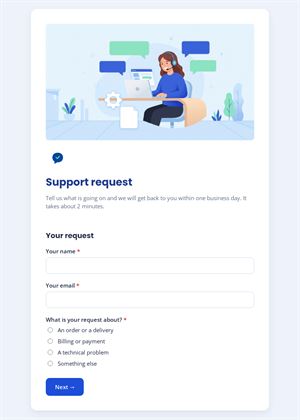
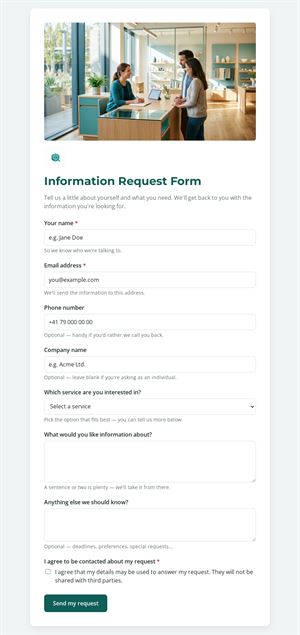
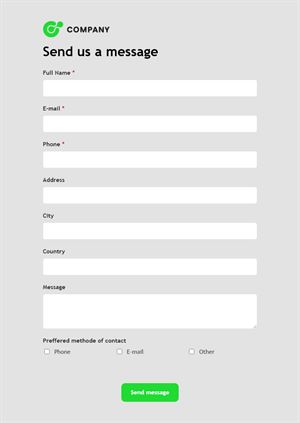
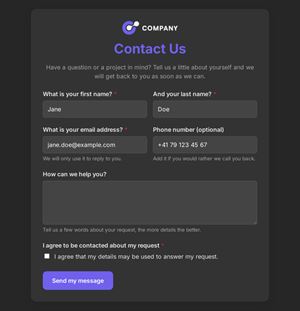
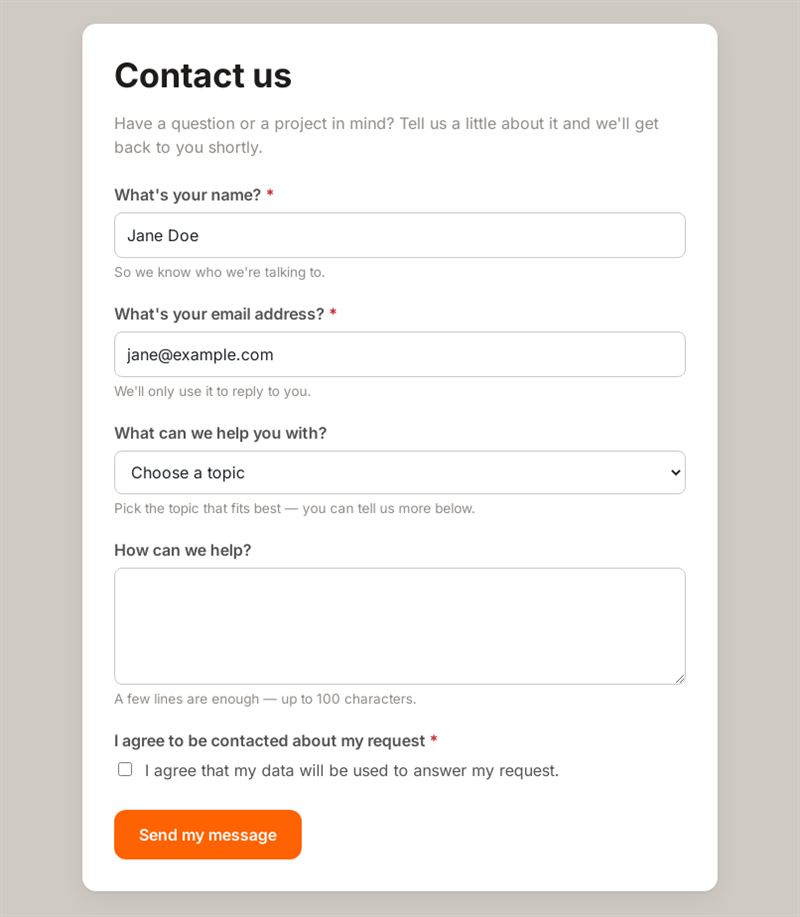
Have a question or a project in mind? Tell us a little about it and we'll get back to you shortly.
Use this templateThis contact form with dropdown lets visitors choose the topic of their request before writing their message, so each inquiry lands with the right person. It is short, clear and ready to place on any website.
What is this contact form with dropdown for?
Use it when your business handles several kinds of requests and you want them sorted from the start. Visitors give their name and email, select a topic from the list (by default design, development or implementation), describe what they need and agree to be contacted about their request. Because the topic is a fixed choice rather than free text, every message arrives already categorised, which saves time on triage and makes it easy to see which services generate the most interest.
Who is it for?
- Web agencies and freelancers offering several services
- IT and software companies with sales, support and partnership requests
- Consultancies routing questions to different experts
- Associations separating membership, press and volunteer inquiries
How to adapt it in Mailpro
- Replace the three default topics with your own, edit the labels and texts, and add your logo and colors.
- Use conditional questions to show an extra field for one topic only, such as a budget for project requests.
- Tag contacts according to the topic they picked, then follow up with a targeted Mailpro newsletter.
- Share the form by link from your contact page, print a QR code on brochures or add it to a Mailpro newsletter. Messages arrive in Mailpro.
Tips
- Keep the topic list short and use your visitors' words, not internal jargon.
- Add an "Other" option so nobody is forced into the wrong category.
- Tell visitors when they can expect an answer.
- Review the topics regularly: if one is rarely chosen, merge or rename it.
Frequently asked questions
Why use a contact form with subject options instead of a free subject line?
Fixed options give consistent categories you can sort and count. A free contact form subject produces many variations of the same request.
Can I turn it into a general inquiry form?
Yes. Rename the topics to match your services or departments, and the same structure works for any type of request.
Is there a simpler contact form template?
Yes. If you do not need topics, remove the dropdown and keep only name, email and message.
Questions in this template
- What's your name?
- What's your email address?
-
What can we help you with?
Design · Development · Implementation - How can we help?
- I agree to be contacted about my request