Form
3 pages
11 questions
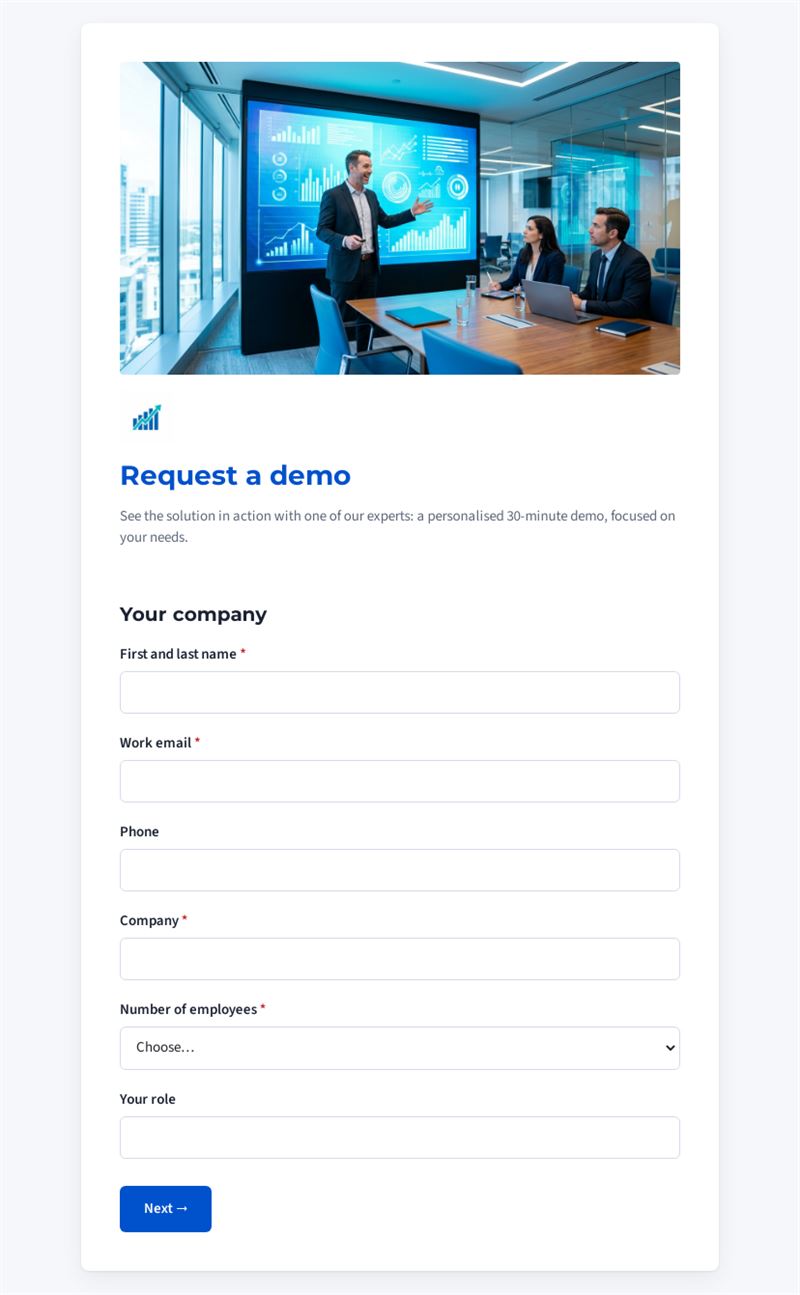
See the solution in action with one of our experts: a personalised 30-minute demo, focused on your needs.
Use this templateThis demo request form lets prospects ask for a personalised presentation of your solution in a few clicks. It collects their contact details, company size and expectations, so your sales team can prepare a focused 30-minute session instead of a generic tour.
What is a demo request form for?
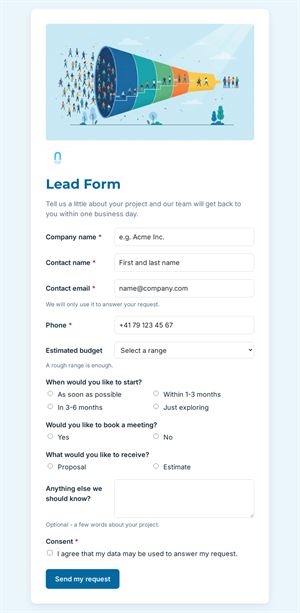
Place it on your website, at the end of a product newsletter or on a trade-fair stand: anyone who wants to request a demo fills in the form and your team receives a qualified lead. Beyond name, work email and company, the form asks what the visitor is looking for (saving time, centralising data, replacing a current tool), when the project should start and which time of day and language suit them best for the demo. You know before the first call whether the contact is ready to buy or just looking.
Who is it for?
- Software publishers and SaaS companies that sell through live demonstrations
- Sales and pre-sales teams that want to qualify leads before calling
- Marketing teams running campaigns with a "book a demo" call to action
- Equipment manufacturers and service providers offering on-site or video presentations
How to adapt it in Mailpro
Edit the questions and texts to match your offer, for example the list of goals or available languages, then add your logo and colours. Share the form with a link, a QR code or a button in a Mailpro newsletter. Every demo request arrives in Mailpro, and you can add tags to contacts according to their answers, for instance "start within 3 months" or "more than 250 employees", to prioritise follow-up.
Tips
- Keep the mandatory fields to the essentials: a short request a demo form converts better than a long one.
- Use the "When do you plan to start?" answer to decide who gets called first.
- Confirm the time slot quickly by email: a lead that waits for days cools down.
- Ask which tool the prospect uses today to prepare a relevant comparison during the session.
Frequently asked questions
What is the difference between a demo request form and a contact form?
A contact form handles any kind of message. A demo request form gathers exactly what a salesperson needs to prepare a presentation: company size, needs, timeline and availability.
Can I use it as a book a demo form with fixed time slots?
The template asks for a preferred time of day. You can replace this question with a list of specific slots that you manage yourself.
How many questions should a demo request include?
Enough to qualify the lead without discouraging it. The three short pages of this template are a good balance; remove any question you will not actually use.
Questions in this template
Your company
- First and last name
- Work email
- Phone
- Company
-
Number of employees
1 to 10 · 11 to 50 · 51 to 250 · More than 250 - Your role
Your needs
-
What are you looking for? (several answers)
Save time · Centralise our data · Improve customer follow-up · Replace our current tool · Other - Which tool do you use today? (optional)
-
When do you plan to start?
As soon as possible · Within 3 months · Within 6 months · Just looking
Your demo
-
Preferred time for the demo
Morning · Lunchtime · Afternoon -
Language of the demo
English · French · German · Spanish · Italian · Portuguese