Form
1 page
4 questions
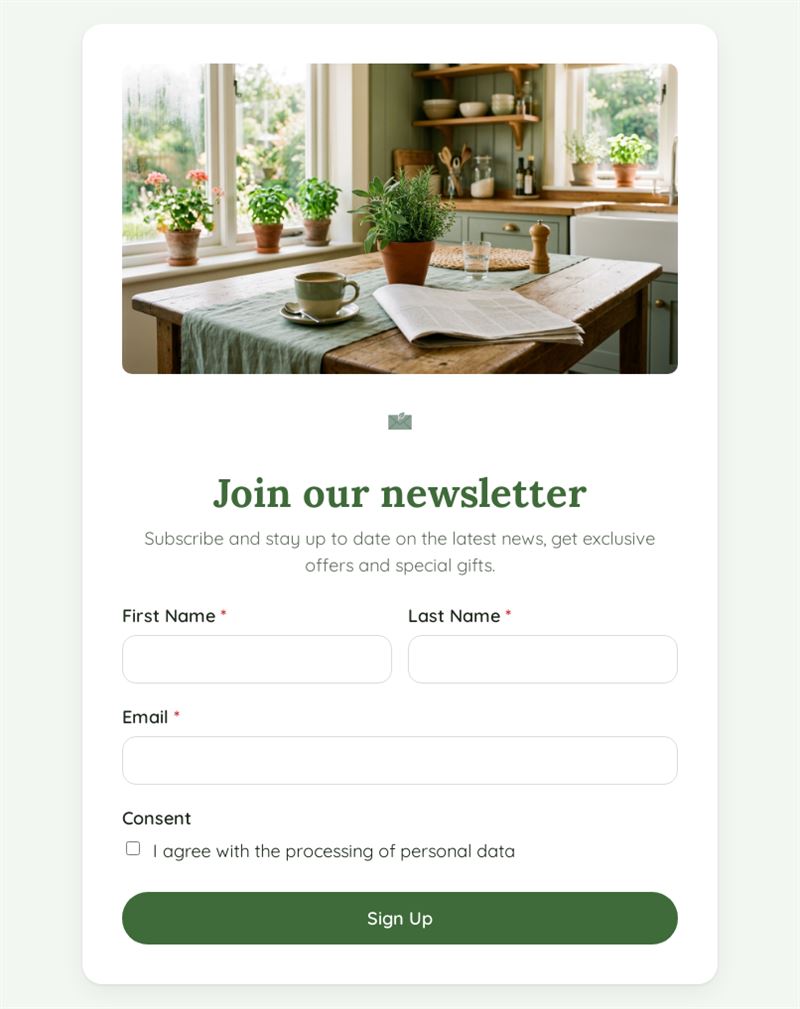
Subscribe and stay up to date on the latest news, get exclusive offers and special gifts.
Use this templateThis newsletter sign up form turns website visitors, customers and event guests into subscribers in a few seconds. It asks only for first name, last name, email and consent, so signing up is quick and your list stays clean.
What is this newsletter sign up form for?
Use it to grow your mailing list wherever your audience is: on your website, at the shop counter, at a trade fair or at the end of a webinar. Subscribers enter their first and last name and email address, then tick a consent box for the processing of their personal data. The introduction promises news, exclusive offers and special gifts; adapt it to say exactly what people will receive. Because the first name is collected, your newsletters can greet every reader personally.
Who is it for?
- Shops and e-commerce sites building a customer list
- Associations and clubs keeping members informed
- Restaurants, venues and cultural institutions announcing events
- Consultants, coaches and authors sharing expert content
How to adapt it in Mailpro
- Edit the introduction and labels, and add your logo and colors so the form looks like your newsletter.
- Add a choice question on topics of interest and tag new contacts according to their answers, so each person receives relevant content.
- Share the form by link on your website and social media, or by QR code on receipts, menus and posters.
- Sign-ups arrive in Mailpro, ready to receive your next Mailpro newsletter.
Tips
- Say how often you will write and what subscribers gain; a concrete promise converts better than "stay informed".
- Keep the form short: name and email are enough to start.
- Write the consent text in plain language and link it to your data protection practices; this template does not replace legal advice.
- Send a welcome message soon after sign-up, while interest is high.
Frequently asked questions
Where should I place an email sign up form?
Wherever visitors are already interested: footer of your website, blog articles, the checkout page, and printed as a QR code at physical points of sale.
Can I use this as a newsletter signup form template for several lists?
Yes. Add a question asking which newsletter they want and tag contacts accordingly, or duplicate the form for each list.
Is a newsletter subscription form different from an email newsletter sign up page?
No, they serve the same goal. The form can be shared on its own page or through a link wherever you need it.
Questions in this template
- First Name
- Last Name
-
Consent
I agree with the processing of personal data