Form
1 page
9 questions
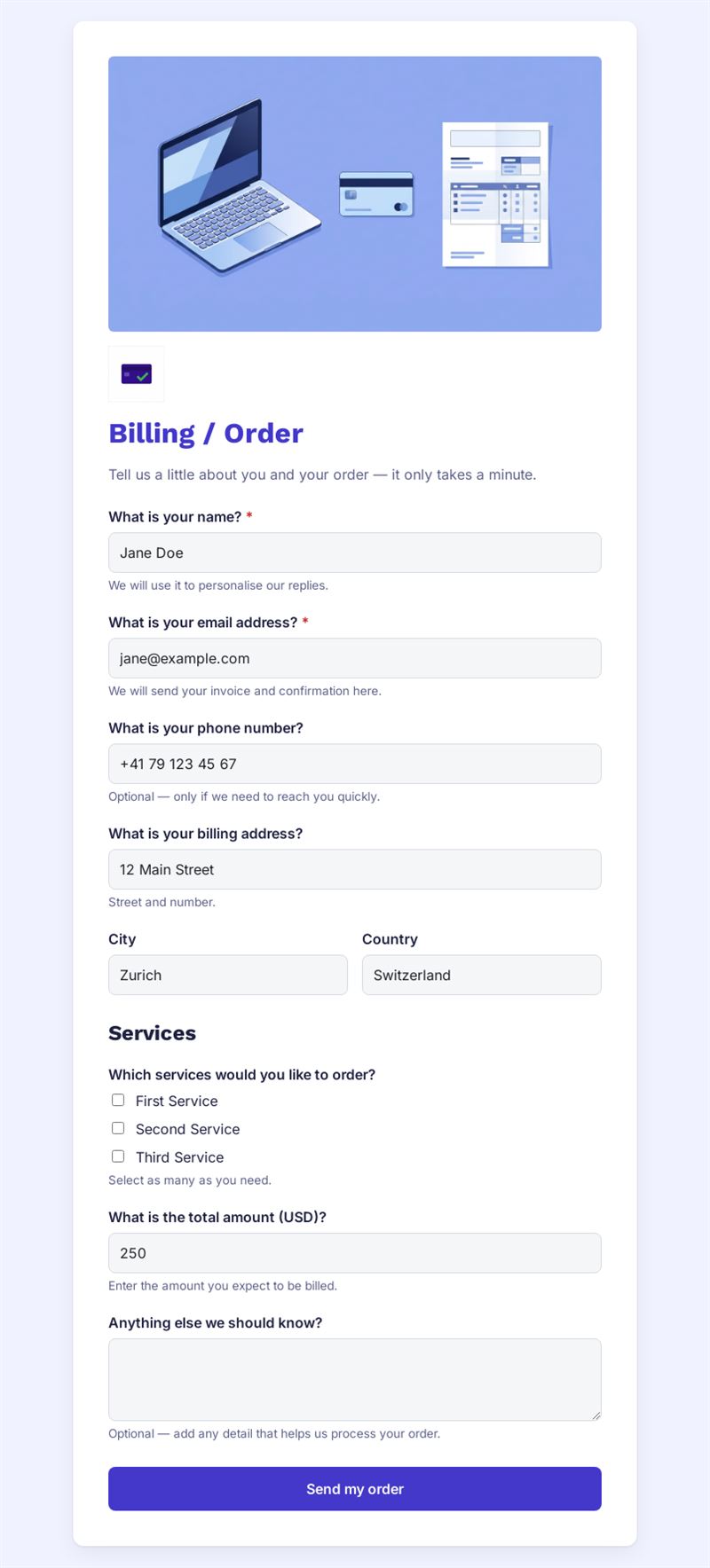
Tell us a little about you and your order — it only takes a minute.
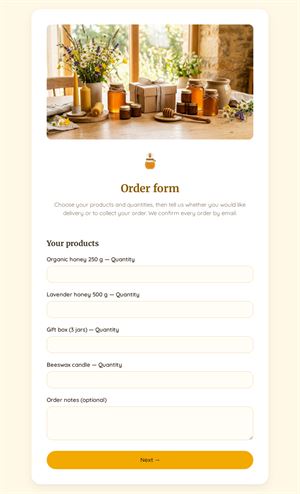
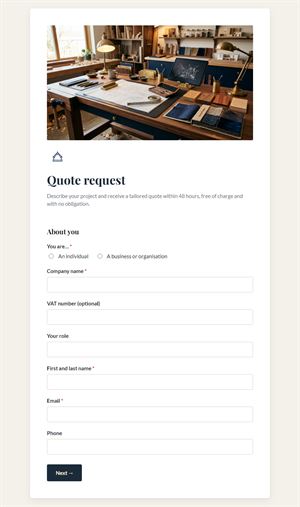
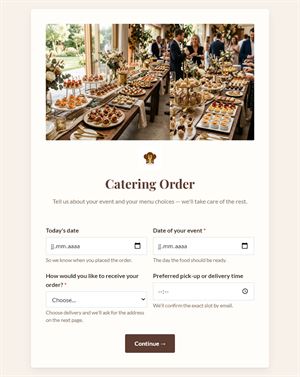
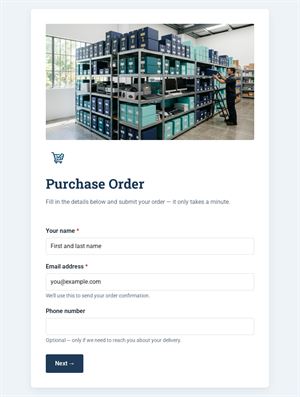
Use this templateThis billing and order form lets customers order your services and enter their billing details in one step. You receive the order, the contact information and the billing address together, ready for invoicing.
What is this billing and order form for?
Use it when you sell a limited number of services or packages and do not need a full online shop. Customers enter their name, email and phone, then their billing address, city and country. They choose one or several services from the list, indicate the total amount and add any useful comment, such as a purchase order number or a preferred start date. As an order form with billing details built in, it gives you everything needed to issue the invoice without further emails.
Who is it for?
- Agencies, consultants and freelancers selling packages
- Training providers taking course orders
- Associations selling memberships, tickets or merchandise
- Small businesses taking orders by phone and wanting a written record
How to adapt it in Mailpro
- Replace the placeholder services with your own offers and prices, edit the texts and add your logo and colors.
- Add online payment so the customer pays as soon as the order is placed.
- Use conditional questions, for example to ask for a company name and VAT number only for business customers.
- Share the form by link, by QR code or in a Mailpro newsletter announcing an offer. Orders arrive in Mailpro.
Tips
- Show the price of each service in its label to avoid surprises.
- Change the currency of the amount field if you do not invoice in dollars.
- State your terms of sale and delivery time in the introduction.
- Send a confirmation to every customer after receiving an order.
Frequently asked questions
Is this an order form template or a billing form template?
Both: it combines the order and the billing details. Remove the service section if you only need billing information.
Can I use it as an online order form for products?
Yes. Rename the services as products and add a quantity question.
Does the customer have to pay immediately?
No. Without online payment the form records the order and you invoice later.
Questions in this template
- What is your name?
- What is your email address?
- What is your phone number?
- What is your billing address?
- City
- Country
-
Which services would you like to order?
First Service · Second Service · Third Service - What is the total amount (USD)?
- Anything else we should know?