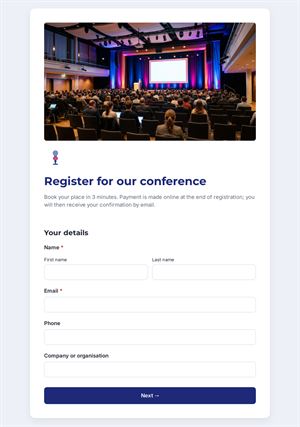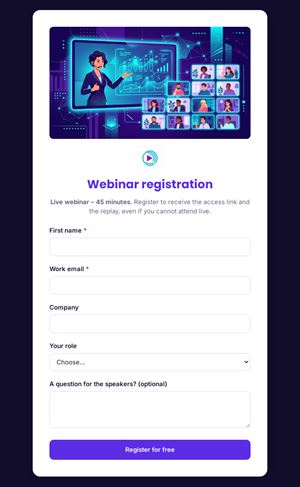
Form
1 page
10 questions
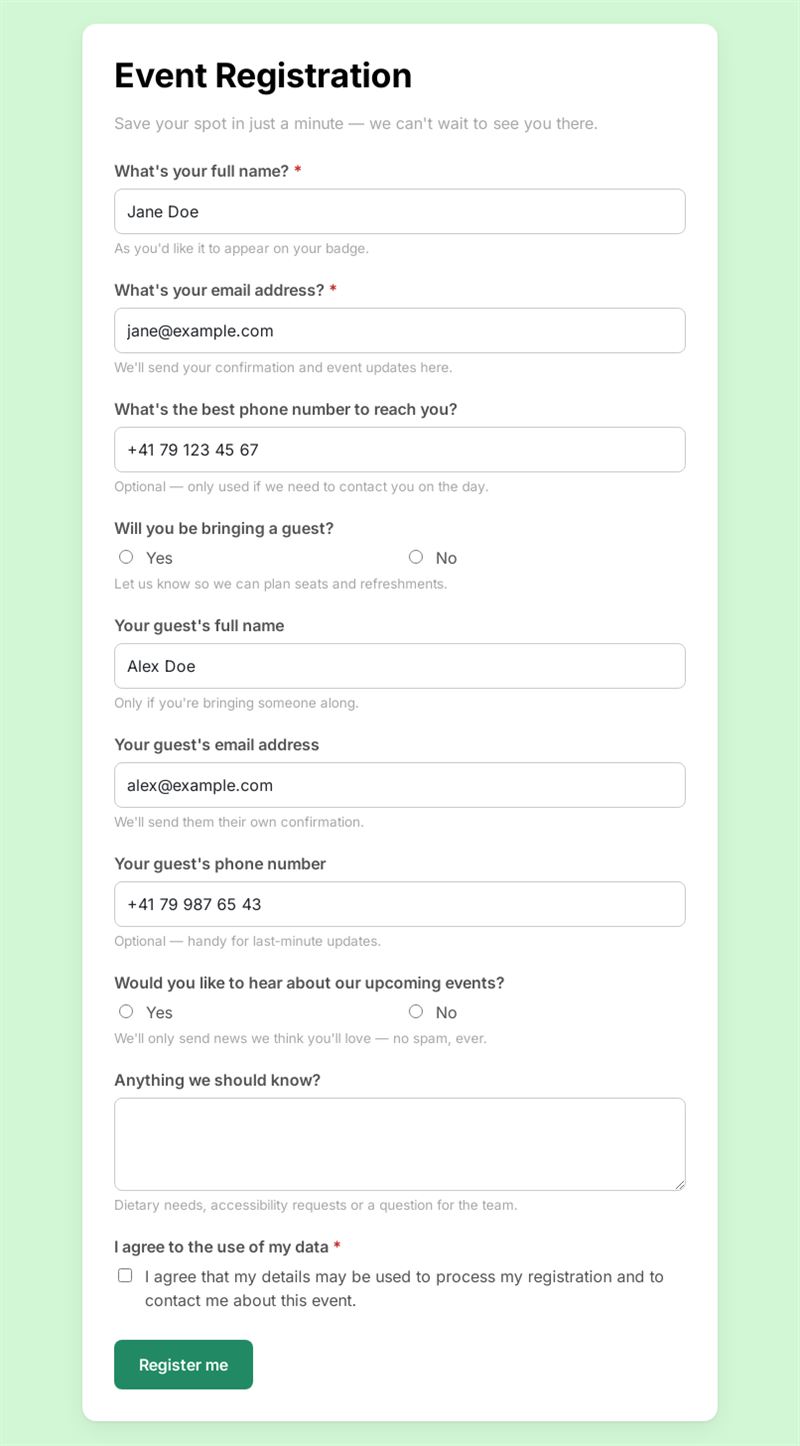
Save your spot in just a minute — we can't wait to see you there.
Use this templateThis event registration form lets guests save their spot in under a minute, whether you organise a conference, an open day, a workshop or a private party. You collect names, contact details and guest information in one list, ready for check-in.
What is this event registration form for?
Publish it as soon as you announce your event to manage online event registration without spreadsheets or email back-and-forth. Participants give their name, email and phone number, then say whether they are bringing a guest; if they are, the form asks for that person's details too. A question about upcoming events lets you grow your audience, an open field captures dietary needs or accessibility requests, and a consent box covers the use of personal data.
Who is it for?
- Companies organising seminars, product launches or customer evenings
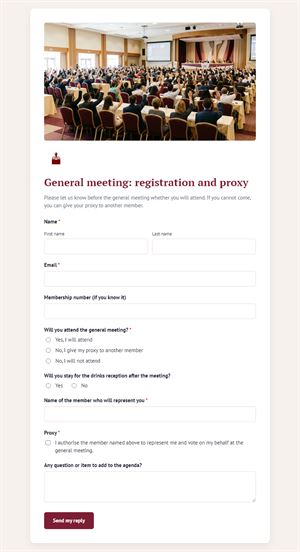
- Associations planning general meetings, dinners or fundraisers
- Schools and universities hosting open days
- Venues, galleries and shops running workshops or private views
How to adapt it in Mailpro
- Change the questions and texts, add the event date and place to the introduction, and apply your logo and colors.
- Conditional questions already show the guest fields only to people who answer yes; use the same logic for meal or session choices.
- For a paid event, add online payment so the ticket is settled at registration.
- Tag contacts who want to hear about future events and invite them later with a Mailpro newsletter.
- Share the form by link, QR code on posters or directly in your invitation email. Registrations arrive in Mailpro.
Tips
- Put the essential practical details (date, time, address) at the top so nobody has to search for them.
- Ask only what you will use on the day; every extra field lowers the sign-up rate.
- Send a reminder to registered guests a few days before the event.
Frequently asked questions
How do I turn this into my own event registration form template?
Copy it into your Mailpro account, adjust the fields once, and duplicate it for each new edition.
Can I use it as a simple event sign up form?
Yes. Remove the guest and phone questions and keep name, email and consent for the quickest possible registration form.
Can I limit it to one guest per person?
The template asks about one companion. If you allow more, duplicate the guest fields or add a question on the number of guests.
Questions in this template
- What's your full name?
- What's your email address?
- What's the best phone number to reach you?
-
Will you be bringing a guest?
Yes · No - Your guest's full name
- Your guest's email address
- Your guest's phone number
-
Would you like to hear about our upcoming events?
Yes · No - Anything we should know?
- I agree to the use of my data