Form
1 page
4 questions
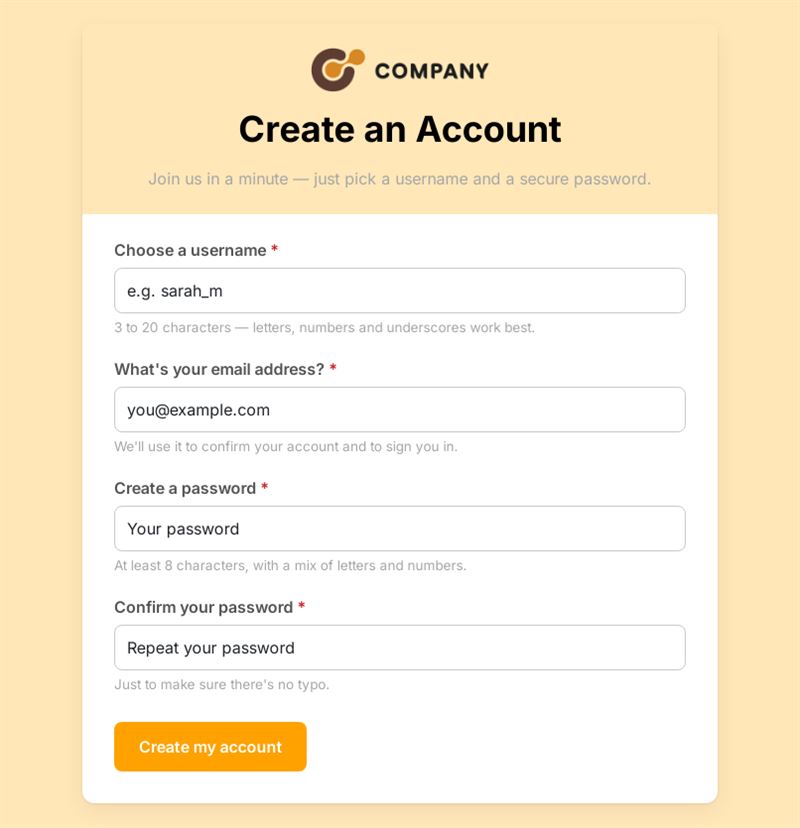
Join us in a minute — just pick a username and a secure password.
Use this templateThis user registration form lets people create an account on your service with a username, an email address and a password confirmed twice. It is a minimal, ready-made sign up form for member areas, communities or online programs.
What is this user registration form for?
Use it to collect sign-up requests for a members' area, a client portal, a learning platform, a loyalty club or a beta program. New users pick a username, enter their email and create a password, then type it again to avoid mistakes. With only four fields, the account registration form stays fast to complete. You can then review registrations and activate access in your own system.
Who is it for?
- Clubs and associations opening a members' area
- Training providers registering learners
- Startups collecting beta testers
- Communities and loyalty programs welcoming new members
How to adapt it in Mailpro
- Edit the labels and the introduction, and add your logo and colors so new members recognise your brand.
- Add questions if needed, such as first name, membership type or interests, and tag new contacts according to their answers.
- Use conditional questions to ask for a membership number only from existing members.
- Share the form by link, by QR code or in a Mailpro newsletter inviting people to join. Registrations arrive in Mailpro.
Tips
- Consider whether you really need to collect a password here; if accounts are created in another system, it is often safer to let that system send an activation link.
- Explain the username rules (length, allowed characters) in the label.
- Add a consent question if you plan to send news to new members.
Frequently asked questions
What is the difference between a sign up form template and a create account form?
A sign-up can be a simple subscription, while creating an account implies credentials. This template includes both username and password fields.
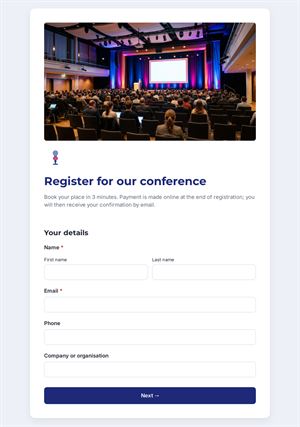
Can I use this user registration form for an event?
You can, but an event registration template with attendee and guest fields will fit better.
Can I add more fields?
Yes. Keep the form short, though: every additional field reduces the number of completed sign-ups.
Questions in this template
- Choose a username
- What's your email address?
- Create a password
- Confirm your password