Quick poll
1 page
1 question
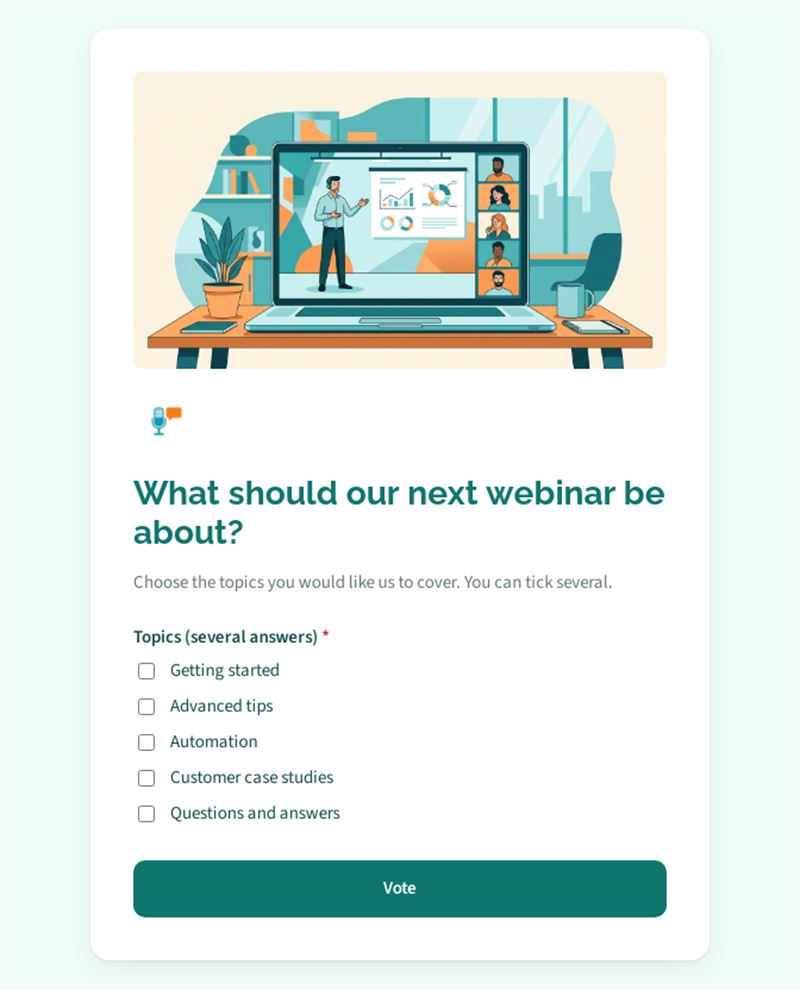
Choose the topics you would like us to cover. You can tick several.
Use this templateThis webinar topic poll asks your audience what they want to learn in your next session. Participants tick one or more subjects, and you plan a webinar that people actually want to attend.
What is a webinar topic poll for?
Attendance depends first on the topic. Rather than choosing alone, you offer five themes: getting started, advanced tips, automation, customer case studies, and a questions-and-answers session. Several answers are allowed, so you get a ranking of interest rather than a single winner. Results are shown as soon as someone has voted. Send the poll after a webinar, in a newsletter or to new customers, and build your editorial calendar on real demand.
Who is it for?
- Marketing teams running a webinar programme
- Software publishers training their users online
- Trainers, coaches and consultants offering live sessions
- Professional associations organising online events for members
How to adapt it in Mailpro
Change the question and the options to reflect your own subjects, from product features to industry trends. Add your logo and colours. Share the poll by link, QR code or directly in your Mailpro newsletter; the votes arrive in Mailpro. You can tag contacts according to the topics they selected, then invite each group to the webinar that matches its interest.
Tips
- Formulate each topic as a benefit ("save an hour a week with automation") rather than a vague title.
- Keep five or six options at most so the choice stays easy.
- Add an "other" option in a separate question if you want suggestions you had not thought of.
- Announce the winning topic in your next newsletter along with the registration link.
Frequently asked questions
When should I send a webinar topic survey?
Ideally a few weeks before scheduling the next session, or right after a webinar while participants are still engaged.
How many webinar topics should I propose?
Four to six is a good range: enough variety without making the choice difficult.
Can I use this topic poll for other events?
Yes. It works just as well for a conference programme, a workshop or the theme of a blog series.
Questions in this template
-
Topics (several answers)
Getting started · Advanced tips · Automation · Customer case studies · Questions and answers