
Link your newsletter to your social networks.
Strengthen every campaign with buttons that connect readers to your social profiles. Integrating email marketing and social networks extends your reach, grows your following, and keeps subscribers in constant contact with your brand — all from the drag-and-drop builder.
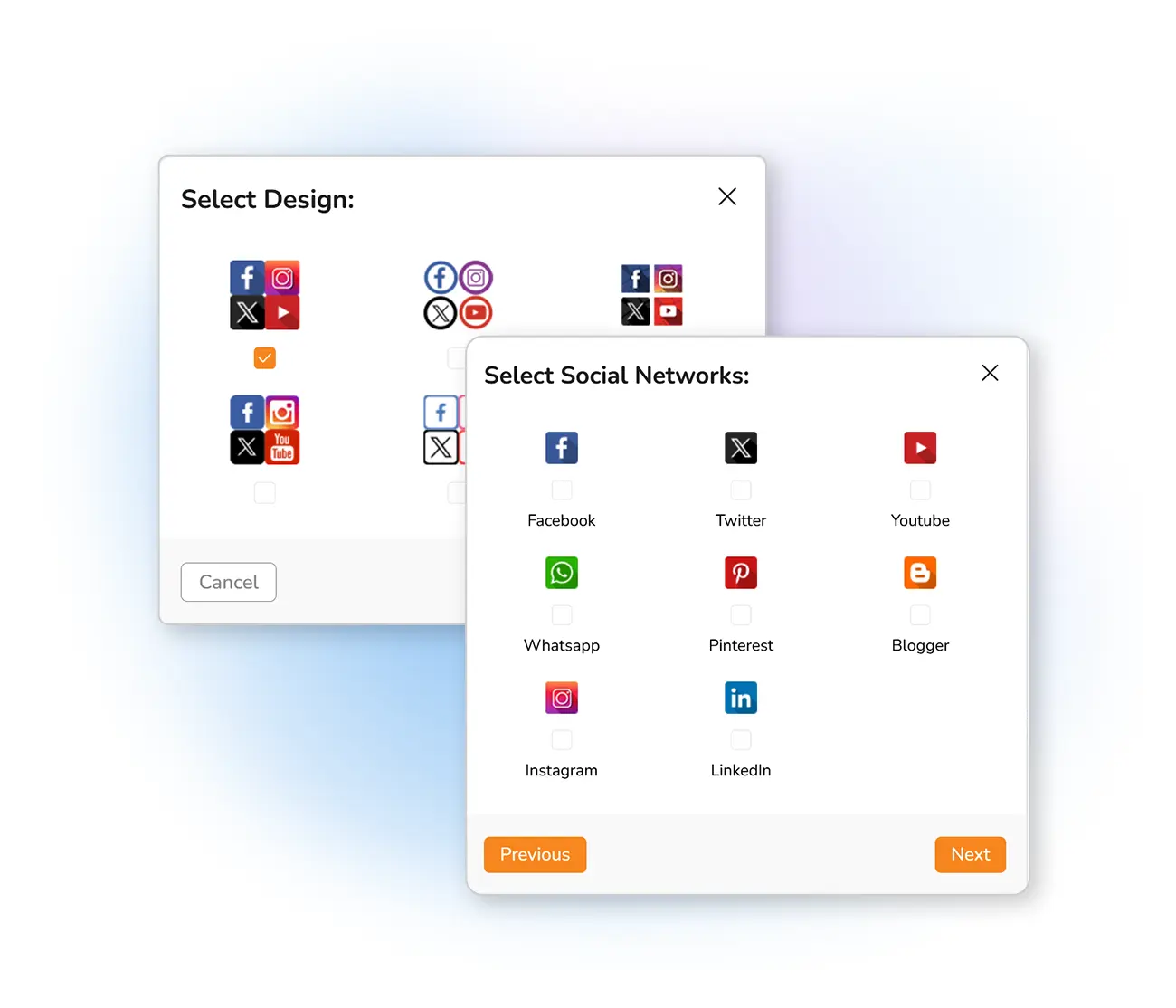
Grow your brand with social buttons
When designing an email marketing campaign, one of the elements you should always consider is the links to your social networks. Integrating email marketing and social networks benefits your brand greatly and increases the reach of your online presence.
With your newsletter, you can increase the possibility of growing your social media following by informing readers of all your social accounts. Use these channels to maintain constant communication with your subscribers between campaigns.
Add social links in three steps
Drag the element in
In the Mailpro message builder, find the Social Network button in the drag-and-drop list and drop it into your newsletter.
Choose the design
Select the icon style and size, and pick the social networks your brand uses.
Add your links
Add the link to each profile. To include one more network, repeat the operation — each link stays easy to modify.
Frequently asked questions
How do I add social media buttons to my newsletter?
Which social networks can I link to?
Why add social links to email campaigns?
Grow your following from every email
Start free and add social buttons to your newsletters with the drag-and-drop builder.