
Transactional email that lands in the inbox.
Connect any app, CRM, CMS or website to Mailpro's secure SMTP relay and send transactional and bulk email at scale. Reputation-managed IPs, SPF/DKIM and real-time tracking — Swiss-hosted, GDPR-compliant, set up in minutes.
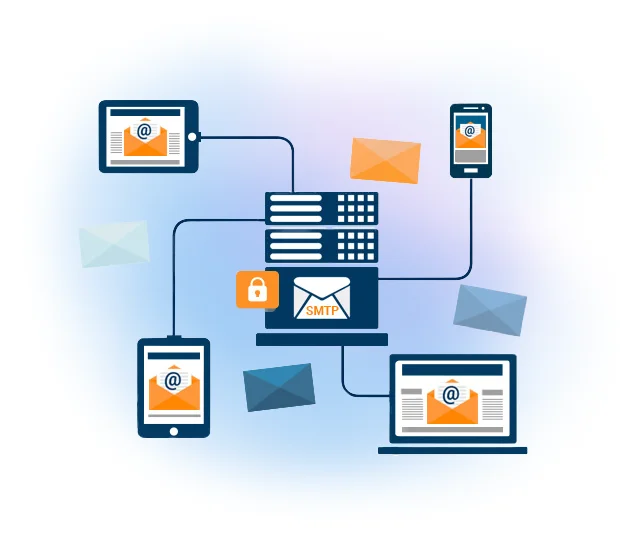
One reliable server for every email your systems send
Mailpro SMTP Relay lets you integrate any system or application to send transactional emails — order confirmations, receipts, password resets, alerts — plus your bulk campaigns. Point your app to our server and make sure every message reaches the inbox.
Send high volumes without getting blocked
ISPs and hosting providers throttle large sends and burn your IP reputation. Mailpro's robust infrastructure and optimised routing handle big volumes with excellent delivery rates, while a team of experts keeps the sending IPs clean so you stay out of spam.
See how delivery works →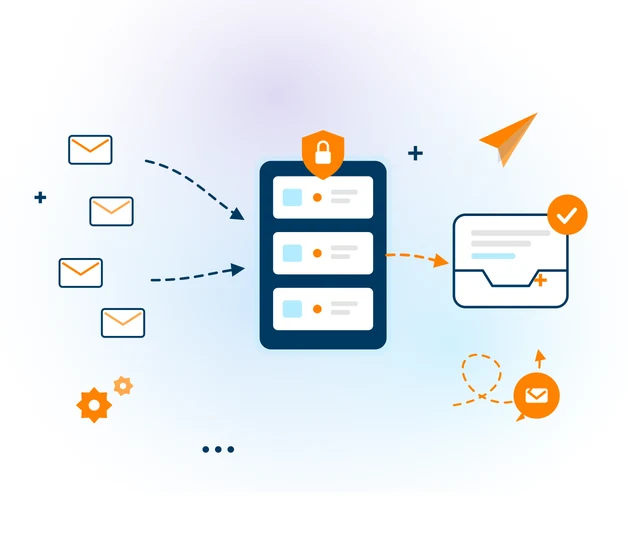
Set up in minutes, no code
No development needed. Point your email or software to our SMTP server with the credentials in your account, install SPF and DKIM for better placement, and you're sending. To review or change your settings, log in and go to Settings → SMTP.
SMTP authentication →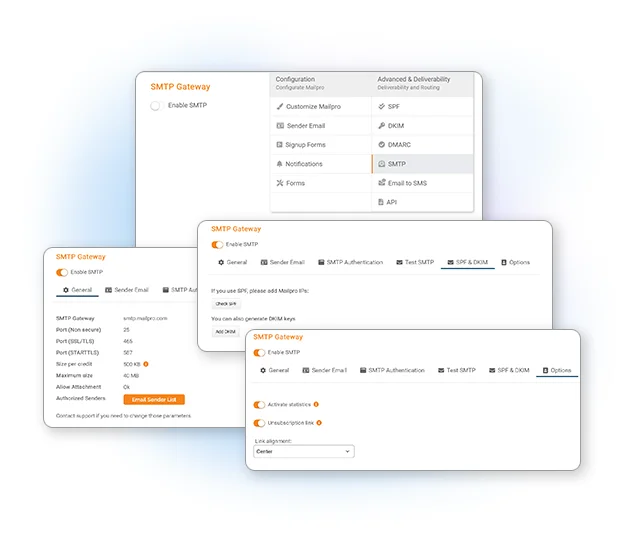
Full statistics for every transactional email
A dedicated dashboard — separate from your campaigns — tracks opens, click rates, geolocation, device and bounces for every message sent through SMTP. Prove your emails arrived and get to know your audience.
Explore SMTP statistics →
Confirm every transactional email arrives
Follow delivery, opens and clicks for each transactional email — receipts, confirmations, password resets. Know how many contacts received your message and where and on which device it was opened.
More on email tracking →
Know what happens to every message
Sending from a CMS, CRM or your own software? Invisible pixel and link tracking — installed by default via SMTP or API — tell you whether each invoice, receipt or booking was opened and clicked.
How message tracking works →
Authenticated, and hosted in Switzerland
SMTP authentication with your own username and password ensures your server can't be misused. And because our servers are in Switzerland, your data is protected by strict Swiss privacy laws and GDPR.
SMTP authentication →
Sending in three steps
Get your credentials
Create your account and find your SMTP username and password under Settings → SMTP.
Point your app to Mailpro
Configure your software, CRM or CMS to send through our SMTP server. No code, just settings.
Send & track
Deliver transactional and bulk email at scale and monitor every message in your SMTP statistics.
Frequently asked questions
What is an SMTP relay server?
How do I connect to Mailpro's SMTP server?
Does it improve deliverability?
Where is my data stored?
Can I track transactional emails sent via SMTP?
Start sending through a server built for deliverability
Create your account and connect your app to Mailpro's SMTP relay today — Swiss-hosted, no credit card.